Microsoft Access has been running small and mid-sized businesses for three decades, usually built by someone inside the business rather than by a software team. It is far from fashionable and it is still, for a particular set of problems, the fastest useful answer.
Here are the six things it genuinely does well, and what each one is worth in practice.
1. It gets you a working system quickly
Nothing else puts a functioning data application in front of users as fast. Tables, entry forms, queries and printable reports come in one file, and you can build something genuinely useful without writing code.
That speed is why Access spread. The person who understands the warehouse can build the stock system themselves in a few days. The same person could not build it in SQL Server, and would wait months for someone else to.
2. It keeps your data honest
This is the real difference from a spreadsheet. A spreadsheet accepts anything in any cell. Access enforces types, required fields, and relationships between tables — so an order cannot exist for a customer who does not, a date cannot be typed into a quantity field, and the same customer stops appearing under four spellings.
Errors get more expensive with age. Caught at entry it is two seconds; caught at month end it is an afternoon; caught by a customer it is your reputation.
3. Automation without a developer
Macros handle the routine work — open this form, run that update, export the month-end file — and the macro builder writes them without code. Where you need more, VBA is there.
The realistic gain is removing repeated manual steps: the export someone does every Monday, the figures re-typed from one place to another. That is where the hours actually are.
4. Custom-fitted to how you already work
Off-the-shelf software makes you adapt to its process. Access lets the system match yours, including the exceptions that make your business yours — the customer billed differently, the job that skips a step.
Those exceptions are usually why packaged software gets abandoned, and they are the reason a custom-fitted database gets used.
5. It talks to the rest of Microsoft 365
Access links to Excel, SharePoint, SQL Server and ODBC sources, so it works alongside what you already have rather than replacing it. A common and sensible pattern is Access managing the data while Excel does analysis and Power BI does dashboards.
6. It is inexpensive to start
Access is included with Microsoft 365 Business Standard and Premium and with Office Professional, so for many businesses it is already paid for. Compared with a custom-built application, the cost of finding out whether an idea works is close to nothing.
The honest limits
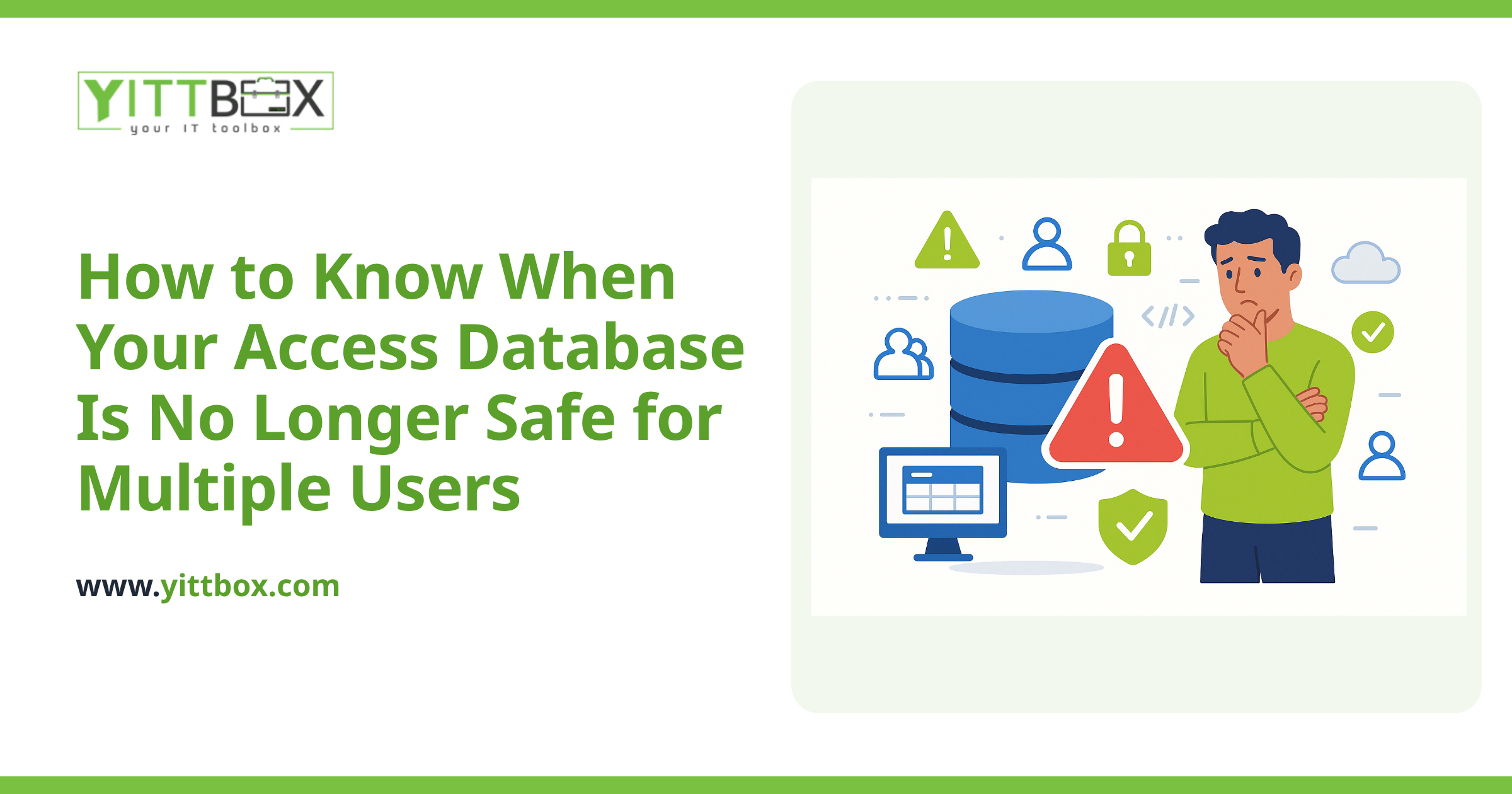
We spend a lot of time replacing Access databases, so it would be dishonest to list only the good parts:
- 2GB per file, hard, with no upgrade path inside the format.
- Around ten concurrent users per Microsoft's own guidance, and instability usually arrives sooner.
- Windows only — no browser or mobile access since Access Web Apps were discontinued in 2018.
- It is a file, and files can corrupt and need repairing.
- Key-person risk — the most common problem we are called about is not technical. The person who built it has left and nobody else dares change it.
Who Access is right for
A small team in one office, data comfortably inside the size limit, a process specific enough that packaged software does not fit. For that business Access is genuinely a good answer and can be for years.
It is the wrong starting point if people need access from more than one location, if more than about ten need it at once, or if you already know the data will grow past the ceiling. In those cases going straight to a web application avoids paying for two migrations.
If you already have one
An Access database that has run the business for years is not a mistake to be embarrassed about — it is a working specification. The rules are settled, the edge cases are handled, and the reports are the ones people actually want. That is a far better starting point than a blank page, whether you keep it, move its tables to SQL Server to lift the size and user limits, or rebuild it as a web application.
Our Microsoft Access services page covers all three routes, and a free system review reads your actual database and tells you which one you need — including when the answer is to leave it exactly where it is.
Comments
Be the first to comment on this post.