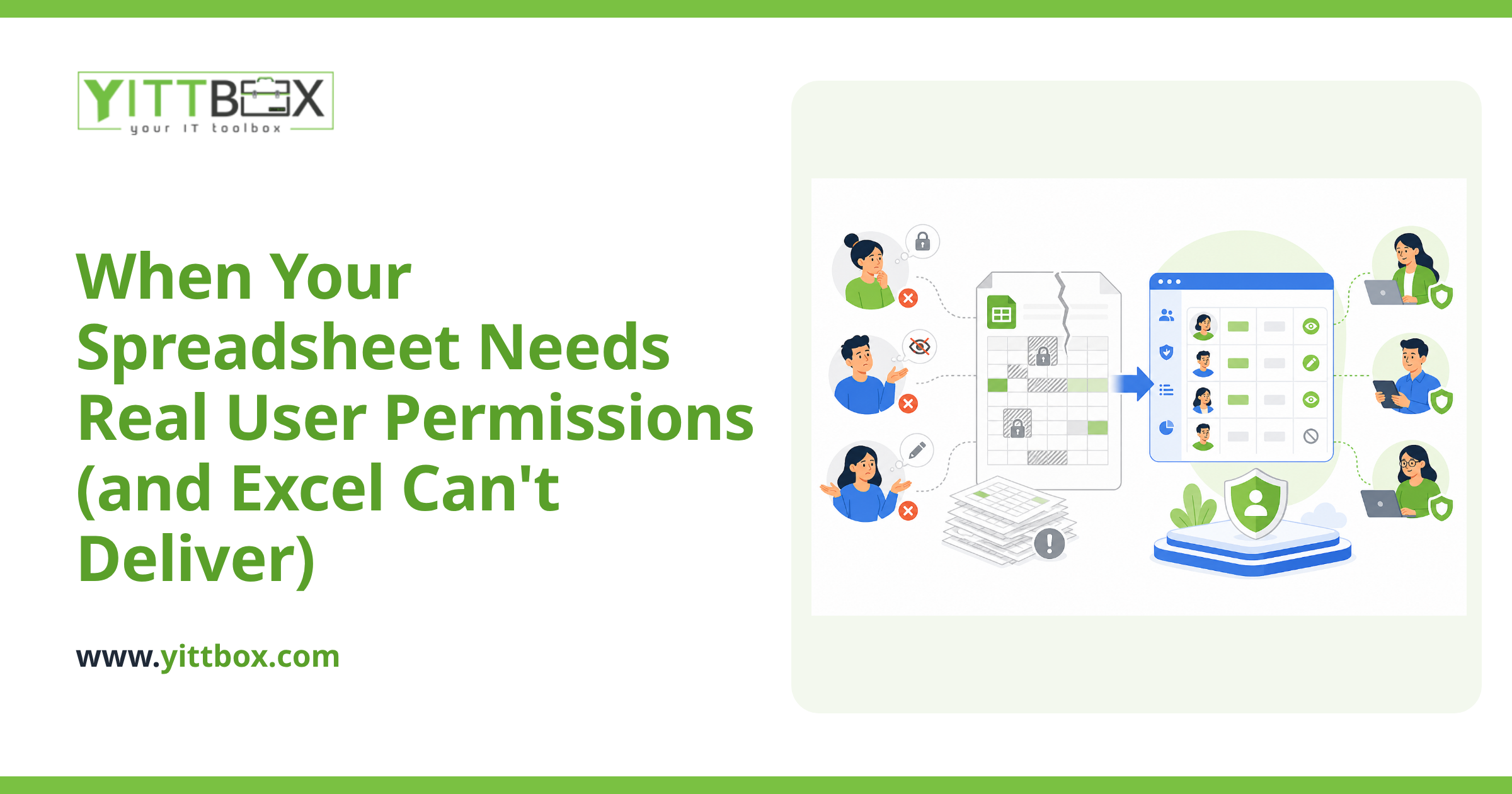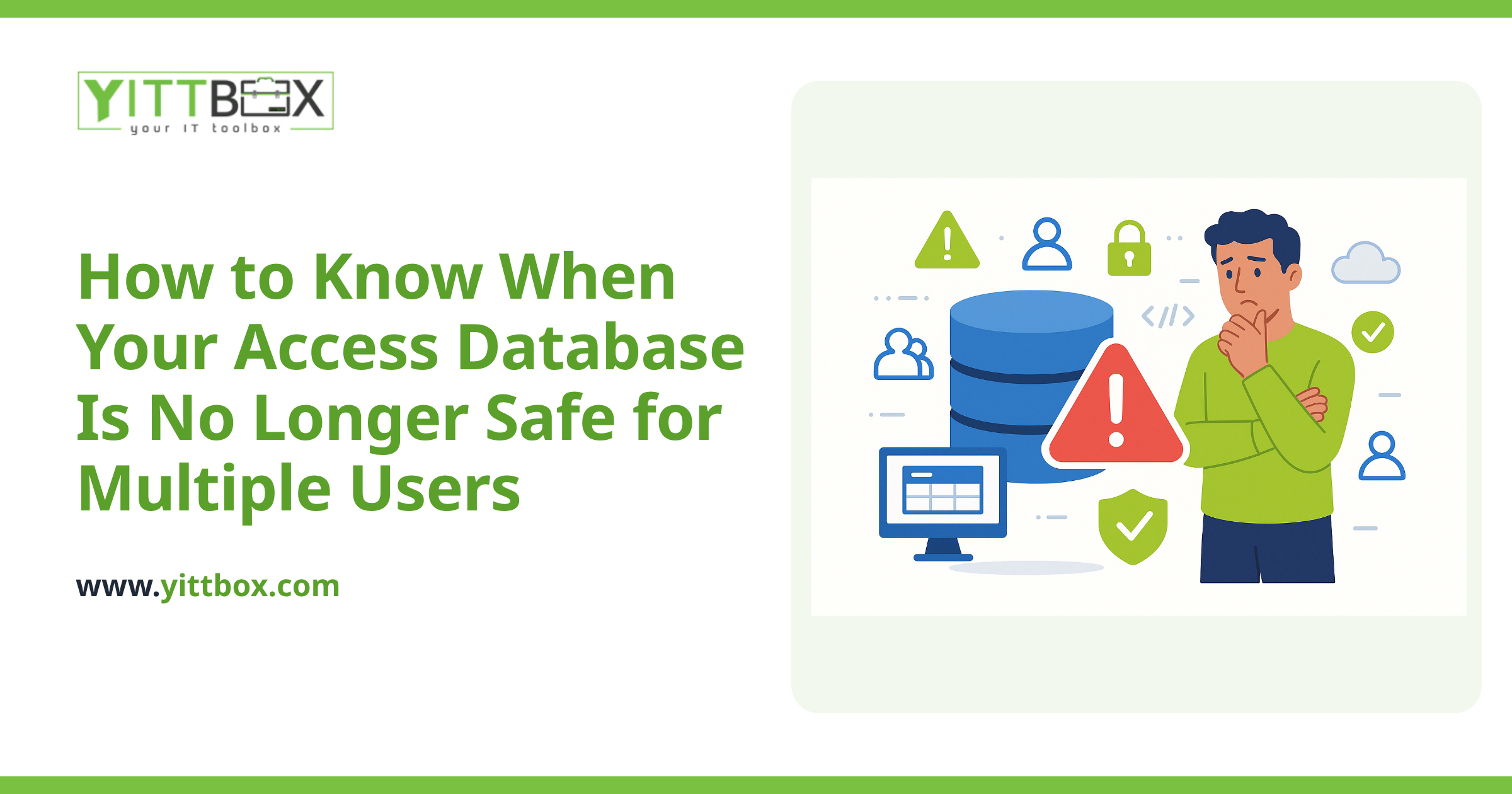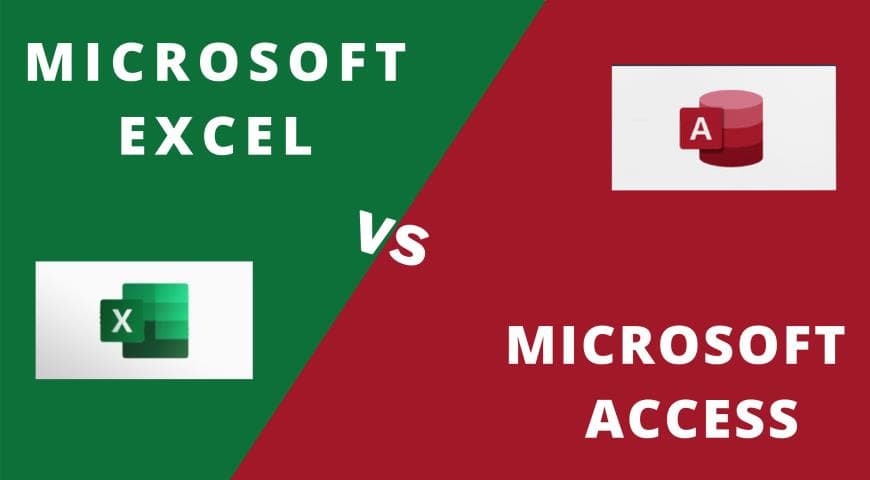
The usual version of this comparison lists features side by side. That is not much help, because almost nobody chooses between Excel and Access from a standing start — they already use Excel, and the real question is whether they have outgrown it.
So this covers the signals that you have, what Access does about them, and where Access itself runs out. If you want the straight head-to-head instead, we keep one here: Microsoft Access vs Excel — spreadsheet or database?
The difference in one line
Excel is for calculating. Access is for keeping records straight.
A spreadsheet is a grid that accepts anything anywhere and recalculates fast. A database enforces structure — this field is a date, this order must belong to a real customer, these two people cannot overwrite each other. Everything else follows from that.
Six signs you have outgrown Excel
These are the ones we see most often. Two or three is normal; four or more and the spreadsheet has become a system.
- Version confusion. Files ending _v3, _final, _USE_THIS. More than one copy in circulation and no certainty which is current.
- Waiting for the file. Someone has it open and everyone else stops.
- Typing the same thing twice. The customer's details go in one sheet and again in another because both need them.
- Errors nothing prevented. A date in a quantity column, a price with a stray zero, a row deleted by accident and noticed a week later.
- One person understands it. The formulas or macros are theirs, and nobody else will touch the file.
- It is slow. Tens of thousands of rows with lookups across sheets, and it takes seconds to do anything.
None of these means Excel was the wrong choice. They mean the job changed from calculating to record keeping.
What Access fixes
Access splits the data into related tables, so each fact is stored once. Customers in one table, orders in another, linked by an ID. Change an address once and every order reflects it.
It enforces rules at entry: required fields, valid types, and referential integrity so an order cannot exist for a customer who does not. It gives you forms instead of raw cells, so staff enter data through something designed for the task. It handles several users properly rather than locking the file. And its report writer produces the printable documents a business actually needs.
Crucially, your Excel work is not wasted. The spreadsheet is the specification — the columns, the rules, the reports people rely on are already worked out. Building the Access version is mostly translation.
What Access does not fix
Being honest about the ceiling, because we get called when people hit it:
- 2GB file limit. Hard, with no upgrade path inside the format.
- Around ten concurrent users. Microsoft's own guidance, and in practice instability arrives sooner.
- Windows only, no browser or mobile. Access Web Apps were discontinued in 2018 and nothing replaced them. Remote staff end up on remote desktop.
- Still a file that can corrupt and need repairing.
So Access is the right answer for a small team in one office. It is not where a growing business finishes.
Which one you actually need
Stay in Excel if the work is genuinely calculation and analysis, one person mainly owns it, and none of the six signs bites. A spreadsheet doing its job is not a problem to solve.
Move to Access if you recognise several of the signs, a handful of people in one office need it, and the volume is comfortably inside the limits.
Skip Access and go straight to a web application if people need it from more than one location, more than about ten need it at once, or you are already near the size ceiling. Moving Excel to Access to a web app means paying for two migrations instead of one.
That last case is the most common one we are called about, and it is worth knowing before you start.
If you want to know which of the three applies to you, a free system review reads your actual workbook and tells you plainly — including when the honest answer is to leave it in Excel.
Comments
Be the first to comment on this post.