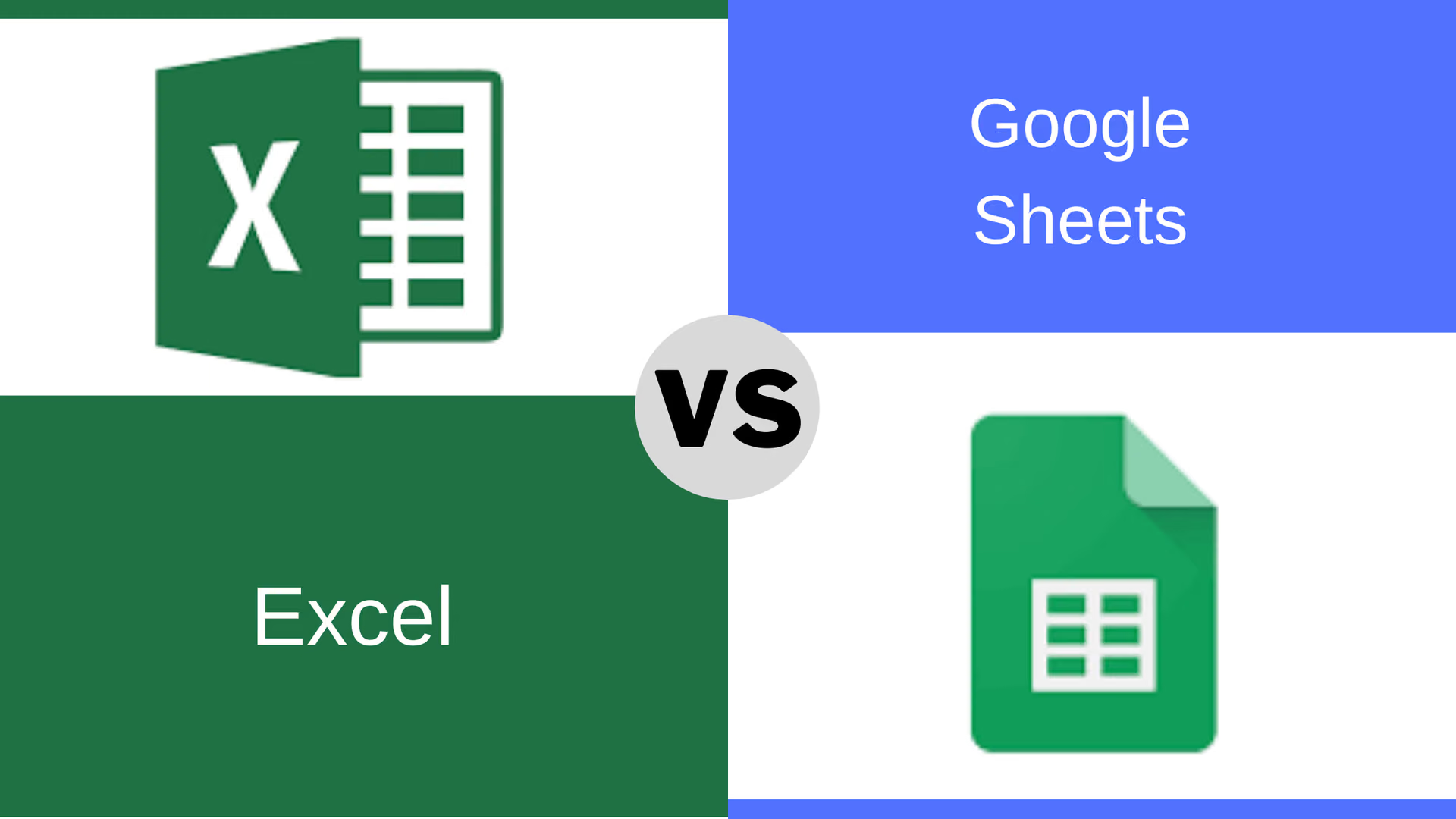
Both do the same job well. For most businesses the honest answer is that this choice matters far less than people expect — and that if you are agonising over it, the real question is probably something else.
Here is where they genuinely differ, and the question that matters more than either.
Where Excel is clearly ahead
Large files and heavy calculation. Sheets slows noticeably somewhere in the low hundreds of thousands of cells and has a hard limit around 10 million. Excel handles a million rows per sheet and copes with far heavier formula work.
Analysis depth. Power Query for reshaping messy data, Power Pivot for modelling across tables, and a far deeper function and charting set. If your work involves genuine data analysis rather than record keeping, Excel is not close to being matched.
VBA. Decades of business automation runs on it. Sheets has Apps Script, which is capable but different, and nothing ports across.
Offline. Excel is a desktop application that happens to sync. Sheets is a web application that tolerates being offline.
Where Sheets is clearly ahead
Simultaneous editing. Genuinely built for it — several people in one sheet, live, no conflicts, no "file locked for editing". Excel's co-authoring works but is fussier.
Version history. Free, automatic, and easy to roll back. This alone rescues more small businesses than any feature Excel has.
Sharing. A link with permissions, no attachments, no version confusion.
Pulling in live data. IMPORTRANGE, IMPORTHTML and friends make it good at stitching sources together for lightweight reporting.
Choosing between them
Three questions settle it for nearly everyone:
- What do you already pay for? If you have Microsoft 365, you have Excel. If you have Google Workspace, you have Sheets. Paying for a second suite to get a marginal advantage is rarely justified.
- Do several people need the same file at once? If yes and it hurts today, Sheets removes that pain immediately.
- Is anyone doing heavy analysis or running macros? If yes, Excel, and it is not a close call.
Plenty of businesses run both without difficulty: Sheets for shared trackers everyone touches, Excel for the analysis one person owns. That is a reasonable answer, not a failure to decide.
The question that matters more
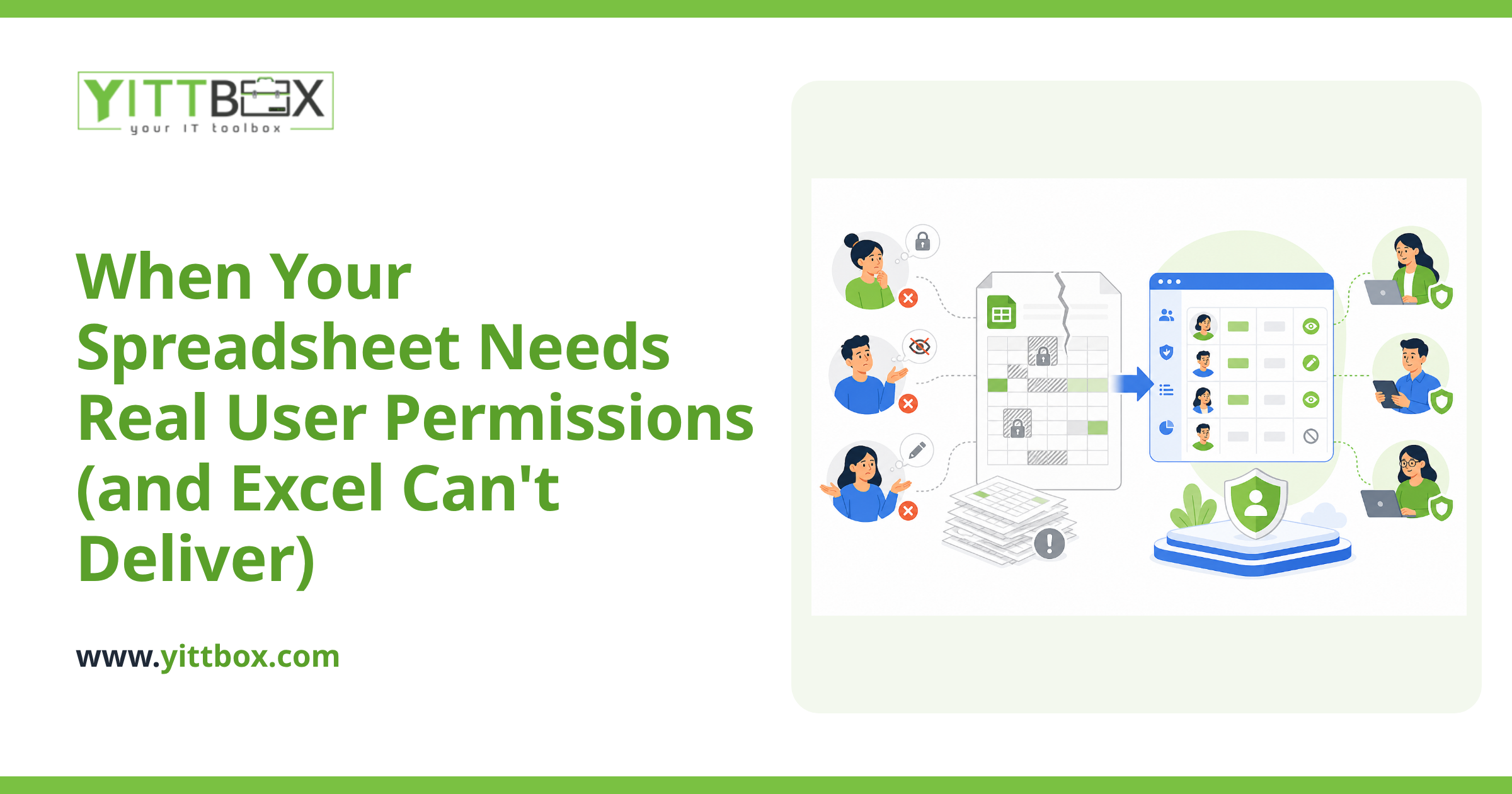
If you are comparing the two because a shared spreadsheet has become painful — people overwriting each other, numbers that disagree, a file nobody dares restructure — switching brands will not fix it. You will have the same problems in a different application.
Those are the symptoms of a spreadsheet being asked to work as a database. They show up the same way in both products:
- Several versions in circulation and no certainty which is current
- Data typed twice because two sheets need it
- Rules living in one person's head, or in formulas nobody else understands
- Everyone waiting because one person has it open
- Errors nothing prevented, because a spreadsheet accepts anything in any cell
None of those is a spreadsheet flaw. They are what happens when a tool built for calculation is used to run a process. Neither Excel nor Sheets enforces rules, controls who may change what, or stops bad data at entry — because that is not what either is for.
What actually fixes it
When a spreadsheet has become the system your business runs on, the fix is to move the data into something that keeps it consistent and put a proper application in front of it — the same information and the same rules, in a form that survives several people and a few years of growth.
That is usually less work than expected, because the existing spreadsheet is the specification. The rules are already worked out and the reports are already the ones people want.
If that sounds like yours, our Excel to web app page explains how the conversion works, and a free system review will read your actual workbook and tell you what it would take — including when the honest answer is that a spreadsheet is still the right tool and you should keep it.
Comments
Be the first to comment on this post.