You built your Access database years ago, and back then it was brilliant. It held your customer list, tracked your orders, and did exactly what you needed. But lately it drags. Reports take forever to open, the whole thing freezes when a second person tries to use it, and you're quietly nervous that one bad click could wipe out years of work. If that sounds familiar, you're not doing anything wrong — you've simply outgrown the tool. Here's what's actually happening under the hood, and the practical options for fixing it.
Why has my Access database gotten so slow over time?
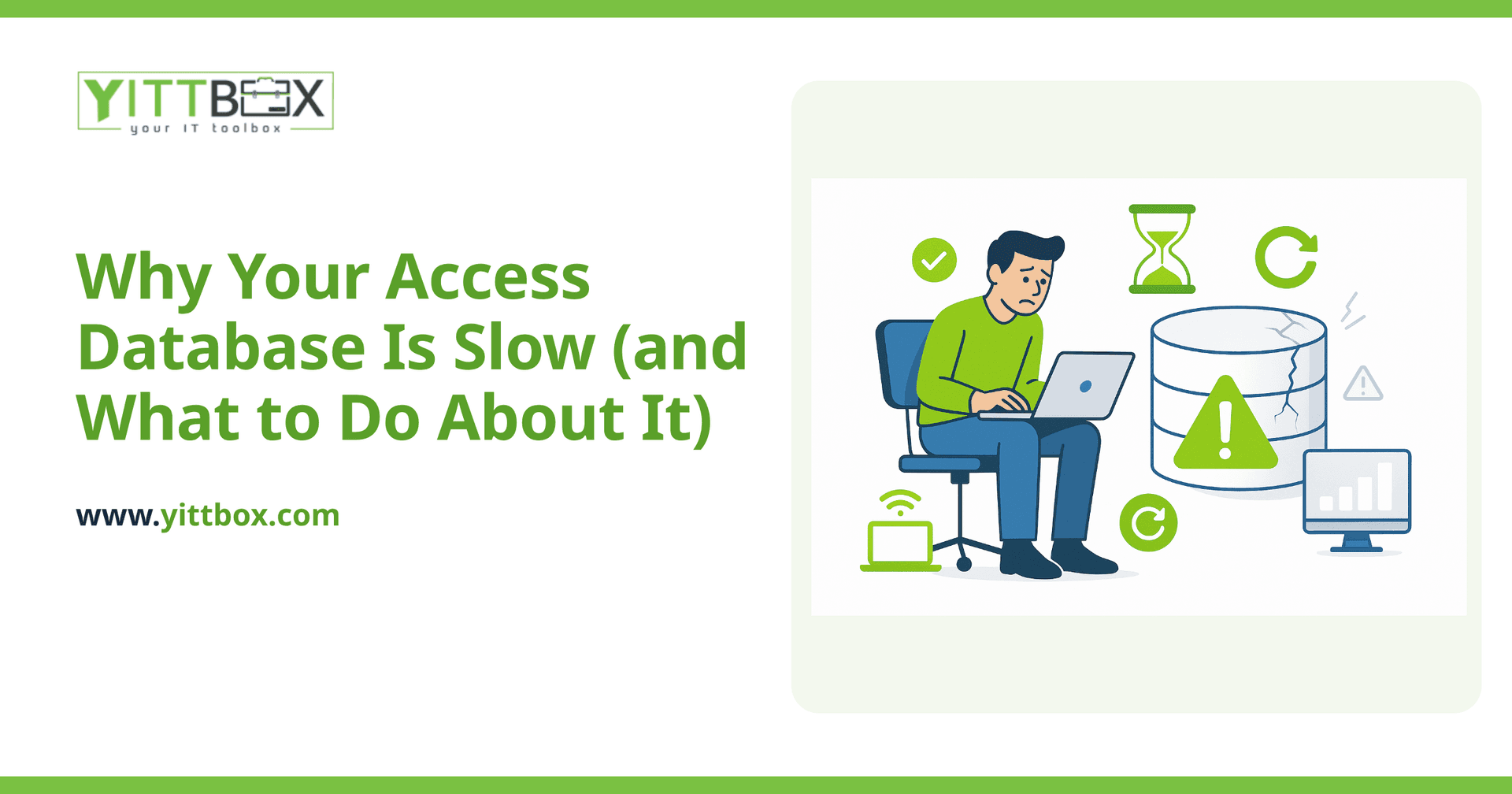
Usually it's a combination of three things: the file has grown much bigger than Access was designed to handle comfortably, more people are trying to use it at once, and years of edits have left the file bloated and fragmented. Access was built as a desktop database for one person or a small handful of users. As your data and your team grow, it starts to strain.
Common culprits include:
- File bloat: Access files swell over time as records are added and deleted, and they don't automatically clean up after themselves.
- Too many simultaneous users: Access handles one or two people well. Put five or six in at once and it slows to a crawl or locks up.
- Big tables without proper indexing: When a table holds tens of thousands of rows, searches and reports have to work much harder.
- Sharing the file over a network drive: This is one of the biggest speed killers and a frequent cause of corruption.
Will compacting and repairing the database fix it?
It helps, and it's worth doing regularly, but it's a maintenance step rather than a cure. Compact and Repair squeezes out the wasted space that builds up as you use the file, which can genuinely improve speed for a while. Think of it like defragmenting or clearing out a cluttered garage — useful, but it doesn't make the garage any bigger.
If your database is slow because too many people use it, or because it simply holds more data than Access is happy with, compacting won't solve the underlying problem. You'll be back where you started in a few weeks.
Is my data safe in an Access file?
Less safe than most people assume. A single Access file is easy to accidentally delete, overwrite, or corrupt — especially when it lives on a shared network drive and several people open it at once. If that one file goes bad, everything in it can go with it. Many businesses only discover how fragile the setup is when something breaks and there's no clean backup.
This is often the real reason business owners start looking for something better. It's not just the speed — it's the quiet worry that everything the business depends on is sitting in one file that could vanish.
Can I just buy more powerful computers to make it faster?
Occasionally a faster machine helps a little, but it's rarely worth the money. The limits you're hitting are usually in how Access itself works, not in your hardware. Throwing a new PC at a bloated, multi-user Access file is like putting a bigger engine in a car with flat tires. You'll spend real money and get a small, temporary improvement.
The better question is whether Access is still the right home for your data at all.
What are my options if Access has stopped keeping up?
You've got a few realistic paths, depending on how badly it's hurting:
- Tidy up and maintain what you have: Regular compacting, better backups, and cleaning up unused tables can buy you time if you're not ready for anything bigger.
- Move the data to a proper database, keep the front end: The information lives in a robust database that handles many users and large volumes, while your familiar screens stay much the same.
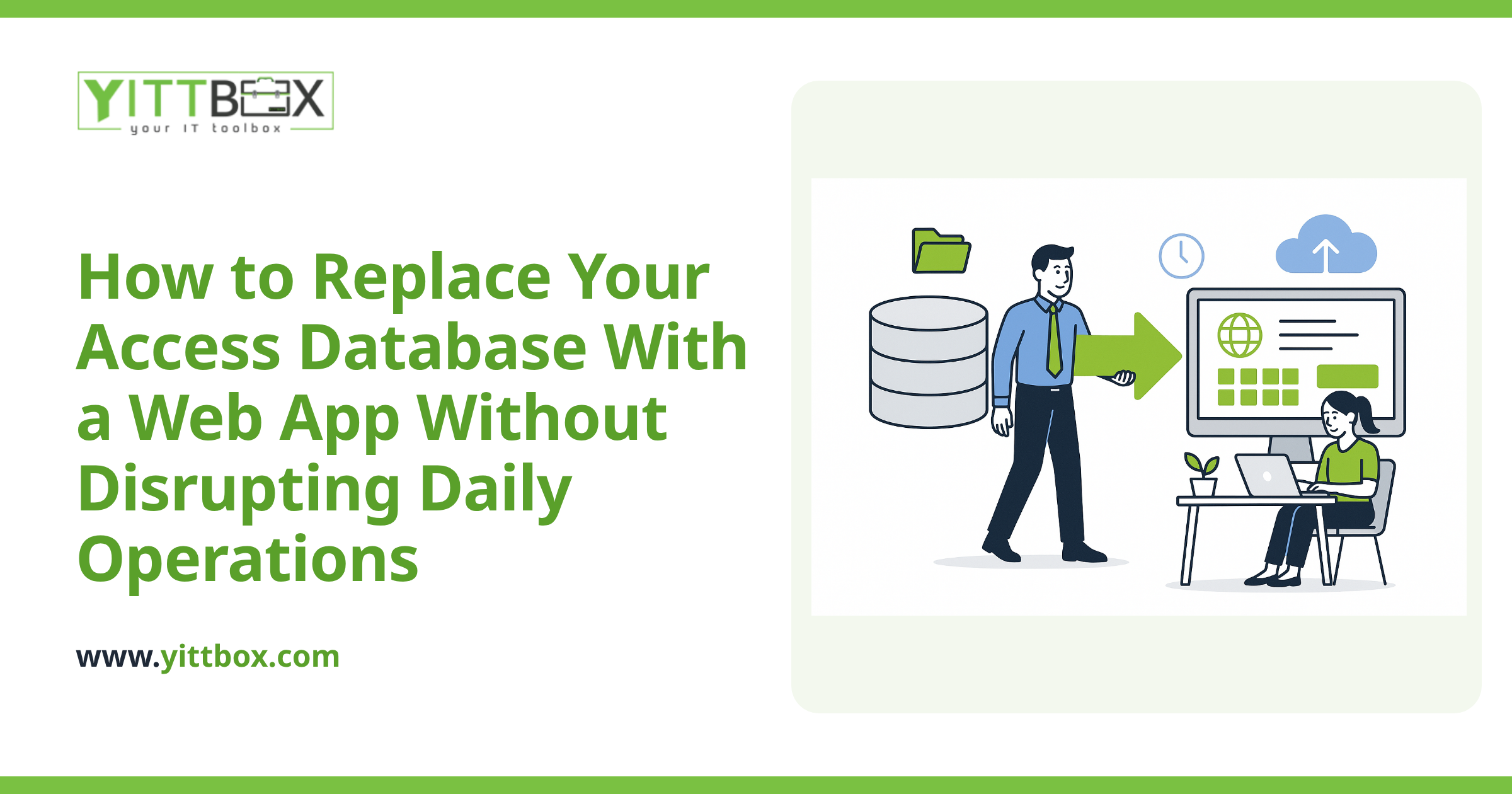
- Rebuild it as a web application: Your data and screens move to a system you and your team can reach from any browser, with proper user logins, automatic backups, and no more shared-file headaches. This is what most growing businesses end up wanting, and it's the heart of what we do when we convert an Access database into a modern web app.
There's no single right answer. The best choice depends on how many people use the system, how much data you hold, and how much the current setup is holding your business back.
How do I know which option is right for my business?
Honestly, the fastest way is to have someone look at your actual situation rather than guess from a list. Every Access setup is a little different, and the right move depends on what you're really trying to achieve.
That's exactly why we offer a free, no-pressure review of your current database. We'll look at what you have, explain in plain English what's causing the slowdowns, and lay out your options honestly — including the option of simply tidying up what you've got if that's genuinely the sensible choice. There are no pushy sales calls, and if you'd like a sense of cost and timeline, you can ask for a straightforward estimate once you know which direction suits you.
You've built something that has served your business well. When it's ready for the next step, we're happy to help you take it — clearly, and at your pace. If you'd like a second opinion, start with a free review and go from there.
Comments
Be the first to comment on this post.