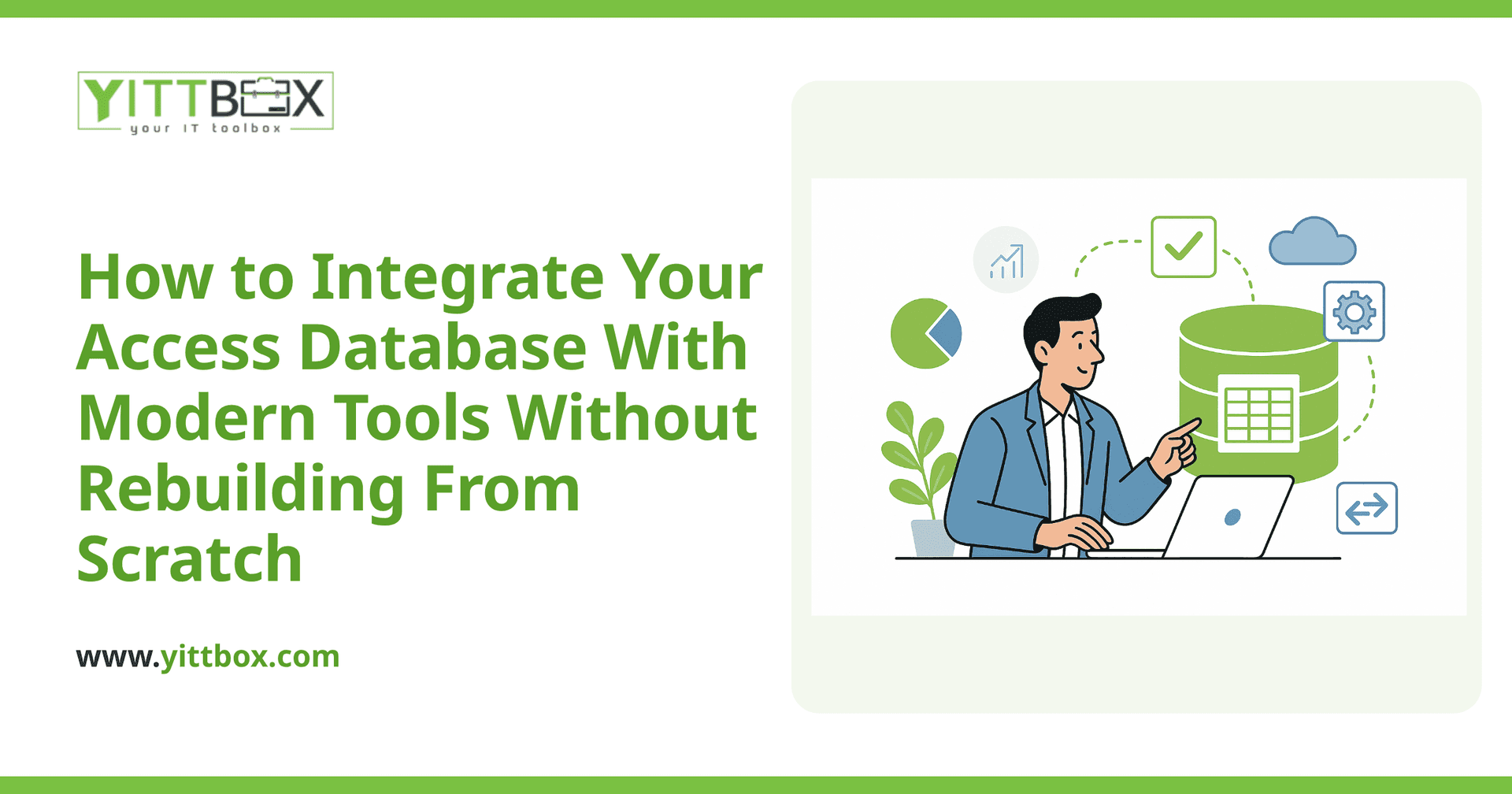
Your Access database still works. It holds years of customer records, orders, or inventory, and your team knows exactly how to use it. But lately it's starting to hold you back: it won't open on phones, it chokes when two people try to edit at once, and none of your newer software can talk to it. The good news is that keeping what works and connecting it to modern tools is often far more sensible than throwing it all away and starting over.
Here are the questions small-business owners ask us most often about this, with straight answers.
Do I have to rebuild my whole database to modernize it?
No. In most cases you don't need to rebuild from scratch. A full rebuild is expensive, slow, and risky because it means re-testing every rule and workflow your business already depends on. More often, the smarter path is to keep your existing data and add the pieces you're actually missing — a web front end, a connection to another system, or shared multi-user access.
The right approach depends on where the real pain is. Some businesses need remote access, others need their database to feed a website, and others just need two people editing safely at the same time. You solve the specific problem instead of paying to replace things that already work.
Can Access connect to my website, accounting software, or other tools?
Yes, in most cases. The key is to give your data a clean way to be read and updated by other systems. That usually means one of a few things:
- Moving the data to a proper shared database (like SQL Server) while keeping your familiar Access screens on top of it.
- Adding an integration layer so your website, accounting package, or scheduling tool can send and pull information automatically.
- Exporting and syncing on a schedule when live, instant connections aren't necessary.
The result is that a customer order placed on your website can land in the same records your team already works from — no double entry, no copy-paste, no version confusion.
What's the difference between upgrading Access and replacing it?
Upgrading means keeping your data and much of your existing logic, then extending it — better access, integrations, and stability. Replacing means building a new custom application and moving your data into it.
Neither is automatically "right." A quick rule of thumb:
- Lean toward upgrading when the database mostly does its job and the frustrations are about access, sharing, or connecting to other tools.
- Lean toward replacing when the database has become fragile, is patched together in ways nobody fully understands, or can't support how the business now runs.
If you're not sure which camp you're in, that's exactly the kind of thing worth talking through before you spend a penny. Our Access modernization page walks through the common paths in more detail.
Will I lose my data or my existing reports?
You shouldn't, and protecting them is the whole point of doing this carefully. Your data is migrated with checks to confirm the numbers match before and after. Existing reports and queries can usually be preserved or rebuilt so the outputs your team relies on keep coming out the same way.
A sensible project keeps your current system running untouched until the new setup is tested and you're happy with it. You're never asked to flip a switch and hope for the best.
How long does an Access integration project take?
It varies with the size of the database and how many systems need to connect, but integration work is typically far quicker than a ground-up rebuild because you're not recreating everything. A focused project — say, moving to a shared database and connecting one other tool — is a much smaller undertaking than a brand-new custom application.
The honest answer is that we can't give you a real timeline until we've seen what you're working with. That's why we offer a free, no-pressure review: we look at your actual database and tell you plainly what's involved. You can request an estimate here whenever you're ready.
How much does it cost to modernize an Access database?
Cost depends on the state of your current database and what you want it to do next. A clean, well-structured database costs less to work with than one that's grown tangled over the years. Connecting to a single system is cheaper than tying together several.
Rather than guess, we prefer to look first and give you a clear, plain-English figure with no obligation. You'll know what you'd get, what it would cost, and whether it's even worth doing — and we'll tell you honestly if starting fresh would actually serve you better.
What's the first step?
The first step is simply understanding your situation, and that shouldn't cost you anything. A short, honest look at your database usually surfaces the real bottleneck — and the answer is often smaller and cheaper than business owners fear.
There's no pushy sales call and no jargon. Just a plain conversation about what you have, what's slowing you down, and the most sensible way forward. When you're ready, tell us about your setup and we'll take it from there.
Comments
Be the first to comment on this post.