If your business runs on a Microsoft Access database, you've probably hit the same wall many small companies do: the moment more than one person needs to use it at the same time, things start to break. Files get locked, data goes missing, and someone ends up emailing a copy around just to get their work done. It's frustrating, and it quietly puts your business data at risk.
This post explains why Access struggles with team access, what the real dangers are, and the practical options that fix it — in plain English, with no pressure to buy anything.
Why can't my team all use the same Access database at once?
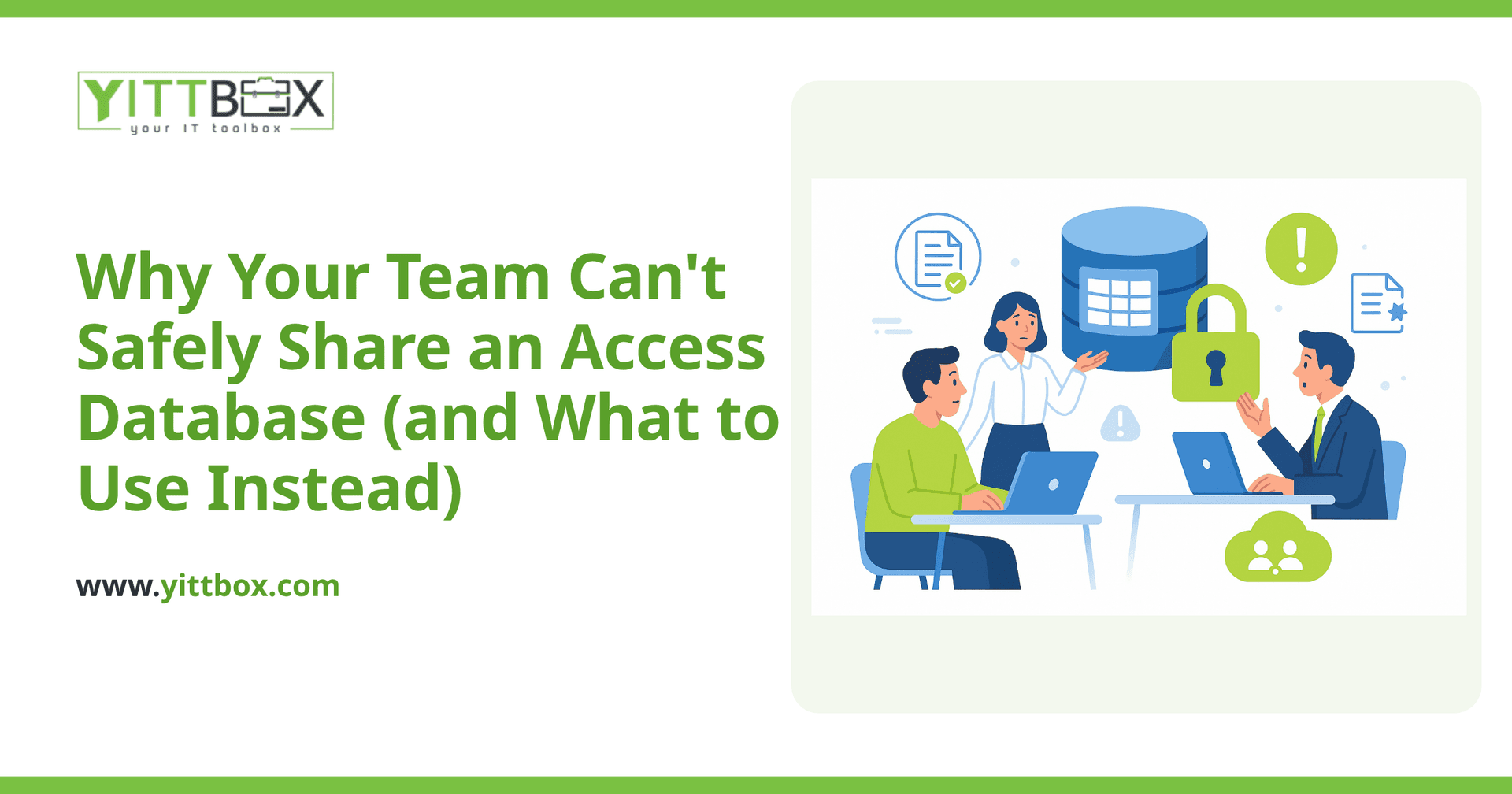
Access was designed as a single-user desktop tool, not a multi-user system. When several people open the same file over a shared drive, Access has to juggle everyone's changes through a single file sitting on the network. That's where the trouble starts.
- Record locking: When one person edits a record, others can be locked out of it — or worse, changes overwrite each other.
- File corruption: If two people are in the file and the connection drops or someone's computer crashes, the whole database can become corrupted.
- Slow performance: Access pulls large chunks of data across the network to each computer, so the more people using it, the slower it gets.
It can work for one person, or maybe two people who rarely overlap. Beyond that, it wasn't built for the job.
Is it safe to put my Access database on a shared drive or cloud folder?
No — and cloud folders like Dropbox, OneDrive, or Google Drive make it worse, not better. Those services sync entire files. If two people have the database open and both save, the sync service can't merge their changes intelligently. It typically keeps one version and creates "conflicted copies" of the other, so you end up with several versions of your data and no reliable way to know which is correct.
A shared network drive avoids the sync problem but reintroduces the locking and corruption issues above. Either way, you're trusting important business information to a setup that was never designed to protect it.
What are the real risks of leaving things as they are?
The danger isn't just inconvenience. It's the slow erosion of trust in your own data.
- Lost work: Corrupted files or overwritten records can wipe out hours of entry with no easy way to recover them.
- Wrong decisions: When you're not sure which copy of the file is current, you may be making choices on out-of-date numbers.
- No real backups: Many Access setups rely on someone remembering to copy the file. If that person is out — or the copy is corrupted too — you have nothing.
- One person holds all the knowledge: Often a single employee understands how the database works. If they leave, the whole thing becomes a mystery.
What should I use instead of Access for a team?
The right replacement is a database that keeps your information in one central place and lets many people work at the same time safely. Instead of everyone opening a shared file, each person uses a simple screen — usually in a web browser — that connects to a single, protected database behind the scenes.
A modern web-based application gives you several things Access can't:
- Safe simultaneous access: Ten people can work at once without locking each other out or corrupting data.
- Automatic backups: Your data is backed up on a schedule, not by hand.
- Access from anywhere: Staff can log in from the office, home, or on the road, with proper passwords and permissions.
- Permission controls: You decide who can see and change what.
- Room to grow: As your business gets bigger, the system grows with it instead of grinding to a halt.
The good news is that you don't have to throw away the way your team already works. A well-built replacement can keep the forms, reports, and logic your staff already know — just on a foundation that's built for more than one person. If you'd like to understand how your current setup could become a proper multi-user system, our Access conversion overview walks through what that looks like.
Do I have to rebuild everything at once?
No. One of the most common worries is that moving off Access means a huge, disruptive project. In practice, it doesn't have to. Many businesses start by moving the most painful part — the one process that keeps breaking or locking people out — and leave the rest until later. Others plan a phased move so the team is never left without a working system.
The right approach depends on how your database is used day to day, how many people rely on it, and where the biggest headaches are. That's something worth mapping out before any work begins, so you're not paying to rebuild things you don't actually need.
How do I find out what's right for my business?
Start with an honest look at your current setup. We offer a free, no-pressure review of your existing Access database: we'll look at how your team uses it, where the risks are, and what a safer version could look like — explained in plain English, with no jargon and no pushy sales calls.
If you'd like a sense of cost and scope, you can request a free estimate and we'll give you a clear, honest picture of what a move would involve. And if you simply want to talk through whether it's the right time, our conversion page is a good place to begin. There's no obligation — just a clearer understanding of your options.
Comments
Be the first to comment on this post.