If your business runs on a Microsoft Access database, you already know the daily friction: only one person can be in it at once, it lives on a single computer (or a shared drive that breaks constantly), and the person who built it years ago may be long gone. At some point every owner asks the same practical question — what would it actually cost to move this to a proper web app? Here are honest answers to the questions we hear most.
Why should I replace my Access database at all?
Because the hidden costs usually outweigh the software you already paid for. Access was never designed for the way most businesses use it today. A modern web app fixes the problems that slow you down.
- Access from anywhere — office, home, or phone, not just the one PC it's installed on.
- Multiple people at once — no more "can you get out so I can update it?"
- Automatic backups — no lost work when a laptop dies.
- Fewer errors — proper validation instead of typos overwriting live data.
- Room to grow — you can add features instead of duct-taping the old file.
So what does it actually cost?
Most Access-to-web projects fall into a wide range because "an Access database" can mean anything from a simple contact list to a decade-old system running your whole operation. As a rough guide: a small, single-purpose database is a smaller project, while a large system with many linked tables, reports, and business rules is a larger one.
The honest answer is that we can't quote a real number until we see what you have. What we can do is give you a clear, itemized estimate with no obligation. If you'd like a ballpark for your specific situation, request a free estimate and we'll walk you through it in plain English.
What makes one project cost more than another?
The price is driven by complexity, not by the fact that it's "a database." The main factors are:
- Number of tables and how they connect — more relationships means more to rebuild carefully.
- Business rules and calculations — pricing logic, approvals, or automated steps take time to get right.
- Reports and exports — the reports you rely on need to be recreated and often improved.
- Data cleanup and migration — years of real-world data usually needs tidying before it moves.
- Integrations — connecting to accounting, email, or other tools you already use.
- Number of user roles — different permissions for staff, managers, and admins.
Is a monthly subscription cheaper than a custom build?
Sometimes, and we'll tell you honestly when it is. Off-the-shelf software can be a great fit if your process is standard. But many businesses that outgrew Access did so precisely because their process isn't standard — that's why they built a custom database in the first place. Subscription tools often force you to change how you work, and the monthly fees add up over years. A custom web app fits your workflow and is yours to keep. We're happy to compare both paths with you honestly before you spend anything.
How long does it take to move from Access to a web app?
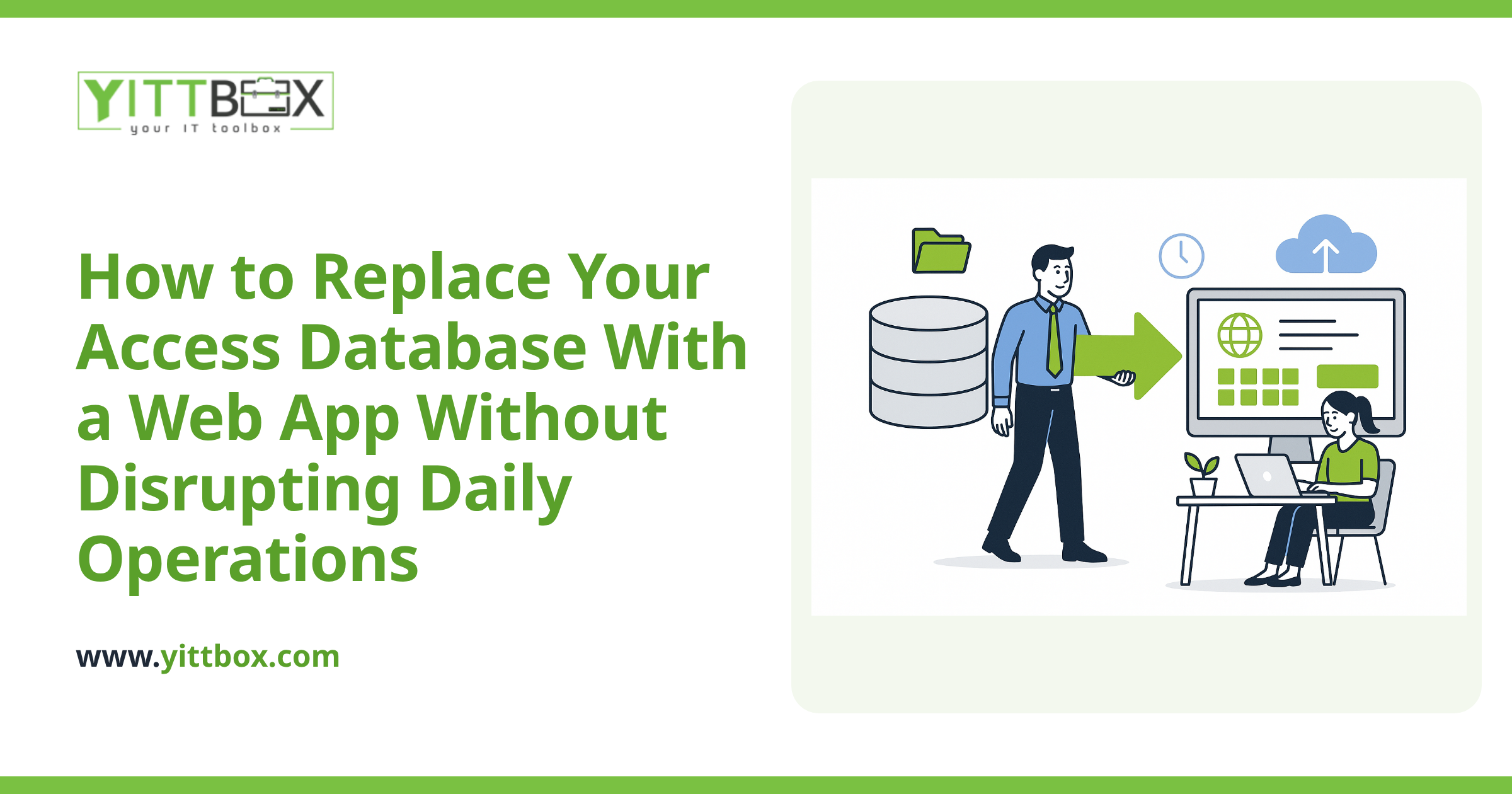
Smaller projects can take a matter of weeks; larger, business-critical systems take longer. A big part of the timeline is doing the migration carefully so nothing gets lost. We keep you updated throughout in plain language — no jargon, no vague status reports. You'll always know what stage the project is at and what's coming next. Our Access conversion process is built to keep your business running while we make the switch.
Will I lose my existing data?
No. Preserving your data is the first priority, not an afterthought. We copy your existing information into the new system, clean up inconsistencies, and check the results against your original file before anything goes live. Your old Access database stays exactly where it is until you're confident the new app is doing everything you need.
Can I do it in stages to spread the cost?
Often, yes. If a full rebuild feels like too much at once, we can start with the part that's causing you the most pain — the piece that's slowing everyone down — and expand from there. This spreads the investment out and lets you see the benefit early. We'll suggest a sensible starting point when we look at your setup.
How do I find out what it would cost for my business?
The simplest way is a free, no-pressure review of what you have now. There's no pushy sales call and no obligation — just an honest look at your current database and a clear explanation of your options and likely costs.
When you're ready, book your free review and we'll take it from there. If replacing your Access database turns out not to be worth it right now, we'll tell you that too.
Comments
Be the first to comment on this post.