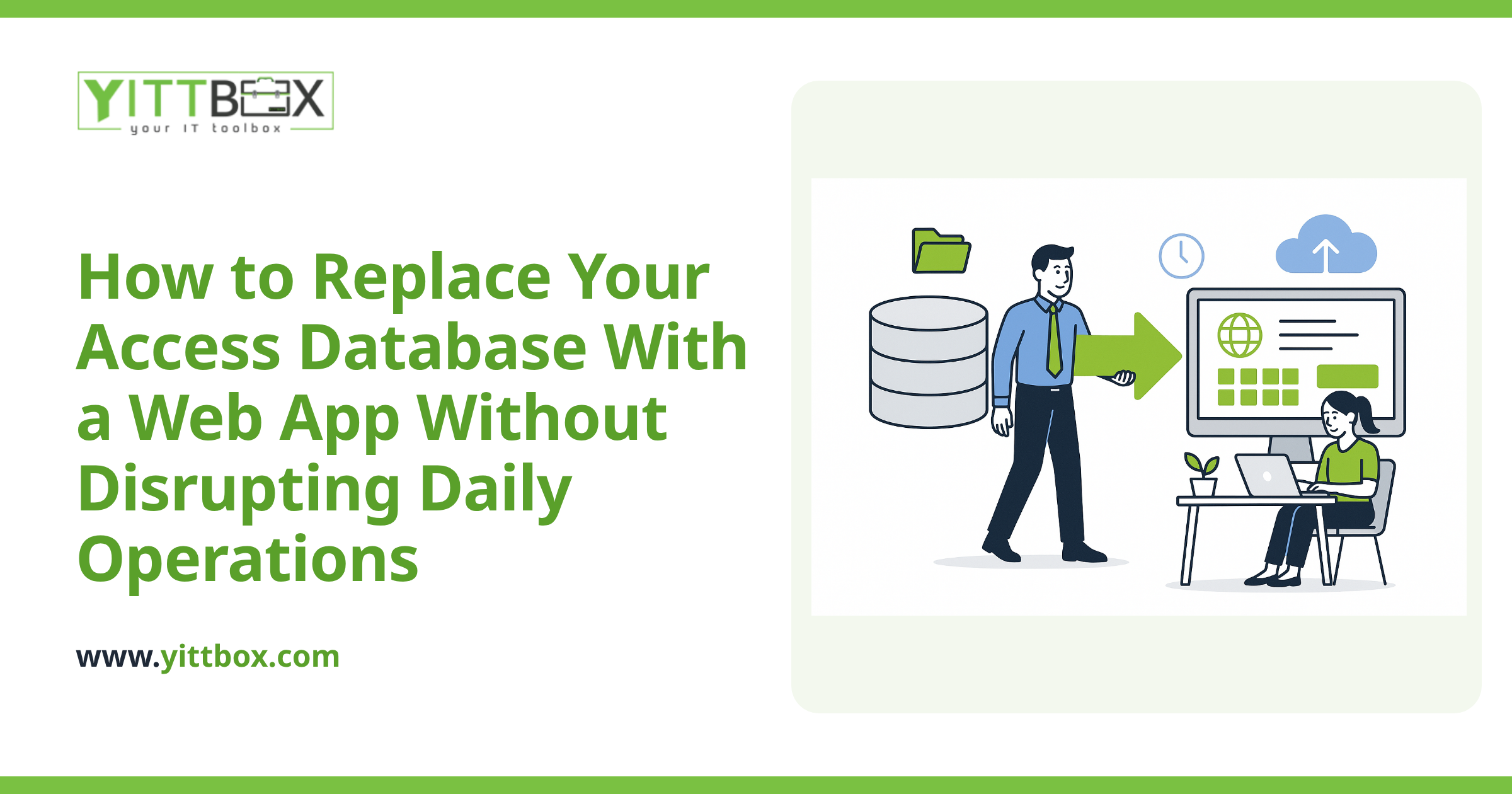
You've decided it's finally time to move off that aging Access database. Maybe it crashes when two people open it at once, or it lives on one computer in the corner that nobody's allowed to turn off. But here's the worry that keeps the project on the back burner: your business still runs on that database every single day. You can't just switch it off and wait a few months for something new to appear.
Good news — you don't have to. Keeping your current system running while a new web app is built is not only possible, it's the normal, sensible way to do a migration. Here's how it works and what to expect.
Can I keep using my Access database while you build the web app?
Yes. Your existing Access database stays live and fully in use the entire time the new web application is being built. Nothing gets switched off until the new system is ready, tested, and you've given the green light. Your day-to-day work carries on exactly as it does now while development happens in the background.
Won't the two systems get out of sync while you build?
They can — and that's exactly why we plan for it from the start. While your new web app is under construction, your Access database keeps collecting new orders, customers, and records. The trick is handling that gap properly at go-live rather than pretending it doesn't exist.
Typically we handle it one of two ways:
- A final data migration at switchover. You keep using Access right up to launch day. We then take a fresh, complete copy of your data and load it into the new system, so nothing is left behind.
- A short freeze window. For a brief, agreed period (often a weekend or a quiet afternoon), we pause new entries in the old system, move the final data across, and open the new one. You know the exact window in advance so you can plan around it.
Which approach fits best depends on how busy your data is and how much downtime you can tolerate. We'll walk you through the options in plain English before anything happens.
What happens to all my old data — do I lose any of it?
No. Moving your data across is one of the most important parts of the project, and we treat it that way. Your years of records — customers, history, invoices, whatever lives in there — come with you into the new system.
Access databases often carry a bit of accumulated mess: duplicate entries, inconsistent formatting, fields that got used for two different things over the years. Part of a good conversion is cleaning that up as we move it, so you start fresh on the new system without dragging old problems along. We always keep your original database intact as a backup, so nothing is ever truly gone.
How long will I be running both systems at once?
For most of the project you're only running one — the old one. You keep using Access as usual while the web app is built and tested. The overlap where both exist side by side is usually short and intentional.
A common pattern looks like this:
- Build phase: You use Access normally. The new app is being developed and shown to you along the way.
- Testing phase: You (or a few of your team) try the new app with real sample data while Access is still your official system of record.
- Go-live: Final data moves across, and the new app becomes the one you use. Access is retired but kept safe.
Running both as your live system long-term isn't something we recommend, because that's where sync headaches come from. The goal is a clean handoff, not a permanent split.
Can my team try the new system before we fully commit to it?
Absolutely, and we encourage it. Nobody should have to switch their whole business over to something they've only seen in a demo. Before go-live, you get time to click around, enter test records, and make sure the new app actually matches how you work.
If something feels off or a step is clunkier than your old process, that's exactly what the testing phase is for. It's far easier to adjust things then than after everyone's depending on it.
What if I'm not even sure my Access database is worth replacing yet?
That's a fair question, and the honest answer is: sometimes it isn't — at least not all at once. Not every business needs a full rebuild on day one. Occasionally the smarter move is to modernize in stages, or to fix one painful part first.
The only way to know is to look at what you've actually got and what's slowing you down. That's what our free, no-pressure review is for.
What's the easiest first step?
Book a free review of your current setup. There's no pushy sales call and no obligation — just a straightforward conversation about what your Access database does, where it's holding you back, and whether a web app makes sense for you.
We'll explain your options in plain language, including how we'd keep you up and running the whole way through. If it's the right fit, great. If it's not, we'll tell you that too. You can start with a free review here whenever you're ready.
Comments
Be the first to comment on this post.