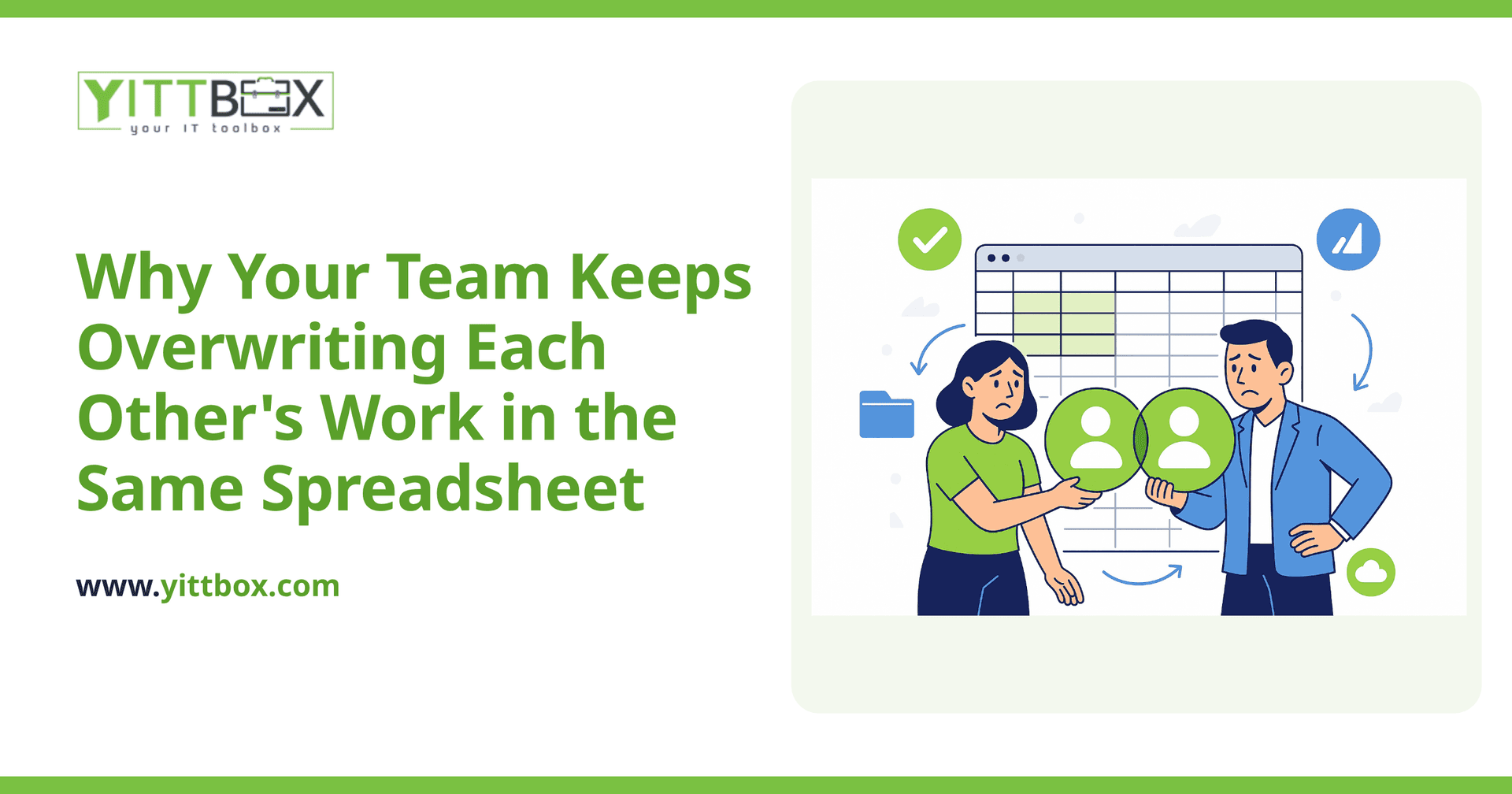
You know the moment. Two people open the same spreadsheet, both make changes, and one of them saves last. An afternoon of someone's careful work vanishes — quietly, with no warning. Nobody notices until a number looks wrong a week later, and by then you can't even tell what was lost. If this keeps happening on your team, you're not doing anything wrong. The tool simply wasn't built for what you're asking it to do.
Below are the questions small-business owners ask us most about this exact headache, with straight answers.
Why does one person's changes overwrite another's?
Because most spreadsheets are single-author files at heart. When two people open a copy — whether it's emailed around, sitting on a shared drive, or synced to the cloud — each person is effectively editing their own version. When they save, the software has to pick a winner, and the winner is usually whoever saved last. There's no built-in referee that merges two sets of edits row by row. It just replaces one file with the other.
Even "shared" spreadsheets that allow simultaneous editing tend to struggle once you have more than a handful of people, formulas referencing each other, and rows being added or deleted at the same time.
Isn't cloud spreadsheet sharing supposed to fix this?
It helps for light collaboration, but it doesn't solve the underlying problem for real business data. Cloud sharing lets people type in the same file at once, which is fine for a quick list. The trouble starts when your spreadsheet is doing a real job — tracking orders, inventory, jobs, clients, or finances.
At that point you run into things like:
- Accidental deletions — one person sorts or clears a column and it changes everyone's view.
- Broken formulas — inserting a row in the wrong place quietly corrupts calculations.
- No real permissions — anyone with access can edit anything, so a small mistake becomes everyone's problem.
- No history you can trust — you can sometimes see who changed a cell, but untangling a week of overlapping edits is a nightmare.
Cloud sharing improves the symptoms. It doesn't change the fact that a spreadsheet has no idea what your data means.
Why does this get worse as my business grows?
Because the spreadsheet that worked fine for one person is now being pulled in five directions. Growth adds more people touching the same data, more rows, more columns, and more importance riding on getting it right. The file gets slower, the mistakes get costlier, and the person who "understands the spreadsheet" becomes a bottleneck.
Most owners don't notice the tipping point until something breaks. A common sign: you've started keeping a "master" copy and warning people not to touch it. When you're managing your management tool, the tool has outgrown its usefulness.
What actually fixes the overwriting problem?
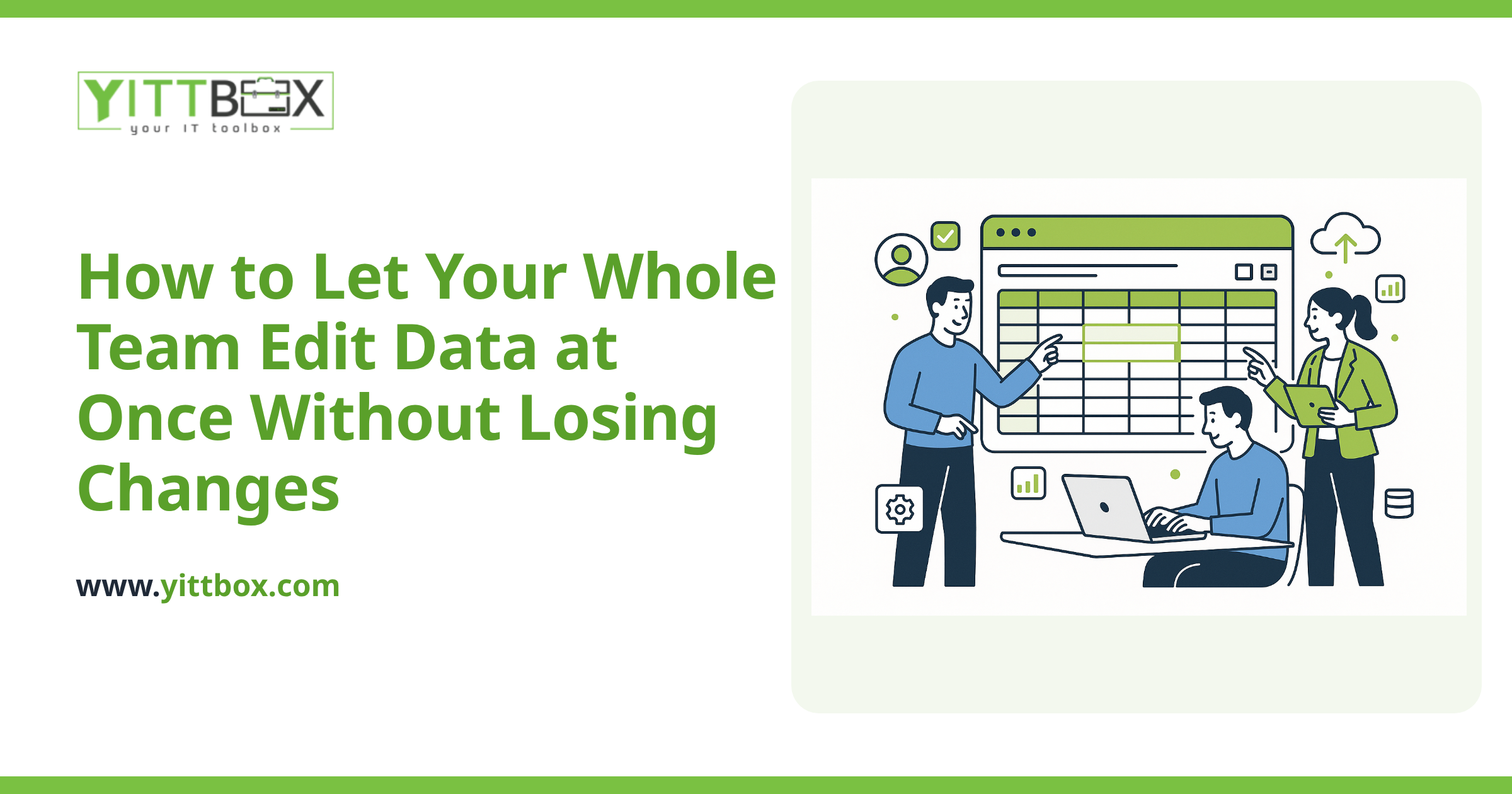
A proper application built around your data instead of a grid of cells. Where a spreadsheet is one file that people fight over, an application is a shared system that many people can use at the same time without stepping on each other.
The difference in day-to-day terms:
- Everyone works from one live source — no copies, no "which version is right?"
- Edits are saved per record — two people can update two different orders at the same second with zero conflict.
- Permissions match roles — people can see and change only what they should.
- Changes are logged — you can see who did what, and undo mistakes.
- The rules live in the system — required fields, valid values, and calculations happen automatically, so bad data has fewer ways in.
The good news is you don't have to throw away the thinking already baked into your spreadsheet. That spreadsheet is a detailed map of how your business works — it's a genuinely useful starting point. We can convert an existing spreadsheet into a proper web application that keeps the logic you rely on while removing the overwriting, the broken formulas, and the version chaos.
Do I have to replace everything at once?
No. The smart path is usually to start with the one spreadsheet causing the most pain — the one people fight over every week — and build a clean, shared version of just that. Once your team feels the difference, you can decide whether to bring more of your work into the same system over time.
A focused first step keeps the cost sensible and lets you see real results before committing further. If you're weighing it up, you can get a plain-English estimate for that first piece with no obligation to go ahead.
How do I know if it's worth it for a business my size?
The honest answer is: sometimes a spreadsheet really is fine, and we'll tell you if that's the case. It's worth looking closer when overwritten work, duplicated data entry, or "only one person understands the file" are costing you real time each week.
If any of that sounds familiar, we offer a free, no-pressure review of your situation. No pushy sales calls — just a clear look at what's slowing you down and whether a custom application would genuinely help. You'll get straight talk in plain English, and the decision stays entirely yours.
When you're ready, tell us about the spreadsheet that's causing the trouble and we'll take it from there.
Comments
Be the first to comment on this post.