You started with a spreadsheet because it was quick and it worked. Then you added a column, then a lookup, then a nested formula three screens wide that only one person understands. Now a single wrong click breaks a calculation, and you're scared to touch it. If that sounds familiar, you've hit the ceiling of what Excel is comfortable doing — and a purpose-built web app is usually the next step.
This post walks through the questions small-business owners ask us most about moving their logic and calculations out of spreadsheets and into something more reliable.
What is conditional logic in a web app, and how is it different from an Excel formula?
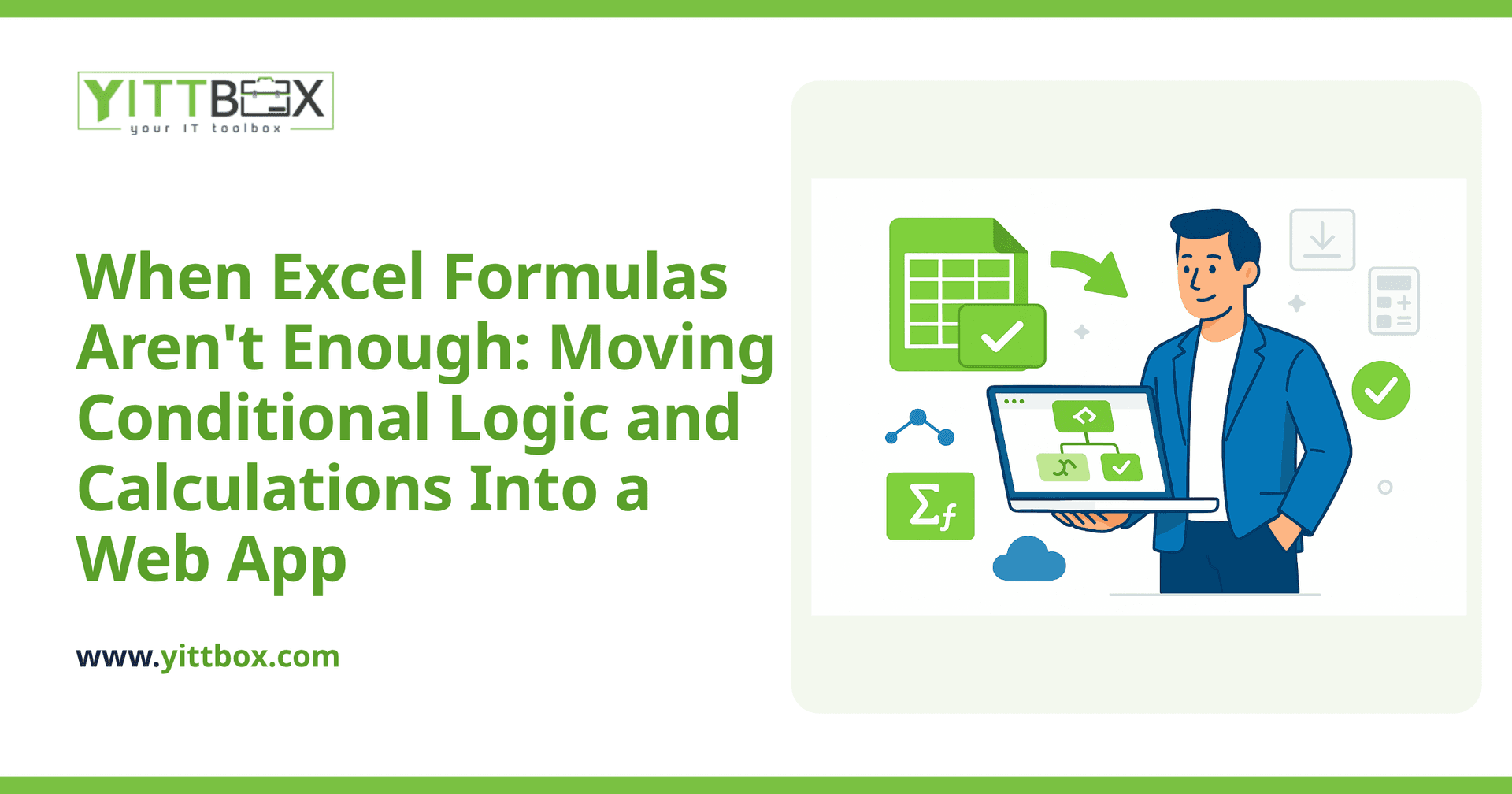
Conditional logic is simply your business rules written into software: if this is true, then do that. In Excel you write it as an IF formula inside a cell. In a web app, the same rule lives in the application itself, so it runs consistently every time — no matter who is using it.
The practical difference is control. In a spreadsheet, the rule and the data sit in the same place, so anyone can accidentally overwrite either one. In a web app, the rules run behind the scenes and the user just fills in the fields. They can't break the formula because they never see it.
How do automated calculations work once they're out of a spreadsheet?
They work the same way conceptually — you still add, multiply, apply rates, and roll up totals — but the calculation happens automatically as data changes, and it can pull from information across your whole business rather than one sheet. For example:
- Quotes and pricing: select a product and quantity, apply tiered discounts, and the total updates instantly.
- Payroll or commissions: apply different rates based on role, hours, or targets hit.
- Inventory and reorder points: flag items automatically when stock drops below a threshold.
- Job costing: combine labor, materials, and margin into a live figure you can trust.
Because the logic lives in one place, everyone gets the same answer — and when a rate changes, you update it once instead of hunting through dozens of files.
When should I move off Excel to a web app?
Excel is still excellent for quick, one-off analysis. It's worth moving to a web app when you notice signs like these:
- Only one person really understands the file, and everything stops when they're away.
- People email versions back and forth and you're never sure which is current.
- The formulas have grown so complex that changing one thing risks breaking three others.
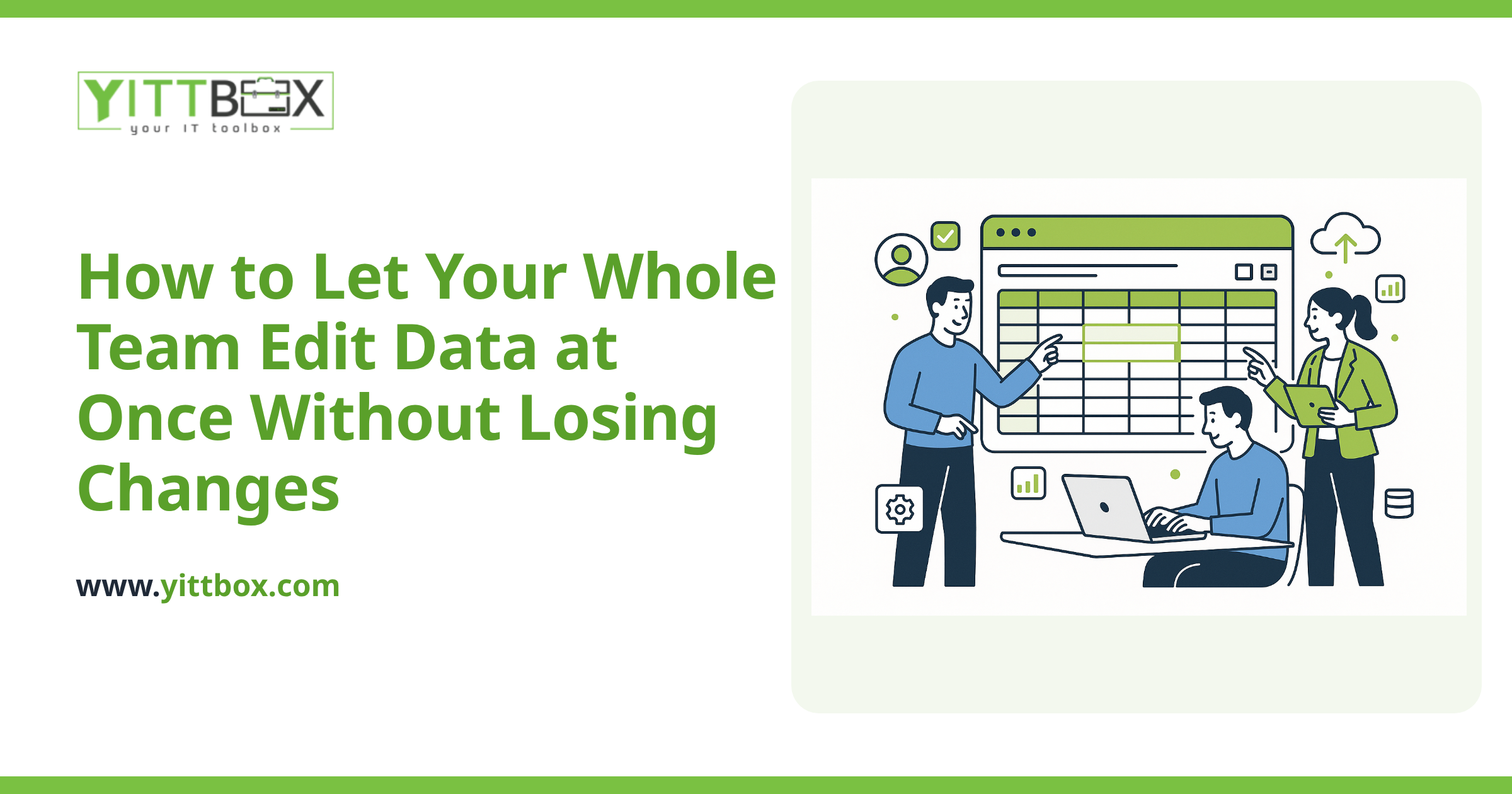
- You need several people entering data at the same time without overwriting each other.
- You're copying the same numbers between spreadsheets by hand.
If two or more of those ring true, a custom app will likely save you time and prevent costly mistakes. We cover the practical side of that transition on our spreadsheet-to-web-app conversion page.
Will I lose my existing spreadsheet logic if I rebuild it as an app?
No. Good conversion work starts by mapping out exactly what your spreadsheet already does — every calculation, every rule, every edge case — and rebuilding it faithfully. Nothing needs to be reinvented from scratch.
In fact, this is often where hidden problems surface: formulas that quietly stopped matching reality, or rules that were only ever half-written into the sheet. Rebuilding gives you the chance to fix those in plain English before they're locked into software. You can bring us your existing files as a starting point when we do a conversion review.
How much does it cost to move my calculations into a web app?
It depends on how many rules you have and how tangled they've become — a single quoting calculator is a very different job from a full job-costing system. Rather than guess, we look at your actual spreadsheet and give you a clear, itemized picture of what's involved.
You can request a free estimate and we'll tell you honestly what it would take. There's no pushy sales call, and no obligation — just a plain-English answer about scope and cost.
What should I have ready before asking for help?
You don't need anything technical. The most useful things to bring are:
- A copy of the spreadsheet (or a description if you'd rather not share it yet).
- A short list of the calculations and rules that matter most.
- Any pain points — where it breaks, who gets confused, what slows you down.
- Who needs to use it, and whether they need access at the same time.
That's enough for us to understand your situation and point you in the right direction.
The bottom line
When your spreadsheet formulas have outgrown the spreadsheet, the answer usually isn't a fancier formula — it's moving your business rules into an app built to run them reliably. Done well, it means fewer errors, calculations you can trust, and a system your whole team can use without fear of breaking it.
If you'd like a straightforward opinion on whether that's worth doing for your business, book a free, no-pressure review. We'll look at what you've got and explain your options in plain English — whether or not you decide to build anything.
Comments
Be the first to comment on this post.