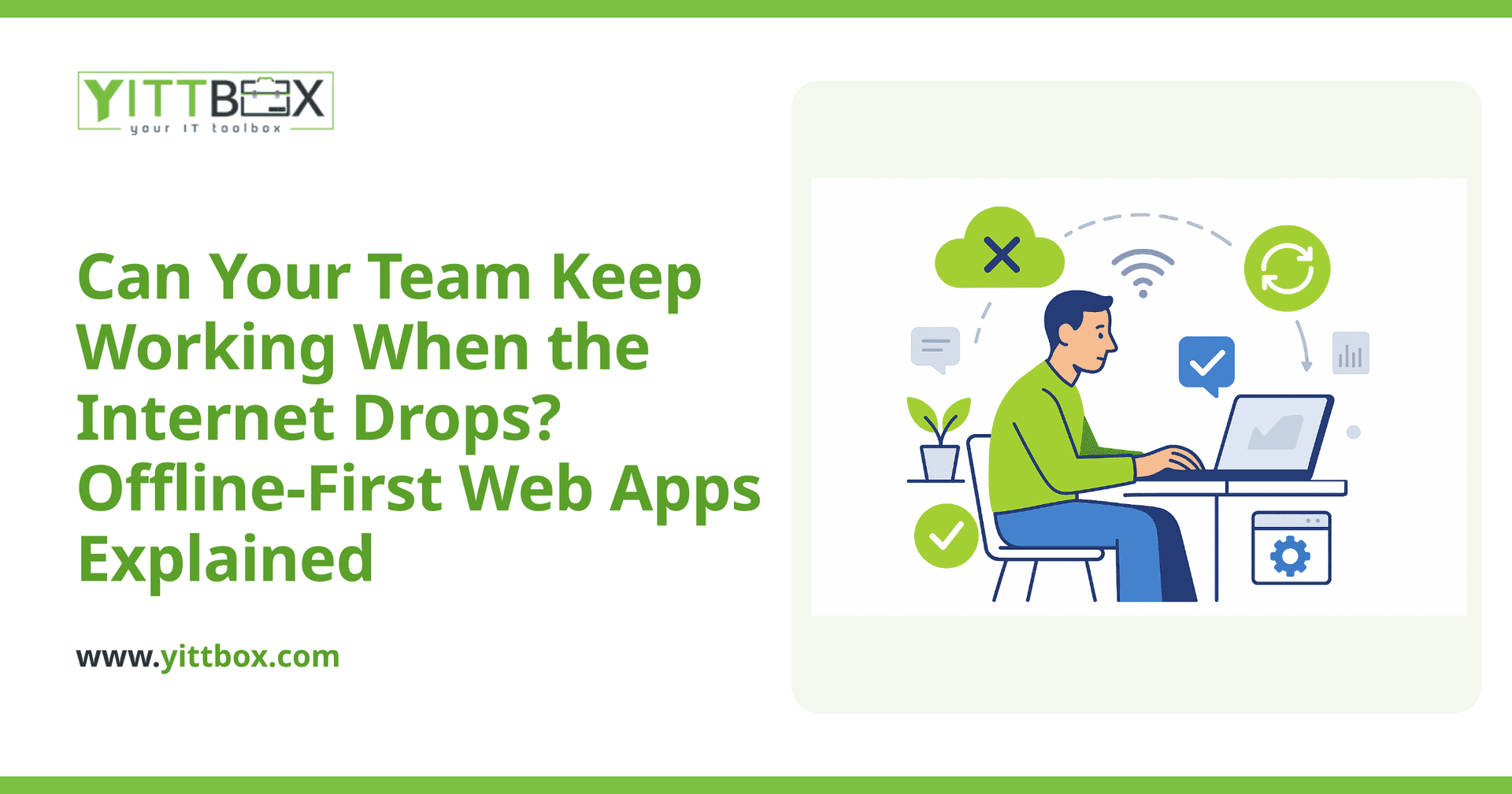
Picture this: your crew is on a job site with no signal, a delivery driver is in a dead zone, or your office broadband goes down for an hour. If your team relies on a web app to log jobs, take orders, or record inspections, that lost connection can mean lost work — or worse, guesswork typed in later that doesn't quite match what actually happened.
The good news is you don't have to accept that. A well-built web app can let your team keep working offline and then quietly sync everything up the moment they reconnect. Here's how it works, in plain English.
What does it mean for a web app to work offline?
It means your team can keep using the app — viewing information, filling in forms, updating records — even with no internet connection. The app stores what they do on their own device temporarily, then sends it to your central system automatically once a connection returns.
To the person using it, the experience barely changes. They tap, type, and save as normal. Behind the scenes, the app is holding onto that data and waiting for the right moment to catch up.
How does the data actually sync when the connection comes back?
When the device reconnects, the app compares what happened offline against what's stored on your central server, then updates both so they match. A typical setup handles this in a few steps:
- Stores changes locally — every entry made offline is saved safely on the device.
- Detects the connection — the app watches for the internet to return.
- Uploads in the background — queued changes are sent without anyone pressing a button.
- Confirms and clears — once the server confirms it received everything, the local queue is cleared.
Done properly, this happens without your team thinking about it. No exporting, no re-typing, no "did that save?" moments.
What happens if two people change the same thing offline?
This is the part most people worry about, and it's a fair question. If two team members edit the same record while both are offline, the app needs a clear rule for what wins when they reconnect. This is called conflict resolution, and there are a few common approaches:
- Last change wins — the most recent edit is kept. Simple and fine for many situations.
- Merge the changes — if two people edited different fields on the same record, both updates are kept.
- Flag for review — genuine conflicts are held aside so a person can decide, rather than one edit silently overwriting another.
The right choice depends on your work. A stock count needs different rules than a customer note. The important thing is deciding this deliberately when the app is built, rather than discovering the problem after data goes missing.
Does every web app need to work offline?
No — and it's worth being honest about that. Offline support adds real value in some situations and unnecessary complexity in others.
It's usually worth it when your team:
- Works in places with weak or no signal — vans, warehouses, rural sites, basements.
- Can't afford to stop working if the connection drops.
- Captures data in the field that must be accurate and timestamped.
It's often not needed when everyone works at fixed desks on reliable broadband. If that's you, the money is better spent elsewhere. A good partner will tell you which camp you're in instead of selling you features you'll never use. If you're currently running things on spreadsheets and wondering what a proper app would even look like, our guide to moving off spreadsheets and old databases is a plain-English place to start.
Can you add offline working to an app we already have?
Sometimes, but not always cleanly. It's much easier to build an app with offline working in mind from the start, because it affects how data is stored, sent, and reconciled at a fundamental level. Bolting it onto an app that was never designed for it can range from a modest change to a significant rebuild.
The realistic answer depends on how your current app is structured. If you send us the details, we can look at what's involved and give you a straight estimate — including whether it's genuinely worth doing.
How do you keep offline data secure?
Data stored on a device should be protected just as carefully as data on your server. Sensible measures include limiting how much is stored locally, protecting it on the device, clearing it once it's safely synced, and tying access to a proper login. Security shouldn't be an afterthought bolted on later — it should be part of the plan from day one.
Where should you start?
Start with the reality of how your team works, not with the technology. Where do they lose signal? What would it cost you if an entry got lost or entered twice? Those answers shape whether offline working matters and how it should behave.
If you'd like a second opinion, we offer a free, no-pressure review of your situation. No pushy sales calls, no jargon — just a clear conversation about what would genuinely help and what wouldn't. When you're ready, tell us a bit about your setup and we'll put together a plain-English estimate so you know exactly where you stand.
Comments
Be the first to comment on this post.