You built a spreadsheet years ago to handle a quote, a payroll run, or a pricing model. It worked. Then you added a column. Then another tab. Then a lookup that points to a cell three sheets away. Now the whole thing is held together with formulas nobody fully understands, and you hold your breath every time someone opens it. If that sounds familiar, you're not doing anything wrong — you've simply outgrown the tool.
This post walks through what actually happens to your calculations when you move from a spreadsheet to a custom web app, and how to do it without losing the logic you've spent years refining.
Why does my spreadsheet keep breaking as the formulas get more complex?
Because spreadsheets mix your data and your logic in the same place, and they trust every user to leave both alone. A single deleted row, a value typed into a formula cell, or a dragged-down calculation that stops one row short can quietly produce wrong numbers for weeks before anyone notices.
The more nested your formulas get, the harder they are to check. Common breaking points include:
- Fragile references — VLOOKUPs and cell references that break when someone inserts or sorts rows.
- No guardrails — nothing stops a user from overtyping a formula or entering text where a number belongs.
- Invisible errors — a wrong result looks exactly like a right one.
- One person who "knows how it works" — a real risk if that person is on holiday or leaves.
How does a web app handle calculations differently from a spreadsheet?
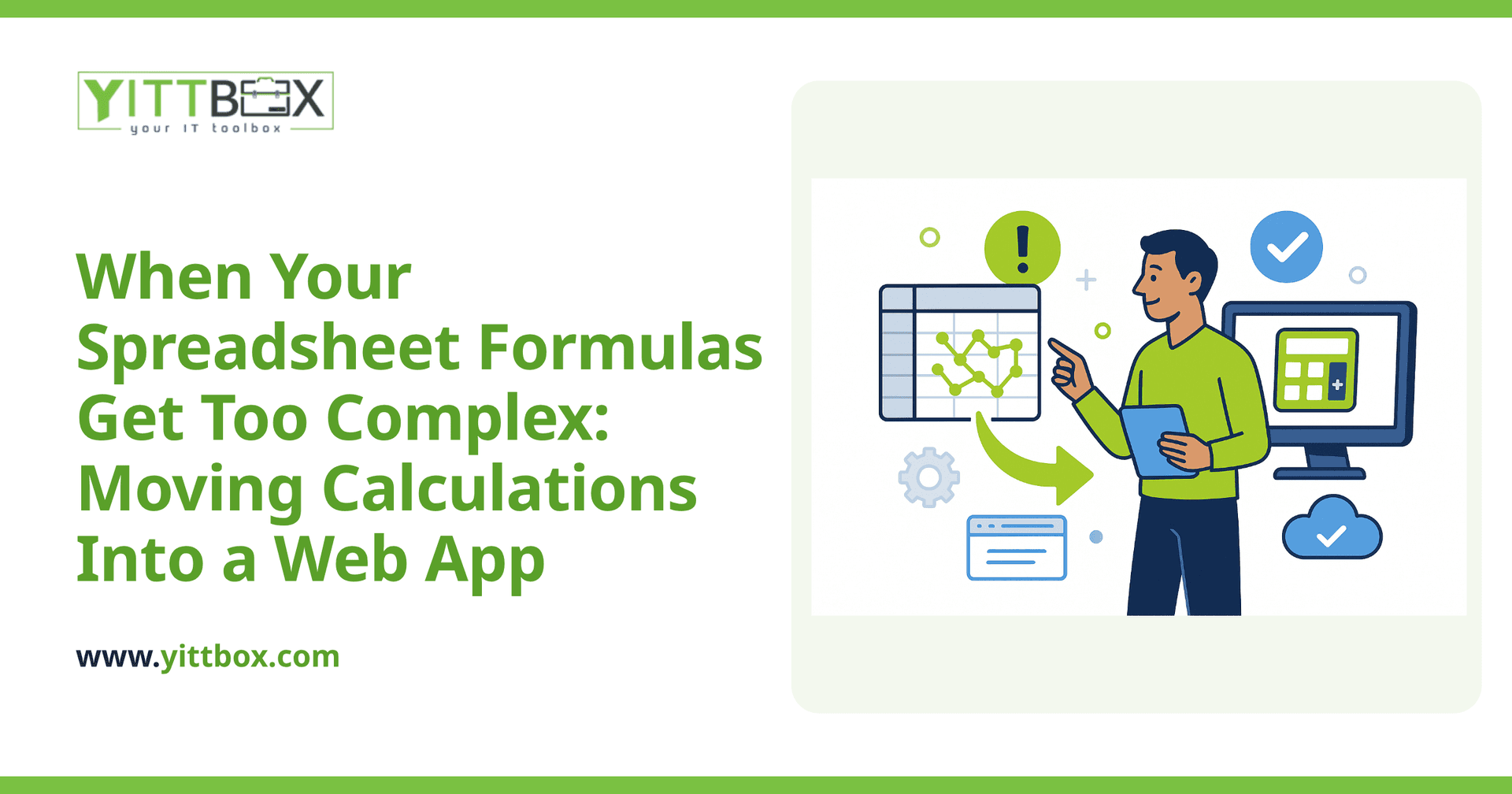
A web app separates your data from your rules. The calculation logic lives in the code, in one place, where ordinary users can't accidentally edit it. People enter values through forms, the app runs the formula behind the scenes, and everyone sees a consistent result.
In practice that means:
- The pricing or payroll logic is written once and applies the same way every time.
- Users only touch the inputs — they can't break the maths.
- You can add validation, so a bad entry gets flagged instead of silently poisoning the result.
- Changes to a rule happen in one controlled spot, not across forty copied cells.
Nothing about your business logic is lost. It's simply moved somewhere sturdier.
Will I have to explain all my formulas to a developer?
You'll need to talk them through, but you won't have to write a single line of code or produce a technical spec. The most useful thing you can hand over is your existing spreadsheet — messy tabs, hidden columns and all. The formulas already are the specification; they describe exactly how your numbers are worked out.
A good build starts by mapping your current logic in plain English: what goes in, what comes out, and the rules in between. We do exactly this when we convert a spreadsheet into a web app — we trace every calculation before writing anything, so nothing gets dropped or guessed at. If a formula turns out to be doing something odd, that's a conversation, not an assumption.
What if my calculations change often — will the app become just as hard to maintain?
This is the right question to ask, and the honest answer is: it depends on how the app is built. Done poorly, business rules get buried deep in the code and every small change becomes an expensive job. Done well, the rules that change often are pulled out where they can be updated safely.
Ways a well-built app stays flexible:
- Configurable values — tax rates, markups, tiers and thresholds live in settings you can edit yourself.
- Clear separation — the parts that rarely change are kept apart from the parts that change monthly.
- Plain documentation — you get a written explanation of how each calculation works, in language you can actually read.
The goal is that routine changes don't require a developer at all, and bigger changes are quick because the logic is organized, not tangled.
How do I know my numbers will match the spreadsheet after the switch?
By testing the new app against the old one before you rely on it. A sensible build runs your real historical data through both the spreadsheet and the app and compares the results line by line. If a quote came to a certain total last month, the app should produce the same total — and if it doesn't, you find out why before go-live, not after.
This side-by-side checking is the difference between hoping the maths is right and knowing it is.
When is it actually worth moving off a spreadsheet?
You don't need to abandon spreadsheets for everything — they're excellent for quick, one-off analysis. It's worth moving to a web app when the spreadsheet has become something your business depends on daily and the risk of it breaking is real. Signs the time has come:
- More than one person needs to use it at once.
- You're emailing copies around and losing track of the master version.
- The formulas are too complex for anyone to confidently change.
- A single mistake in it could cost you real money or a customer's trust.
If you're weighing up a custom quoting or pricing tool, our estimate page explains how we scope and price a project so there are no surprises.
A no-pressure next step
If your spreadsheet has quietly become mission-critical and you're nervous about the day it finally breaks, we're happy to take a look. We offer a free, no-pressure review of your current setup — no pushy sales calls, just a plain-English conversation about whether a web app makes sense for you and what it would take. Bring the messy spreadsheet; that's exactly what we want to see. When you're ready, you can start with a spreadsheet-to-web-app conversion or a quick project estimate.
Comments
Be the first to comment on this post.