You've decided it's time for a proper web app. Maybe you're tired of chasing information across spreadsheets, or your team is copying the same numbers into three different systems every week. But there's a worry holding you back: Do I have to throw out everything I already use? The accounting software, the customer list, the scheduling tool your team actually likes — do those all have to go?
The short answer is no. A good web app usually connects to what you already have rather than replacing it. Here are the questions small-business owners ask us most, with straight answers to each.
Do I have to rebuild my whole database to add a web app?
No. In most cases your existing data can stay where it is, and the new app talks to it. Whether your information lives in a spreadsheet, an Access database, or an accounting package, there's almost always a way to read from and write to it without starting from scratch. Rebuilding a database from the ground up is expensive and risky, so it's usually the last resort — not the first move.
What we look for early on is:
- Where your data actually lives today
- Which systems need to share information
- What's causing the double-entry and manual copying
Often the fix is a bridge between systems, not a bulldozer.
How does a web app actually connect to my existing tools?
Most modern business tools offer a connection point — a way for other software to send and receive data securely. When a tool has one of these, your new app can pull customer records, push new orders, or update a status automatically, all behind the scenes.
When a tool doesn't offer a clean connection, there are still options:
- Scheduled imports and exports — the app reads a file your existing system produces, on a regular schedule.
- A shared database — the app reads directly from the same data your current tool uses.
- A thin bridge layer — a small piece of software that translates between the two systems.
The right choice depends on your setup, which is exactly the kind of thing we sort out during a free, no-pressure review of your situation.
What if my data is stuck in old spreadsheets or an Access database?
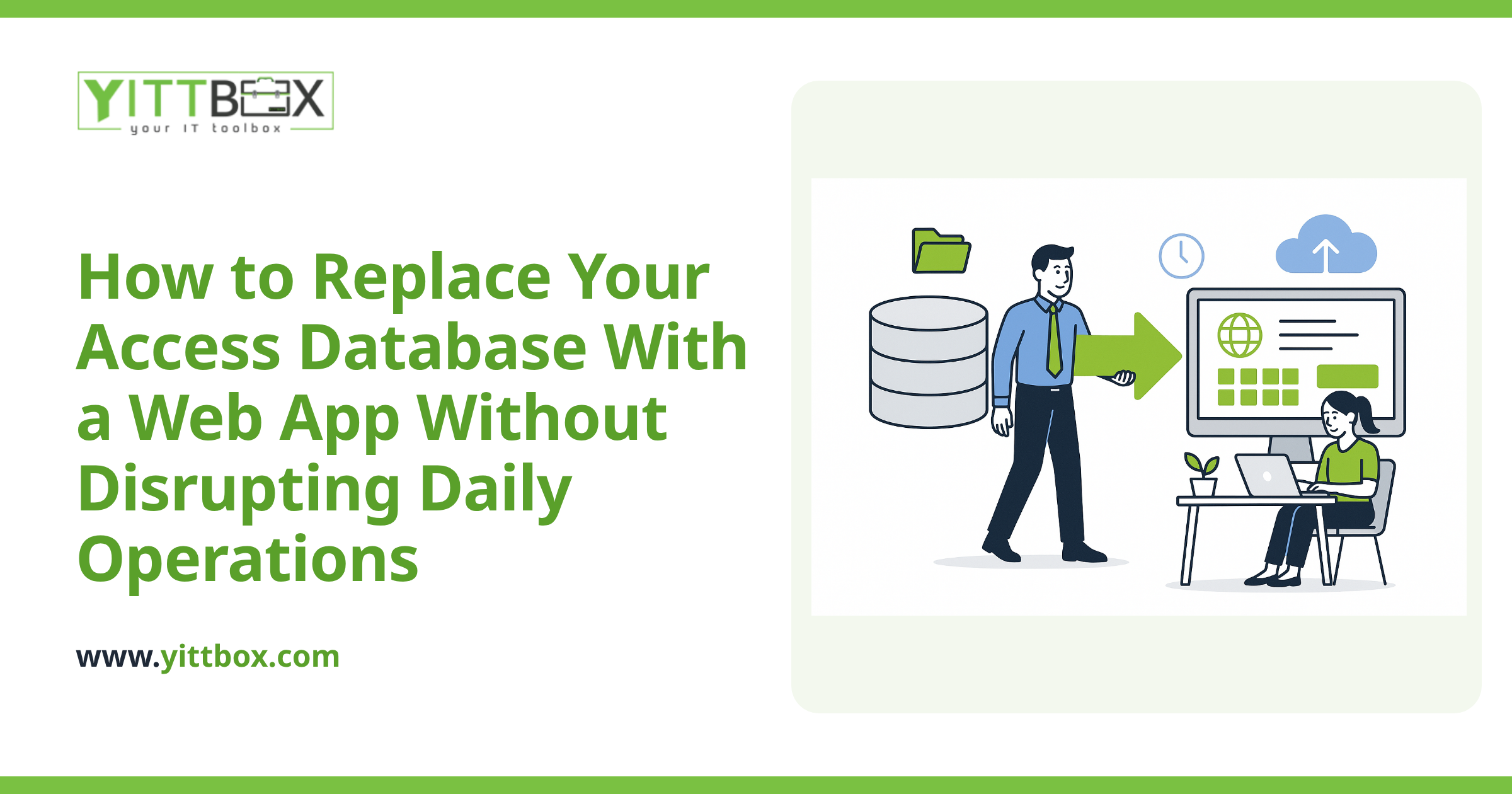
That's one of the most common situations we see, and it's very workable. Spreadsheets and Access databases are usually easy to read from, so a new web app can be built on top of that information while it's gradually cleaned up and centralized.
You generally have two paths:
- Keep the old system running and connect the app to it while your team keeps working the way they know.
- Move the data into a proper database once, then point the new app at it for good.
We help businesses move off spreadsheets and aging Access databases all the time, and we'll tell you honestly which path makes sense for your size and budget — not the one that bills the most hours.
Will connecting systems mess up my existing data?
Not when it's done carefully. The golden rule is that we don't touch your live data until we've tested against a copy. Nothing gets changed in your working systems until you've seen it behave correctly on a safe duplicate first.
Good practice looks like this:
- Work against a copy of your data during development
- Back up everything before any real change
- Roll out in small, reversible steps
- Keep you in the loop in plain English at each stage
You should never be surprised by what happens to your information. If a project team can't explain what they're doing without jargon, that's a red flag.
How much does it cost to connect systems versus rebuilding?
Connecting existing systems is almost always cheaper than a full rebuild, because you're reusing the data and tools you've already paid for. Instead of recreating years of records, you're building the piece that ties them together.
That said, every business is different. The honest answer to "what will this cost?" is that it depends on how many systems are involved and how cleanly they share data. Rather than guess, we'll look at your actual setup and give you a clear picture. You can ask for a straightforward estimate here — no pushy sales calls, no obligation.
How do I know which approach is right for my business?
Start by getting a second set of eyes on what you already have. Before you spend anything, it's worth understanding whether you need a bridge, a migration, or just a smarter way to use your current tools.
Here's a simple way to think about it:
- If your tools work but don't talk to each other, you probably need connections.
- If your data is scattered and hard to trust, you probably need to centralize it.
- If both are true, you likely need a bit of both — done in the right order.
A no-pressure next step
You don't have to figure this out alone, and you don't have to commit to anything to get clarity. We offer a free, no-pressure review of your current setup: we'll look at the tools you use, spot where the manual work is piling up, and tell you in plain English what connecting things would actually involve.
No sales calls chasing you afterward — just a clear, honest read on your options. When you're ready, tell us a little about your situation and we'll take it from there.
Comments
Be the first to comment on this post.