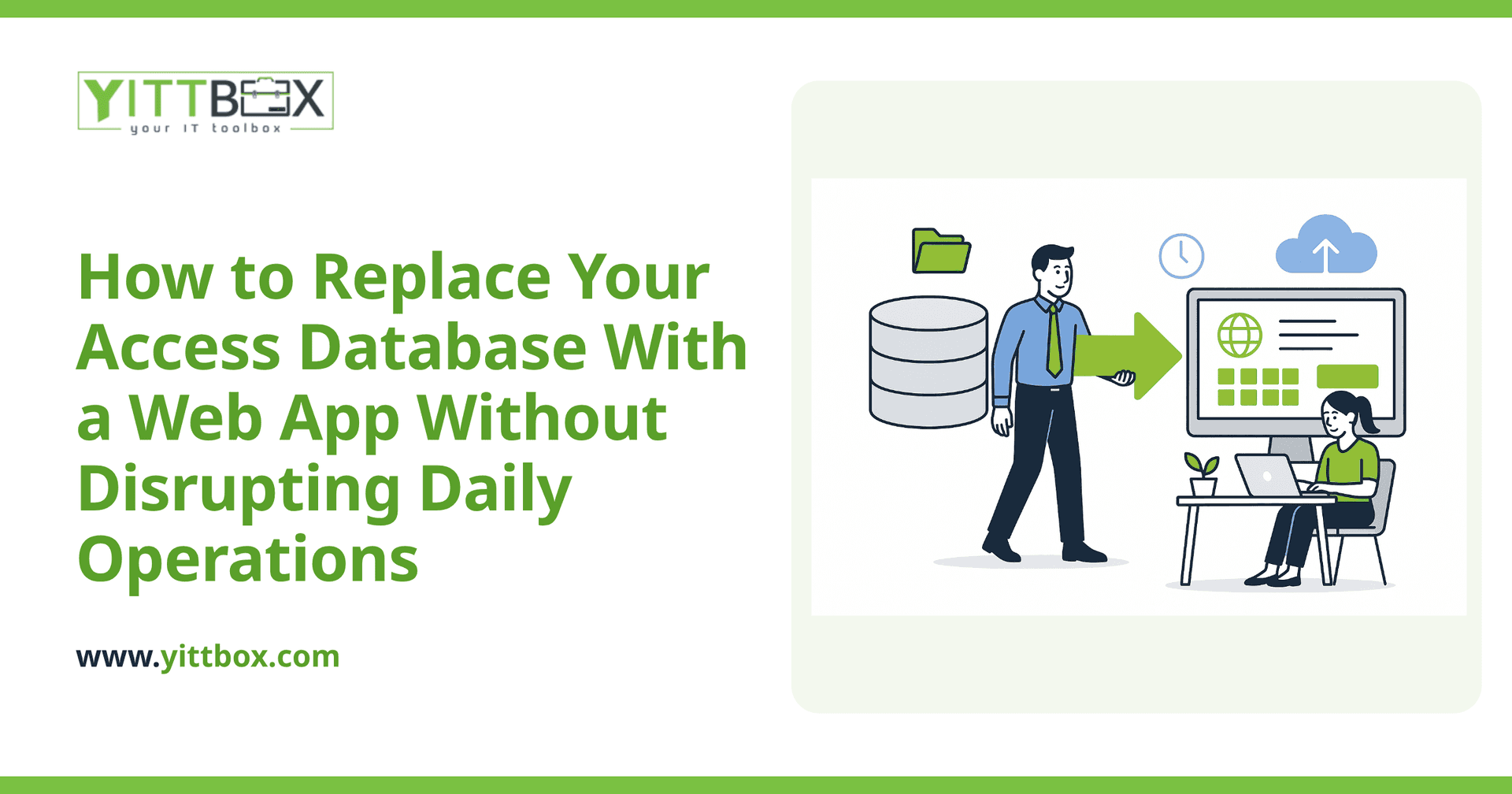
Your Access database has done its job for years. It tracks your customers, your jobs, your inventory — whatever keeps the business moving. But lately it's showing its age: only one person can be in it at a time, it lives on a single computer, and getting to it from home or a job site is a headache. The good news is you can move to a modern web app without shutting down for a week or losing a single record. Here's how it actually works, in plain English.
Will I have to stop working while you build the new system?
No. A well-planned move is done alongside your current setup, not on top of it. Your Access database keeps running exactly as it does today while the new web app is built and tested in the background. You only switch over once the new system is ready and you've had a chance to try it. There's no gap where you're locked out of your own data.
What happens to all the data I already have?
It comes with you. One of the first steps is copying your existing records into the new system so nothing is left behind. That usually includes:
- All your existing tables — customers, orders, jobs, contacts, and so on
- The relationships between them, so linked records stay linked
- A cleanup pass to catch duplicates or old junk data, if you want one
We run test imports first, so you can look at the migrated data and confirm it's all there and correct before anything goes live. You can read more about how that process works on our database conversion page.
How do you avoid losing records during the switch?
By doing a final import right before go-live. Because your Access database stays in use until the last moment, we take a fresh copy of your data at the point of switchover — so any records you added last week, or this morning, come across too. The typical sequence looks like this:
- Build and test the web app while you keep using Access
- Do one or more practice migrations so we know the import works cleanly
- Pick a quiet moment — often end of day or a weekend — for the final data copy
- Switch on the new app and keep the old database as a read-only backup for a while, just in case
Keeping the old system around as a safety net for a few weeks means there's no anxiety about a point of no return.
What can a web app do that my Access database can't?
The move isn't just cosmetic. Once your data lives in a web app, you get things Access was never built for:
- Access from anywhere — a browser on a laptop, tablet, or phone, at the office, at home, or on site
- Multiple people at once — no more "someone else has it open" messages
- Proper backups — automatic and off-site, not one file on one PC
- Permissions — control who can see and change what
- Room to grow — add features as your business changes instead of wrestling with a tool at its limits
Will my team have to relearn everything?
Not from scratch. A good web app is built to match how you already work, so the screens feel familiar and the steps make sense. Because it runs in a browser, most people find it easier than the old desktop database, not harder. We keep the language plain and the layout clean, and we walk your team through it before go-live so day one feels routine rather than stressful.
How long does this usually take?
It depends on how big and how complex your current database is — a simple contact tracker is a very different job from a system running your whole operation. What stays the same is the approach: we look at your real database first, tell you honestly what's involved, and give you a clear timeline in plain English before any work starts. You won't get a vague estimate that balloons halfway through. You can get a sense of scope and pricing on our estimate page.
How do I know if it's the right time to move?
A few signs tend to show up together:
- People are waiting to get into the database because someone else has it open
- You can't get to your data when you're away from the office
- You're nervous about what happens if that one computer dies
- You've outgrown what Access can comfortably handle
- You're copying data into spreadsheets to work around its limits
If two or three of those sound familiar, it's worth at least having a look.
What's the easiest first step?
Let us take a free, no-pressure look at your current Access database and how you use it. There's no pushy sales call and no obligation — just a straight assessment of what a move would involve, what it would cost, and whether it's even worth doing right now. Sometimes the honest answer is "not yet," and we'll tell you that too.
When you're ready, start with a free review of your situation. We'll explain everything in plain English, and you can decide from there.
Comments
Be the first to comment on this post.