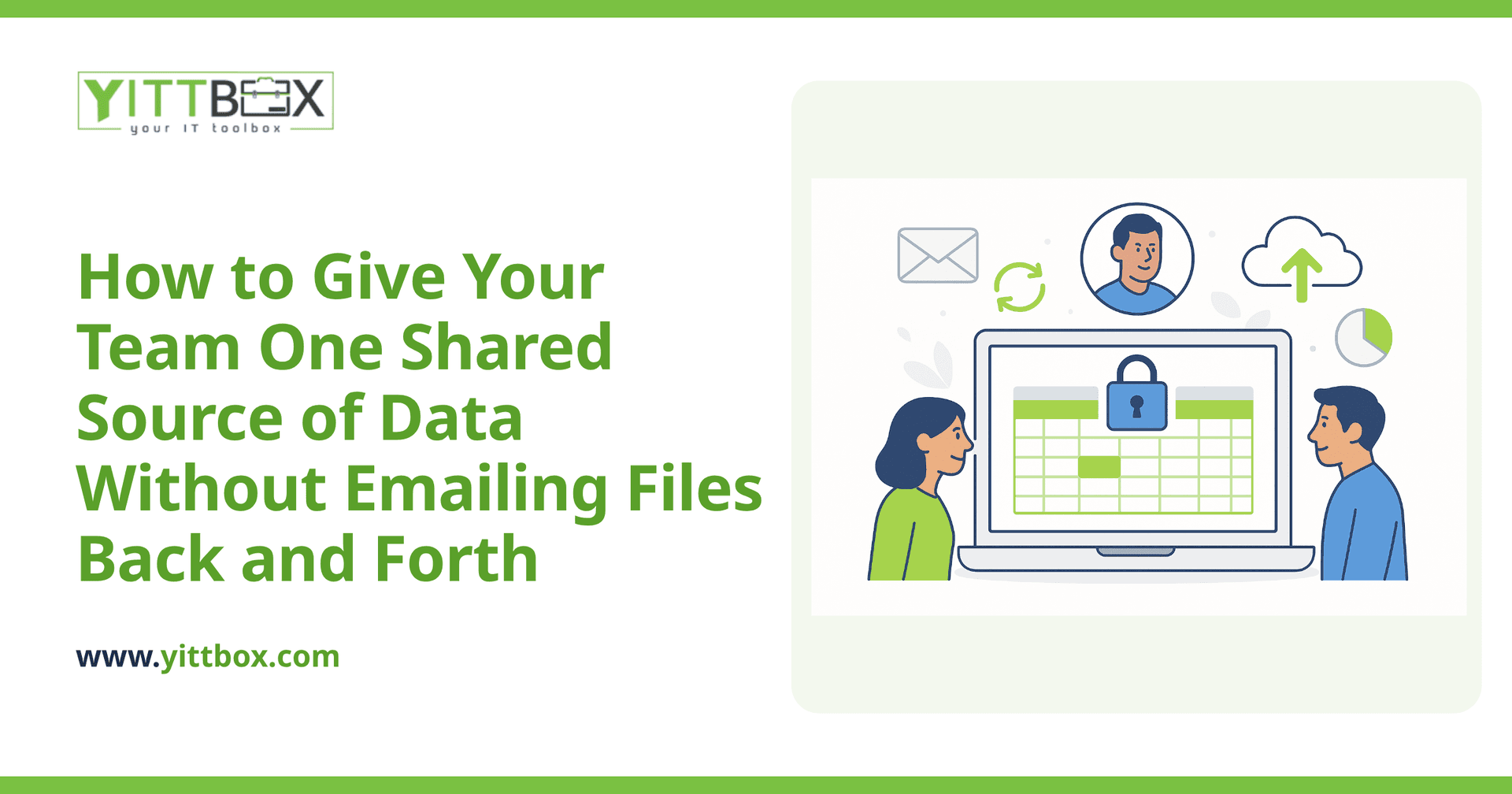
If your team spends half its day emailing spreadsheets around, you already know the pain. Someone updates a file, sends it to two colleagues, and within an hour there are three versions floating about — each with different numbers. Nobody's sure which one is correct, and the answer to a simple question turns into a game of "who has the latest copy?"
There's a better way to work, and it doesn't require a huge IT department or a painful overhaul. Below are the questions small-business owners ask us most often about moving off scattered files and onto a single shared system everyone can reach from anywhere.
Why is emailing spreadsheets around such a problem?
Because there's no single, trusted version of the truth. When a file lives in your inbox, everyone works on their own copy, and those copies drift apart the moment someone makes an edit. The result is duplicated work, conflicting numbers, and decisions made on out-of-date information.
The specific risks add up quickly:
- Version confusion — nobody knows which file is current.
- Overwritten work — two people edit at once and one person's changes vanish.
- No history — you can't see who changed what, or undo a mistake.
- Security gaps — sensitive data sits in dozens of inboxes and downloads folders.
What is a web app, in plain English?
A web app is simply software your team opens in a normal web browser — the same way you'd open your email or your bank. There's nothing to install on each computer. Everyone logs in and sees the same live information, updated the second someone makes a change.
Instead of a spreadsheet that gets copied and emailed, you have one central place where the data lives. Your team reaches it from the office, from home, or from a phone on a job site — and it's always the current version.
How does everyone access the same data at once?
All the information sits in one secure database in the background, and the web app is the friendly screen your team uses to view and update it. When one person adds a customer or ticks off a task, everyone else sees that change straight away.
In practice, that means:
- Two people can work at the same time without clobbering each other's edits.
- You always have one accurate record, not a dozen conflicting files.
- New information is available to the whole team instantly, wherever they are.
This is exactly the shift most businesses want when they've outgrown spreadsheets or an old Access database. If that sounds like where you are, our guide to moving off spreadsheets and legacy databases walks through what the change actually looks like.
Is my data safe if it's online?
Yes — often safer than files scattered across inboxes and laptops. A properly built web app keeps everything in one protected place, with logins so only the right people can get in. You can control who sees what, and the system keeps a record of changes so nothing quietly goes missing.
Compare that to the spreadsheet approach, where the same sensitive file might sit in ten different email accounts and downloads folders, with no way to know who has a copy. Centralizing your data is a step up in security, not a step down.
Do we have to throw away our current spreadsheets?
No. In most cases the data in your existing spreadsheets becomes the starting point for the new system. The structure you've already built — your columns, your categories, the way you think about your work — is valuable, and a good build respects it rather than forcing you to start from scratch.
The usual approach is to import what you have, tidy it up along the way, and shape the new app around how your team actually works. You keep the knowledge; you lose the chaos.
How long does it take to set something like this up?
It depends on how much you're moving and how many people use it, but it's rarely as big a project as owners fear. A focused tool that replaces a few key spreadsheets can come together fairly quickly. A larger system that runs several parts of the business takes longer, but it's built in stages so you see progress and can use the early pieces before the whole thing is finished.
The honest answer is that we can't give you a real timeline without understanding your situation first — which is exactly why we offer a free, no-pressure review before anyone commits to anything.
What does it cost?
Custom software is an investment, but it's usually far cheaper than the hidden cost of the current mess — the hours lost to duplicate data entry, the mistakes from out-of-date numbers, and the work redone because two people edited different copies.
We'll give you a clear, plain-English estimate up front so there are no surprises. No jargon, no drawn-out sales process, and no obligation to go ahead.
Where should I start?
Start by writing down the one workflow that causes the most file-emailing headaches — the spreadsheet everyone fights over. That single pain point is usually the perfect first project, because fixing it delivers relief quickly and shows the rest of the team what's possible.
When you're ready, we're happy to take a look at your setup and tell you honestly what we'd do. There's no pushy sales call and no pressure — just a straightforward conversation and a free review of your situation. If a web app is the right move, we'll explain why in plain English. If it isn't, we'll tell you that too.
Comments
Be the first to comment on this post.