You know the drill. Someone updates the pricing sheet, emails it to three people, and within a day there are four versions floating around with slightly different numbers. Nobody's sure which one is current. A quote goes out based on the wrong file. Time gets lost tracking down 'the latest version.'
If your business runs on spreadsheets or files passed around by email, this isn't a discipline problem — it's a tooling problem. Below are the real questions small-business owners ask us about fixing it, with straight answers.
Why is emailing files back and forth such a problem?
Because the moment you send a file, you create a copy — and that copy immediately starts drifting away from every other copy. There is no single source of truth. Common headaches include:
- Version confusion: Two people edit at once, and one person's changes quietly overwrite the other's.
- Stale information: Someone works from a file that's a week out of date without realizing it.
- Wasted time: Hours lost each week just finding, merging, and re-sending files.
- No history: When a number changes, you can't easily see who changed it or why.
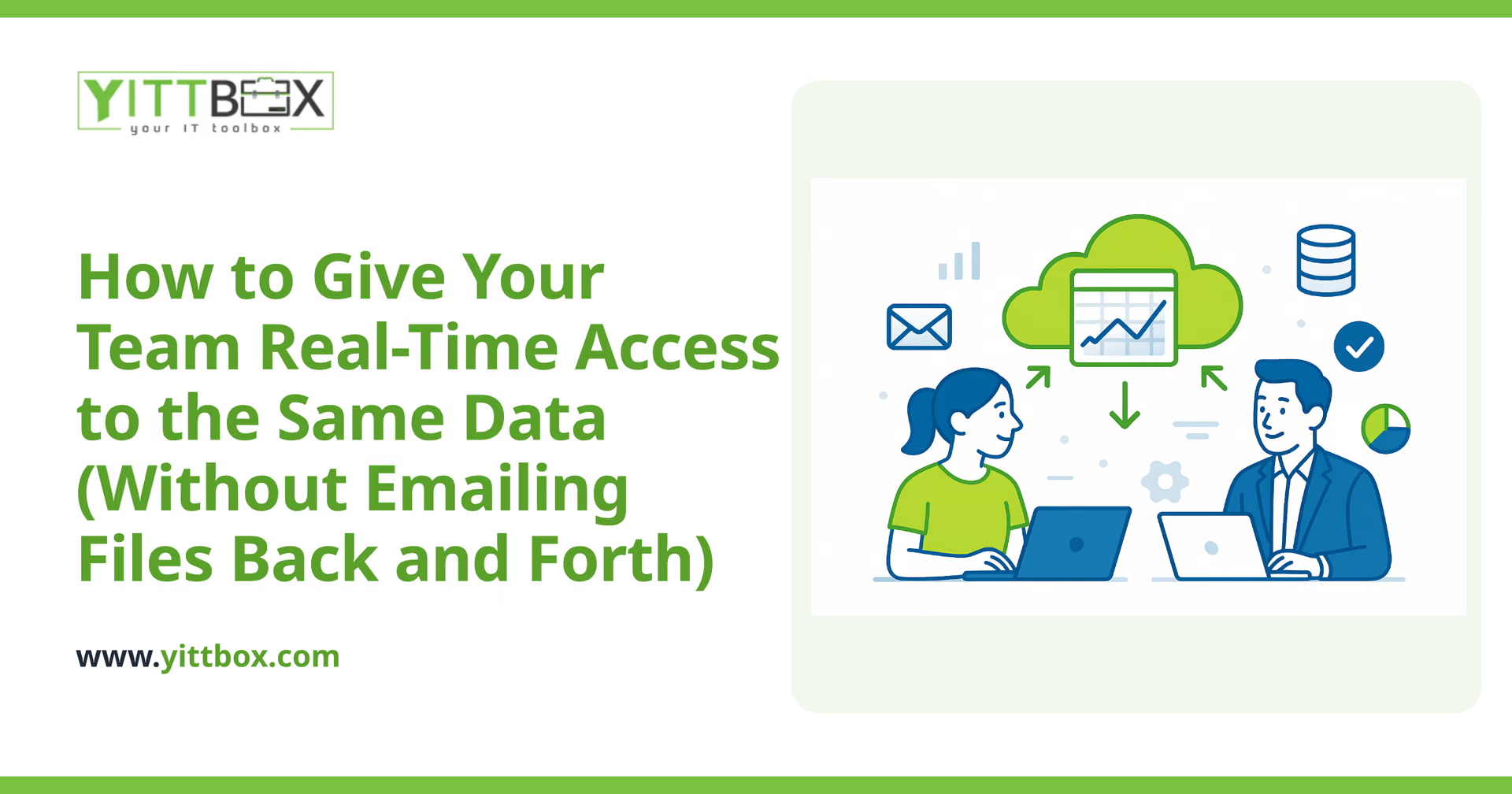
The fix is to stop passing copies around and instead give everyone a window into the same live data.
What does 'real-time access to the same data' actually mean?
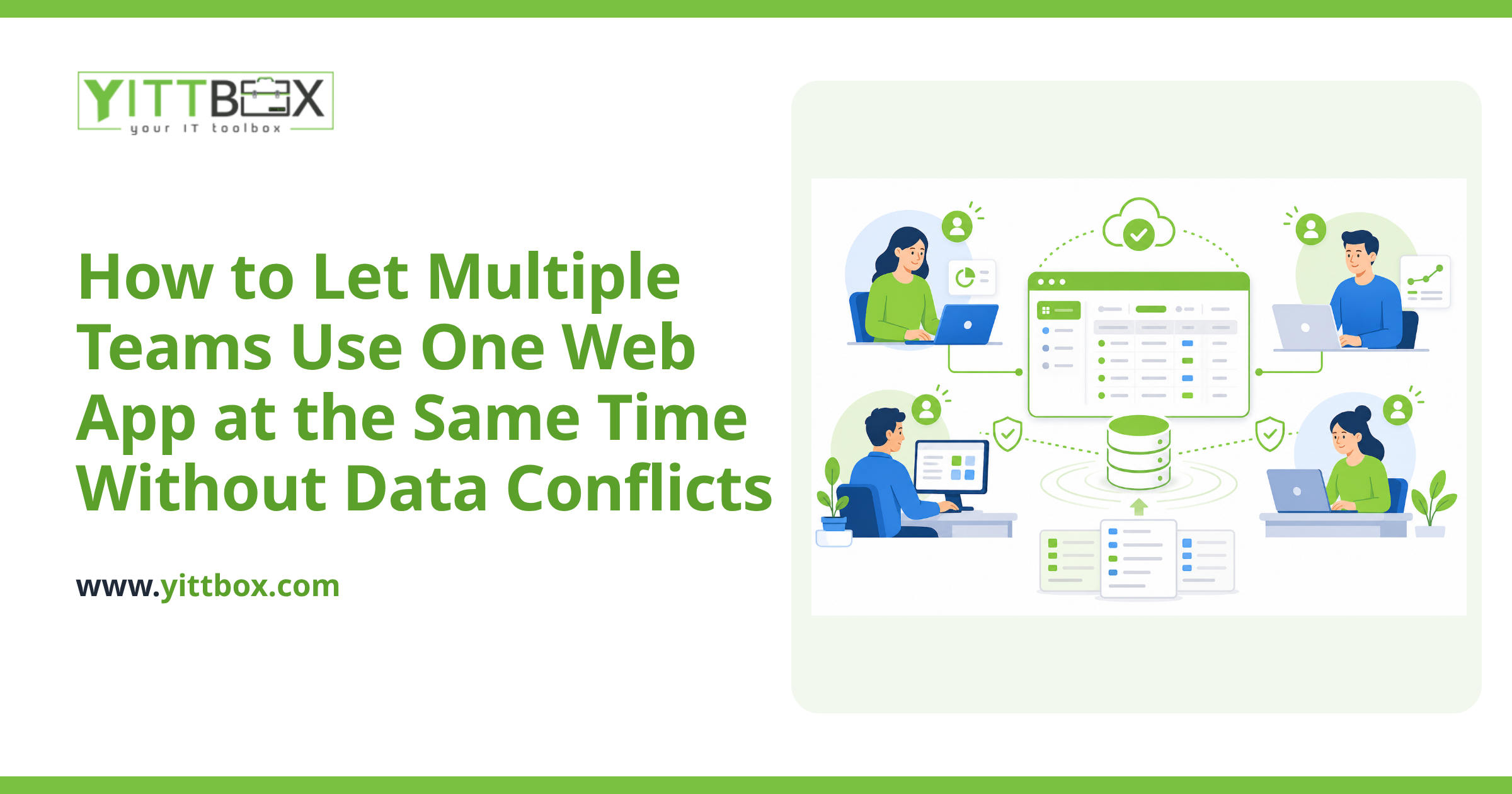
It means your team looks at one central set of information, and when one person makes a change, everyone else sees it right away. Instead of ten copies of a spreadsheet, there's one shared system that everyone opens in their browser. When a salesperson updates an order, the warehouse sees it instantly. When someone changes a price, the whole team is working from the new number the moment it's saved.
You don't have to email anything. You just log in and see what's true right now.
Can't we just use a shared cloud spreadsheet?
For a small, simple set of data, sometimes yes — a shared cloud spreadsheet is a real step up from emailing files, and it's often the right first move. But spreadsheets start to strain as your business grows. You'll usually feel the limits when:
- Several people need to edit the same rows at the same time.
- You want to control who can see or change what.
- The same information needs to feed into invoices, reports, or your website.
- Mistakes are easy to make — one wrong click can wipe out a formula.
- You're copying data between multiple sheets by hand.
At that point, a spreadsheet is being asked to do the job of an application. A custom application built around how your business actually works gives you the shared access without the fragility.
What's the difference between a spreadsheet and a proper application?
A spreadsheet is a blank grid — powerful, but it trusts everyone to follow the rules in their head. An application is built for your specific process, so the rules are built in. In practice that means:
- Structured data: Fields are set up so information is entered consistently every time.
- Permissions: People see and change only what their role needs.
- Guardrails: The system stops common mistakes before they happen.
- Connections: The same data can power quotes, reports, and your website without re-keying it.
- A clear record: You can see what changed and when.
You get all the flexibility your team needs, without the chaos of loose files.
Do we have to throw away our current spreadsheets to do this?
No. Your spreadsheets and older databases are valuable — they hold years of your real information and reflect how your business genuinely runs. The usual approach is to carry that existing data over into the new system rather than starting from scratch. Your history comes with you; you just stop working in a way that keeps breaking.
How long does it take, and will it disrupt the business?
It depends on how much you're moving and how many people rely on it, so there's no honest one-size-fits-all answer. What we can promise is that we won't leave you guessing. We explain the plan in plain English, work in sensible stages, and keep your current setup running until the new one is ready to take over. There's no big scary switch-flip and no jargon designed to keep you in the dark.
How do we know if this is worth it for a business our size?
A simple test: add up the time your team spends each week finding the right file, fixing version mix-ups, and re-sending things. Then think about the cost of one decision made on out-of-date numbers. For most small businesses, that quiet drain is bigger than they expect — and it grows as the team grows.
You don't need to commit to anything to find out. We offer a free, no-pressure review of how your team works today, and we'll tell you honestly whether a shared system is worth it — or whether a smaller change would do the job. No pushy sales calls, no obligation.
If the file-shuffling has started costing you real time, take a few minutes to tell us about your situation and get a straightforward estimate. We'll give you a clear picture in plain language, and the next step is entirely yours.
Comments
Be the first to comment on this post.