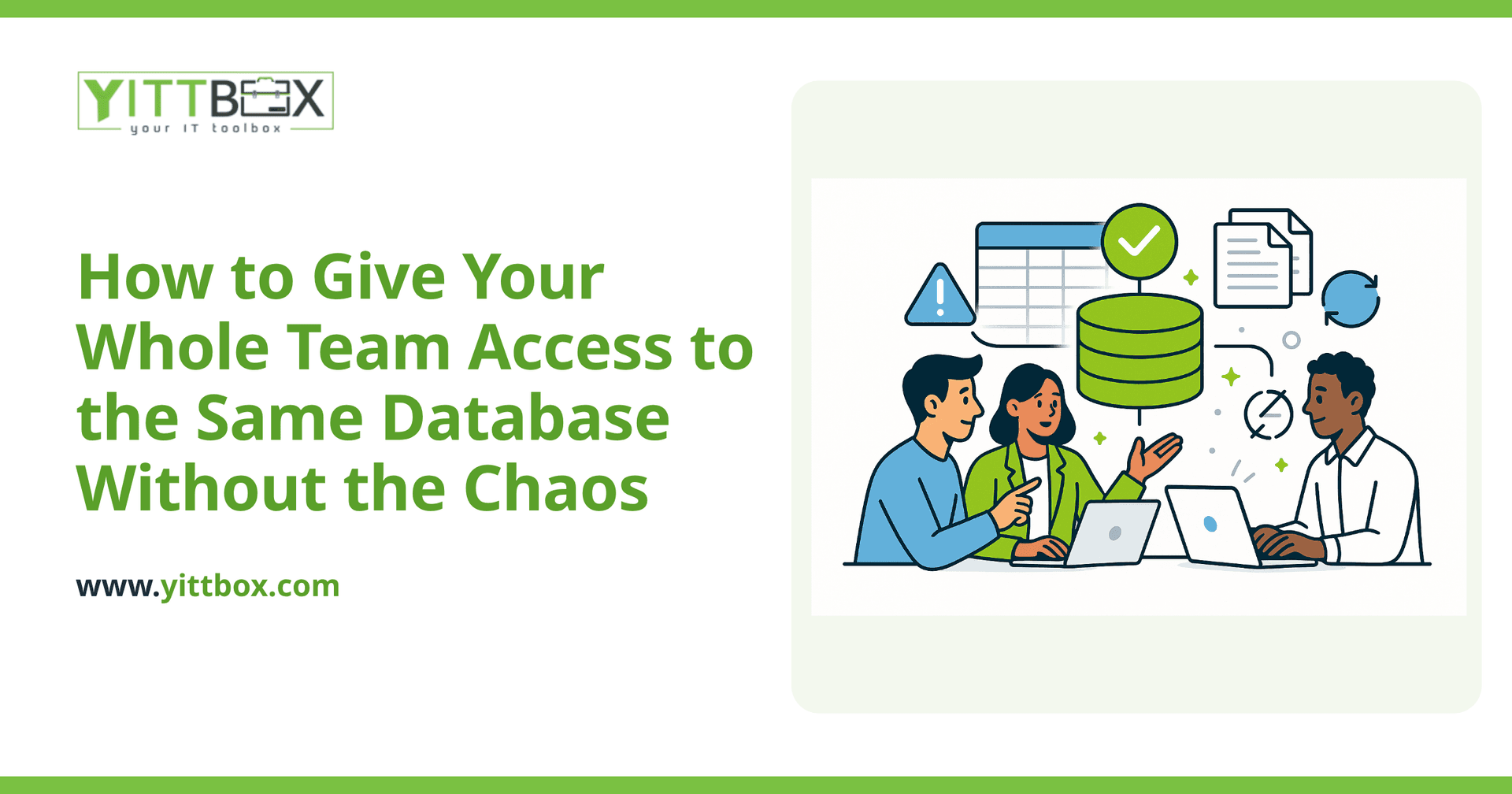
You started with one spreadsheet. Then someone made a copy so they wouldn't overwrite your work. Then someone else emailed a version around. Now you have four files that all disagree, nobody knows which one is right, and last week's order got entered twice. If that sounds familiar, you're not doing anything wrong — you've simply outgrown the way your information is stored.
The good news: letting several people work from the same set of records, at the same time, without stepping on each other is a solved problem. Here are the questions small-business owners ask us most often, with plain answers.
Why does sharing a spreadsheet cause so many problems?
Because a spreadsheet was never designed for a crowd. It's a single file, so the moment two people need it at once, someone has to wait or make a copy — and copies are where the trouble starts. The usual symptoms are:
- Duplicate and conflicting entries because two people updated different copies.
- Accidental deletions that nobody notices until it's too late.
- No record of who changed what, so mistakes are impossible to trace.
- Everyone can see everything, even the fields you'd rather keep private.
A shared spreadsheet feels free and familiar, but the hidden cost is the hours you spend cleaning up the mess.
What's the difference between a shared file and a real database?
A shared file is one document that people take turns using. A database is a central store of records that many people can read and update at the same time, safely. The database keeps one "true" version of every record and manages who's doing what behind the scenes, so two people editing the same customer don't overwrite each other.
In practice, a proper database gives you a few things a spreadsheet can't:
- Simultaneous access — everyone works live, no waiting and no copies.
- Rules that prevent bad data, like requiring an email address or stopping duplicate order numbers.
- A history of changes, so you can see who updated a record and when.
- Different views for different people, so staff see what they need and nothing more.
How do I control who can see and change what?
Through user accounts and permissions. Instead of one file that everyone opens, each person logs in as themselves. You then decide what each role can do. A typical setup might look like:
- Admin — can see and change everything, including settings.
- Staff — can add and update records but not delete them or export the whole list.
- Read-only — can look things up but not change anything.
The point is that access stops being all-or-nothing. Your bookkeeper doesn't need to see sales notes; your sales team doesn't need to touch payroll. Sensible permissions keep sensitive information private and reduce the chance of an honest mistake.
Won't two people editing the same record cause conflicts?
Not with a system built for it. A shared spreadsheet has no idea two people are in the same cell, so the last save wins and the other change vanishes. A real database handles this gracefully — it either merges the changes safely or warns the second person that the record is being edited. You get the collaboration without the silent data loss.
Do I have to abandon everything and start from scratch?
No. Almost always we can bring your existing data with you. The spreadsheets and older systems you've relied on for years hold valuable history, and there's rarely any reason to retype it. The process usually looks like this:
- We review what you have now and how your team actually works.
- We map your existing columns and files into a clean structure.
- We import your current records so day one starts with real data, not a blank page.
- We set up logins and permissions to match your roles.
If you're wondering what moving off spreadsheets would involve for your specific setup, our page on converting spreadsheets and older databases walks through how that migration works.
How do I know when it's time to make the switch?
A few honest signals that you've outgrown shared files:
- You keep several versions of the "same" list and argue about which is correct.
- People wait for a file to be free before they can work.
- You'd struggle to answer "who changed this and when?"
- You're nervous about giving certain staff access because they'd see too much.
- Simple lookups — a customer's history, an order's status — take longer than they should.
If two or three of those ring true, the cost of staying put is already higher than you think. It's just spread out across small daily frustrations instead of one obvious bill.
What does moving to a shared system actually cost?
It depends on how many people need access, how your data is structured, and what you want it to do — so any honest answer starts with understanding your situation, not quoting a number blind. If you'd like a realistic picture for your business, you can request a free estimate and we'll give you a straight figure with no obligation.
Where should I start?
Start by getting a clear-eyed look at where you are now. We offer a free, no-pressure review of your current spreadsheets and systems — no pushy sales calls, no jargon, just a plain-English explanation of your options and what we'd recommend. You're welcome to take that advice and act on it whenever you're ready.
When you're ready to talk specifics, grab a free estimate and we'll help you get your whole team working from the same page — without the chaos.
Comments
Be the first to comment on this post.