You know the drill. Someone opens the shared spreadsheet to update an order, someone else opens it at the same time, and by the end of the day one person's changes have quietly vanished. Or worse, you end up with three files named inventory_final, inventory_final_v2, and inventory_ACTUAL_final, and nobody's sure which one is right.
If your team is growing, that kind of guesswork stops being a minor annoyance and starts costing you real money and trust. The good news: a properly built web app solves this cleanly, and it isn't as complicated or expensive as you might fear. Here are the questions small-business owners ask us most.
Why does our shared spreadsheet keep losing changes?
Because spreadsheets were never designed for several people editing the same records at the same moment. Even cloud spreadsheets, which handle simultaneous editing better than a file on a shared drive, still fall down once your data has real relationships in it — customers linked to orders, orders linked to inventory, and so on.
A spreadsheet treats every cell as independent. A web app treats your data as connected records with rules, so it knows that two people can't both mark the same item as "shipped" or claim the last unit in stock. That's the core of the problem, and it's exactly what a custom app is built to prevent.
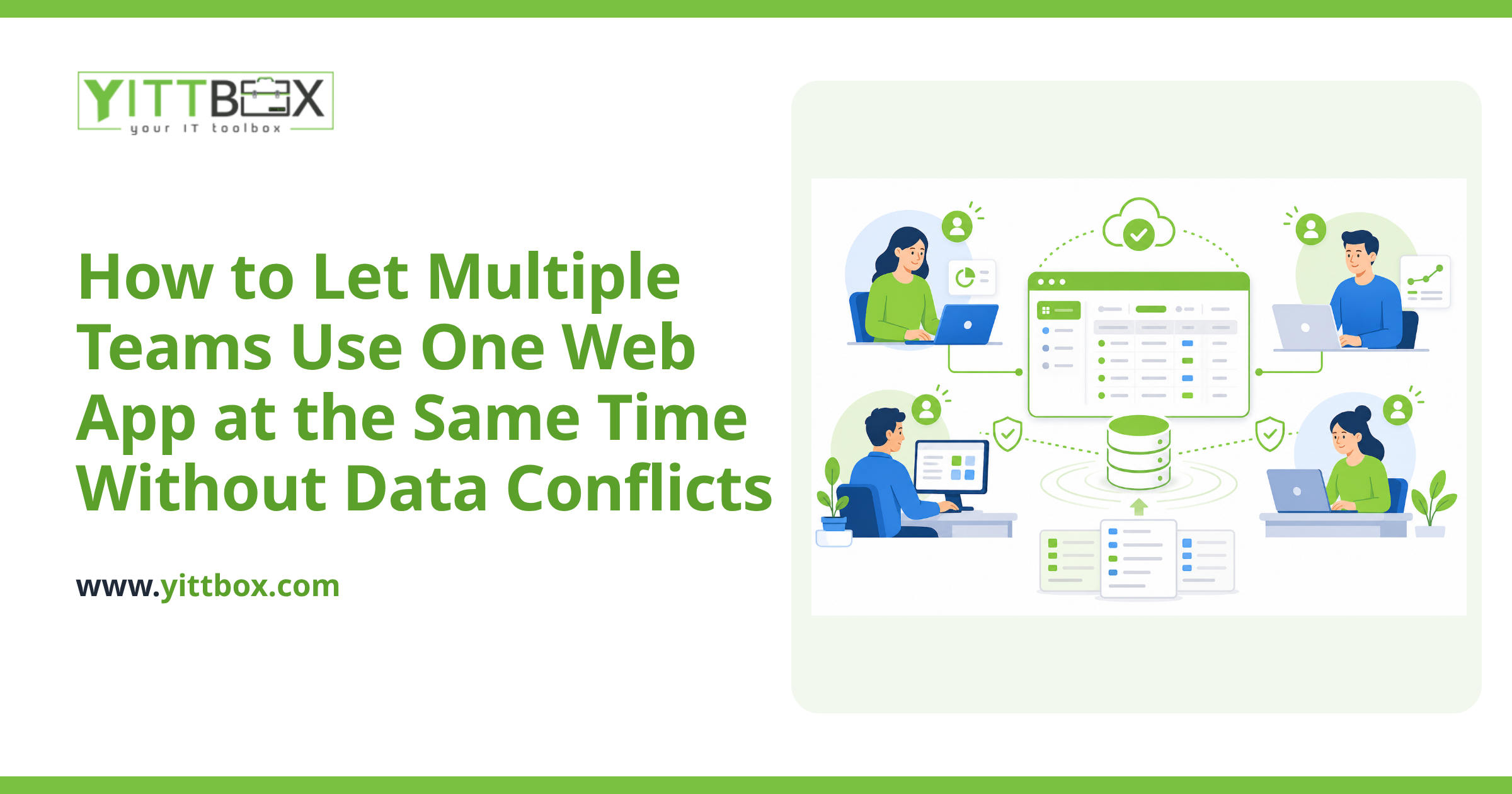
How does a web app stop two people from overwriting each other?
It manages who is doing what, behind the scenes, so your team doesn't have to think about it. There are a few proven approaches, and a good build uses the right one for each situation:
- Record-level saving. Instead of everyone editing one giant file, each person edits a single record — one customer, one invoice, one job. Two people working on different records never collide.
- Optimistic locking. If two people open the same record and both try to save, the app notices the record changed since it was loaded and warns the second person rather than silently wiping the first person's work.
- Field-level updates. The app saves only the specific field someone changed, not the whole record, so simultaneous edits to different parts of the same record can both succeed.
- Real-time refresh. Well-built apps update the screen live, so your team sees each other's changes as they happen instead of working from stale information.
You don't need to understand the mechanics — that's our job. What matters is the result: nobody loses work, and nobody has to email around asking "who has the file open?"
Isn't this overkill for a small team?
Not usually. The tipping point isn't the size of your team — it's how often two people need the same information at the same time. If you've ever had a double-booked appointment, a stock count that didn't match reality, or an order that got processed twice, you've already outgrown the spreadsheet.
A custom web app also grows with you. Adding a new user is instant, everyone works from the same live data, and you get a clear record of who changed what and when. If you're weighing whether it's worth the move, our guide to moving off spreadsheets and Access databases walks through the signs it's time.
Can we move our existing spreadsheet or Access data into an app?
Yes, and this is one of the most common things we do. Your history matters, so a proper migration brings your existing customers, products, and records across intact rather than making you start from scratch.
The typical path looks like this:
- We review your current spreadsheets or Access database to understand how your data actually connects.
- We map out the rules that protect it — what must be unique, what can't be left blank, who's allowed to edit what.
- We import your existing data cleanly and check it against your records.
- Your team starts working in the app, with the old files kept as a safety net until everyone's comfortable.
If you're running an aging Access database, our database modernization overview covers what that transition involves and what to expect.
How do I control who can see and change what?
Through user permissions built into the app. Instead of one file that everyone can accidentally scramble, each person logs in and sees only what their role allows. For example:
- Sales staff can create and edit their own orders but not touch pricing rules.
- Warehouse staff can update stock levels but not view customer payment details.
- You, as the owner, can see everything and adjust who has access at any time.
This keeps your data safe from honest mistakes as much as from anything else — and it means a growing team doesn't mean growing chaos.
What does it cost, and how long does it take?
It depends entirely on how much data you have and how your team works, so we won't pretend there's a one-size number. What we can tell you is that most businesses are surprised it's more affordable than they expected, especially measured against the hours currently lost to duplicated work and untangling spreadsheet mix-ups.
The honest way to find out is a look at your actual situation. You can request a free, no-pressure review and we'll give you a plain-English assessment of what a shared, conflict-free app would take for your business.
Where should I start?
Start by writing down the moments your current setup causes friction — the lost changes, the double entries, the "which file is right" conversations. Those pain points are the blueprint for what your app needs to fix.
When you're ready, we'll take a look with you. There are no pushy sales calls and no obligation — just a clear, honest conversation about whether a custom web app makes sense for you. You can book your free review here whenever it suits you.
Comments
Be the first to comment on this post.