Your crew is standing in a basement, a warehouse aisle, or a field site with no signal — and the web app they need to log a job or check an order just spins. So they scribble notes on paper, promise to enter it later, and half of it never makes it in. If your team works anywhere the internet gets patchy, an app that only works online isn't good enough. The good news: a web app can keep working offline and quietly catch up the moment a connection comes back. Here's how it works, in plain English.
Can a web app really work without an internet connection?
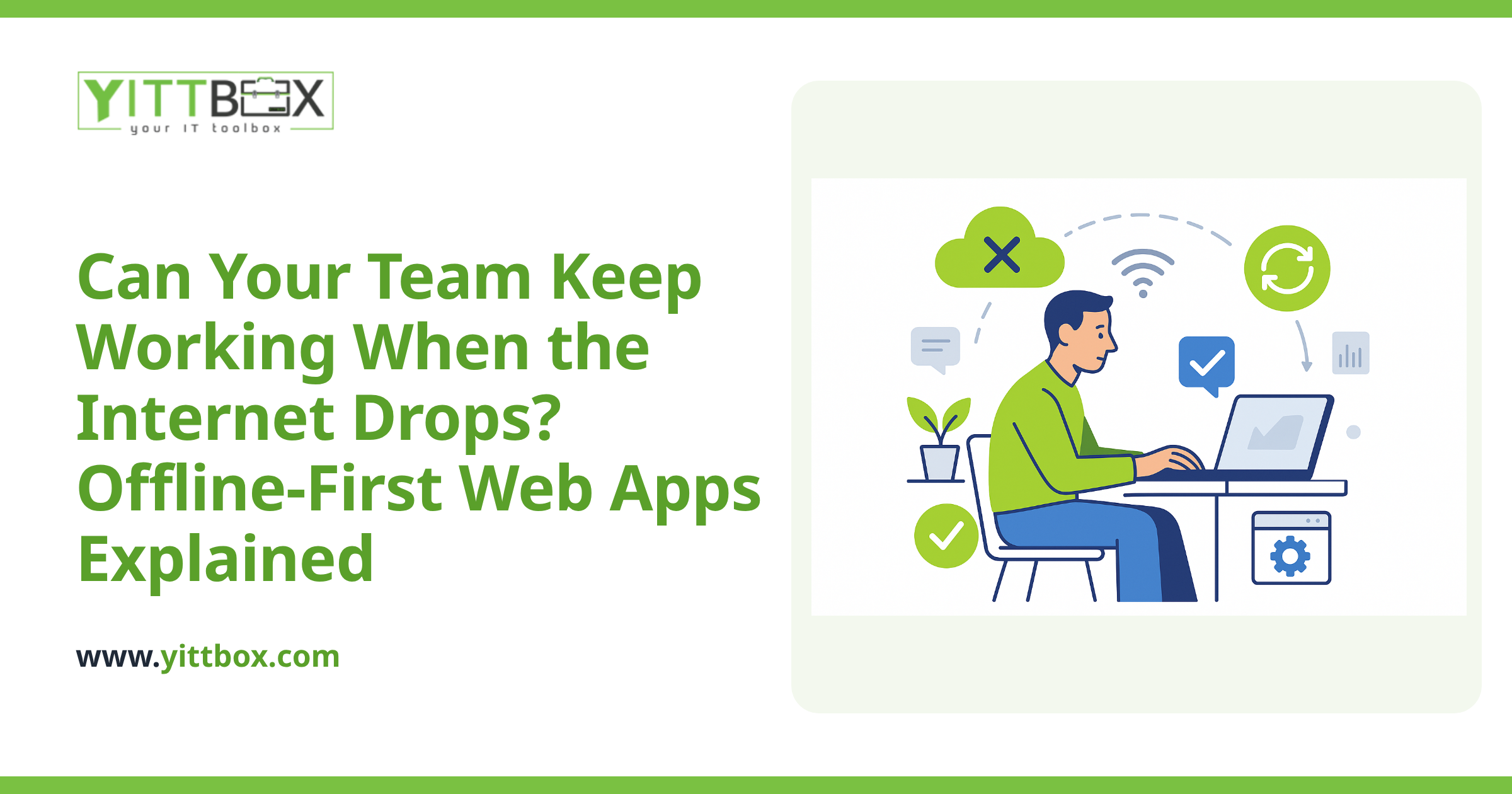
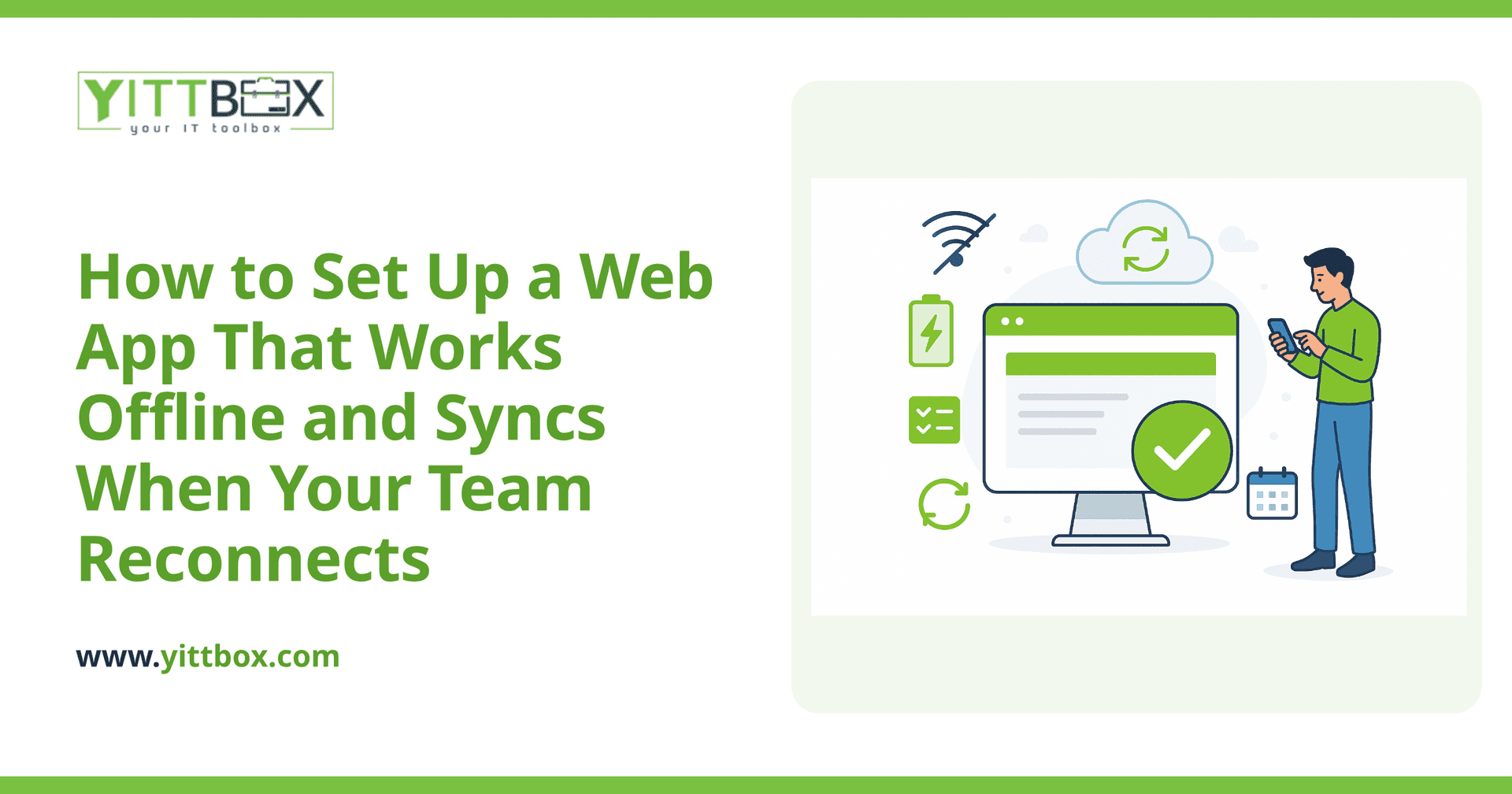
Yes. A modern web app can store data directly on the phone, tablet, or laptop it's running on, so your team keeps working even with no signal at all. When they fill out a form, scan an item, or update a record, that information is saved locally on the device first. Nothing is lost while they're offline. The moment the device reconnects, the app sends everything it collected up to your central system automatically.
To the person using it, there's often no visible difference between working online and offline. They just keep going.
What does "syncing" actually mean, and how does it work?
Syncing is the process of matching up what's on each device with what's on your central system, so everyone ends up with the same, current information.
Here's the everyday version of what happens behind the scenes:
- While offline: the app saves each change locally and marks it as "not yet sent."
- When a connection returns: the app uploads those changes and pulls down any updates other people made.
- Afterward: every device shows the same up-to-date picture.
A well-built app does this in the background without anyone pressing a "sync now" button, though it's good practice to also show a clear status — like "3 items waiting to upload" — so your team always knows where things stand.
What happens if two people change the same thing at once?
This is the part that trips up a lot of offline apps, and it's worth planning for up front. If two people edit the same record while offline, the app has to decide what to do when they both reconnect. This is called a conflict.
There are a few sensible ways to handle it, and the right one depends on your work:
- Last change wins: simple, but can quietly overwrite someone's work.
- Keep both and flag it: the app holds onto both versions and asks a person to decide.
- Split the data so conflicts can't happen: for example, each technician only edits their own jobs.
Honestly, the cleanest fix is usually good design — structuring the app so two people rarely need to touch the exact same record at the same time. That's a conversation worth having before a single line of code is written.
Do my staff need to install anything?
Usually not. A web app built to work offline can run right in the browser and be "installed" to the home screen with a tap — no app store, no download approvals, no waiting on updates to roll out. When you make an improvement, everyone gets it the next time they connect. That keeps things simple for your team and avoids the headache of managing installs across a fleet of devices.
Is offline capability worth the extra cost?
It depends entirely on where your work happens. Offline support does add some complexity, so it's not something to bolt on for its own sake. Ask yourself:
- Does my team regularly work where signal is weak or nonexistent?
- Are people currently writing things on paper and entering them later?
- Would lost or delayed data cause real problems — missed billing, wrong inventory, unhappy customers?
If you're nodding along, offline-first is probably worth it. If your team is always at desks on reliable Wi-Fi, you can likely skip the added complexity and put that budget elsewhere. There's no shame in a simpler build — the goal is the app that fits your actual workday.
How do I move off spreadsheets without losing the data I already have?
Carefully, and in a way that keeps your business running the whole time. If your team is currently tracking work in spreadsheets or an aging database, the existing information can be brought into the new app so you're not starting from scratch. We walk through moving off spreadsheets and legacy systems as its own deliberate step, checking the data along the way so nothing quietly goes missing in the switch.
The offline and syncing setup then sits on top of that clean foundation, so your field team and your office are always working from the same source of truth.
Where should I start?
Start by mapping where your team loses connection and what they need to do in those moments. Once you can see that clearly, the technical choices get much easier — and much cheaper to get right the first time.
If you'd like a second opinion, we're happy to give you a free, no-pressure review of your situation. No sales calls, no jargon — just a plain-English look at whether an offline-capable app makes sense for how you actually work, and roughly what it would take. When you're ready, you can request a free estimate and we'll talk it through in language that makes sense. And if you already know you want to modernize an existing spreadsheet or database, that's a great place to begin.
Comments
Be the first to comment on this post.