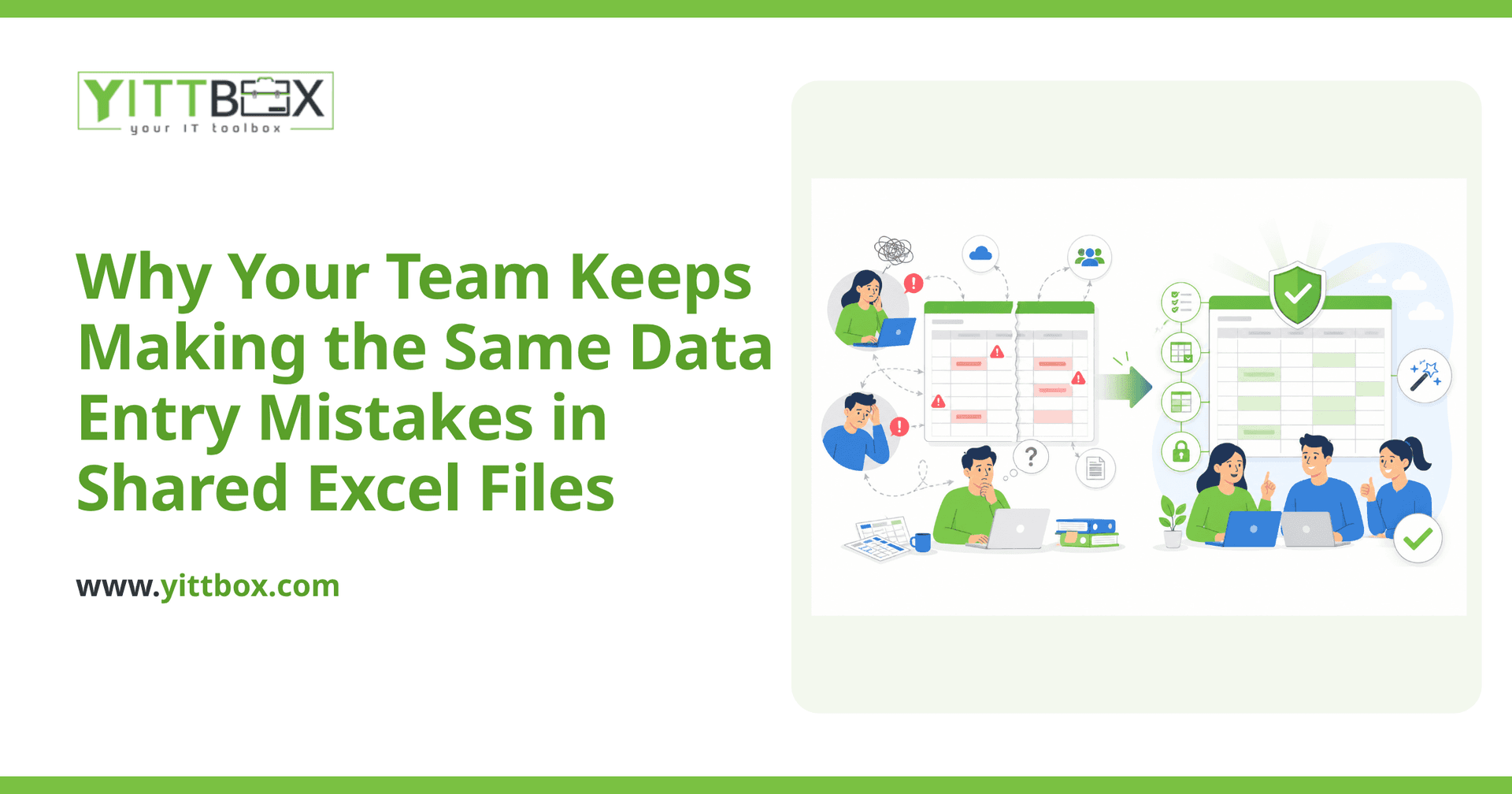
You've seen it happen more than once. A number gets typed into the wrong column. A customer's details get overwritten. Two people open the same file, both make changes, and one version quietly wipes out the other. You correct the mistake, remind everyone to be careful, and a week later it happens again.
If this feels familiar, the problem probably isn't your team. It's the tool. Shared spreadsheets were never designed to be the backbone of a growing business, and the mistakes you keep seeing are the predictable result of asking Excel to do a job it can't do well. Here are the questions we hear most from business owners in exactly this spot.
Why do the same data entry errors keep happening no matter how careful we are?
Because a blank cell will accept almost anything you type into it. A spreadsheet doesn't know that a phone number shouldn't contain letters, that an invoice date can't be in the future, or that a customer ID should never appear twice. It has no rules, so nothing stops a simple slip from becoming saved data.
When there are no guardrails, mistakes aren't a sign of carelessness — they're inevitable. The most common culprits are:
- No validation: nothing checks that the data makes sense before it's saved.
- Free-typing the same information: the same customer or product gets entered slightly differently every time.
- Copy-and-paste drift: a formula or row gets pasted over and quietly breaks.
- No record of who changed what: when something goes wrong, there's no way to trace it back.
Isn't this just a training problem?
Rarely. Training helps, but it can't fix a tool with no structure. Even your most reliable, detail-oriented people will make errors in a system that lets them. Human attention is limited, and it drops the moment someone is rushed, interrupted, or covering for a colleague.
A better approach is to build the rules into the system itself, so the right way to enter data is the only way. When the software won't accept a bad entry in the first place, you stop relying on everyone remembering every rule every time.
Why does our shared file keep overwriting people's work?
Because a spreadsheet was built for one person at a time. When several people open the same file — even a cloud-shared one — they're all editing the same flat grid of cells. There's no concept of "this record belongs to this person right now." So two people working at once can, and eventually will, save over each other.
A proper application handles this differently. Each customer, order, or job is a separate record that multiple people can work on safely at the same time, without one person's update erasing another's. That single change removes an entire category of the errors you're living with today.
What actually fixes this?
Moving the important data out of the spreadsheet and into a small, custom application built around how your business actually works. That sounds like a big leap, but it usually isn't — and it solves the root cause rather than the symptoms. A well-built system gives you:
- Validation on every field so bad data is caught as it's typed, not weeks later.
- Dropdowns and lookups so people select the right customer or product instead of retyping it.
- Safe multi-user access so your whole team can work at once without collisions.
- A history of changes so you can see what happened and undo it if needed.
- Reports that are always accurate because they're built from clean, structured data.
The goal isn't a bigger, more complicated system. It's a simpler day-to-day for the people doing the work. We walk through exactly what that would look like for your business in a free, no-pressure spreadsheet-to-application review.
Will we lose all the history that's already in our spreadsheets?
No. The information you've built up over the years is valuable, and it comes with you. A move like this includes bringing your existing records across into the new system, cleaned up along the way. You're not starting from a blank page — you're keeping everything you have, in a place where it's finally protected from the everyday mistakes that have been costing you.
How much does it cost to move off spreadsheets?
It depends on how much you're tracking and how your team works, which is why we don't quote a one-size-fits-all figure. What we can tell you is that most projects start smaller than owners expect, because you don't have to replace everything at once. We often begin with the single spreadsheet causing the most pain and expand from there. If you'd like a plain-English idea of scope and cost, you can request a free estimate — no calls, no pressure.
Where should I start?
Start with the spreadsheet that keeps causing problems — the one people dread, the one that breaks, the one you can't fully trust. That's usually the clearest place to see the value of a purpose-built system.
If you'd like a second opinion, we offer a free review of your current setup. We'll look at how your data is entered and shared, point out where the errors are creeping in, and give you an honest recommendation in plain English — whether that's a small fix or a full move off spreadsheets. No sales calls, no pressure, and no obligation to go any further.
Comments
Be the first to comment on this post.