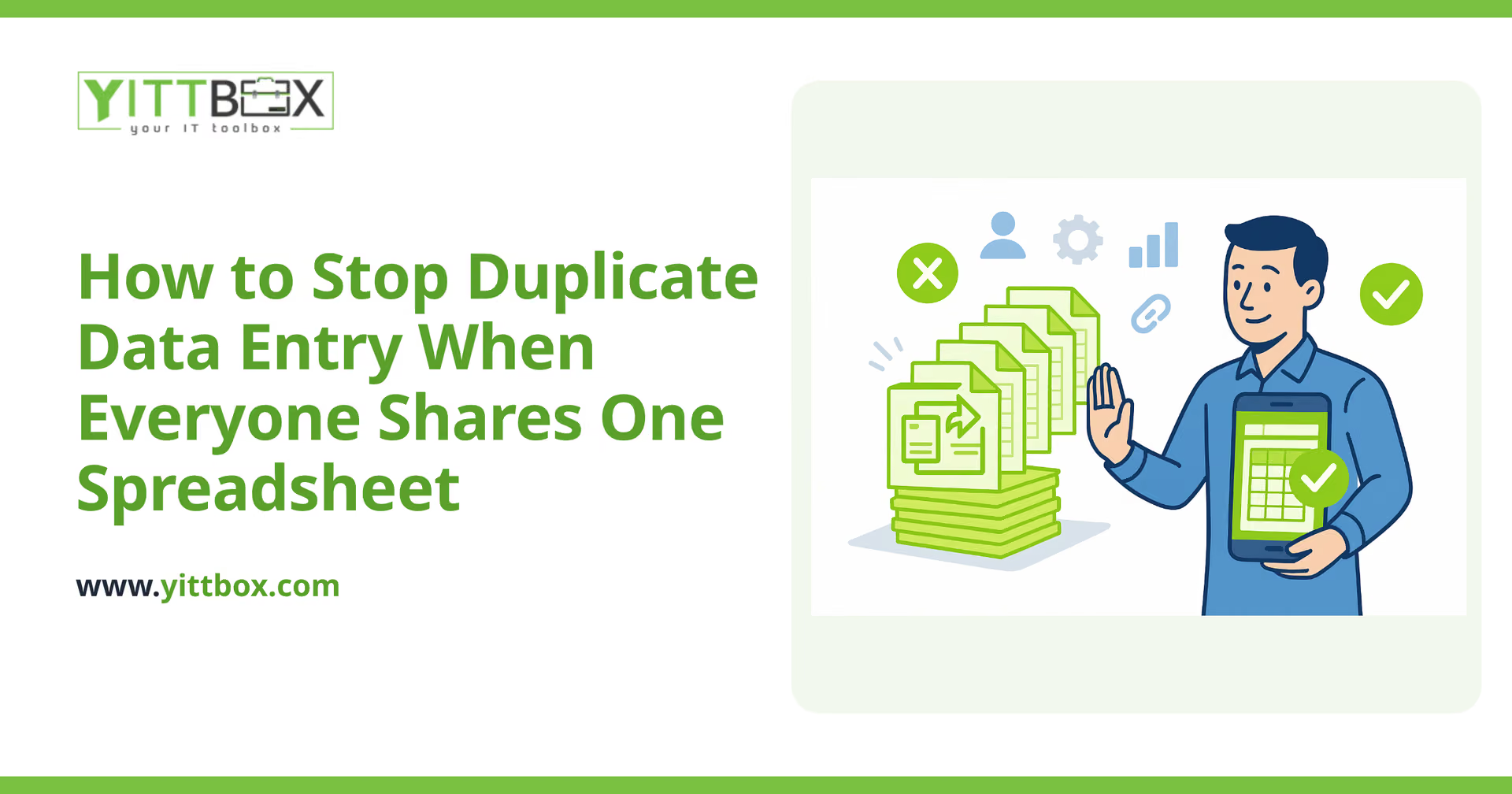
You know the moment. Two people open the same spreadsheet, both add the same customer, and now you have "Acme Ltd" on row 14 and "ACME Limited" on row 89. One has a phone number, the other has an email, and neither is complete. Multiply that across hundreds of rows and a handful of staff, and you're spending more time fixing the data than using it.
Duplicate data entry isn't a sign your team is careless. It's a sign the tool was never built to be shared by several people at once. Here's why it happens and what you can actually do about it.
Why do duplicates keep appearing in our shared spreadsheet?
Because a spreadsheet has no way of knowing that two entries are the same thing. It treats every row as brand new, so it can't stop someone typing a record that already exists a few hundred rows up.
The usual culprits are:
- No single "source of truth." People keep their own copies, then paste them back in later.
- Slightly different spellings. "St" vs "Street," extra spaces, or a typo in a name means the file can't tell they match.
- Everyone entering data at once. Two people add the same order before either has saved, and the spreadsheet happily keeps both.
- No required fields. Half-finished rows get created, then re-created properly later.
Can't I just use built-in spreadsheet features to prevent this?
You can reduce duplicates, and it's worth doing, but you can't truly prevent them. A spreadsheet gives you a few helpful guardrails:
- Data validation to limit a column to certain values (a dropdown instead of free typing).
- Conditional formatting to highlight cells that already appear elsewhere in a column.
- A "remove duplicates" tool to clean up after the fact.
The catch is that all of these are reactive or partial. They flag or clean up duplicates that already exist; they don't stop someone creating one in the first place, and they can't check across separate copies of the file. For a solo user that's often fine. For a shared file used by several people daily, you'll always be a step behind.
What actually prevents duplicate entry for good?
The reliable fix is a system that checks for a match before it saves a new record, using a unique identifier that a spreadsheet doesn't have.
In practice that means moving your data out of a shared file and into a small custom web application, where:
- Each record has a unique key (like a customer ID) so the system knows what's already there.
- The app checks as you type and warns you "this customer already exists" before a duplicate is ever created.
- Everyone works from one shared database, not their own copies, so there's nothing to merge later.
- Required fields are enforced, so you never get half-finished rows that get re-entered.
None of this requires ripping out how your team works today. A good conversion keeps the familiar layout and the way you already think about your data, and simply adds the rules a spreadsheet can't. If you're curious what that migration looks like, our spreadsheet-to-web-app conversion page walks through it in plain English.
Won't moving off spreadsheets be a huge, disruptive project?
It doesn't have to be. The scale of the work depends on how much data you have and how many people use it, not on some giant all-or-nothing rebuild.
Most businesses start with the one file causing the most pain, the shared customer list, the order tracker, the job scheduler, and convert just that. You keep everything else running as-is while the biggest headache gets solved first. Because the new app mirrors your existing process, the learning curve for staff is usually small.
The honest answer on timing and cost is that it varies, which is exactly why we offer a free, no-pressure estimate. We look at your actual file, tell you plainly what's involved, and you decide from there. No sales calls chasing you afterwards.
How do I know if it's time to move on from the shared spreadsheet?
A few clear signals that a spreadsheet has outgrown its job:
- You regularly clean up duplicate or conflicting records.
- People email versions back and forth because they can't safely edit at the same time.
- You're nervous about who might accidentally delete or overwrite something.
- You've started keeping a "master copy" that only one person is trusted to update.
- Finding a specific record takes scrolling, filtering, and a bit of luck.
If two or three of those sound familiar, the spreadsheet isn't failing because you chose it badly, it did its job well until your business grew past it.
A simple next step
You can start today with dropdowns, validation, and a duplicate check on your key columns, that alone will cut down the mess. When you're ready for a permanent fix, we're happy to take a look at your setup and give you a straight, jargon-free view of your options.
There's no obligation and no pushy follow-up: just a free review of where you are and a clear estimate if you want one. You stay in control of what happens next.
Comments
Be the first to comment on this post.