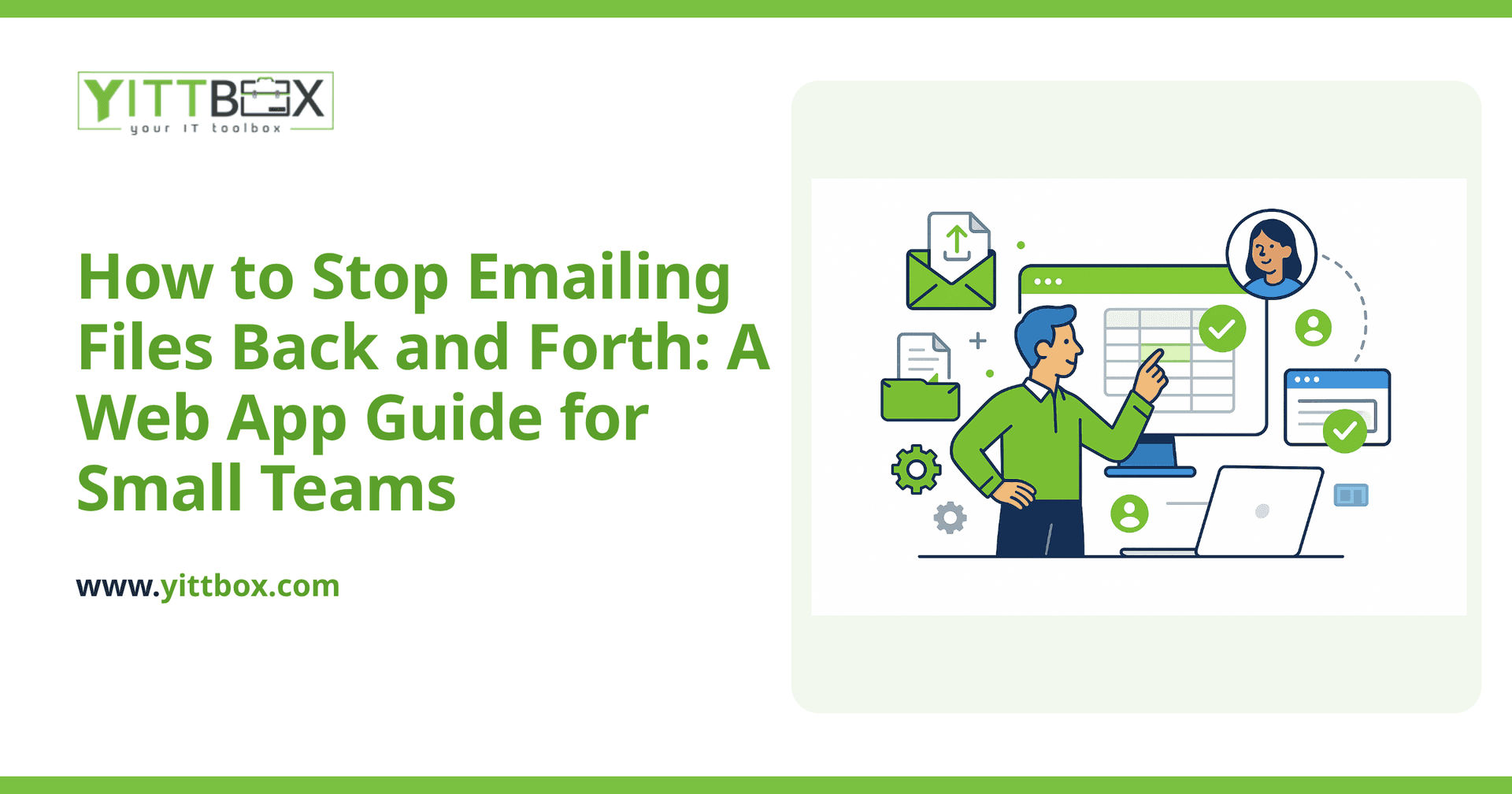
You know the drill. Someone emails a spreadsheet to three people. Two of them edit it at the same time. Now there are four versions floating around, nobody knows which one is current, and an hour later you're piecing together the "real" numbers by hand. If your team runs on attachments, you're not disorganized — you've just outgrown email as a filing system.
The good news is that a simple custom web app can fix this without a huge budget or a painful migration. Here are the questions small-business owners ask us most often, answered plainly.
Why do files get out of sync when we email them around?
Because email sends copies, not the original. The moment you attach a file, you've created a duplicate that lives independently of every other copy. Each person edits their own version, and there's no single source of truth. A web app flips that around: everyone works from one shared version stored in one place, so there's nothing to reconcile later.
What exactly is a "web app" and how is it different from a spreadsheet?
A web app is a private, password-protected website your team logs into to do their work — entering records, updating statuses, running reports. Instead of opening a file, everyone opens the same page in their browser.
Compared to a shared spreadsheet, a web app gives you:
- One live copy — no more "final_v3_USE_THIS.xlsx."
- Access from anywhere — office, home, or phone, with nothing to install.
- Guardrails — fields that only accept valid data, so you don't get typos where a date or dollar amount should be.
- Permissions — people see and edit only what their role needs.
- A history — you can see who changed what and when.
Do I have to throw away the spreadsheets we already use?
No. In most cases we start from your existing spreadsheets, because they already contain your data and quietly document how your business actually works. The columns you use, the formulas you've built, the little rules in your head — that's the blueprint. We move that information into a proper web app so nothing is lost. If you're curious how that process works, we walk through it on our spreadsheet conversion page.
How do I decide what to build first?
Start with the single process that causes the most email traffic and the most confusion. You don't need to replace everything at once. Look for the workflow where you feel the pain daily:
- The tracker everyone updates but nobody trusts.
- The form people fill in and email to one person who re-types it.
- The report you rebuild by hand every week from other people's files.
Pick one, get it working, and let your team feel the relief before expanding. A focused first version is cheaper, faster to launch, and easier to learn.
Will my team actually use it, or fight the change?
People adopt tools that make their day easier, and they resist tools that feel like extra work. The difference is usually design. A web app built around how your team already works — using their words, their steps, their order of operations — feels like an upgrade, not a chore.
A few things that help adoption:
- Keep the first version simple. Add features once the basics stick.
- Match the screens to the real task, not to some generic template.
- Make the payoff obvious: no more hunting for the right file, no more re-typing.
How much does something like this cost?
It depends on how many steps the process has and how many people use it, so there's no honest one-size answer. A single-purpose tracker is a modest project; a system that ties several workflows together costs more. What we can promise is a clear, plain-English estimate before any work begins — no vague ranges, no surprises. You can start that conversation on our estimate page whenever you're ready.
What does the process look like from my side?
Straightforward, and light on your time:
- We start with a free, no-pressure review of how your team works today and where the friction is.
- We map the process and show you a plan in plain language — no jargon, no pushy sales calls.
- We build the first version, you try it, and we adjust based on what you actually need.
- You go live, and we stay reachable if you want to grow it later.
What's the first step if I think we've outgrown email and spreadsheets?
Just have a look at what you're doing now. If you have one process where files fly around by email and version confusion is a weekly headache, that's your signal. You don't need a big decision or a big budget to explore it — you need someone to look at your situation and tell you honestly whether a web app would help.
That's exactly what our free review is for. We'll listen to how your team works, point out what could be simpler, and give you a clear picture of your options. No pressure, no sales pitch — just a plain answer. When you're ready to see how your current spreadsheets could become something better, our conversion overview is a good next read.
Comments
Be the first to comment on this post.