You built a spreadsheet years ago. It worked. Then you added a formula, then another, then a tab that pulls from three other tabs, and now one wrong click breaks a calculation nobody fully understands anymore. If your business runs on numbers — quotes, commissions, inventory, pricing, project margins — there comes a point where Excel formulas stop helping and start holding you back.
The good news: everything your spreadsheet calculates can live inside a proper web app, where the math is reliable, protected, and available to your whole team. Here's how that actually works, in plain English.
Why do my Excel formulas keep breaking as the business grows?
Because spreadsheets weren't designed for many people, large amounts of data, or complex logic — and small problems compound fast. A few common breaking points:
- Anyone can overwrite a formula by typing over a cell, and you often won't notice until a number looks wrong.
- Copied rows drift out of sync when a formula doesn't get dragged down correctly.
- Big files slow to a crawl once you're managing thousands of rows.
- Only one person can safely edit at a time, so version chaos sets in fast.
None of this means you did anything wrong. It means you've outgrown the tool.
Can a web app really do the same calculations my spreadsheet does?
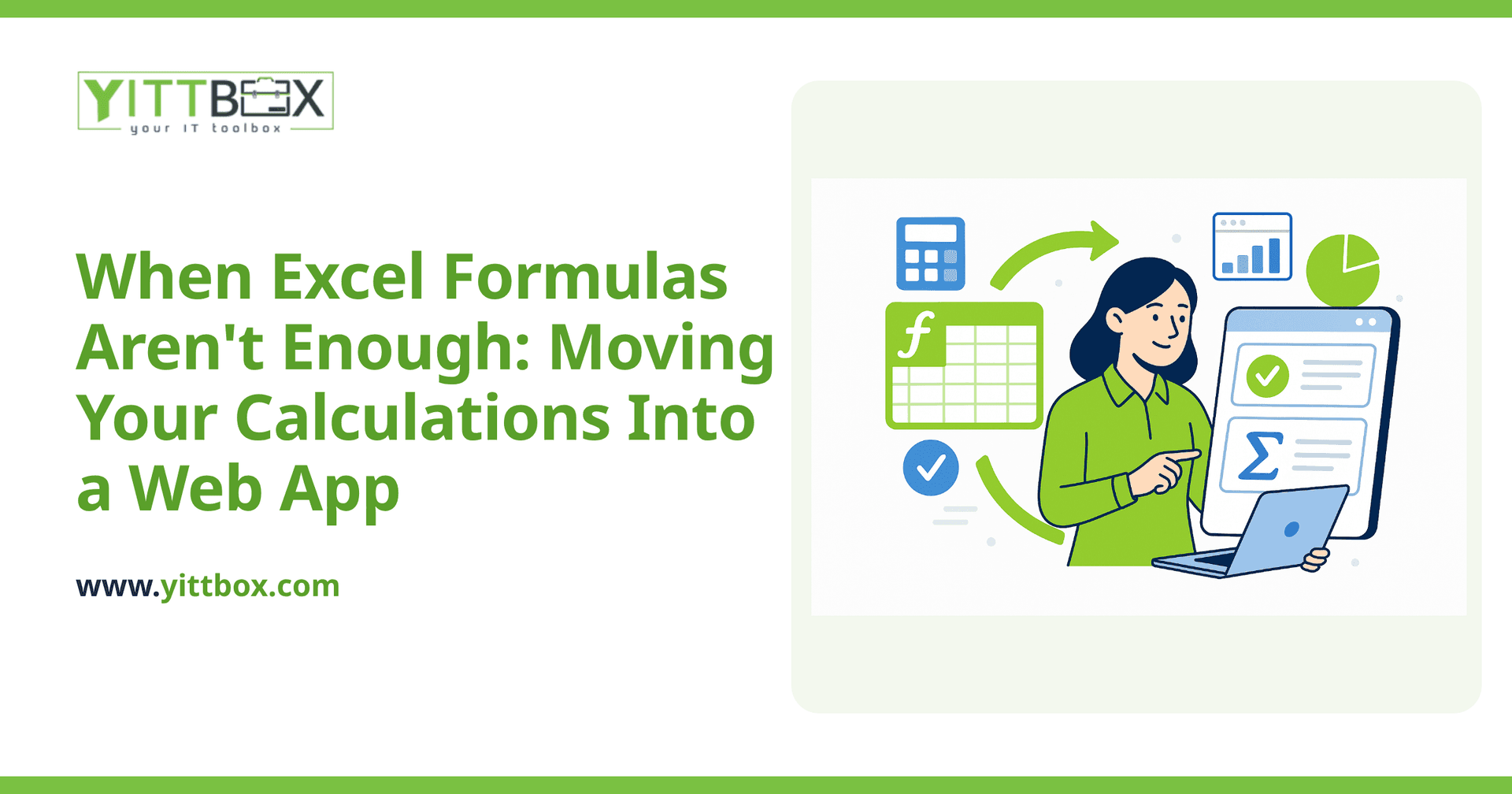
Yes — and usually far more. Anything you can express as a rule can be built into a web app as a calculated field: a value the app works out automatically based on other data. A calculated field can add up line items, apply tax, calculate a margin, flag when stock is low, or price a quote based on your own rules.
The difference is that the logic lives safely behind the scenes. Your team enters the inputs; the app produces the answer the same way every single time. Nobody can accidentally delete the formula because there's no exposed cell to break.
What kinds of calculations move well into a web app?
Most business math is a great fit. A few examples we see often:
- Quotes and estimates — pricing that adjusts by quantity, options, discounts, or customer type.
- Commissions and payroll — tiered rates, bonuses, and split calculations that are painful to maintain in a sheet.
- Inventory and reorder points — automatic alerts when a count drops below a threshold.
- Job costing and margins — live profit figures as costs are entered against a project.
- Conditional logic — "if this, then that" rules that would need a tangle of nested IF statements in Excel.
If you can describe the rule out loud, it can almost always be built. Not sure whether your calculations qualify? A quick spreadsheet-to-app conversion review will tell you plainly.
What can a web app calculate that Excel simply can't?
Once your calculations live in a real application, they can do things a spreadsheet never could:
- React in real time — a total updates for everyone the moment someone changes a figure.
- Pull from live data — pricing that reflects current stock, current rates, or the customer's history.
- Enforce your rules — the app can require a field, reject an impossible value, or prevent a discount above a set limit.
- Keep a record — you can see who changed what and when, which spreadsheets rarely do well.
- Show the right numbers to the right people — a salesperson sees the price; only a manager sees the margin.
Will I lose the flexibility of Excel?
This is the honest concern most owners raise, and it's fair. The trade-off is real: a web app is more structured, so you can't just type anything anywhere. But that structure is the point — it's what stops the calculations from breaking.
A well-built app keeps the flexibility that actually matters. You can still export to Excel when you need to, still adjust rates and rules as your business changes, and still add new calculations later. What you give up is the fragility, not the freedom.
What does it take to move my formulas into an app?
Less than most people expect. The first step is simply understanding your current spreadsheet — the inputs, the outputs, and the rules connecting them. From there, those rules get rebuilt as calculated fields inside an app your team can actually use.
A sensible path usually looks like this:
- We look at your existing spreadsheet and how you use it day to day.
- We map out the calculations and the rules behind them, in plain language.
- We build the calculations into an app, test them against your real numbers, and confirm they match.
- Your team starts using it — with clear, jargon-free explanations at every step.
Throughout, we talk in plain English, not technical jargon, so you always know what's being built and why.
Where should I start?
If your spreadsheet is doing more heavy lifting than it was ever meant to, the best first move is just to talk it through. We offer a free, no-pressure review of your current setup — no pushy sales calls, no obligation. We'll tell you honestly whether an app makes sense for you, and what it would take.
When you're ready, you can get a straightforward estimate or start a spreadsheet conversion. Either way, you'll get clear answers and a plain picture of your options — that's it.
Comments
Be the first to comment on this post.