If your business runs on spreadsheets, you already know the pain: one file for sales, another for inventory, a third someone keeps on their own laptop, and a fourth that only one person truly understands. When you need a single, honest picture of how things are going, you end up copying, pasting, and hoping nobody fat-fingered a number along the way. It works, until it doesn't.
The good news is that you don't have to throw out everything you've built. A custom web app can pull data from all those separate spreadsheets and show it in one dashboard that everyone can trust. Here's how it actually works, in plain English.
Why can't I just keep using spreadsheets?
You can, and for a while you probably should. Spreadsheets are cheap, flexible, and familiar. The trouble starts when several people edit several files at once. You get version confusion (which file is current?), broken formulas, and no single source of truth. A dashboard fixes that by reading from your data instead of asking everyone to update the same fragile file by hand.
A few signs you've outgrown spreadsheets:
- You spend hours each week combining files just to see where things stand.
- Two people give you two different numbers for the same question.
- Only one person knows how the master spreadsheet works.
- You're afraid to change anything in case a formula breaks.
What does a consolidated dashboard actually do?
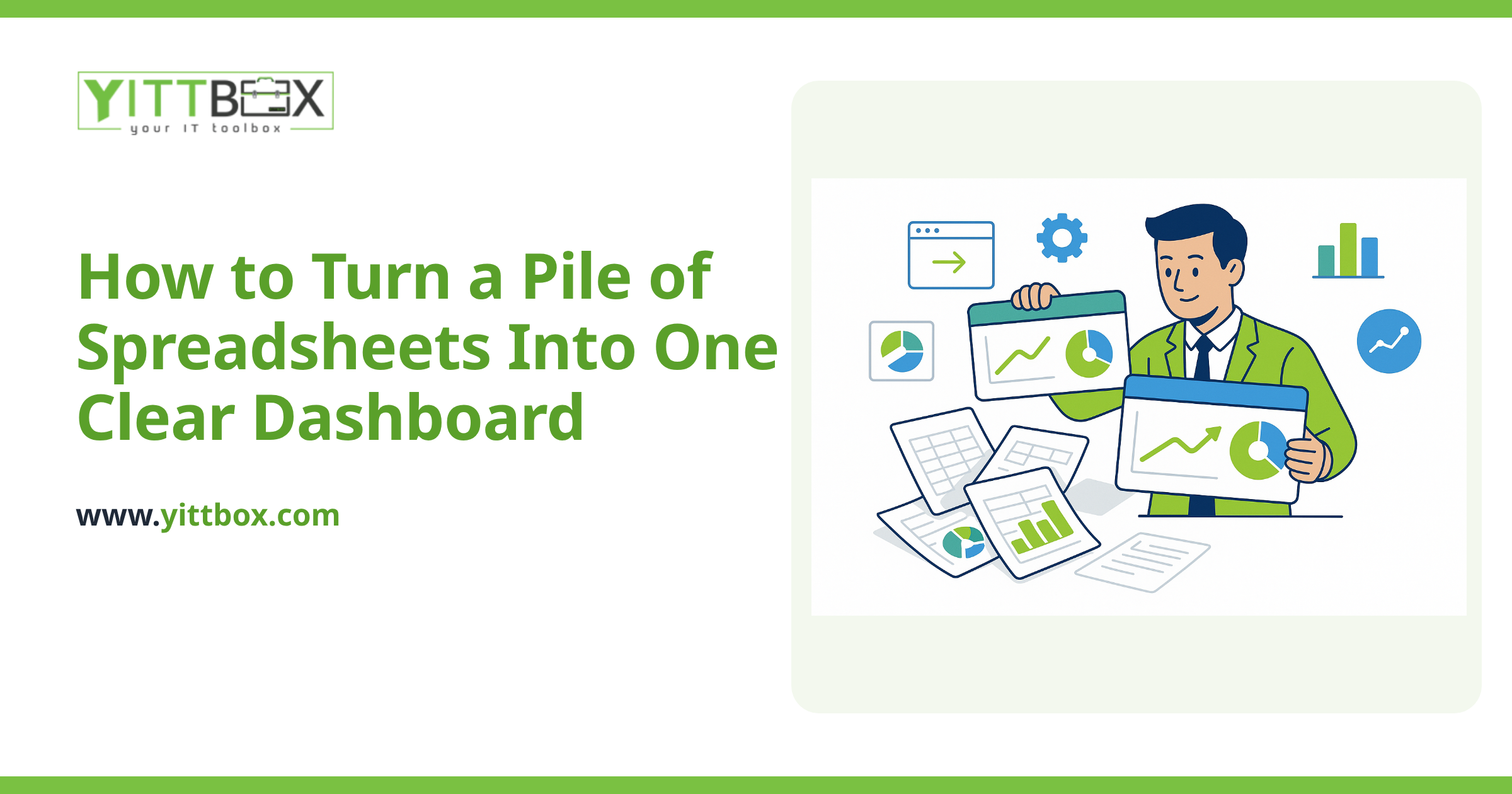
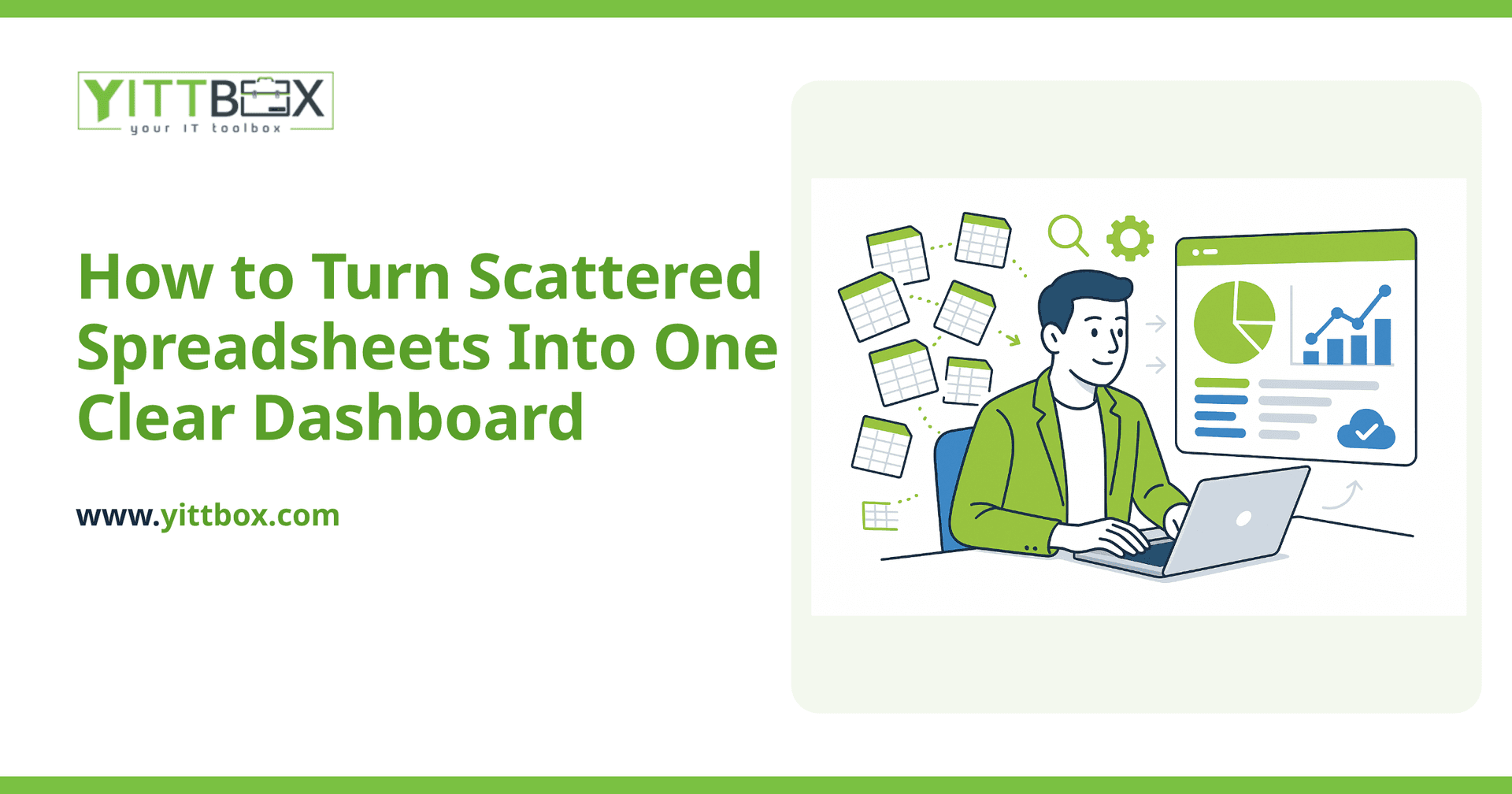
A dashboard is a single web page that gathers numbers from all your sources and displays them in one place, updated automatically. Instead of opening five files, you open one link and see totals, trends, and warnings at a glance.
A well-built dashboard typically gives you:
- Key totals up top — revenue, orders, stock levels, whatever matters most to you.
- Charts and trends so you can spot direction, not just today's figure.
- Filters to drill into a date range, a product, or a customer.
- Live data that refreshes without anyone copying and pasting.
How do you get the data out of my existing spreadsheets?
There are two common paths, and the right one depends on how you want to work going forward.
Option one: keep the spreadsheets, read from them. If your team is comfortable in spreadsheets and doesn't want to change habits, the app can connect to those files (for example, shared cloud spreadsheets) and pull the numbers into the dashboard on a schedule. You keep entering data the way you always have; the dashboard just does the combining for you.
Option two: move the data into a proper database. This is the sturdier long-term answer. The information that lived in your spreadsheets gets moved into a database behind the app, and your team enters data through simple web forms instead of raw cells. You lose the fragility of formulas and gain permission controls, validation, and history. If that sounds like the direction you want to go, our spreadsheet-to-web-app conversion is built exactly for this.
Plenty of businesses start with option one and grow into option two as they get busier. There's no wrong order.
How much data cleanup will I need to do first?
Usually some, and it's worth being honest about that. Spreadsheets built over years tend to have inconsistencies: dates typed three different ways, the same customer spelled two ways, blank cells that break calculations. Before a dashboard can report reliably, those gaps need tidying up.
This isn't a reason to delay. It's simply part of the work, and a good partner will map out exactly what needs cleaning before anything is built, so there are no surprises. Often the cleanup itself reveals errors you'd been quietly living with.
How long does it take and what does it cost?
It depends on how many sources you're combining and how messy the data is. A single dashboard reading from a handful of clean spreadsheets is a modest project. A full conversion with data entry forms, user logins, and reporting takes longer because you're getting a great deal more.
Rather than guess, we give you a clear, plain-English estimate based on your actual files and what you want to see. No jargon, no padded scope, and no obligation to go ahead.
Will I be locked into something I don't understand?
You shouldn't be, and that's a fair thing to worry about. The whole point of moving off tangled spreadsheets is to gain clarity, not swap one black box for another. Throughout a project we explain what we're building and why, in language that makes sense to a business owner rather than a programmer. You'll always know what your app does and how to get help with it.
What's the easiest first step?
Start by listing the spreadsheets you rely on and the top handful of questions you wish you could answer instantly. That short list is usually all it takes to see what a dashboard should show.
When you're ready, we offer a free, no-pressure review of your current setup. We'll look at your spreadsheets, tell you honestly whether a dashboard or a full conversion makes more sense, and outline what it would involve. There are no pushy sales calls — just a straight answer you can act on whenever the timing suits you. Take a look at how a spreadsheet conversion could work for your business, or request an estimate when you'd like real numbers.
Comments
Be the first to comment on this post.