You've spent years building up your spreadsheets and Access databases. Every customer record, every order history, every hard-won bit of information lives in those files. So when someone suggests moving to a proper custom application, the very first question that comes to mind is usually the same one: what happens to all my data?
It's a fair worry. That data is the memory of your business, and the idea of it getting lost, scrambled, or half-imported is genuinely stressful. The good news: with a careful migration, your data comes across intact — and usually comes out cleaner and more useful than it went in. Here are the honest answers to the questions we hear most.
Will I lose any of my data during the conversion?
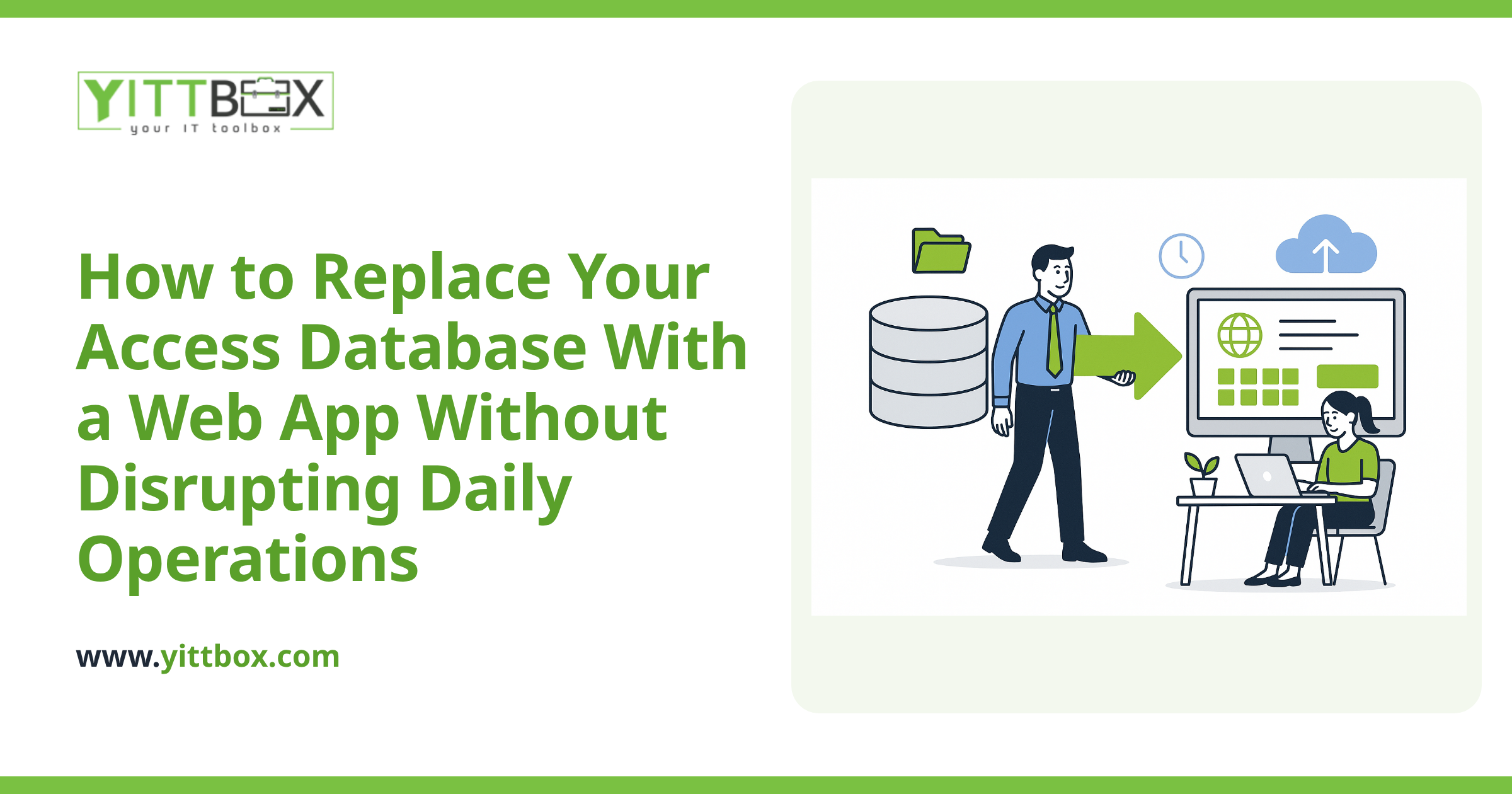
No — not when it's done properly. A good migration never touches your original files. We work from copies, leaving your live Access database or Excel workbooks exactly where they are so you can keep working while the new system is being built.
The process usually looks like this:
- We take a copy of your existing files so the originals are never at risk.
- We map every field — matching each column and record to where it belongs in the new system.
- We import in stages and check the results against your originals.
- We run the numbers — counting records and spot-checking totals so nothing quietly goes missing.
Your old files stay put until you're confident the new system holds everything it should.
What about the messy, inconsistent data I know I have?
This is where a conversion actually helps you. Most spreadsheets and Access databases that have grown over years carry the same quirks: the same customer typed three different ways, dates in mixed formats, blank fields, and duplicate rows.
During migration we surface those issues rather than hide them. That means you get a chance to:
- Merge duplicate customers and records into one clean version.
- Standardize things like phone numbers, dates, and addresses.
- Decide what to keep, archive, or leave behind.
Nothing gets deleted without your say-so. We flag what we find in plain English and let you make the call. Plenty of business owners tell us the tidy-up alone was worth the move.
Can you keep my historical records, not just current data?
Yes. Years of past orders, old customer notes, completed jobs — it can all come across. History matters, and a new system shouldn't mean starting from a blank page.
That said, some businesses choose to keep only recent, active records in the day-to-day system and archive the rest separately so it's still available but not cluttering the screen. There's no single right answer — it depends on how you actually use the information. We'll talk through the options with you before anything is decided.
Will the new system look and work like my old spreadsheet?
It'll feel familiar where that helps and better where it counts. The point of converting isn't just to copy your spreadsheet into a fancier box — it's to fix the things that slow you down.
With a custom application instead of an Access file or a stack of workbooks, you typically get:
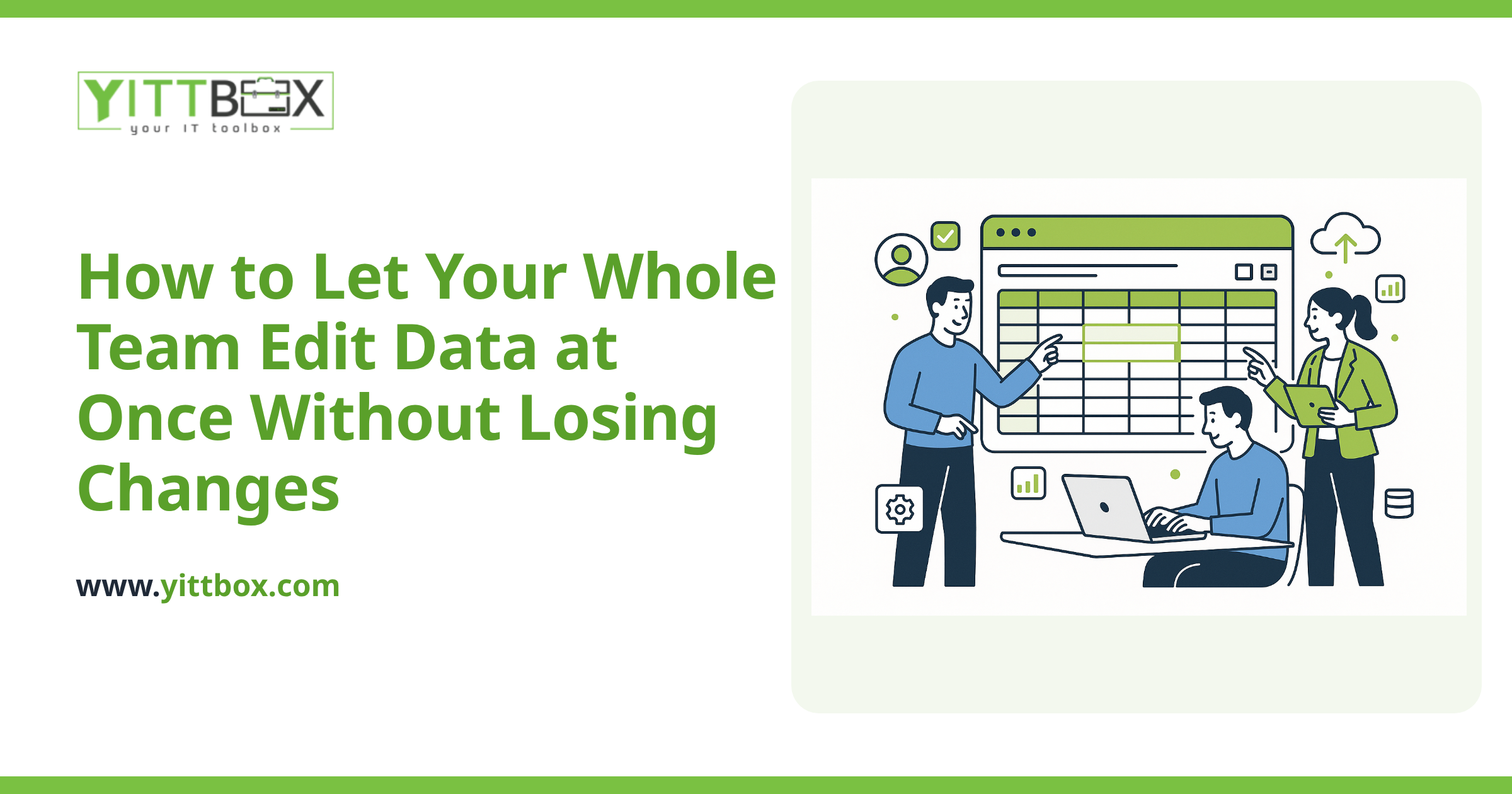
- Several people working at once without files locking up or overwriting each other.
- Fewer mistakes, because the system checks entries instead of trusting every keystroke.
- Access from anywhere, not just the one PC the file lives on.
- Reports in seconds instead of manual copy-paste gymnastics.
You can read more about how that process works on our Access and Excel conversion page.
How long will the conversion take, and will my business grind to a halt?
The timeline depends on how much data you have and how tangled it is — but your business keeps running the whole time. Because we work from copies, you carry on using your existing files right up until the new system is ready and you've signed off on the migrated data.
When it's time to switch over, we do a final import of any records added since the first copy, so nothing from the interim period is lost. The changeover is planned around you, not dropped on you.
How do I know the migrated data is actually correct?
You check it — and we make that easy. Before anything goes live, you get to see your data in the new system and compare it against what you know. We provide record counts and clear before-and-after comparisons so you're not taking anything on faith.
Throughout the project we keep the communication in plain English. No jargon, no vague status updates — just straight answers about where things stand.
Where should I start?
The honest first step is simply understanding what you've got. We offer a free, no-pressure review of your current spreadsheets and databases — no obligation, no pushy sales calls, just a clear picture of what a conversion would involve and whether it's even worth it for you.
If you'd like that, you can request a free review and estimate here, or learn more about the conversion process first. Either way, your data stays yours — and stays safe.
Comments
Be the first to comment on this post.