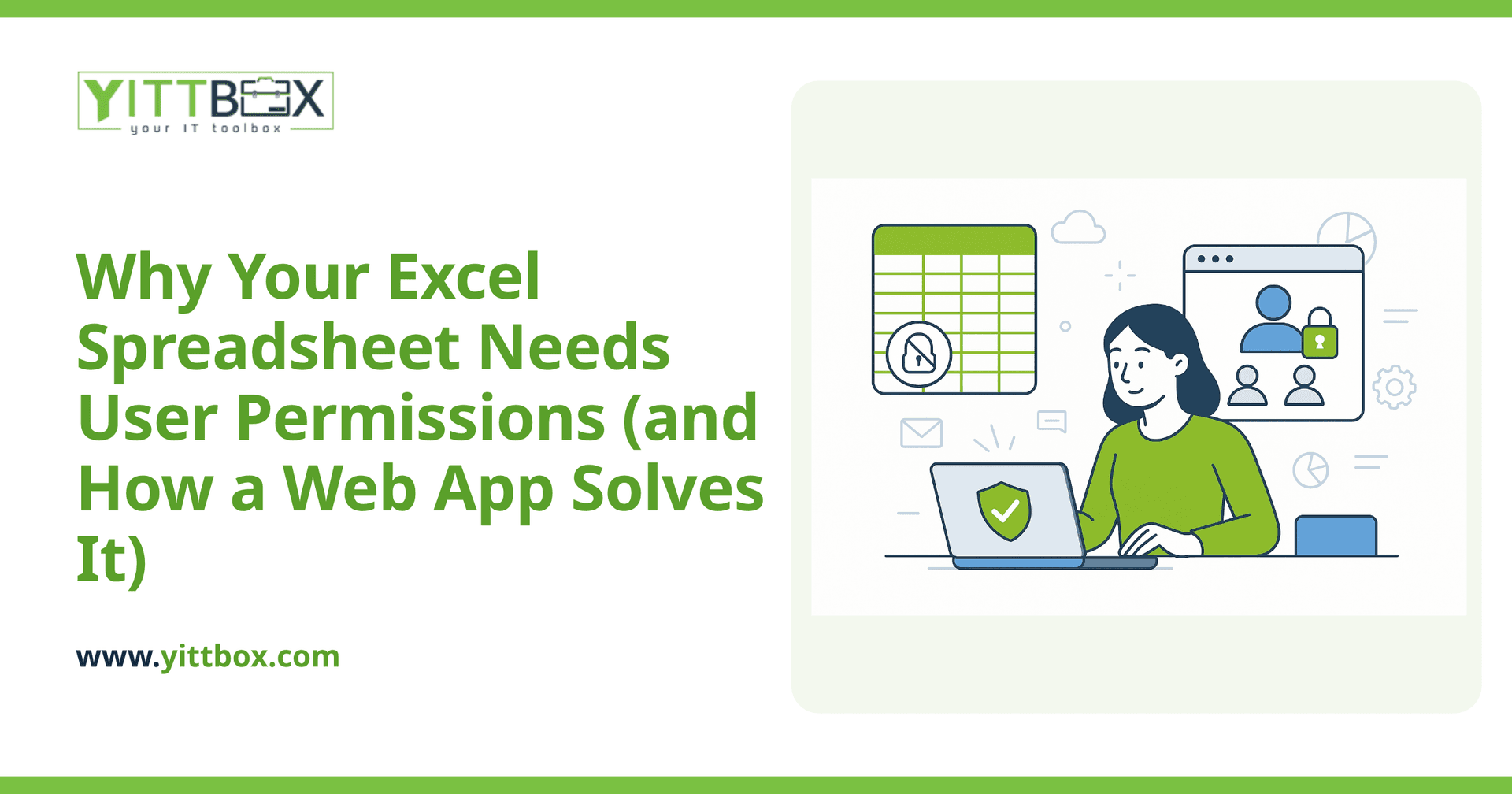
You started with one spreadsheet. Now three people edit it, someone accidentally deleted a column last month, and you have no idea who changed that customer's pricing. Sound familiar? Excel is brilliant for getting started, but the moment more than one person touches your data, you run into a problem it was never built to handle: controlling who can see and change what.
This post walks through why permissions matter, what usually goes wrong in a shared spreadsheet, and how moving to a simple web app fixes it without turning your business upside down.
Why do I need user permissions if my spreadsheet already works?
Because "works" and "safe" aren't the same thing. A shared spreadsheet gives everyone the same level of access, which means anyone can accidentally (or deliberately) change anything. Permissions let you decide who does what. Common reasons small businesses need them:
- Protect sensitive data — not everyone should see payroll, margins, or supplier costs.
- Prevent accidental edits — one wrong click can wipe out formulas or reorder rows for everyone.
- Match access to roles — a sales rep needs to add orders, not edit the price list.
- Keep an audit trail — knowing who changed what, and when, saves hours of guesswork.
Can't I just protect cells or password the sheet in Excel?
You can, and for very small teams it helps a little. But cell protection and sheet passwords are easy to work around, hard to manage as your team grows, and offer no real record of activity. The moment you have several people, different roles, or data you genuinely need to keep private, spreadsheet-level protection stops being enough. It was designed to stop mistakes, not to manage a team.
What does a web app do that a spreadsheet can't?
A web app puts a proper layer between your people and your data. Instead of everyone opening the same file, each person logs in and sees only what they're allowed to. In plain terms, a custom web app gives you:
- Individual logins — every user has their own account, not a shared file.
- Role-based access — you decide what each type of user can view, add, edit, or delete.
- A history of changes — you can see who did what, so nothing gets lost in the fog.
- Safe simultaneous use — multiple people work at once without overwriting each other.
- Rules that hold — the app enforces your process instead of relying on everyone remembering it.
If you're weighing whether it's time to make that move, our guide on converting a spreadsheet into a web app explains what the process actually looks like.
How do permissions actually get built into a web app?
It's simpler than it sounds. Most permission systems come down to roles and rules. First, we map out the kinds of people who use your system — say, an owner, a manager, and a team member. Then we define what each role can do. A typical setup might look like this:
- Owner/Admin — full access, including managing other users.
- Manager — can view reports and edit most records, but not change system settings.
- Team member — can add and update their own work, but can't see sensitive figures.
Once those roles are set, the app simply shows or hides the right buttons, pages, and data for each person when they log in. You can adjust who belongs to which role at any time, without needing anyone to rebuild anything.
Will I lose the data and formulas I already have?
No. A good conversion keeps your existing information intact. Your spreadsheet becomes the starting point — the data moves across, and the calculations you rely on get rebuilt as part of the app so they run automatically. You're not starting from scratch; you're keeping everything that works and losing everything that hurts.
How much disruption is this going to cause my team?
Far less than most people expect. The goal is to make the app feel familiar and obvious, so your team can pick it up quickly. We work in plain English throughout, explain each decision in terms you'll actually understand, and build in stages so you can see progress rather than waiting for one big reveal. There are no pushy sales calls in the process — just clear communication about what's happening and why.
How do I know if it's worth doing for my business?
The honest answer: it depends on your situation, and you shouldn't spend money finding out. If you're regularly worried about who's changing your data, spending time cleaning up spreadsheet mistakes, or holding back from giving staff access because it feels risky — those are strong signals it's time.
The best way to find out is a no-pressure conversation. We offer a free review of how you're working today, with straight talk about whether a web app makes sense for you. If it doesn't, we'll tell you. When you're ready, you can get a free estimate or read more about moving from spreadsheets to a web app — no commitment, no jargon, just a clear picture of your options.
Comments
Be the first to comment on this post.