You know the record is in there somewhere. A customer calls asking about an order, and you're scrolling through rows, using Ctrl+F, opening three spreadsheets, and hoping you spelled the name the same way you did last time. It's slow, it's frustrating, and it makes you look less organized than you actually are.
The good news: you usually don't have to throw out your Access database or your spreadsheets to fix this. In most cases, a proper search function can be layered onto what you already have. Here are the questions small-business owners ask us most often, with straight answers.
Can I add search to my Access database without rebuilding it?
Yes, in most cases. Access already has search and filtering built in, and a lot of the frustration comes from those features not being set up in a way that matches how you actually work. Before anyone talks about rebuilding, it's worth seeing whether your existing database can be improved with:
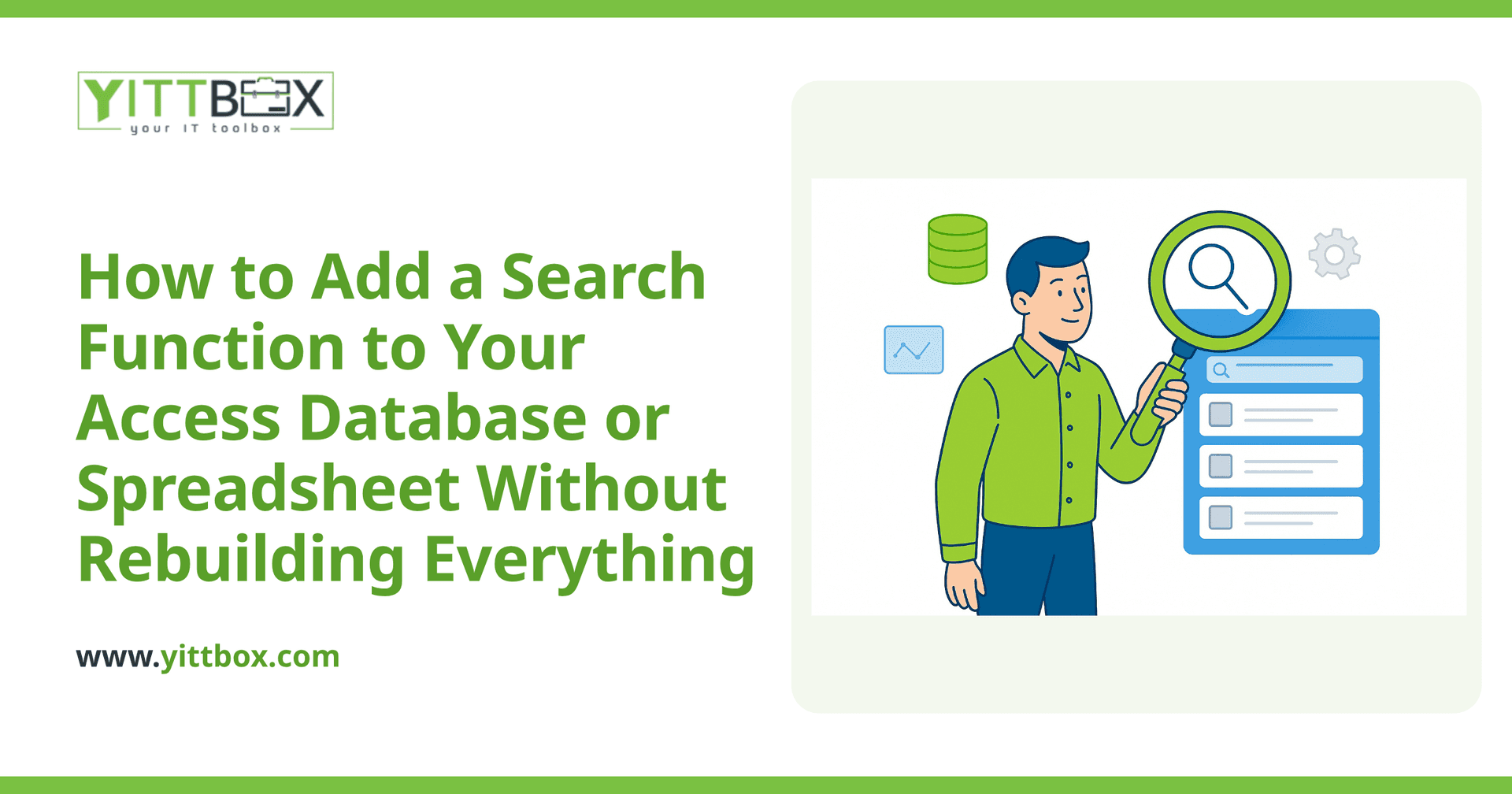
- Search forms that let you type a name, order number, or date range and get results instantly
- Indexed fields so searches run fast even as your records grow
- Filtered views that show only the records a particular person needs to see
These changes work with your current data rather than replacing it. You keep your history, your reports, and everything your staff already knows how to use.
Why is searching my spreadsheet so slow and unreliable?
Spreadsheets were built for calculations, not for looking things up across thousands of rows. Search feels unreliable because the data is often inconsistent — the same customer entered three different ways, blank cells, or information split across multiple tabs and files. When there's no single, tidy list to search against, no search tool can give you clean results.
Common reasons a spreadsheet search lets you down:
- The same information lives in several files, so you never know which is current
- Typos and inconsistent formatting mean matches get missed
- Ctrl+F only finds one thing at a time and can't combine conditions (for example, "this customer AND unpaid")
Fixing the underlying structure usually does more for your search than any clever formula. That's often the first thing we look at when someone asks us to review their setup.
Do I need a whole new system, or can you improve what I have?
It depends on how far your current setup can stretch — and honestly, that's not something you should have to guess at. Sometimes the answer is a few well-placed improvements to your existing Access database or spreadsheet. Sometimes the data has outgrown the tool, and a simple custom web application will save you far more time than patching things one more time.
A rough guide:
- Improve what you have when the data is mostly sound and only a few people use it.
- Consider moving to a custom app when several people need access at once, when you're emailing files back and forth, or when errors are creeping in because the spreadsheet has become too fragile to trust.
If you're weighing that decision, our page on moving off spreadsheets and Access walks through what the process looks like in plain terms, with no obligation to go any further.
Will I lose my existing data if I add search or upgrade?
No. Your data is the valuable part, and any sensible approach protects it. When we modernize a spreadsheet or Access database, we carry your existing records across — cleaned up where needed, but never thrown away. You should always keep a backup of the original before any work begins, and a reputable developer will insist on that too.
How much does it cost to add search to my database?
It varies, because "add search" can mean anything from a one-afternoon tweak to a full move onto a searchable web application. That's exactly why we don't quote blindly. We'd rather look at your actual files and tell you honestly which category you fall into. You can request a free estimate and we'll give you a plain-English picture of the options and roughly what each would involve.
What should I do first if search is driving me crazy?
Start small and specific. Before spending anything, try this:
- Write down the three searches you do most often (for example, "find all orders for one customer" or "find everything unpaid this month").
- Note whether your current setup can do each one quickly, slowly, or not at all.
- Gather your files into one place so you know exactly what you're working with.
That short list tells you — and anyone helping you — precisely what needs to work better. It turns a vague "searching is a nightmare" into a clear, fixable problem.
A no-pressure next step
If searching your records has become a daily headache, you don't have to commit to a big project to find out what would help. We offer a free, no-pressure review of your current spreadsheet or Access setup. No pushy sales calls, no jargon — just an honest look at whether a few improvements will do the job or whether it's time to think bigger.
When you're ready, tell us a bit about your situation and we'll take it from there in plain English.
Comments
Be the first to comment on this post.