If your team shares a spreadsheet or an Access database on a network drive, you already know the frustration. Someone opens the file, and everyone else sees the dreaded "file in use" or "read-only" message. Two people make edits at once and one set of changes quietly disappears. And the moment someone works from home or a second location, the whole thing falls apart.
The good news: this is a solved problem. Moving your shared data into a web app removes file locks entirely and lets your team work from anywhere at the same time. Here's how it works, in plain English.
Why does my spreadsheet or Access file lock when someone else opens it?
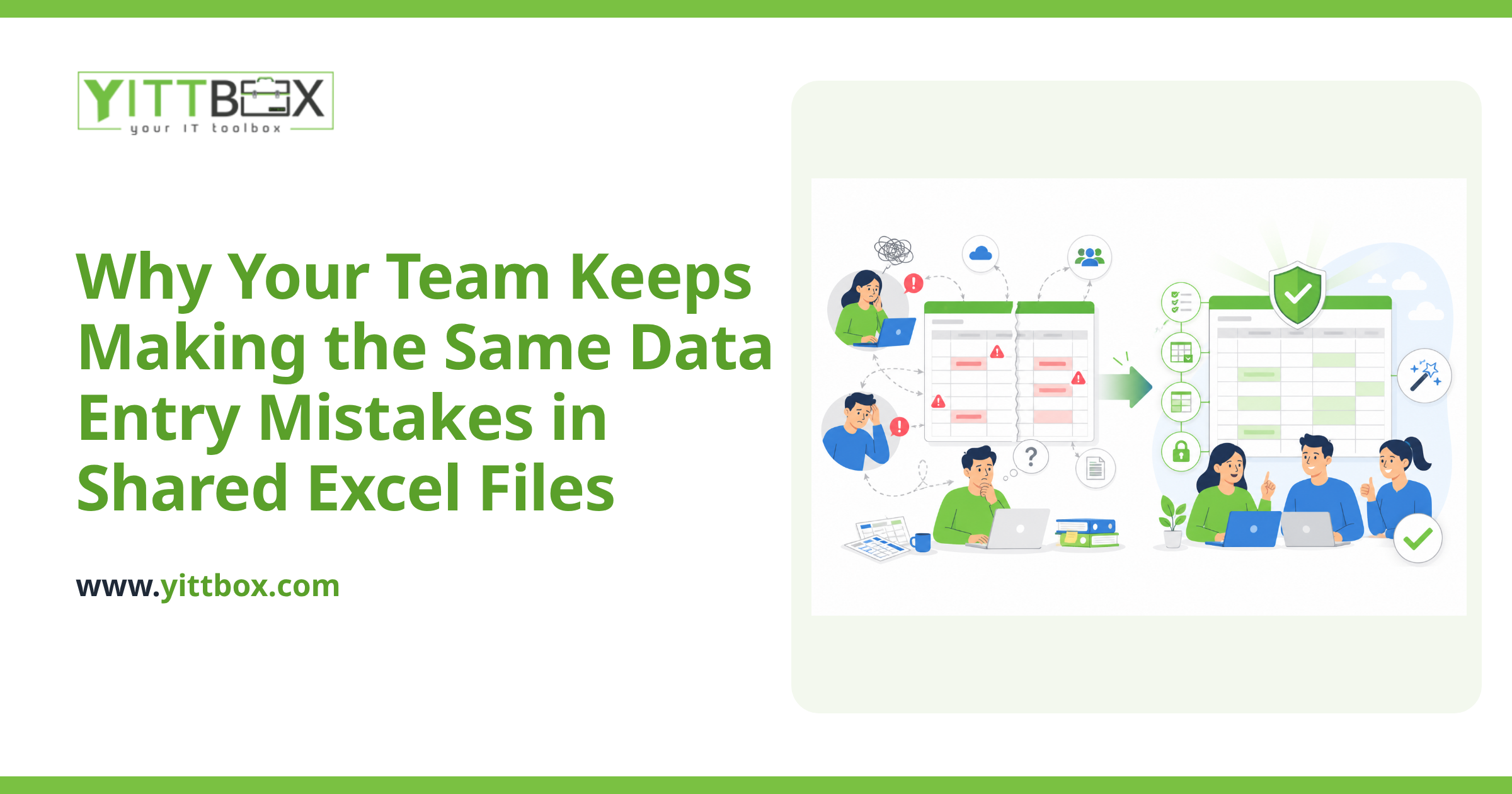
Because files were never designed for multiple people to edit at once. A spreadsheet or Access database is a single file sitting on a drive. When one person opens it to make changes, the system locks it so a second person can't overwrite those changes. That's the safety mechanism working as intended — it's just a terrible fit for a team that needs shared, simultaneous access.
The problem gets worse as you grow:
- Only one person can edit at a time, so people wait or keep their own copies
- Copies drift out of sync, and nobody knows which version is correct
- Remote or multi-location access is slow, unreliable, or impossible
- A single corrupted file can take down the whole team
How does a web app fix the file-lock problem?
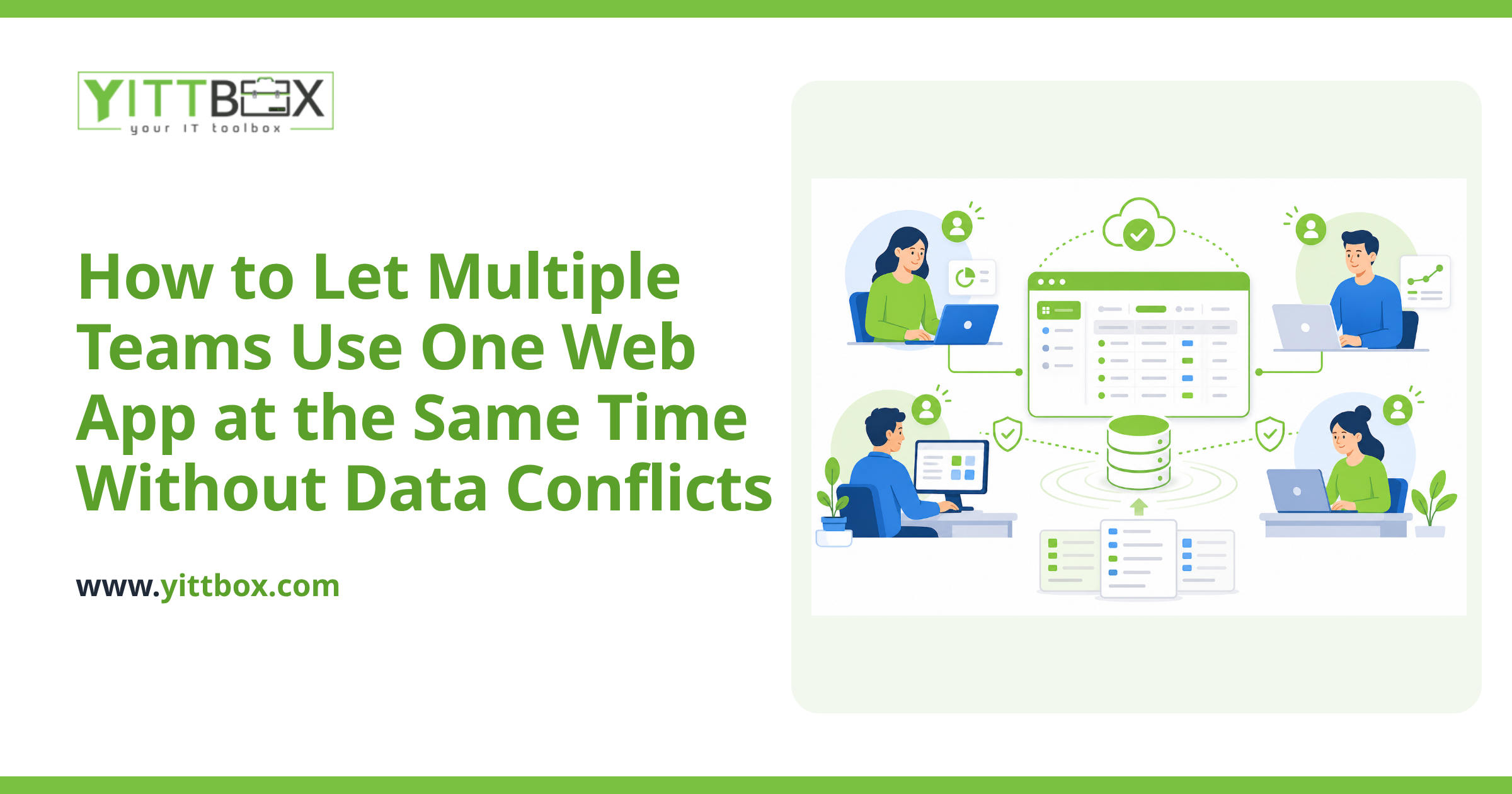
A web app stores your data in a proper database and lets everyone reach it through a browser. Instead of passing one file around, your whole team connects to a single shared source of truth. The database is built for many people to read and write at the same time, so file locks simply don't happen.
In practical terms, this means:
- Ten people can update records at once without stepping on each other
- Everyone sees the same up-to-date information instantly
- Two edits to the same record are handled gracefully instead of silently lost
- There's no master file to email around or accidentally overwrite
You keep the way you already work — the same fields, the same reports, the same daily tasks — but the plumbing underneath is designed for a team. If you're curious what that would look like for your specific spreadsheet or Access setup, our database and spreadsheet conversion page walks through the process.
Can my team really use it from multiple locations?
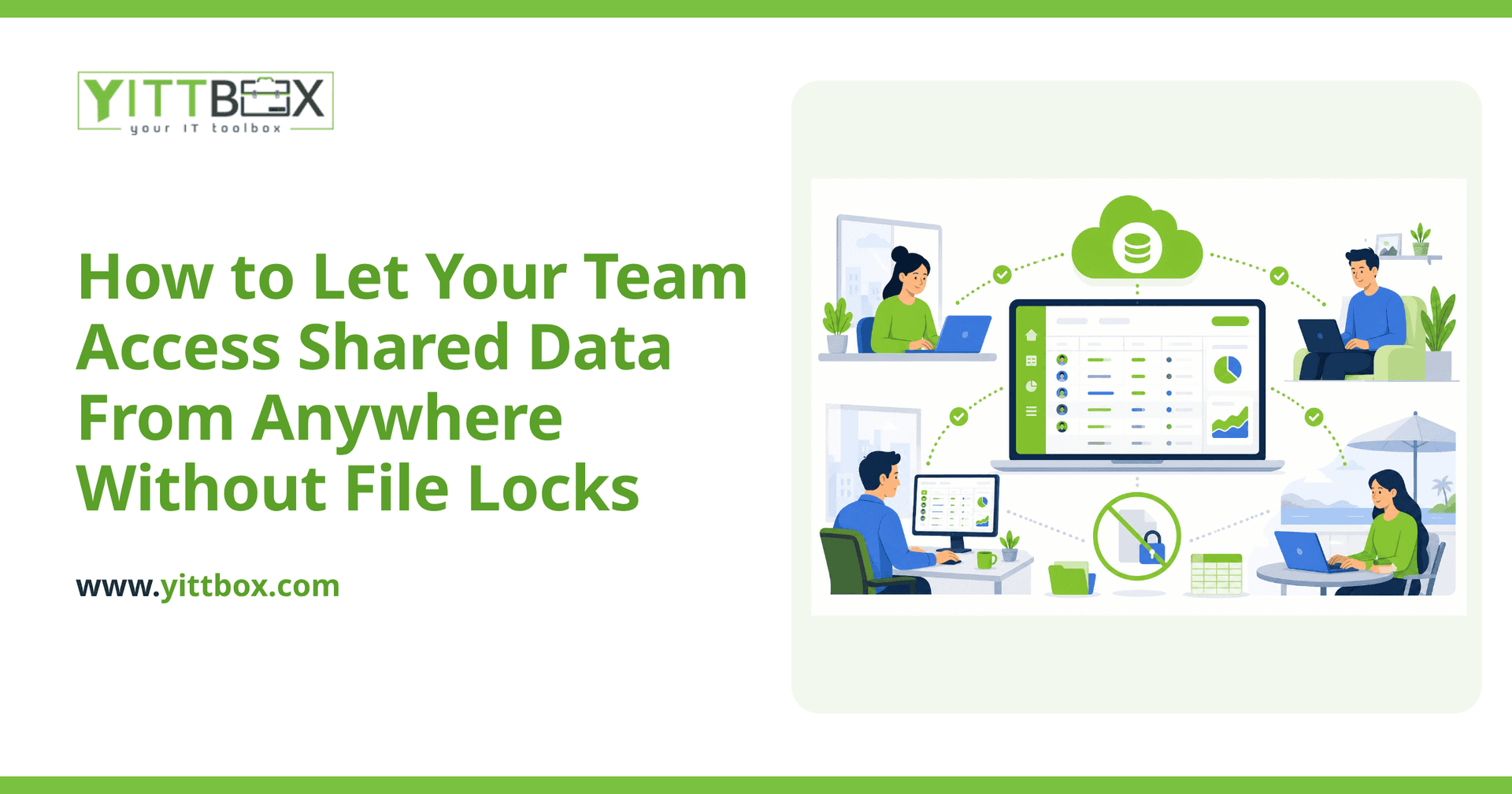
Yes — that's the whole point. Because a web app runs in the browser, location stops mattering. A staff member at your main office, someone at a second branch, and a person working from home all open the same web address and see the same live data. No VPN gymnastics, no copying files back and forth, no "I'll email you the latest version."
Access is controlled by logins, so you decide who can see and change what. When someone updates a record in one location, everyone else sees it in real time.
Do I have to move everything to the cloud?
Not necessarily, but most small businesses find the cloud is the simplest path. A cloud-hosted web app means there's no server humming in a closet for you to maintain, backups happen automatically, and your team gets reliable access from anywhere with an internet connection.
If your business has specific reasons to keep data on your own hardware, that's possible too. The right answer depends on your situation, your industry, and how your team actually works — which is exactly the kind of thing worth talking through before anyone builds anything.
Will I lose the data and reports I already rely on?
No. A good conversion brings your existing data across intact and rebuilds the reports and views your team depends on. Nothing gets thrown away. In most cases, people end up with more reporting power than they had before, because a proper database can slice and summarize information in ways a locked spreadsheet never could.
The goal is for the app to feel familiar on day one, then quietly do more for you over time.
How much does a web app like this cost?
It depends on how much data you're moving, how many screens and reports you need, and how your team works day to day. A simple internal tool for a handful of users is a very different project from a system that runs your whole operation.
Rather than guess, it's better to look at your actual setup and give you a real number. You can request a straightforward project estimate and we'll base it on what you genuinely need — not a padded package.
What's the easiest way to get started?
Start by getting a clear picture of what you have and what's slowing you down. We offer a free, no-pressure review of your current spreadsheets or database. No pushy sales calls, no obligation — just a plain-English conversation about whether a web app makes sense for you and what it would take.
If you're tired of file locks, lost edits, and "which version is the right one," that's a good sign it's time to look at something built for a team. When you're ready, ask for a free review of your setup and we'll tell you honestly what your options are.
Comments
Be the first to comment on this post.