You've decided your spreadsheets have grown beyond what they were meant to do. Files with 40 tabs, formulas nobody remembers writing, and a "master" copy that lives on one person's laptop. Moving to a proper web app is the right call — but before you rebuild anything, you need to know exactly what you're working with. A rushed migration that copies the mess into a shiny new tool just gives you a more expensive mess.
This guide walks you through auditing your spreadsheets first, in plain English, so the move goes smoothly and nothing important gets left behind.
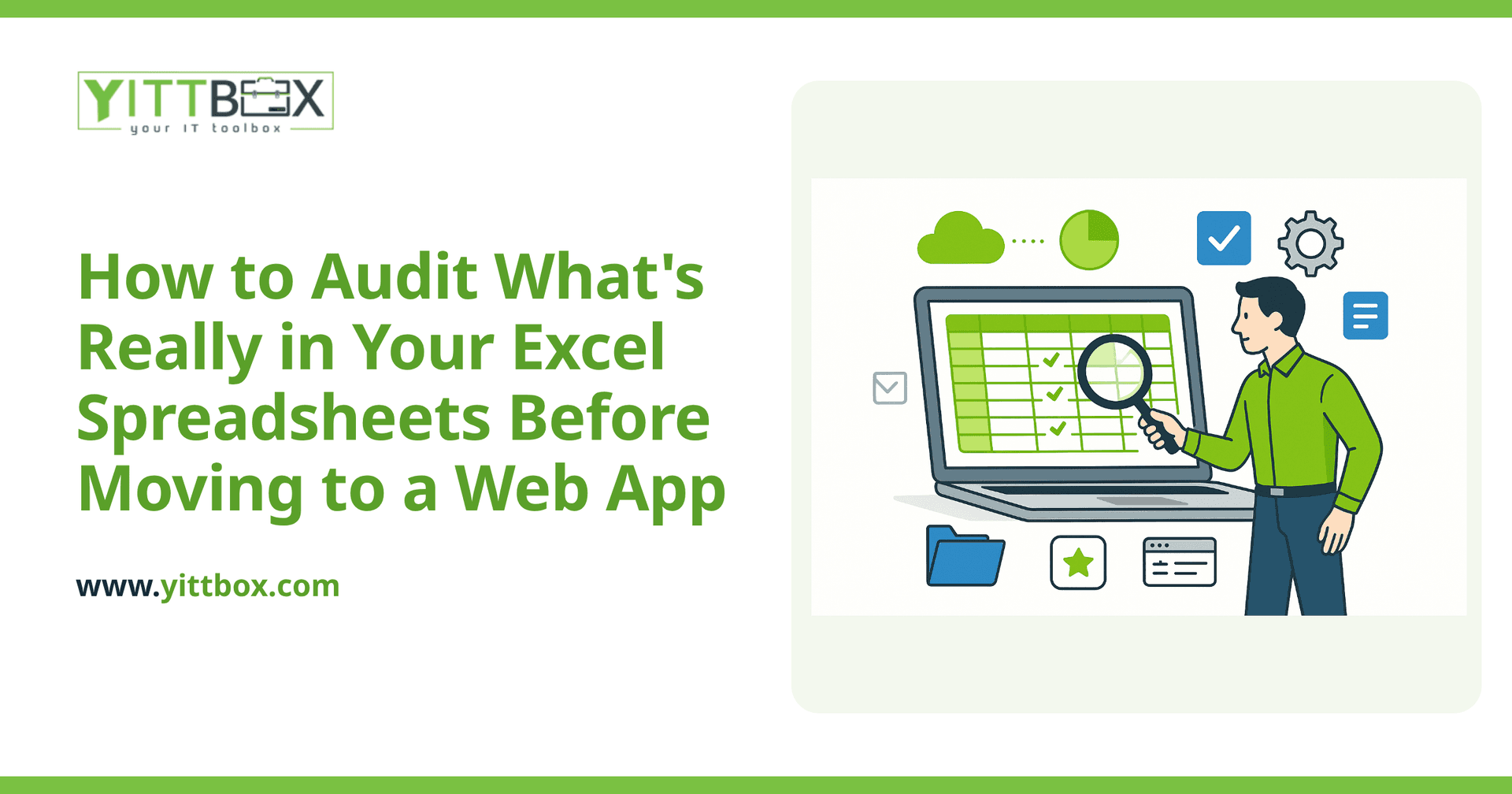
Why should I audit my spreadsheets before building a web app?
Because your spreadsheets almost certainly do more than you think they do. Over the years, people add columns, side calculations, and little workarounds that quietly become part of how the business runs. If you skip the audit, those hidden pieces get dropped — and you don't find out until a report comes out wrong or a customer gets missed.
An audit gives you a clear inventory of what the spreadsheet actually does, so the new system can do all of it (and drop the parts you no longer need). It also makes the build faster and cheaper, because there are fewer surprises halfway through.
What exactly am I looking for when I audit a spreadsheet?
You're looking for the real logic and data hiding inside the file. Work through it section by section and write down what you find. In practice, that means:
- The data itself — what information is stored, in what columns, and how clean it is (duplicate rows, blank cells, dates typed three different ways).
- The formulas and calculations — every place a number is worked out automatically, including totals, markups, tax, and lookups between tabs.
- The manual steps — the things a person does by hand each day or week that aren't written down anywhere.
- The rules — "if this customer, then that discount," or "flag anything over 30 days." These business rules are the heart of what a web app needs to replicate.
- The outputs — the reports, invoices, or summaries you produce from the file, and who receives them.
How do I find the hidden or broken parts?
Start with the parts of the file that make you nervous. Most spreadsheets have a few cells everyone is afraid to touch — that's usually where the important logic lives. Then look for the warning signs:
- Cells showing #REF!, #VALUE!, or #N/A errors, which mean a formula has quietly broken.
- Hidden tabs, rows, or columns (people hide the messy working-out).
- Hard-coded numbers pasted over a formula, which stops calculations updating.
- Multiple versions of the same file with slightly different names, so you can decide which one is the true source.
- Color-coding or notes that mean something to one person but aren't written down.
Make a note of each one. You don't have to fix them now — you just need to know they exist so they can be handled properly during the rebuild.
Who should I involve in the audit?
The people who use the spreadsheet every day, not just whoever owns it. The person entering orders knows the little shortcuts. The person chasing payments knows which column really tracks who has paid. If you only ask the manager, you'll miss half of how the file actually works.
Sit with each person for a short session and ask them to walk you through a normal task, start to finish. Watching them work reveals steps they'd never think to mention if you simply asked "what do you do?"
How do I know which data is worth keeping?
Sort your data into three buckets: active (used regularly and must move across), reference (old records you need to look up but rarely change), and clutter (abandoned tabs, test data, and copies you can safely leave behind).
A move to a web app is the perfect moment to clean house. There's no point migrating ten years of typos and duplicates. Decide what's genuinely valuable, and be honest about what's just taking up space. If you'd like a second opinion on what's worth keeping, that's exactly the kind of thing we look at in a free spreadsheet-to-web-app review.
What should I have ready before I talk to a developer?
You don't need anything technical — just a clear picture of your current setup. Before a conversation, it helps to have:
- A short list of what the spreadsheet is used for and who uses it.
- Copies of the reports or documents you produce from it.
- The pain points — what's slow, what breaks, what you can't do today but wish you could.
- Any rules or calculations you already wrote down during your audit.
With that in hand, a good developer can talk to you in plain English about what a web app would look like and roughly what it involves — no jargon, no pressure. You can get a sense of scope and cost with a straightforward project estimate.
What's the next step once the audit is done?
Once you know what's really in your spreadsheets, you're in a strong position. You can rebuild deliberately — keeping every important rule, dropping the clutter, and finally getting a system that multiple people can use at once without emailing copies around.
If you'd rather not tackle the audit alone, we're happy to help. We offer a free, no-pressure review of your current spreadsheets and how you work — no pushy sales calls, just a clear plain-English conversation about your options. When you're ready, take a look at our spreadsheet conversion service and we'll go from there.
Comments
Be the first to comment on this post.