You've probably lived this moment: two people open the same spreadsheet, both make changes, and someone gets the dreaded "file is locked" message — or worse, one person's work quietly overwrites the other's. Nobody notices until a customer order goes missing or a number stops adding up. When your team grows past a couple of people, shared files start fighting back.
The good news is that a properly built web app solves this cleanly. Below are the real questions small-business owners ask us when they're tired of stepping on each other's data.
Why do spreadsheets and Access databases break when several people use them at once?
Because they were never designed for a crowd. A spreadsheet is a single file. When two people open it, they're often working on separate copies, and only one set of changes can "win" when the file is saved. Access databases handle sharing a little better, but they still tend to lock up, slow down, or corrupt when more than a handful of people hit them at the same time, especially over a network or the cloud.
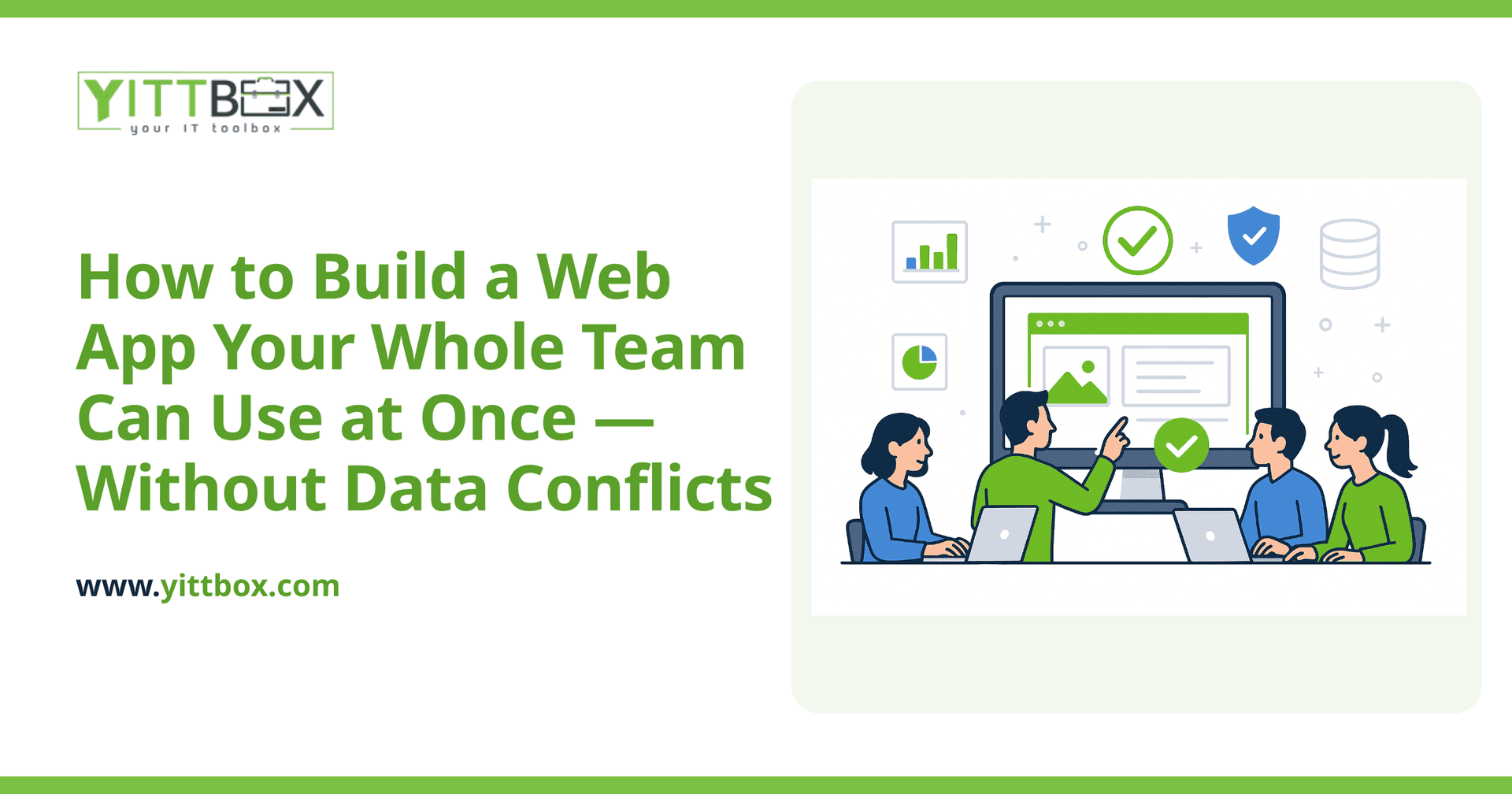
A web app works differently. Everyone connects to one central system through their browser, and the system decides — instantly and safely — how each change is recorded. There's no file being passed around and no copies to reconcile.
How does a web app stop two people from overwriting each other's work?
It manages every change through a shared database that processes edits one at a time, in order, even when they arrive within the same second. A few techniques do the heavy lifting:
- Record-level saving: When someone updates a customer, only that customer record changes — not the whole file — so two people editing different records never collide.
- Conflict checks: If two people try to edit the exact same record, the app notices and warns the second person instead of silently overwriting the first.
- Instant updates: Well-built apps refresh what everyone sees, so your team is looking at current information rather than a stale copy.
The result is simple from the user's side: everyone just works, and the data stays correct.
Can my team use it from different locations and devices?
Yes. Because a web app lives on a server and runs in a browser, your team can use it from the office, from home, or from a phone on a job site — all connected to the same live data. There's nothing to install on each machine and nothing to email back and forth. When one person updates an order, the person across town sees the current status too.
Is our data safe if everyone can get into it?
Safer than a shared file, when it's set up properly. A shared spreadsheet usually gives everyone full access to everything. A web app lets you control who can see and do what:
- Roles and permissions so staff only reach the parts of the system relevant to their job.
- Individual logins so you can see who changed what, and when.
- Automatic backups so a mistake or an outage doesn't wipe out your records.
That combination gives you both fewer accidents and a clear trail if you ever need to check who did what. If you're currently running the business out of shared files, our guide on moving off spreadsheets and Access databases walks through what that transition actually looks like.
Do we have to rebuild everything from scratch?
Usually not all at once. Many businesses start by moving the one process that causes the most pain — the shared file that everyone fights over — into a proper web app, then expand from there. Your existing data can typically be brought across so you're not starting with a blank slate, and you're not re-typing years of records by hand.
The right starting point depends on how your team actually works, which is exactly the kind of thing we look at during a free, no-pressure review of your situation.
How long does it take, and how do I know what it'll cost?
It depends on how many processes you want handled and how complex your rules are. A focused app that replaces one troublesome spreadsheet is a much smaller project than a full system covering quotes, jobs, and invoicing. The honest answer is that we can't give a real number without understanding your situation first — and we won't pretend otherwise.
What we can promise is plain-English communication the whole way through. You'll always know what's being built, why, and what stage it's at — no jargon, no surprises, and no pushy sales calls.
What should I do first?
Start by writing down the moments where your current setup causes conflicts: the locked files, the overwritten numbers, the "which version is the right one?" questions. That short list tells you exactly where a web app would pay off first.
When you're ready, we're happy to talk it through. You can book a free review and we'll give you an honest read on whether a custom web app makes sense for your business — with no obligation to go any further.
Comments
Be the first to comment on this post.