
You've got a sales spreadsheet, an inventory spreadsheet, a customer list, and a fourth file someone keeps a "master" copy of on their desktop. Every month you spend hours copying numbers between them, and every so often two versions disagree and nobody's quite sure which one is right. If that sounds familiar, you're not alone — it's one of the most common growing pains we see in small businesses.
The good news: getting to a single, trustworthy source of truth is very doable. Here's how it works, in plain English.
What does "single source of truth" actually mean?
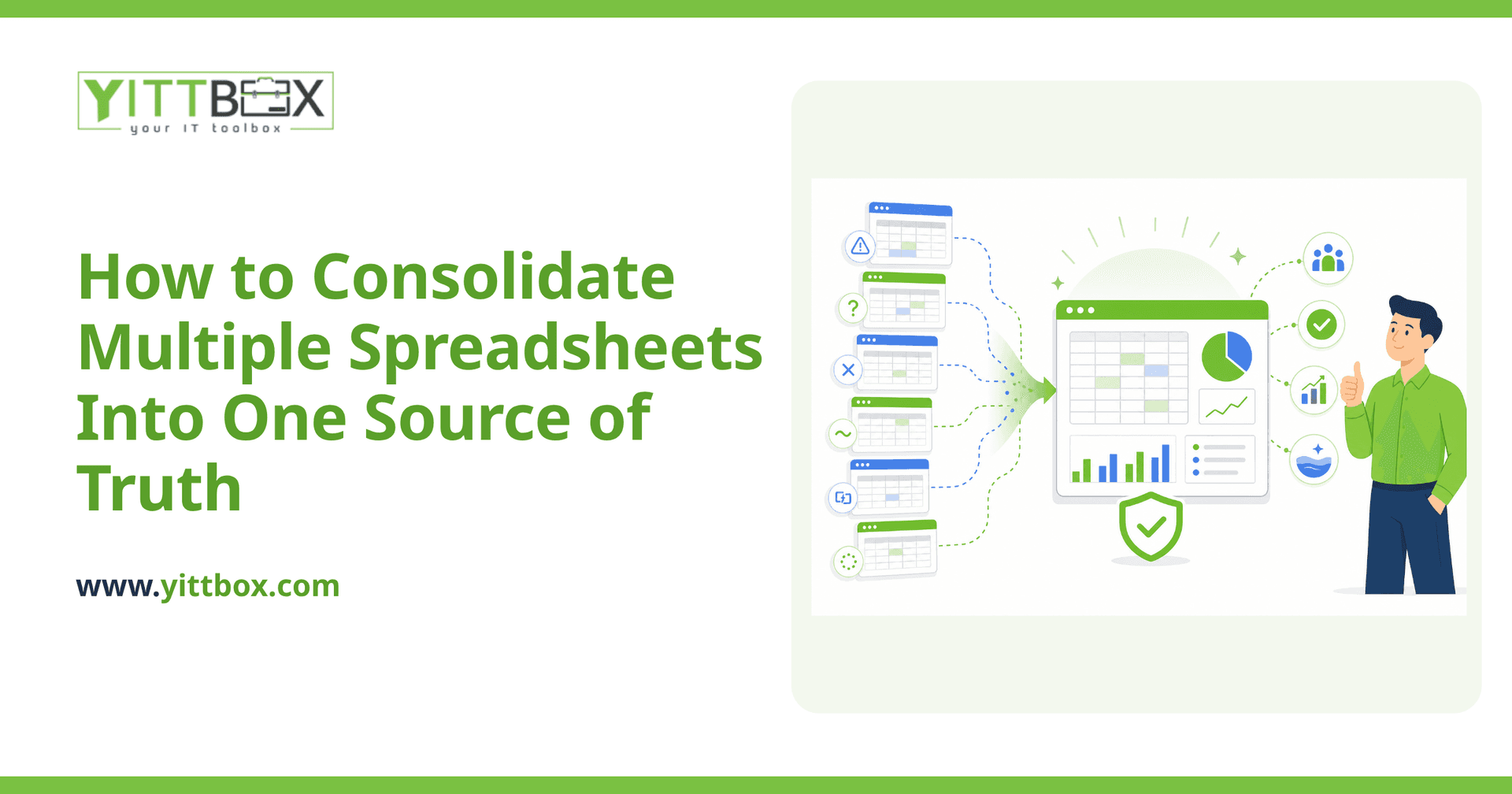
It means there is one official place where each piece of information lives, and everyone reads from and writes to that one place. Instead of five spreadsheets that each hold a slightly different version of your customer list, you have one record for each customer that everyone shares.
The practical payoff is that when something changes — a price, an address, an order status — you update it once, and everyone sees the correct version immediately. No re-keying, no "which file is current?", no conflicting numbers in a meeting.
Why do spreadsheets stop working as a business grows?
Spreadsheets are excellent for what they're built for: quick calculations and personal lists. They start to strain when they become the backbone of a business. Common warning signs include:
- Duplicate data — the same customer or product entered differently in three places.
- Version confusion — files named "final," "final_v2," and "final_USE_THIS."
- Broken formulas — one wrong click and a total silently goes wrong.
- No history — you can't easily tell who changed what, or when.
- One-person bottlenecks — only one person truly understands the master file.
If you're nodding at more than one of these, consolidation is worth a serious look.
How do you actually combine the spreadsheets?
The temptation is to just copy everything into one giant sheet. That usually makes things worse. A cleaner approach follows a few steps:
- List what you actually have. Write down every spreadsheet, who uses it, and what it's for. Overlaps become obvious fast.
- Decide on the "master" record for each thing. One definitive list of customers, one of products, one of orders — and agree which existing file is the most trustworthy starting point for each.
- Clean before you combine. Fix inconsistent spellings, remove duplicates, and standardize formats (dates, phone numbers, categories). Merging messy data just gives you a bigger mess.
- Connect the records. Link orders to customers, invoices to jobs, and so on, so the data works together instead of sitting in isolated piles.
- Give it a proper home. This is where a simple custom application usually beats a spreadsheet — it can enforce rules, prevent duplicates, and let several people work at once safely.
You don't have to do all of this yourself in one weekend. Even mapping out step one gives you a much clearer picture of the problem.
Do I have to throw away my spreadsheets entirely?
No — and you shouldn't rush to. Spreadsheets are still great for ad-hoc analysis and one-off calculations. The goal isn't to ban them; it's to stop relying on them as the permanent home for information that the whole business depends on.
A common path is to move the core data — customers, products, jobs, inventory — into a proper system, while people still export to a spreadsheet whenever they want to slice and dice numbers for a report. You get the reliability of a real system and the flexibility of a spreadsheet when you need it.
How long does moving off spreadsheets take?
It depends on how many spreadsheets you have and how tangled they are, but most small businesses are surprised that it's quicker than they feared. A focused project often starts small — replacing the one or two spreadsheets causing the most pain — and grows from there once you've seen it work.
The biggest time-saver is starting from clean, well-understood data, which is why the mapping and clean-up steps above matter so much. If you'd like a hand, we offer a spreadsheet-to-application conversion service specifically for this.
What will it cost, and how do I find out?
Cost comes down to how much data you're moving and how much you want the new system to do. Rather than guess, the honest answer is to look at your actual situation first. We give a free, no-pressure review where we look at what you've got and tell you plainly what's involved — no jargon, no pushy sales call, no obligation to go ahead.
Where should I start?
Start by picking the single spreadsheet that causes you the most headaches. That one file usually points straight to the fix that will give you the most relief. From there you can decide whether to tidy things up in-house or bring in help.
If you'd like an outside opinion, we're happy to take a look and explain your options in plain English — start with a free review of your setup and we'll tell you honestly what we'd do. No pressure either way.
Comments
Be the first to comment on this post.