Spreadsheets are brilliant right up until the moment they aren't. What starts as a simple list quietly grows into a sprawling workbook with dozens of tabs, nested formulas nobody fully understands, and a handful of cells that everyone is afraid to touch. If you've ever held your breath while pressing Enter, this post is for you.
Below are the questions small-business owners ask us most often about spreadsheets that have outgrown their usefulness — with straight answers to each.
How do I know if my spreadsheet has become too complex to maintain safely?
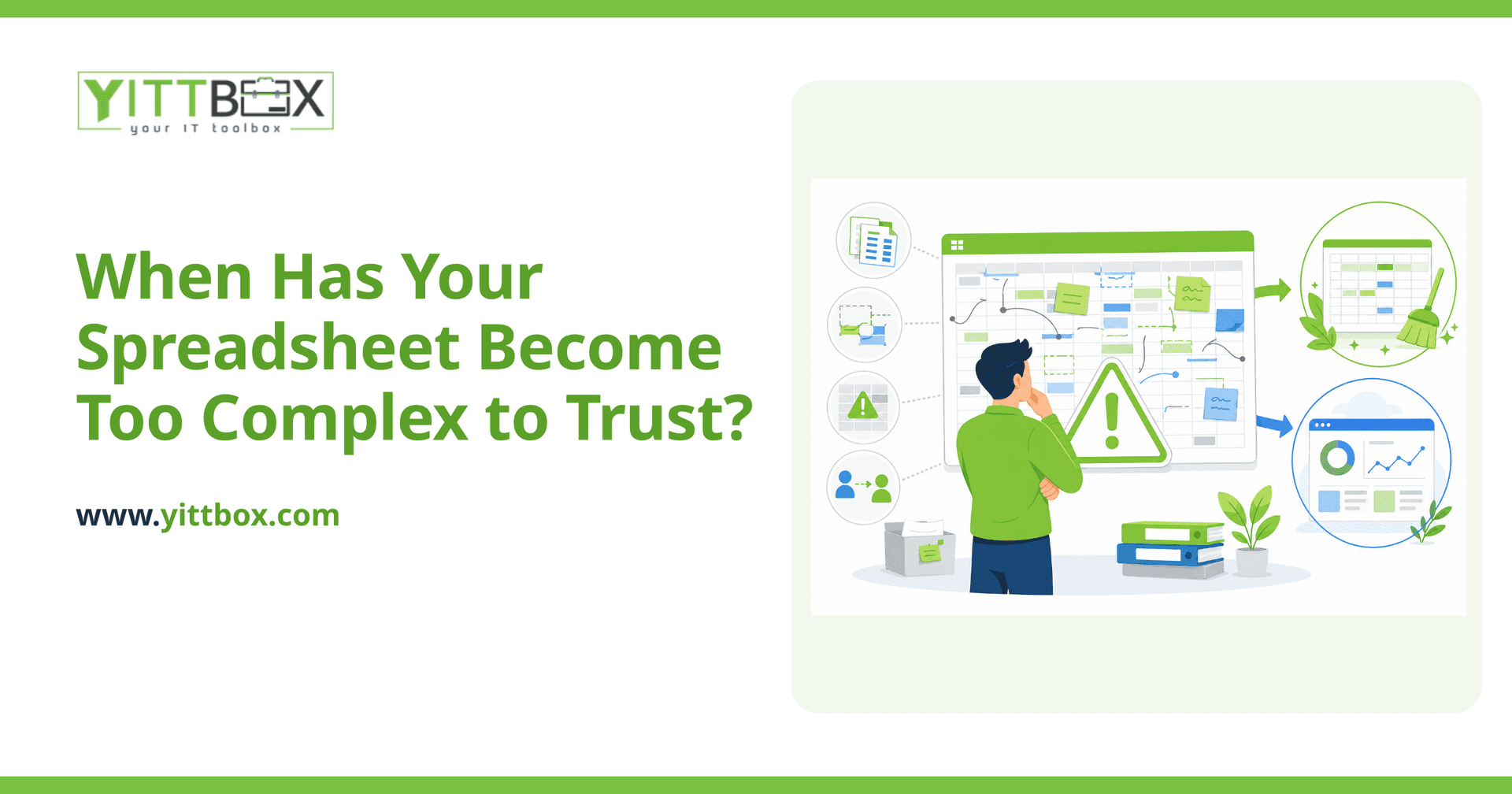
The clearest sign is fear: if you or your team hesitate to edit a formula because you're not sure what it will break, the spreadsheet has crossed the line. A tool you're afraid to change is no longer helping you — it's holding you hostage. Watch for these warning signs:
- Only one person truly understands how it works
- Formulas reference other formulas that reference other formulas, several layers deep
- You keep multiple copies with names like Final, Final_v2, and Final_USE_THIS_ONE
- You've stopped trusting the totals and manually double-check them
- It takes noticeably longer to open, save, or recalculate
Any one of these on its own is manageable. Several together usually mean the spreadsheet is doing a job it was never designed for.
Why are complex spreadsheet formulas actually risky for my business?
Because the errors are silent. A broken formula rarely announces itself — it just returns a slightly wrong number that flows into an invoice, a quote, or a payroll figure. By the time someone notices, the mistake may have been repeated for weeks.
The real risks tend to be:
- Hidden errors — a dragged formula that skips a row, or a sum that quietly stops including new data
- Key-person risk — if the one person who understands the workbook leaves or is off sick, the business stalls
- No safety net — spreadsheets don't stop two people overwriting each other's work, and there's usually no record of who changed what
- Slow, fragile growth — every new customer or product makes the file heavier and more brittle
Can't I just tidy up the spreadsheet instead of replacing it?
Sometimes, yes — and that's an honest answer, not a sales pitch. If the core logic is sound and the problem is mostly clutter, cleaning up tabs, adding clear labels, and documenting how it works can buy you real time. Not every messy spreadsheet needs replacing.
Tidying tends to be enough when the spreadsheet is used by one or two people, the data volumes are small, and the calculations are stable. It stops being enough when the workbook is central to how you run the business and multiple people rely on it every day.
When is it time to move from a spreadsheet to a proper application?
It's time when the spreadsheet is now running a core part of your business rather than simply recording it. Ask yourself a few honest questions:
- Do several people need to use it at the same time?
- Would a single wrong figure cost you money, time, or a customer's trust?
- Are you copying and pasting the same data between tabs or files?
- Is the file the only place important information lives, with no real backup?
If you're nodding along, a custom application will usually serve you far better. It can enforce the rules automatically, let people work together without overwriting each other, keep a history of changes, and grow with you. If you'd like an outside opinion, we offer a free, no-pressure review of your spreadsheet setup and will tell you plainly whether it's worth changing at all.
What does moving off a spreadsheet actually involve?
Less disruption than most people expect. The goal is to keep everything you like about your current way of working and remove the parts that keep you up at night. In practice, moving from a spreadsheet to a purpose-built system usually means:
- Understanding exactly how your current workbook is used day to day
- Rebuilding the calculations so they run reliably and can't be accidentally broken
- Bringing your existing data across so you're not starting from scratch
- Giving your team a simpler screen to work from, with the complexity handled behind the scenes
Throughout, we explain everything in plain English — no jargon, no assumptions that you speak our language. You'll always know what's happening and why.
How much does it cost to replace a business spreadsheet?
It depends entirely on what the spreadsheet does, and we won't pretend otherwise. A single-purpose workbook is a very different job from a workbook that quietly runs your quoting, stock, and invoicing all at once. The best way to find out is to show us what you've got.
You can request a straightforward estimate and we'll give you an honest picture of the cost and the options — including the option to do nothing if that's genuinely the right call for you.
Where should I start?
Start by noticing the fear. If there's a spreadsheet in your business that nobody wants to touch, that's the one worth a second look. You don't have to commit to anything — there are no pushy sales calls, just a helpful conversation.
When you're ready, book a free review of your situation. We'll look at what you have, tell you plainly whether it needs changing, and leave the decision entirely with you.
Comments
Be the first to comment on this post.