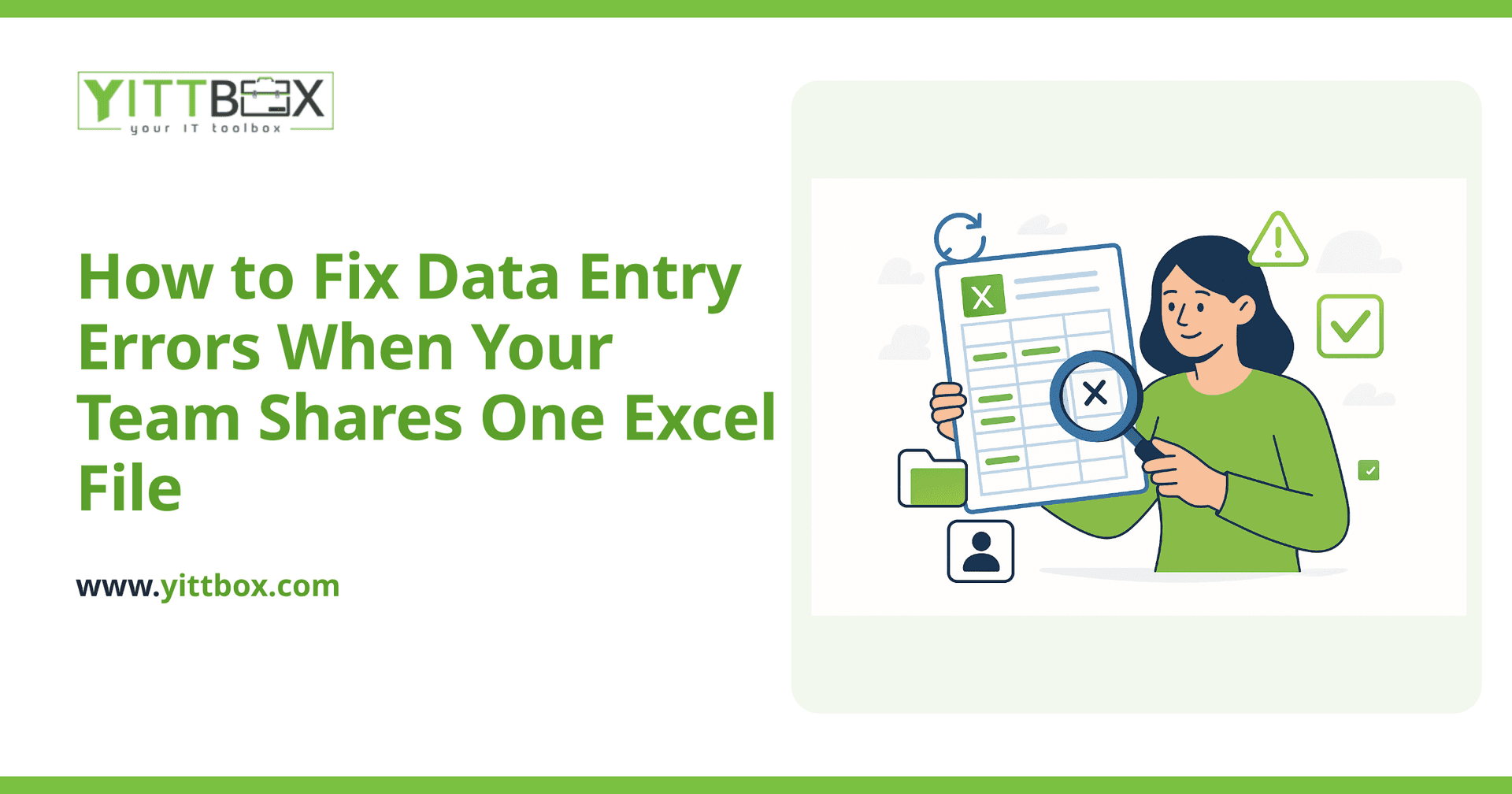
You know the feeling. You open the shared spreadsheet on Monday morning and something is off. A total doesn't add up. A customer's phone number is in the email column. Two people entered the same order, and now you can't tell which one is real. When your whole team works from a single Excel file, small mistakes pile up fast — and by the time you spot them, the bad data has already gone out the door in an invoice or a report.
The good news: most of these errors aren't caused by careless people. They're caused by a tool that was never built for a team to share. Here's how to reduce the mistakes today, and how to stop them for good.
Why do so many errors happen in a shared Excel file?
Because Excel was designed for one person doing calculations, not for several people entering data at the same time. When a spreadsheet becomes your team's database, a few predictable problems show up:
- No rules on what goes where. Nothing stops someone from typing text into a number column or leaving a required field blank.
- Easy to overwrite. One accidental click and paste can wipe out a row — often without anyone noticing.
- Duplicate versions. Someone saves "final_v2" to their desktop, and now there are two versions of the truth.
- Formulas break silently. Insert a row in the wrong place and a total quietly stops adding up.
Recognizing the cause matters, because it tells you the fix isn't "try harder." It's "change how the data gets entered."
How do I clean up the errors that are already in my spreadsheet?
Start by finding the mistakes, then fix them in a way you can repeat. A practical order to work through:
- Make a backup copy first. Before you change anything, save a dated copy so you can undo a mistake.
- Sort and filter each column. Sorting a column instantly surfaces oddballs — a letter in a number field, a date typed the wrong way, blank cells that should be filled.
- Hunt for duplicates. Use Excel's Remove Duplicates feature, but review before deleting so you don't lose a legitimate repeat.
- Standardize formats. Pick one way to write phone numbers, dates, and state names, and make everything match.
- Check your totals against a known number. If you know last month's revenue, confirm the sheet agrees.
This gets you clean today. It won't keep you clean tomorrow — for that, you need to stop bad entries from happening in the first place.
Can I prevent bad data from being entered at all?
Partly, yes — and it's worth doing. Excel has some built-in guardrails most teams never turn on:
- Data validation lets you force a column to accept only numbers, only dates, or only choices from a dropdown list.
- Dropdown lists stop typos in fields like status, category, or salesperson.
- Protected cells lock your formulas so no one can overwrite them by accident.
- Required-field highlighting can flag blank cells in a bright color so gaps get noticed.
These help. But they have limits. Validation rules can be turned off, pasted over, or ignored. And none of it solves the deeper problem: several people editing one file at once, with no record of who changed what.
When should I stop using a spreadsheet altogether?
It's time to think beyond Excel when you notice signs like these:
- More than two or three people need to enter or edit data regularly.
- You spend hours each month just checking and correcting the sheet.
- A single error has led to a wrong invoice, a missed order, or an awkward call with a customer.
- The file has grown so large it's slow to open or crashes.
- You're afraid to let anyone new touch it.
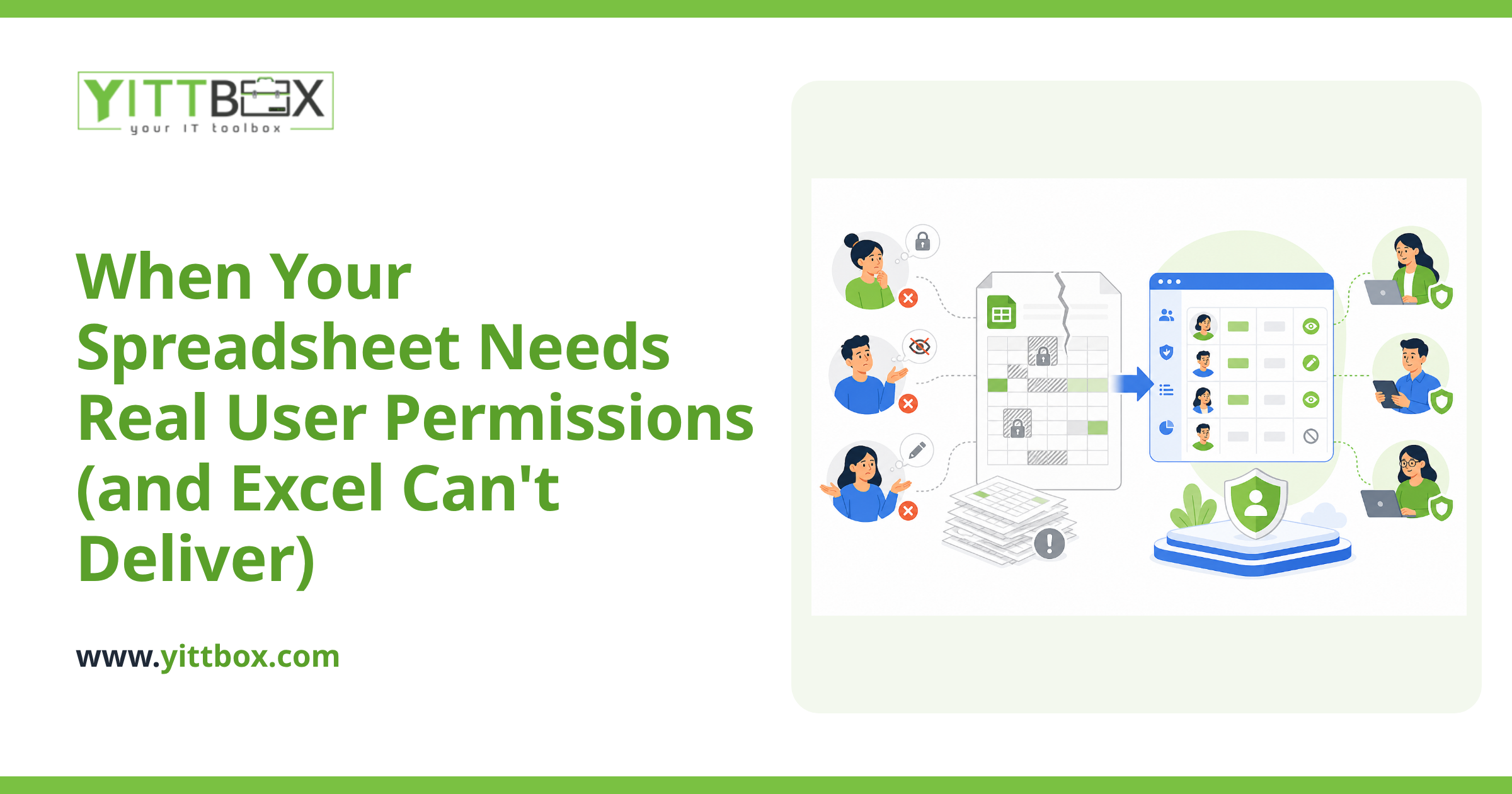
At that point, the spreadsheet isn't saving you money — it's quietly costing you, in time and in trust. A custom web application changes the picture entirely. Each person logs in and sees only the fields they need. The system checks every entry as it's typed, blocks impossible values, prevents duplicates, and keeps a history of every change. Two people can work at the same time without stepping on each other. You can convert your existing spreadsheet into a proper application that keeps your data clean by design instead of by luck.
Will moving off Excel mean starting from scratch?
No. Your current spreadsheet is a head start, not something to throw away. It already shows what data you track and how you use it. A good build takes that structure, keeps everything you've entered so far, and turns it into a tool your team can actually trust. Nothing is lost — the clean-up and the move happen together.
What's the easiest first step?
Get a clear, honest look at your situation before you commit to anything. We offer a free, no-pressure review of how your team works today. We'll look at your spreadsheet, point out where the errors are creeping in, and tell you plainly whether a few Excel improvements will do the job or whether it's worth building something more solid. No sales pressure, no jargon, no pushy calls — just a straight answer.
When you're ready, tell us a little about your setup and we'll take a look. And if you already know you've outgrown the spreadsheet, here's how we turn a messy Excel file into a reliable application your whole team can share without the errors.
Comments
Be the first to comment on this post.