You've got a process that's supposed to work like this: someone submits a request, a manager approves it, and only then does the work move forward. But your spreadsheet doesn't know any of that. Anyone can edit any cell. A purchase gets marked "approved" before anyone actually looked at it. A discount goes out that should have needed sign-off. And you find out after the fact, usually when something's already gone wrong.
If that sounds familiar, you're not doing anything wrong. Spreadsheets were never built to enforce who can do what, or in what order. This post walks through the questions small-business owners ask us most often about fixing that.
Why can't a spreadsheet enforce an approval process?
Because a spreadsheet is a shared document, not a system. It stores data, but it has no real concept of roles, permissions, or the order things must happen in. A few specific gaps cause most of the pain:
- No enforced roles. Everyone who can open the file can change anything in it, including status columns like "Approved."
- No required steps. Nothing stops a row from jumping straight to "Done" without ever being reviewed.
- No reliable record of who changed what. Even with version history, tracing a decision back to a person and a moment in time is slow and unreliable.
- No automatic notifications. The next person in line doesn't know it's their turn unless someone remembers to tell them.
You can paper over some of this with color-coding, locked cells, and strict rules everyone promises to follow. But rules that depend on everyone remembering them tend to break exactly when you're busy.
What does a proper approval workflow actually do?
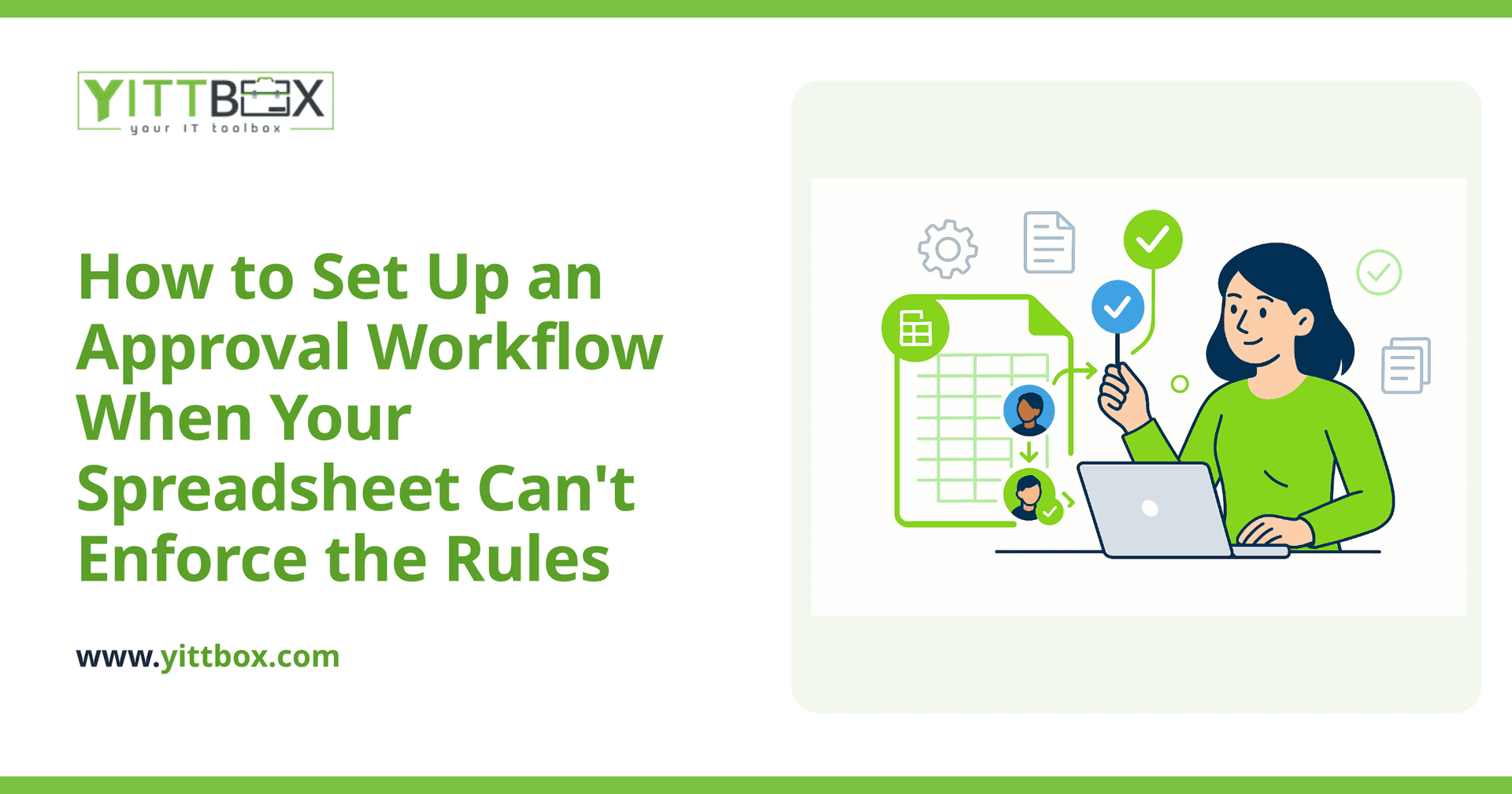
It moves a request through defined stages and won't let it skip ahead. A simple version looks like this:
- Someone submits a request through a form, so every entry starts complete and consistent.
- The request lands with the right approver automatically, based on rules you set (amount, department, type).
- The approver can approve, reject, or send it back with a note — and only they can do that.
- Once approved, the request moves to the next step, and the right people are notified.
- Every action is timestamped and attributed, so you always have a clear history.
The key difference from a spreadsheet is that the rules live inside the system. A request can't be marked approved by the wrong person, and it can't reach the finish line without passing through the steps you require.
Do I need to replace everything I've built to get this?
No. In most cases the sensible move is to turn the spreadsheet you already rely on into a proper application, keeping the parts your team knows and adding the structure it's missing. Your existing data comes across, the layout stays familiar, and the approval logic gets built in underneath.
That matters for two reasons. First, you don't lose the years of knowledge baked into how your current sheet works. Second, your team doesn't have to relearn everything at once — the jump from "the spreadsheet we know" to "the same thing, but it enforces the rules" is far smaller than starting from scratch.
How complicated does the workflow have to be?
Only as complicated as your business genuinely needs. A common mistake is trying to map out every rare exception before building anything, which stalls the whole project. It's usually better to start with the path most requests actually follow:
- Handle the 90% case cleanly — the standard submit, review, approve flow.
- Add a simple way to flag exceptions for a human to handle, rather than trying to automate every edge case up front.
- Expand the rules later, once you can see how the process behaves in real use.
A workflow you'll actually use beats a perfect one that never ships.
How do I know which approval rules to build in?
Start by writing down what's already supposed to happen — the rules that live in people's heads today. Ask a few plain questions:
- Who is allowed to approve what, and up to what amount or level?
- What has to be true before something moves forward?
- What should happen when someone's out of office or a request stalls?
- What do you need to be able to look back on later?
Once those are on paper, they translate directly into the logic the system enforces. If you're not sure how to pin them down, that's exactly the kind of thing worth talking through before any building starts.
What's the first step if I want to fix this?
The honest first step is just a conversation about your situation — no commitment, no pushy sales call. We'll look at how your current process works, where the risk is, and whether a workflow like this is worth building for you. Sometimes the answer is a full application; sometimes it's a small change that removes most of the pain.
Throughout, we keep the communication in plain English — no jargon, no vague progress updates, just clear explanations of what we're doing and why. If you'd like, you can request a free, no-pressure review of your setup and we'll tell you honestly what we'd recommend. And if you already know you're ready to move off spreadsheets, here's how we turn an existing spreadsheet into a working application.
Your process shouldn't depend on everyone remembering the rules. With a bit of structure in the right places, the system remembers them for you.
Comments
Be the first to comment on this post.