
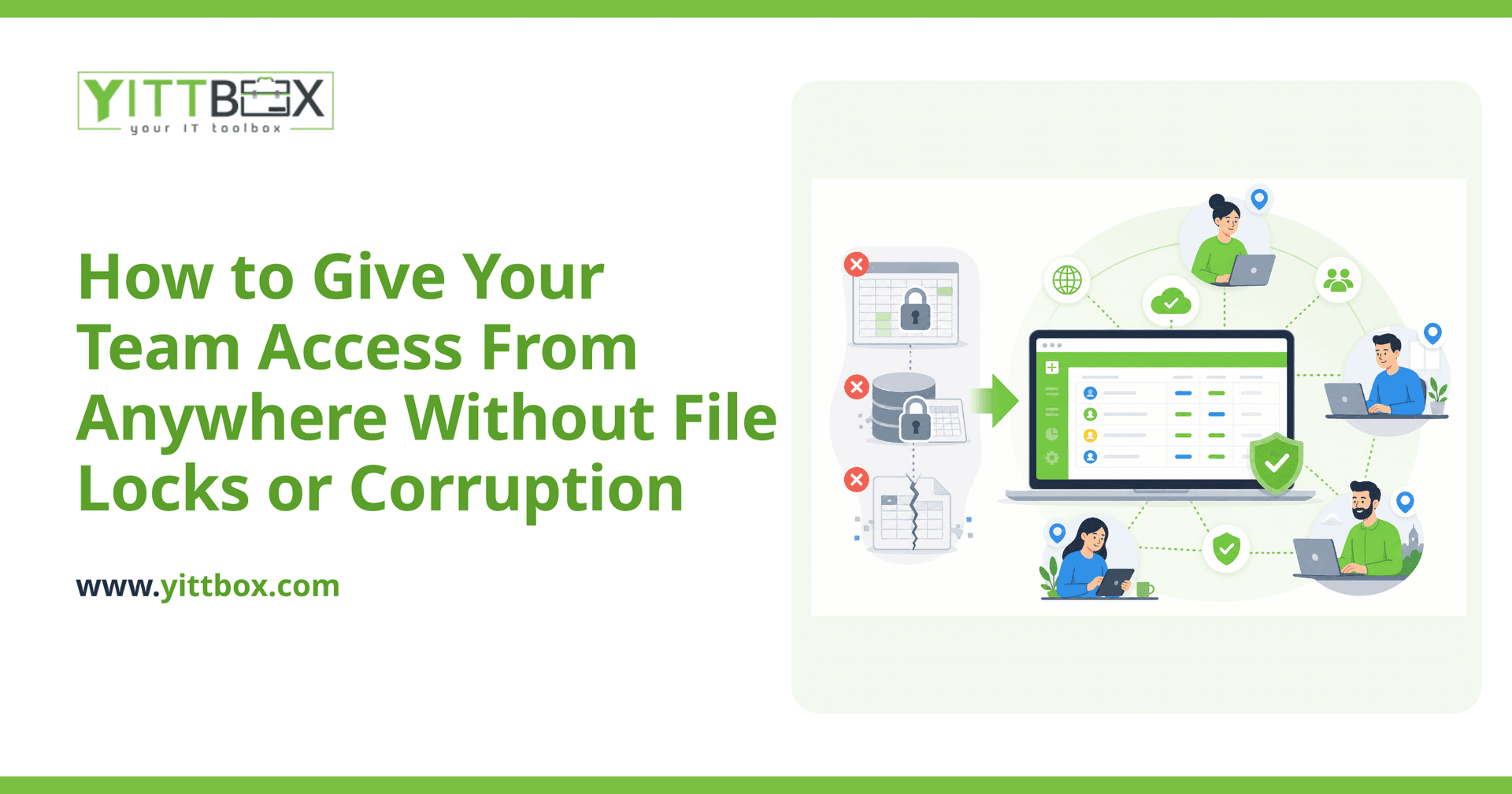
If your team shares a spreadsheet or an Access database, you already know the frustration. Someone has the file open, so everyone else is locked out. Two people save at once and half a day's work disappears. A file gets copied to a laptop, edited offline, and now nobody knows which version is the real one. It slows everyone down, and worse, it quietly puts your data at risk.
The good news: this is a solved problem. Moving your team's work into a proper web application removes file locks and corruption almost entirely, and it lets people work from the office, from home, or from a client site without stepping on each other. Here are the questions small-business owners ask us most often.
Why do shared spreadsheets and Access databases keep locking or corrupting?
Because they were never designed for lots of people editing at the same time. A spreadsheet is a single file. When two people open it over a shared drive, the software has to decide who "wins," so it either locks everyone else out or lets changes overwrite each other. Corruption usually happens when a file is being written to and the connection drops, the power blips, or someone force-closes the program mid-save.
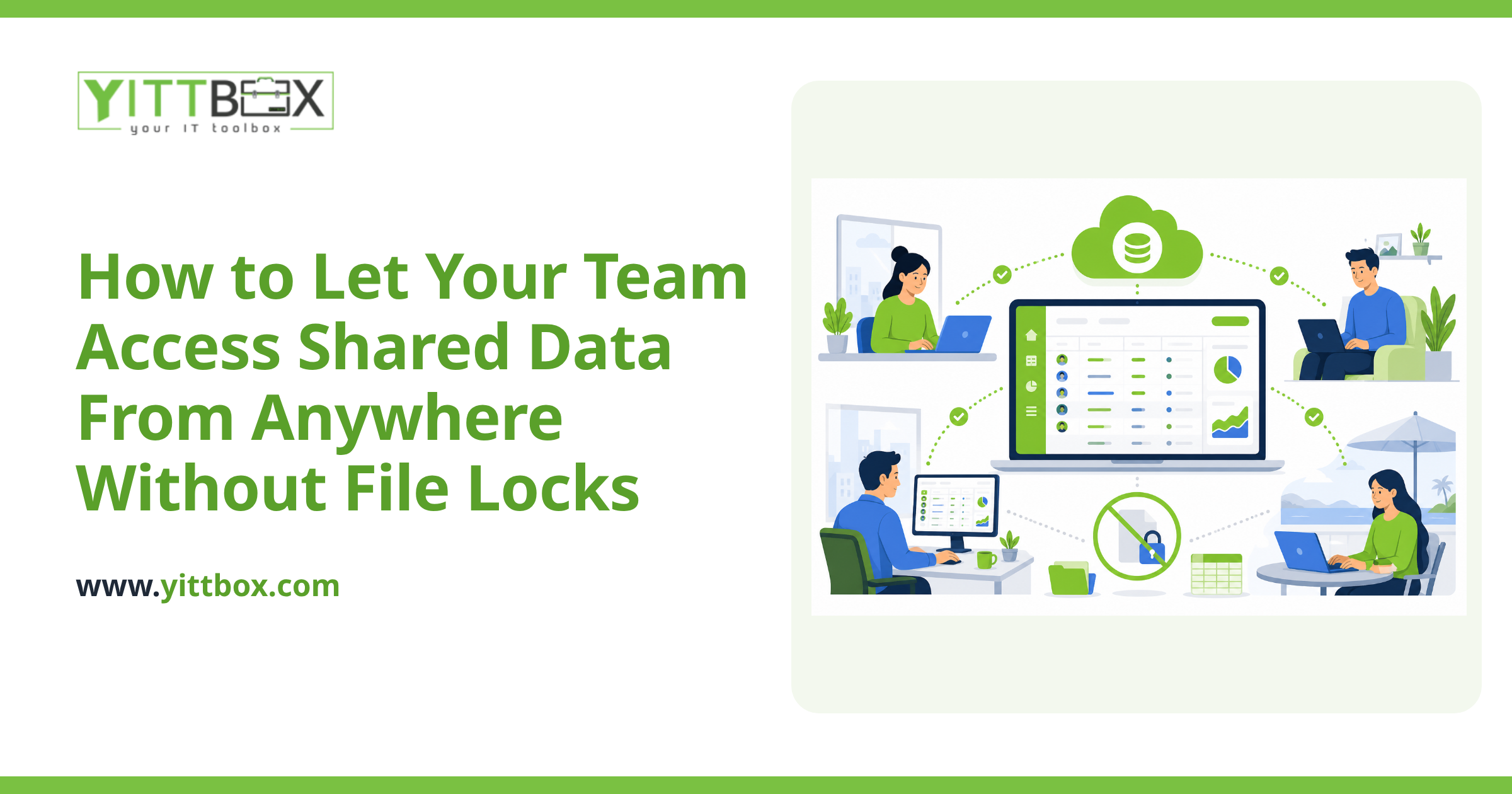
A web application works completely differently. Your data lives in a central database, not in a file that gets passed around. Everyone connects to that one source through their browser, and the database is built to handle many people at once safely.
How does a web app let multiple people work at the same time without conflicts?
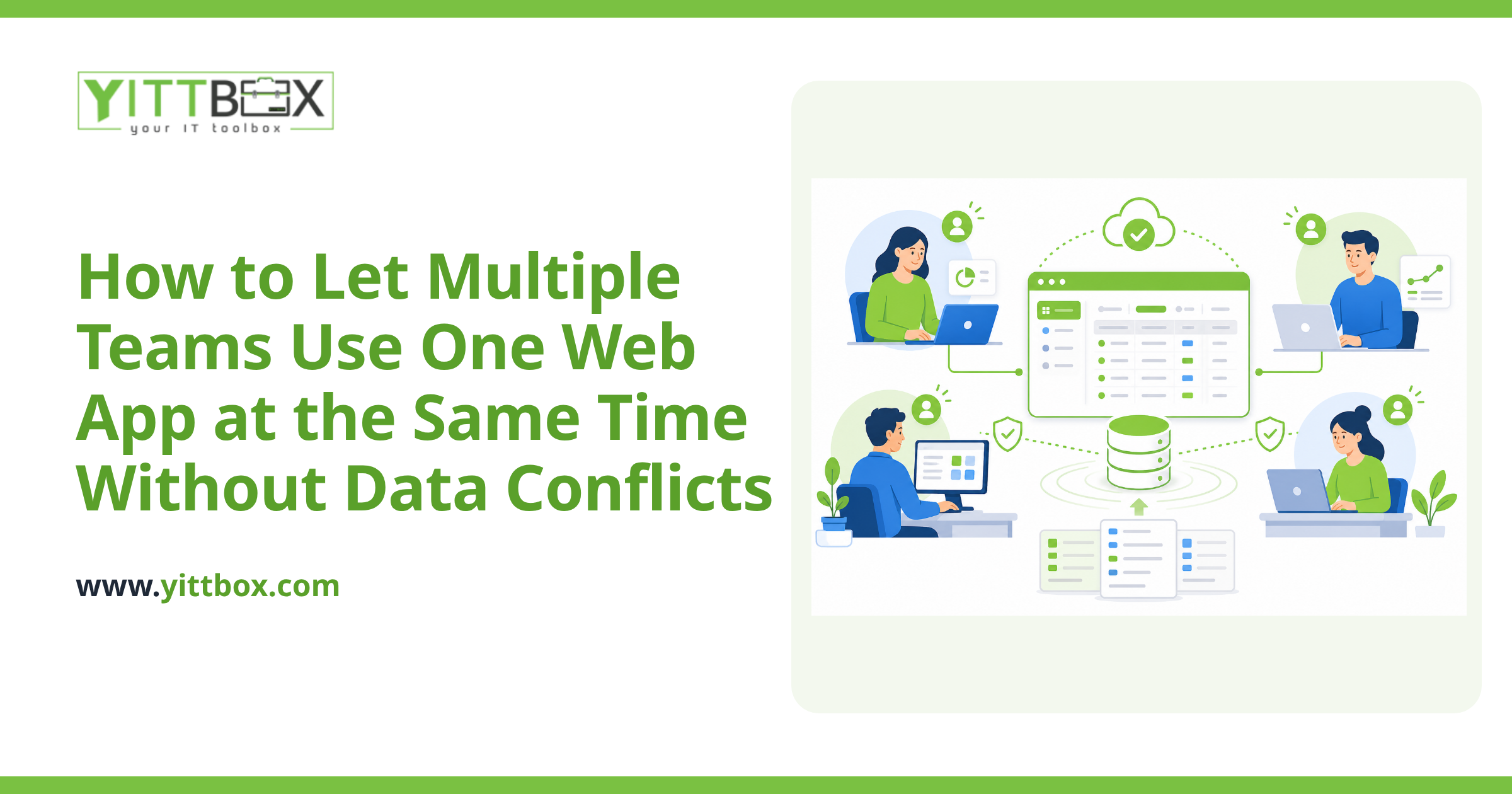
A proper database handles simultaneous edits at the record level, not the whole-file level. In plain terms:
- Two people can edit different records at the same time with no waiting and no lockout.
- If two people try to change the exact same record, the system manages it cleanly instead of silently overwriting one person's work.
- Every change is saved to one central place, so there's never a question of which version is current.
The result is that your team stops thinking about files altogether. They just do their work, and the app keeps everyone in sync.
Can my team really access it from multiple locations?
Yes. Because a web app runs in the browser and stores data centrally, location stops mattering. Staff in the office, someone working from home, and a colleague at a client's premises all see the same live information. Update a record in one place and everyone else sees it immediately.
You don't need to install anything on each computer, and you're not tied to one machine or one network. All anyone needs is a login and an internet connection.
Is my data safe if it's on the web?
Handled properly, it's considerably safer than a file sitting on a shared drive or a USB stick. A well-built web app protects your data in several ways:
- Logins and permissions so only the right people see the right things.
- Automatic backups, so a mistake or a hardware failure doesn't wipe out your records.
- A secure connection between the browser and the server.
- No more stray copies floating around on laptops and email attachments.
The single biggest security risk in most small businesses isn't hackers, it's having important information scattered across dozens of uncontrolled copies. Centralizing it fixes that.
Do I have to rebuild everything from scratch?
Usually not. Most businesses have years of useful data already sitting in their spreadsheets or Access files, and that data can typically be brought across into the new system. The goal is to keep what works about your current process and remove the parts that cause pain.
A good starting point is to map out what your team actually does day to day, then design the app around that. If you'd like a sense of what's involved in moving off spreadsheets or Access, our guide on converting an existing system walks through how that migration typically works.
How long does it take and what does it cost?
It depends entirely on how much the app needs to do. A focused tool that replaces one problem spreadsheet is a much smaller job than a system that runs several parts of your business. Rather than guess, it's better to look at your specific situation and give you a straight answer.
You can share the details of what you're trying to fix through our free estimate, and we'll come back with a realistic scope and cost, in plain English, with no obligation.
What's the first step if I want to get off spreadsheets?
Start with a conversation about the actual problem, not the technology. The things worth writing down before you talk to anyone:
- Which file or process causes the most lockouts, arguments, or lost work.
- Who needs access, and from where.
- What you wish the current setup did that it can't.
From there, the path to a stable, multi-user web app is usually clearer than owners expect.
Ready to stop fighting with locked files?
If shared files are slowing your team down, we're happy to take a no-pressure look at your setup and tell you honestly what would help. There's no sales call to dread and no jargon to decode, just a clear explanation of your options. You can request a free review of your situation whenever you're ready, and if converting an existing spreadsheet or database is on your mind, our modernization overview is a good place to start.
Comments
Be the first to comment on this post.