
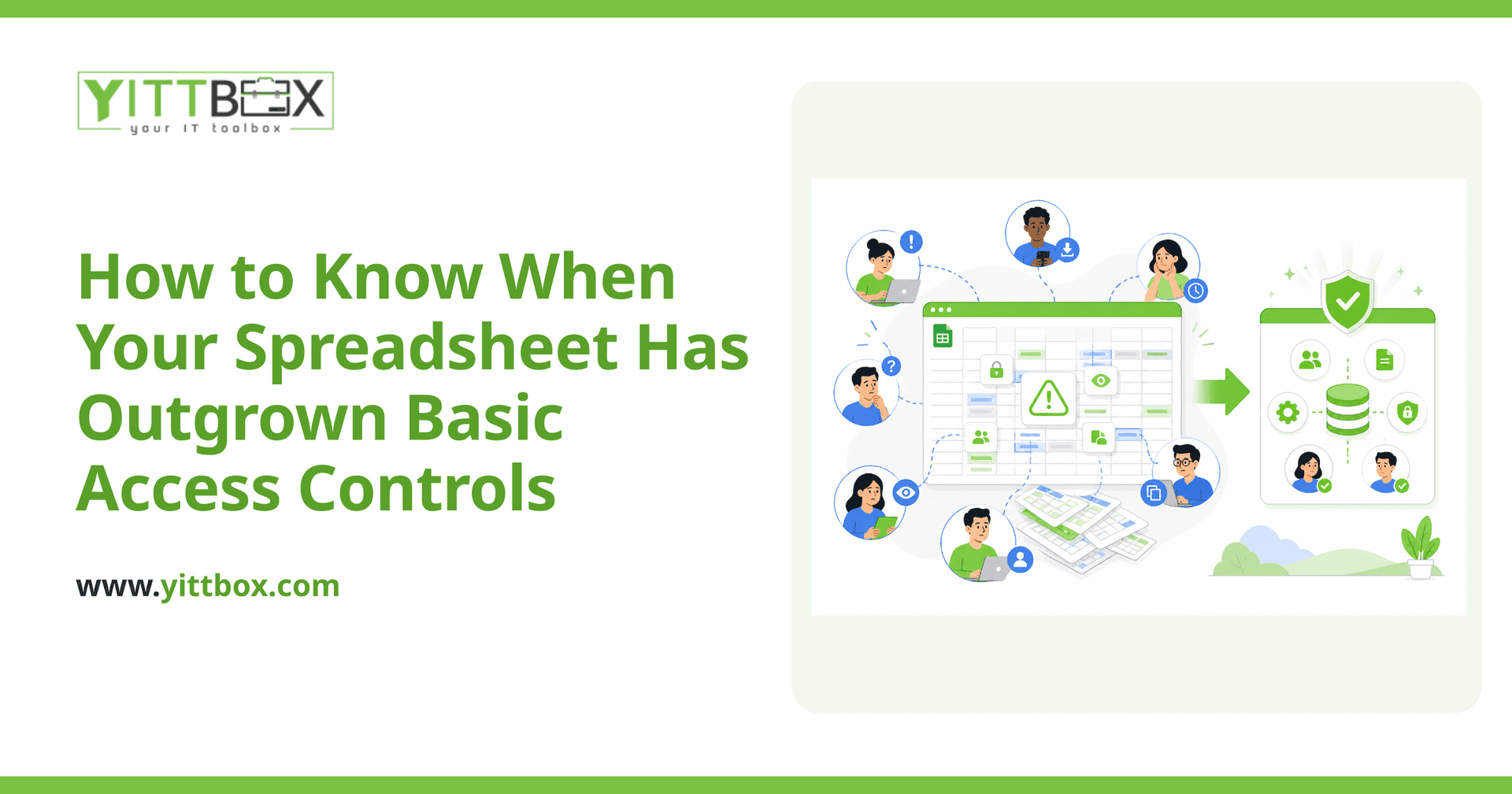
Spreadsheets are brilliant right up until the moment they aren't. They start as a quick way to track a few things, and before long they're running a real part of your business. The trouble usually shows up around access: who can see what, who can change what, and how you keep the wrong hands off sensitive numbers. If you've started worrying about that, you're not being paranoid — you're noticing a genuine limit.
Here are the questions small-business owners ask us most often about this, with straight answers to each.
What does "outgrown access controls" actually mean?
It means the built-in sharing and protection features of your spreadsheet can no longer safely handle who touches your data. A spreadsheet can lock cells, hide sheets, and share by link — but it can't reliably enforce different permissions for different people, track who changed what, or stop someone from copying the whole file. When those limits start causing real risk or real headaches, you've outgrown them.
What are the warning signs my spreadsheet has hit its limit?
If several of these sound familiar, your spreadsheet is doing a job it was never built for:
- Everyone sees everything. You can't show a staff member their own figures without exposing payroll, margins, or client lists.
- You rely on hidden tabs or passwords to protect data — and you know they'd take about a minute to get around.
- People overwrite each other's work and you can't tell who changed a number, or when, or why.
- You keep a "master" copy and email versions around, and nobody's sure which one is current.
- Access is all-or-nothing. Someone either has the full file or nothing at all — there's no middle ground.
- You'd struggle to answer a simple question like "who deleted this row last Tuesday?"
One or two of these might be manageable. When you're nodding along to most of them, the spreadsheet has become a liability rather than a tool.
Isn't password-protecting the file good enough?
Not really, and here's the honest version of why. A spreadsheet password stops casual snooping, but it doesn't give you roles. In a proper system you can say "this person can view orders but not edit prices" or "this manager sees their branch only." A single password can't make those distinctions. It also can't stop someone who legitimately has the file from copying it, emailing it, or taking it with them when they leave. If your data is sensitive enough to need protecting, it's usually sensitive enough to need real, per-person controls.
What are the risks of leaving it too long?
The costs of a stretched spreadsheet tend to be quiet until they aren't. The common ones we see:
- Data leaks — the wrong person sees wages, customer details, or supplier pricing.
- Silent errors — someone edits a formula or deletes a row and nobody notices for weeks.
- No accountability — when something goes wrong, there's no record of who did what.
- Key-person risk — only one person truly understands the file, and the business stalls when they're away.
None of these are dramatic on any given day. Added up over a year, they're expensive.
Do I need to replace my spreadsheet entirely?
Not necessarily, and not all at once. Plenty of businesses keep spreadsheets for genuine spreadsheet work — quick sums, one-off analysis, personal notes — while moving the shared, sensitive, business-critical parts into a proper application. The goal isn't to ban spreadsheets. It's to stop asking one file to be your database, your permissions system, and your source of truth all at the same time. If you'd like a sense of what moving off spreadsheets involves, we walk through it plainly on our converting from spreadsheets page.
What would a proper system give me that a spreadsheet can't?
A custom web application built around how you actually work can do the things a spreadsheet simply wasn't designed for:
- Per-person access — each user sees and edits only what their role allows.
- A single source of truth — no more "final_v3_REAL.xlsx" floating around inboxes.
- A history of changes — you can see who changed what and when.
- Guardrails — the system stops people entering bad data instead of hoping they don't.
- Access from anywhere — without emailing copies around.
The point is that the rules live in the system, not in your head or in a fragile set of hidden tabs.
How do I know if it's worth doing now?
A good rule of thumb: if a spreadsheet mistake or leak would genuinely hurt your business, it's worth reviewing. You don't have to commit to anything to find out. We offer a free, no-pressure review of your situation — we'll look at how your data flows today, point out where the real risks are, and tell you honestly whether a spreadsheet is still fine for now or whether it's time to move on. No pushy sales calls, and no jargon.
If you'd like a straightforward read on cost and scope, you can request an estimate whenever you're ready. And if you already know the spreadsheet has had its day, our conversion overview explains how we move you across without the drama. Either way, we'll keep the explanations in plain English from start to finish.
Comments
Be the first to comment on this post.