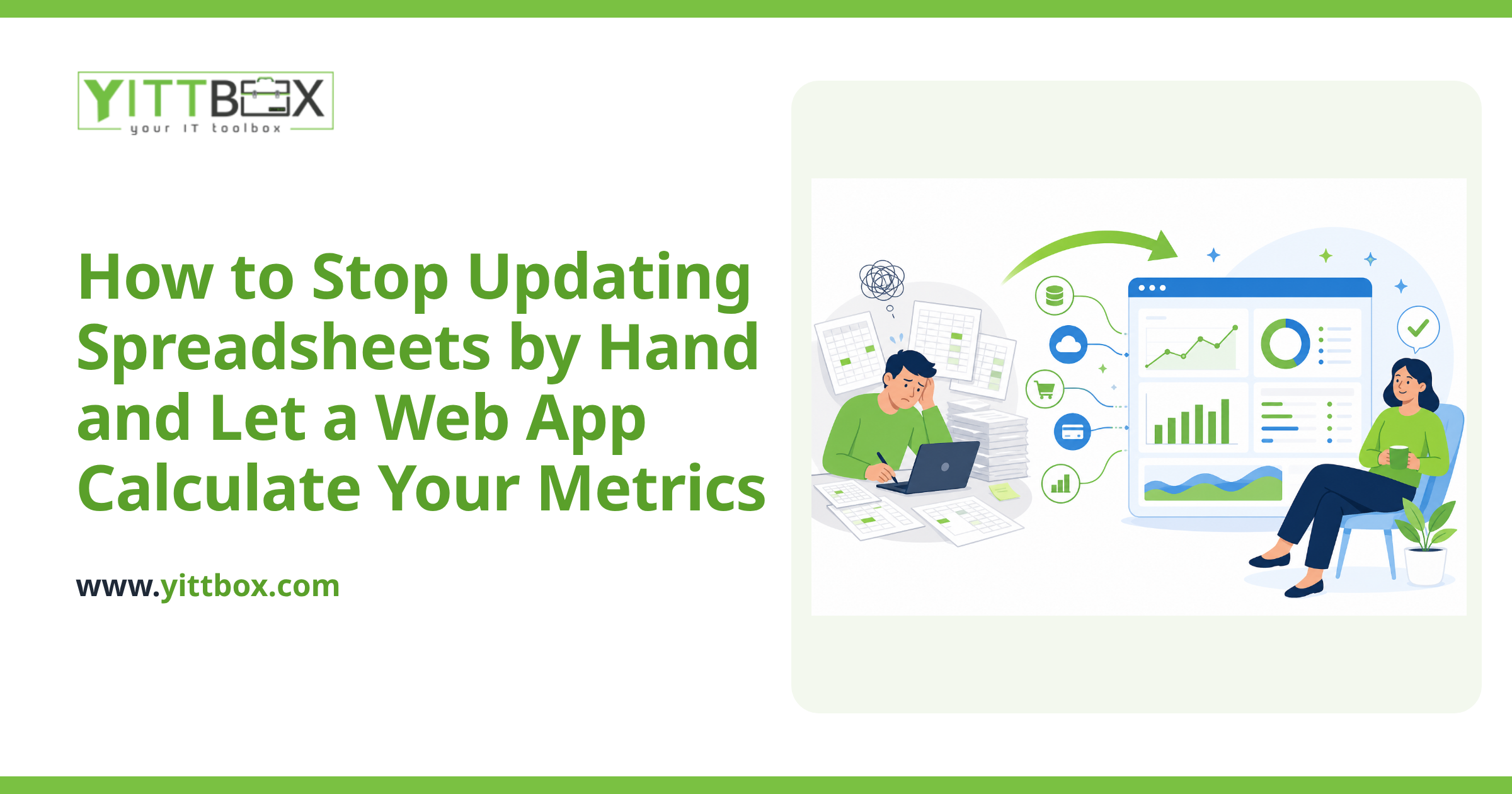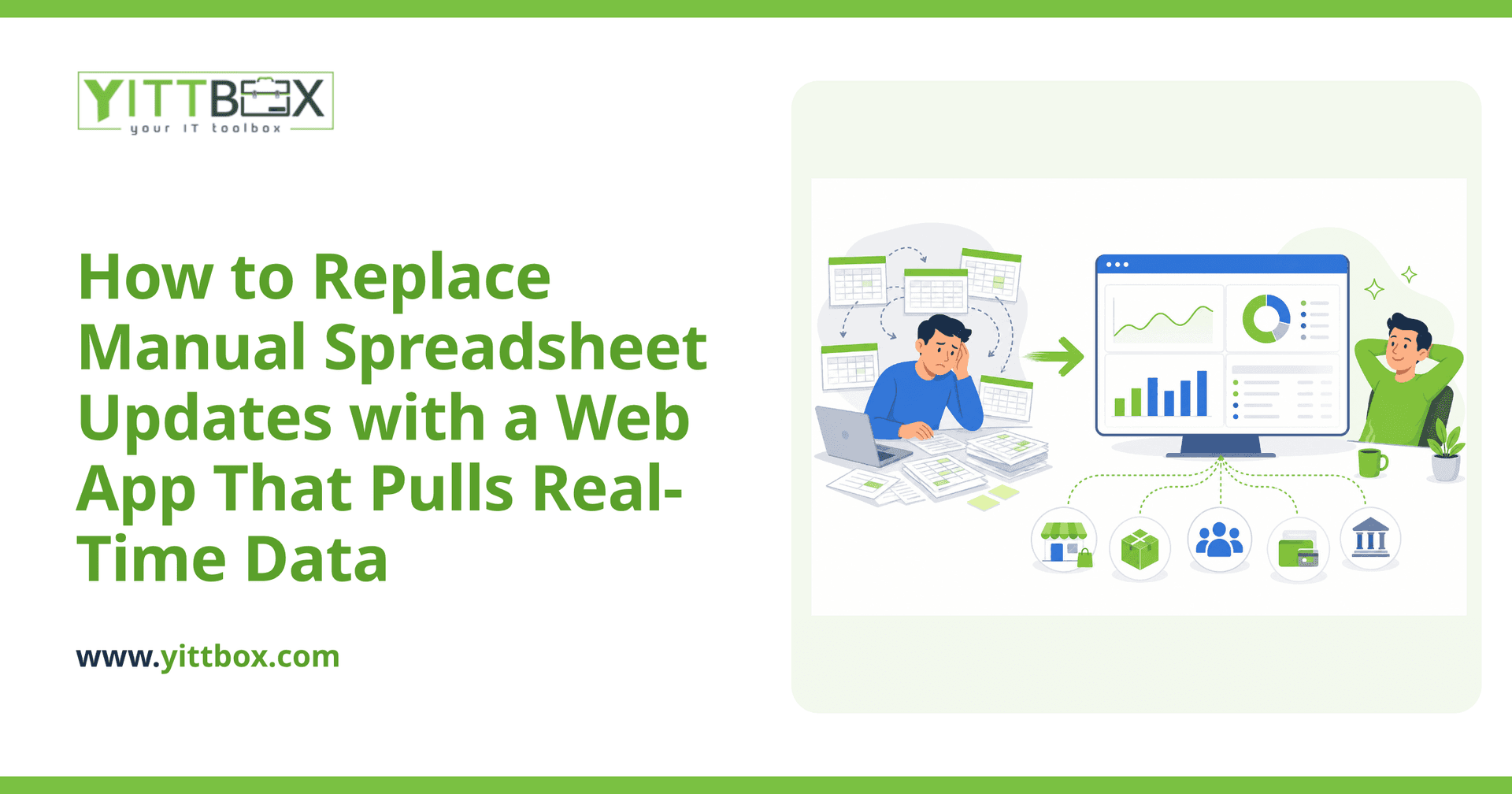
If your mornings start with copying numbers from one spreadsheet into another, downloading reports from three different logins, and hoping nobody fat-fingered a total along the way, you already know the cost. It's slow, it's error-prone, and the moment you finish, the data is already out of date. There's a better way: a web app that pulls information from all your sources automatically and shows you one live picture. Here's how that actually works, in plain English.
What does "pulling real-time data from multiple sources" actually mean?
It means a single web app connects directly to the places your data already lives — and refreshes itself so you're always looking at current numbers instead of yesterday's copy-paste.
Those sources might include:
- Your accounting or invoicing software
- An online store or point-of-sale system
- A payment processor
- Supplier or inventory systems
- Existing spreadsheets or an older database you still rely on
Instead of you visiting each one and stitching the results together by hand, the app does the fetching and combines everything into one dashboard you can open in a browser.
How does the app get data out of my other systems?
Most modern business systems offer a secure connection point — often called an API — designed specifically to hand data to another program when asked. Your web app uses those connections to request the information it needs, on a schedule you choose.
For systems that don't offer a clean connection, there are still reliable options:
- Scheduled imports of exported files, so a report that lands in a folder gets read automatically.
- Direct database connections for older in-house systems.
- A tidy manual entry screen for the one or two things that genuinely can't be automated — far better than a sprawling spreadsheet.
The point is to remove the repetitive copying, not to force every corner of your business through the same door.
How "real-time" is real-time?
That's your call, and it should match how you actually make decisions. "Real-time" rarely needs to mean "this exact second."
- Live on demand — the app fetches fresh data the moment you open the page. Great for things like current stock or today's sales.
- Every few minutes or hours — a sensible middle ground for most dashboards.
- Once or twice a day — plenty for weekly reporting or slower-moving numbers.
Matching the refresh rate to the decision keeps the app fast and keeps costs sensible. There's no benefit to hammering a supplier's system every second for a number you check once a morning.
Isn't this just a fancy spreadsheet?
No — and the difference matters. A spreadsheet is a snapshot that someone has to keep feeding. A web app is a living tool that maintains itself and can do things a spreadsheet can't:
- Show the same up-to-date information to your whole team at once
- Control who can see or change what
- Flag problems automatically — low stock, overdue invoices, unusual dips
- Keep a clean history so nothing gets accidentally overwritten
- Grow with you instead of collapsing under its own formulas
If your spreadsheet has quietly become the system your business runs on, it's worth looking at what a proper move away from spreadsheets could give you back in time and peace of mind.
What if my data lives in an old Access database or a system nobody wants to touch?
That's one of the most common situations we see, and it's very workable. You don't have to rip everything out on day one. A new web app can sit alongside an aging database, read from it, and gradually take over the parts that cause the most pain. Over time, the old system can be retired on your schedule rather than in a panic. We cover this approach in more detail on our modernization page.
How long does something like this take, and where do I start?
It depends on how many sources you're connecting and how messy the current process is, but most small-business projects are far more achievable than owners expect. The best first step is simply to get clear on what you have.
A practical way to prepare:
- List your sources — every system, login, and spreadsheet involved in your reporting.
- Note the pain — which tasks eat the most time or cause the most mistakes.
- Describe the view you wish you had — what would you want to see the second you sat down each morning?
With that in hand, mapping out a realistic plan becomes straightforward.
What does working with YittBox look like?
Honest and low-pressure. We start with a free, no-obligation review of your current setup — no pushy sales calls, no jargon, and no commitment to go ahead. We'll tell you plainly what's possible, what it would take, and whether it's even worth doing yet. Throughout any project, we keep the communication in plain English so you always know what's happening and why.
If you're tired of the morning copy-paste routine and want to see what a self-updating dashboard could do for your business, request a free review of your situation. We'll take a look and give you a clear, straight answer.
Comments
Be the first to comment on this post.