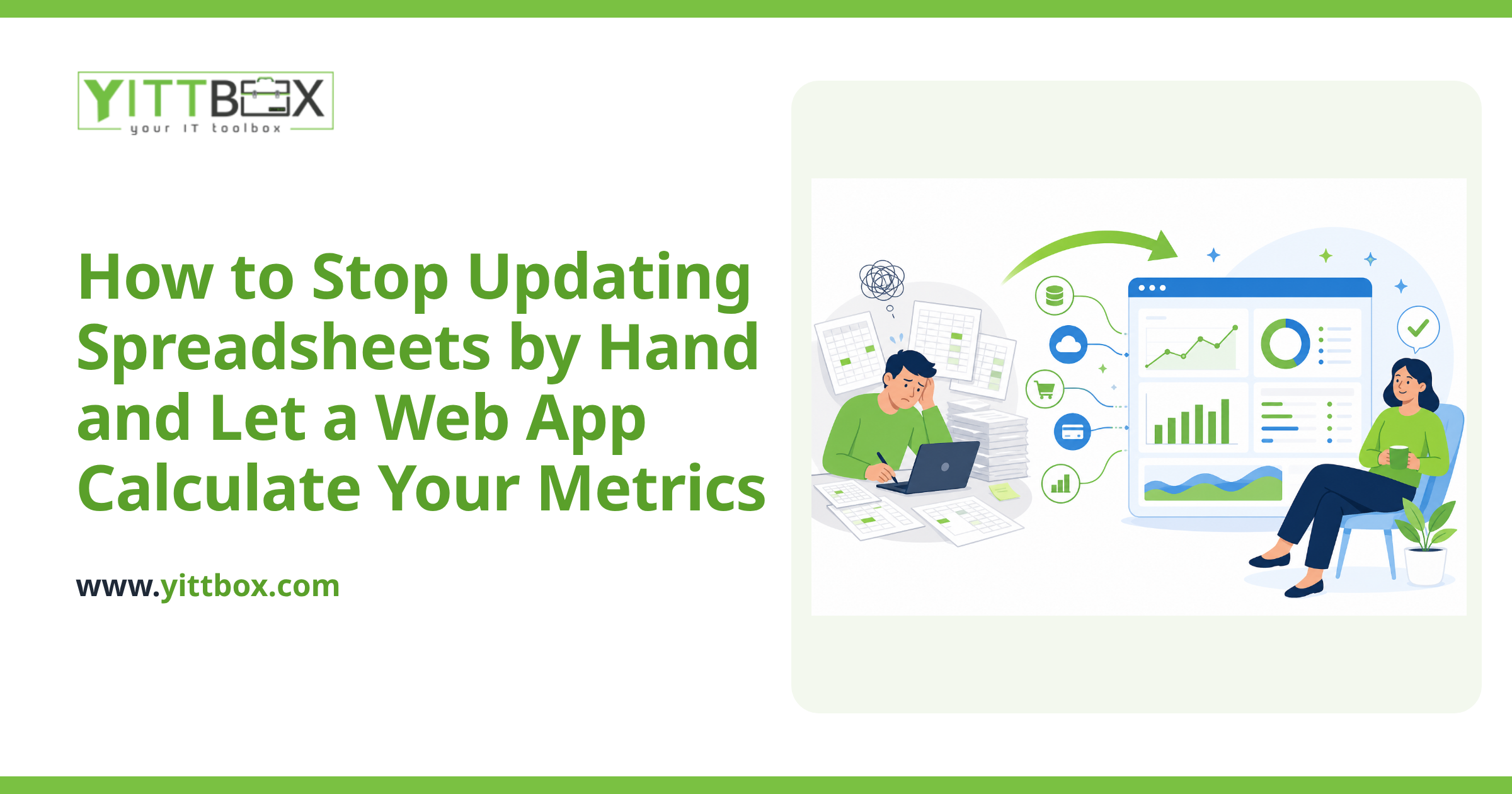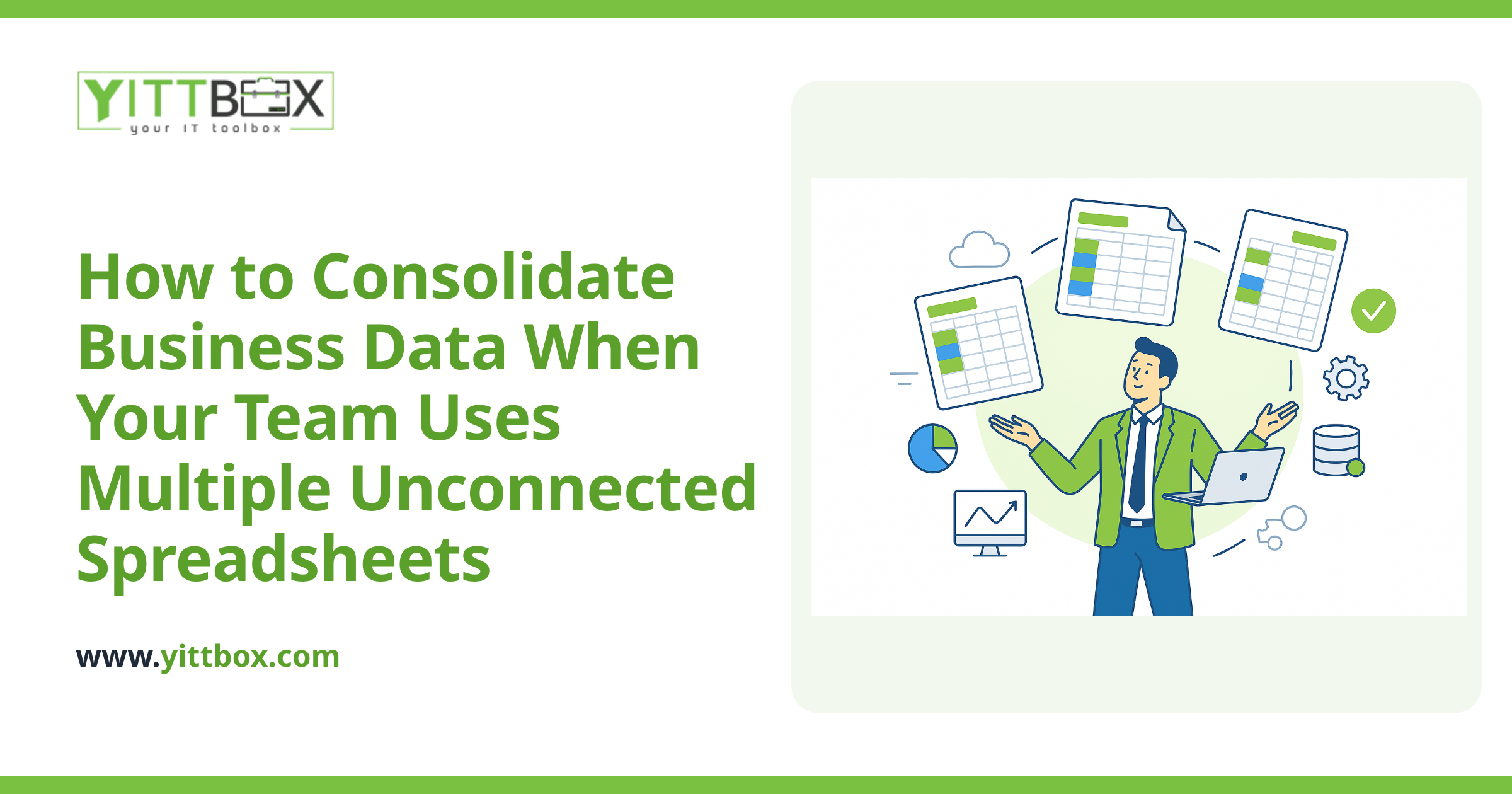
If your business runs on spreadsheets, you already know the pain: one file lives on your laptop, another sits in a shared drive, and a third is the version your bookkeeper swears is the "real" one. Someone updates a price, a customer address, or an order status in one place — and the other copies quietly fall out of date. By the time you notice, you've quoted the wrong figure or shipped to an old address.
The good news is that you don't have to live like this. A custom web app can keep your data in one reliable place and sync it automatically, so everyone sees the same numbers at the same time. Here's how it actually works, in plain English.
Why do my spreadsheets keep falling out of sync in the first place?
Because spreadsheets were never built to be a shared database. Each file is its own island of data. When two people open separate copies, there's no single source of truth — just competing versions that drift apart with every edit.
Common triggers include:
- Multiple copies emailed around or saved in different folders.
- Manual re-keying — someone copies figures from one sheet into another by hand.
- No record of who changed what, so mistakes are hard to trace.
- Growing volume — a sheet that worked fine with 200 rows crawls at 20,000.
A web app solves this by storing your data once, centrally, and giving everyone a live window into it.
How does a web app actually keep the data in sync?
Instead of many separate files, a web app puts your information in a single central database. Everyone works through the app — in their browser, on a phone or laptop — and every change is written straight to that one database. There's no "my copy" versus "your copy," because there's only one copy.
In practice, syncing happens in one of two ways:
- Everyone works inside the app directly. This is the cleanest approach — the spreadsheets go away and the app becomes your day-to-day tool. Every entry is instantly visible to the whole team.
- The app connects to your existing spreadsheets. If you still need certain sheets for accounting or reporting, the app can read from and write to them on a schedule, so the numbers stay matched without anyone copying and pasting.
Which route fits you depends on how attached your team is to their current sheets and what those sheets feed into. Both are workable — it's mostly a question of habit and workflow. If you'd like a straight answer for your situation, we're happy to look at how your spreadsheets are set up and tell you honestly what's realistic.
Will I lose the spreadsheets my team is used to?
Not unless you want to. A good approach keeps your existing data intact and works around your current habits rather than forcing a hard cutover on day one. Many businesses start by moving one high-pain process into a web app — say, order tracking — while leaving everything else as it is.
You can also keep familiar spreadsheet-style views inside the app: rows, columns, filters, and search that feel comfortable, but backed by a proper database underneath. Your team gets the layout they know without the version-control headaches they hate.
What can a synced web app do that a spreadsheet can't?
Once your data lives in one place, a lot of frustrating manual work simply disappears. A custom app can:
- Update everyone instantly — change a price once and it's correct everywhere.
- Prevent bad entries with validation, so a date goes in a date field and a quantity can't be a word.
- Control who sees what — your sales team, your warehouse, and your accountant each get the view they need.
- Track history so you can see who changed a record and when.
- Generate reports and totals automatically instead of rebuilding them by hand each week.
- Handle far more data without slowing to a crawl.
The point isn't fancy features for their own sake — it's getting hours back and trusting your numbers again.
How long does it take, and how much does it cost?
It depends on how many spreadsheets are involved, how tangled the formulas are, and how many people need access. A single-process app that replaces one messy sheet is a modest project. A system that ties together several departments takes longer.
What we can tell you is that it's usually less than owners fear, and the time savings tend to pay it back. Rather than guess, we'll give you a clear, itemized idea of scope and cost up front. You can get a plain-English estimate here — no obligation, and no pushy sales calls afterwards.
What's the first step if I want to fix this?
Start by writing down where your data actually lives and which sheets cause the most grief. That short list tells you where a web app would save the most time first.
From there, we offer a free, no-pressure review of your current setup. We'll look at your spreadsheets, explain what's possible in language that makes sense, and tell you honestly whether a web app is worth it for you — even if the answer is "not yet." When you're ready, you can tell us about your spreadsheets and we'll take it from there.
Comments
Be the first to comment on this post.