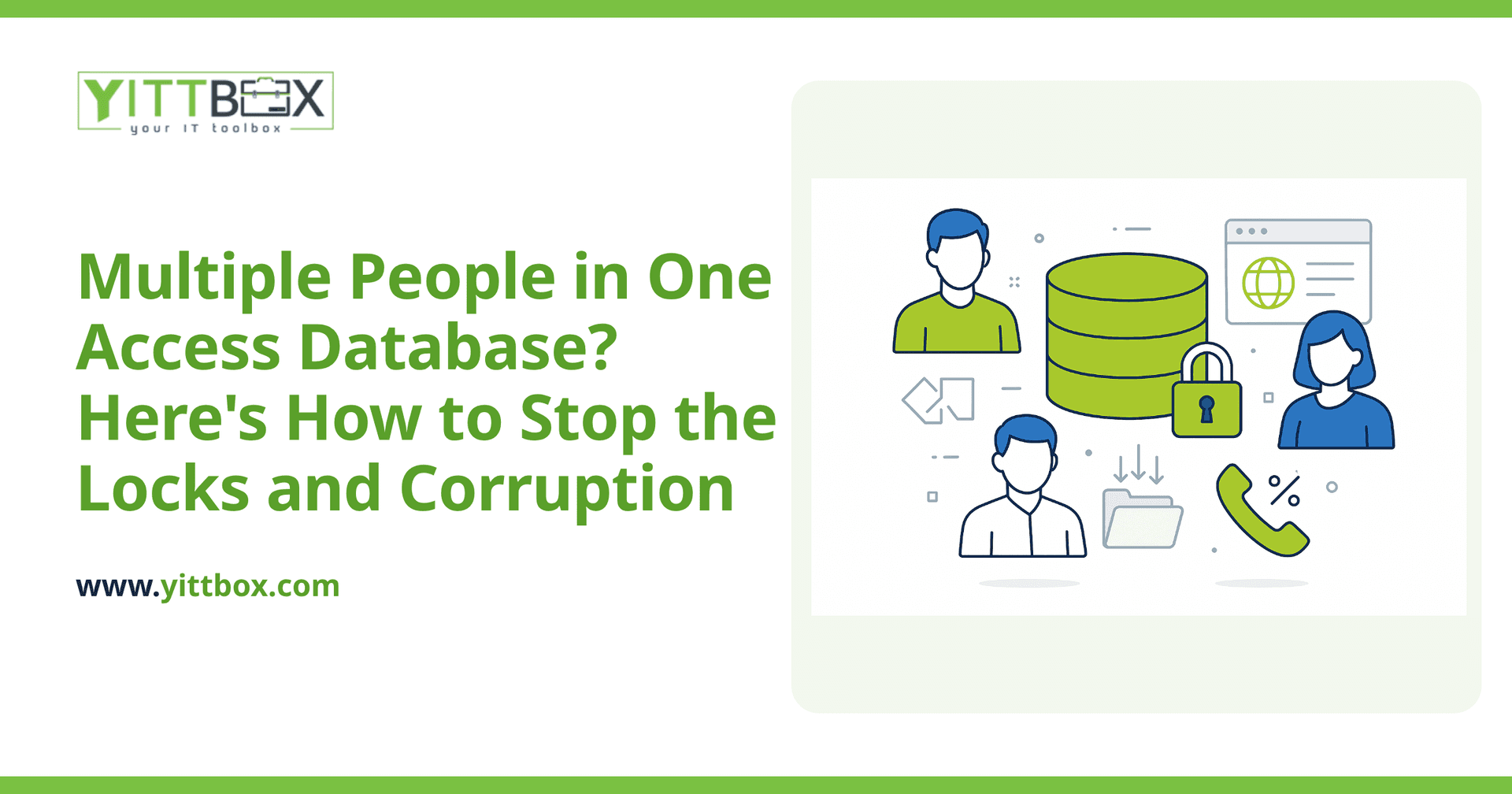
You know the drill. Someone opens the shared Access database to update a customer record, and suddenly a coworker gets a message saying the file is locked. Or worse, two people save at the same time and now the database won't open at all, throwing errors about needing to be repaired. If your team has grown past one person clicking around in Access, these problems stop being annoyances and start costing you real time and money.
The good news: there are practical ways to make Access behave better with a few users, and there's a clear point where it makes sense to move on to something built for the job. Here's an honest walkthrough, in plain English.
Why does Access lock up or corrupt when several people use it?
Access was designed as a file-based database, which means everyone is essentially opening and editing the same file over your network at once. When two people touch the same data — or when someone's connection drops mid-save — Access can lock records, block access to the whole file, or leave the file in a damaged state.
A few common triggers make it worse:
- Everyone shares one file. Both the data and the forms/reports live in a single .accdb, so every action competes for the same file.
- A wobbly network or Wi-Fi. A dropped connection during a write is one of the most common causes of corruption.
- Too many people at once. Access can handle a small number of simultaneous users, but it strains quickly beyond that.
Can I split the database to reduce corruption?
Yes, and it's the single most effective fix if you want to keep using Access. Splitting separates your database into two parts:
- A back-end file that holds only the data (your tables).
- A front-end file that holds the forms, queries, and reports — with a copy installed on each person's computer.
Each person works from their own local front-end, and they all connect to the one shared back-end for data. This cuts down file contention dramatically and makes corruption far less likely, because people aren't all fighting over the same design objects at once. It won't make Access bulletproof, but for a small team it's a big, low-cost improvement.
How do I set record locking so two people don't overwrite each other?
Access lets you control how it locks records while someone is editing. In the options, you can choose:
- Edited Record locking, which locks only the row someone is actively changing. For most small teams this is the sweet spot.
- No Locks, which is riskier because two people can overwrite each other.
- All Records, which locks too much and blocks other users unnecessarily.
Setting locking to the edited record, combined with a split database, handles most day-to-day conflicts. You'll still occasionally see a "another user is editing this record" message — but that's the system protecting your data, not breaking.
What else can I do to prevent corruption right now?
A few housekeeping habits go a long way:
- Use a wired connection for the machine hosting the back-end file whenever possible, and avoid running the shared file over Wi-Fi.
- Back up daily. If the file does corrupt, a recent backup is the difference between a five-minute restore and a lost afternoon.
- Compact and repair regularly. This keeps the file lean and catches small problems before they grow.
- Have people close out fully at the end of the day rather than leaving the database open overnight.
These steps buy you stability, but they're patches on a tool being pushed past what it was built for.
When is it time to move off Access entirely?
Access is a fine tool for one person or a very small, occasional-use setup. But it's usually time to move on when any of these sound familiar:
- More than a handful of people need to work in it at the same time.
- You're getting corruption or lockouts often enough that people avoid the database.
- You want people to access it from home, another office, or a phone.
- The file has grown large and slow.
- Only one person really understands how it all hangs together.
The modern replacement is usually a custom web application — one that lives in a proper database built for many users at once, opens in a browser from anywhere, and never has a file to lock or corrupt. You keep the workflows your business already relies on, without the fragility. We walk through exactly what that migration looks like on our database conversion page.
How much does it cost to replace an Access database?
It depends on how much your database actually does — a simple contact tracker is very different from a system that runs quoting, inventory, and invoicing. The honest answer is that we'd need to see it first. That's why our review is free and comes with no pushy sales calls: we look at what you have, tell you in plain English what it would take to modernize it, and you decide from there. You can start with a quick no-obligation estimate.
What's the simplest next step?
If Access is still working for you, split it, set record locking, and keep good backups — those changes cost nothing and help immediately. If the lockouts and corruption are already slowing your team down, it's worth understanding your options before the next crash forces the decision for you.
We're happy to take a look and give you a straight answer, with no pressure either way. Grab a free review of your setup whenever you're ready.
Comments
Be the first to comment on this post.