You built (or inherited) an Access database, and for a while it did the job. Then your team grew. Now the moment two or three people open it at the same time, things slow to a crawl, records lock up, or the whole thing crashes and someone loses an afternoon's work. If that sounds familiar, you're not doing anything wrong — you've simply outgrown the tool. Here's what's actually happening and what you can do about it.
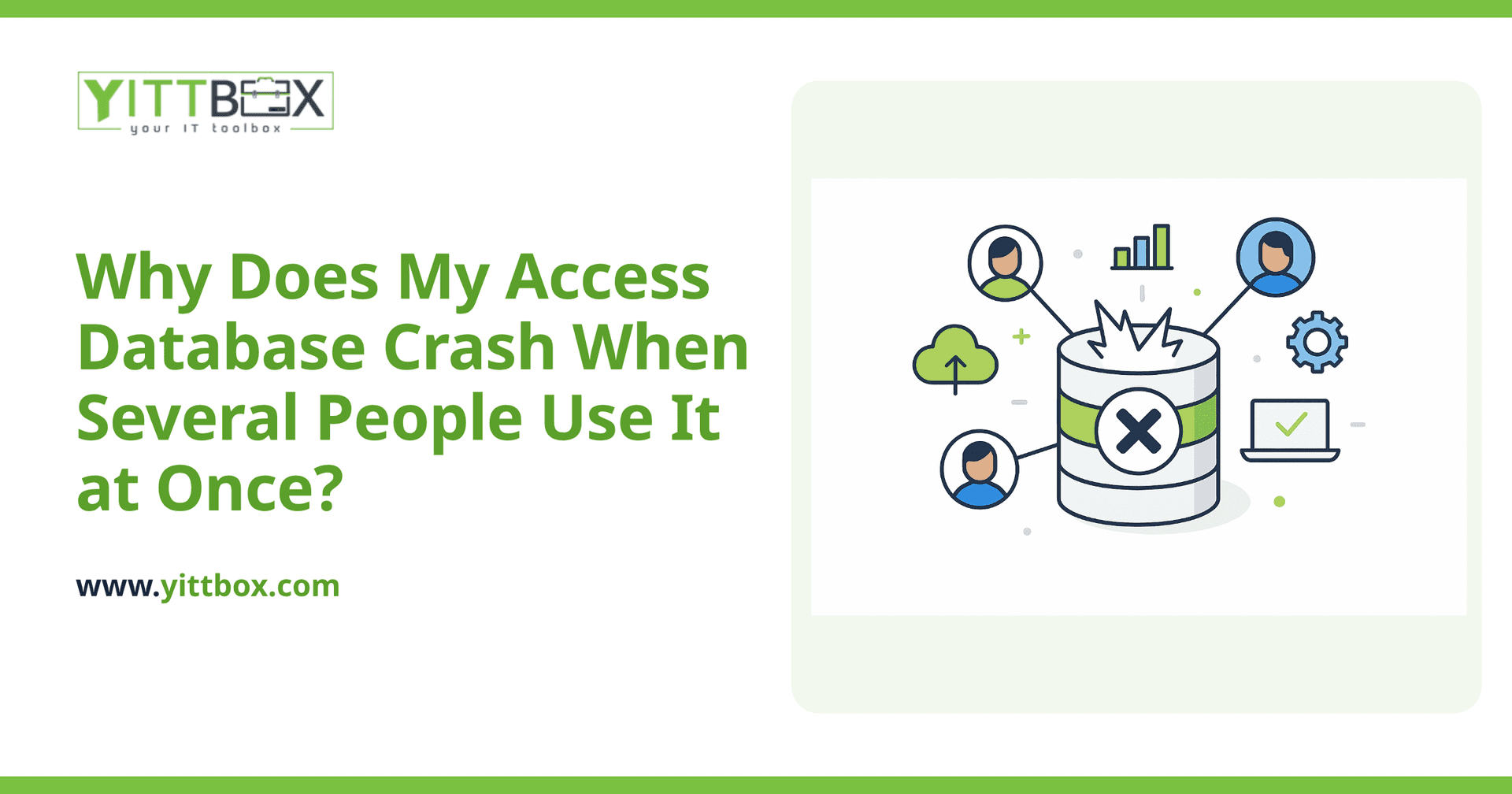
Why does Access crash when multiple people open it at the same time?
Because Access was never designed to be a true multi-user system. When you open an Access file, your computer pulls large chunks of that file across the network to work on. When several people do this at once, they're all fighting over the same shared file at the same time. That competition causes slowdowns, locked records, and file corruption — which is usually what you're seeing when it "crashes."
In plain terms: Access is a filing cabinet that only really works well when one person is rummaging in it at a time. Ask five people to reach into the same drawer at once and something's going to jam.
Is it my network, my computer, or the database itself?
It's tempting to blame your internet or an old PC, and sometimes those don't help. But the core issue is almost always the database design itself, not your hardware. You can buy faster machines and a better network and still hit the same wall, because the limitation is in how Access shares its data.
A few things commonly make it worse:
- The whole database sits in one file on a shared drive, so every user is tugging at the same file.
- Someone works over Wi-Fi or a remote connection, which multiplies the risk of a dropped connection corrupting the file.
- The file has grown large over the years, so every action moves more data back and forth.
- People leave it open all day, keeping records locked and blocking others.
Can I fix it without replacing everything?
Sometimes, yes — at least for a while. There are a few honest stopgaps that can buy you breathing room:
- Split the database so the data lives in one file and each person runs their own copy of the screens and buttons. This alone reduces a lot of corruption.
- Compact and repair regularly to keep the file from bloating.
- Limit how many people have it open at once and encourage folks to close it when they're done.
These help, but be honest with yourself about what they are: patches. If your business genuinely needs several people working in the same data at the same time, you'll keep bumping into the ceiling. At that point, the smarter move is to move the data somewhere built for it.
What should I move to instead of Access?
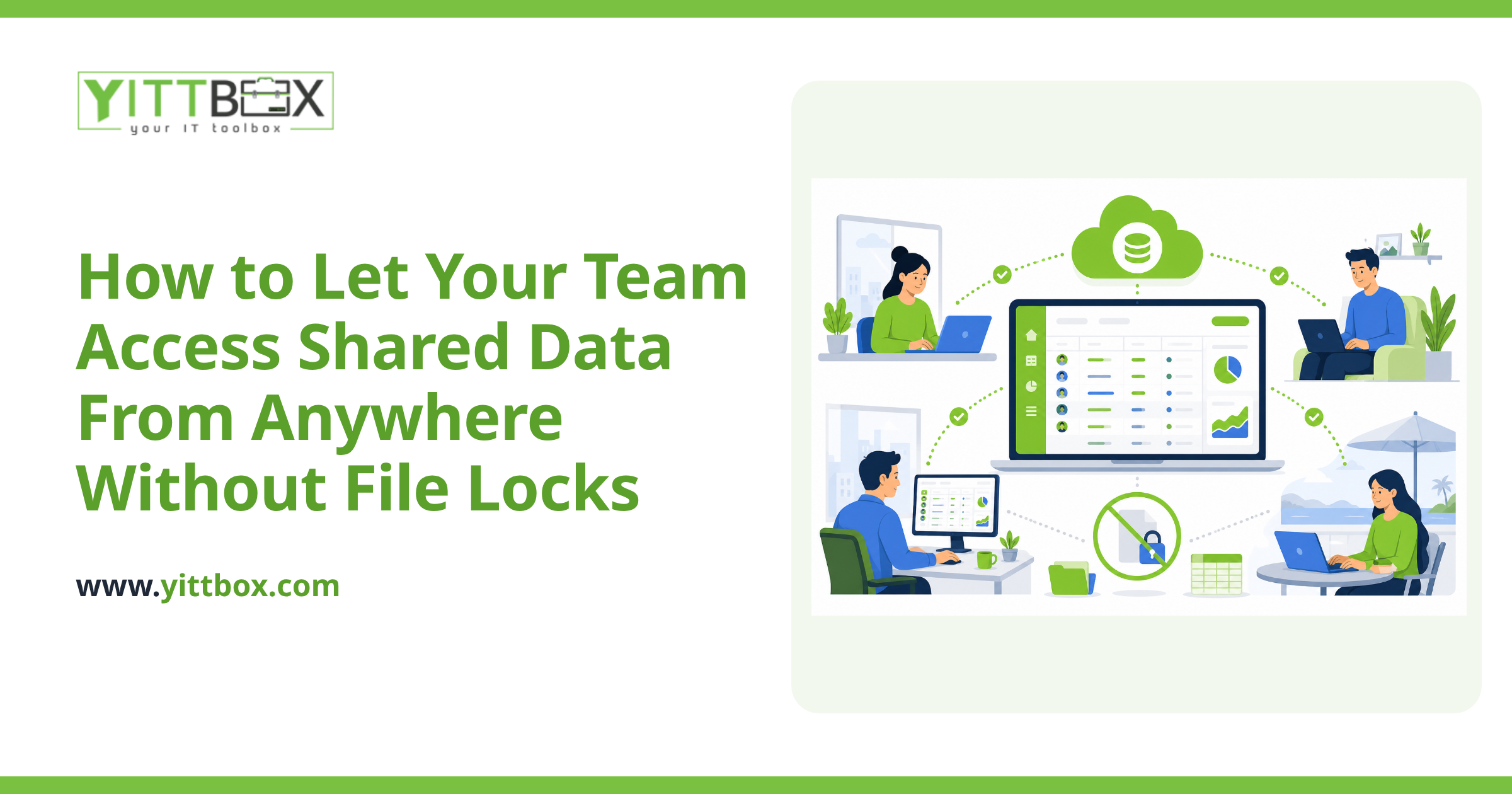
The usual next step is a web application backed by a proper database. Instead of everyone opening a shared file, your data lives in one central place and people reach it through a browser — the same way you use your online banking. Ten people can work at once without stepping on each other, and there's no file to corrupt.
The practical benefits for a small business tend to be:
- No more crashes from multiple users — the system is designed for exactly that.
- Access from anywhere, including from home or a job site, without clunky remote setups.
- Automatic backups, so a corrupted file no longer means a lost afternoon.
- Screens tailored to how your team actually works, rather than the generic Access defaults.
We walk through what this looks like in practice on our database conversion page, including how your existing data comes across so you're not starting from scratch.
Won't rebuilding it cost a fortune?
Not necessarily, and it's worth getting real numbers before you assume. The cost depends on how much your database actually does — a simple contact-and-jobs tracker is a very different project from a full inventory and invoicing system. The point is that guessing gets you nowhere. A clear, itemized estimate lets you weigh the cost of rebuilding against the cost of lost time, lost data, and daily frustration.
Many owners are surprised that the biggest expense isn't the software at all — it's the hours their team quietly loses to a tool that keeps falling over.
How do I find out what the right move is for my situation?
Start with an honest look at what you've got. We offer a free, no-pressure review of your current database — no sales calls chasing you afterwards, no jargon, just a plain-English explanation of why it's struggling and what your realistic options are. Sometimes that means a few tweaks to keep Access limping along a bit longer. Sometimes it means it's genuinely time to convert.
Either way, you'll walk away knowing more than you did, with no obligation. When you're ready, you can request a free estimate or tell us about your current database, and we'll take it from there — at your pace, not ours.
Comments
Be the first to comment on this post.