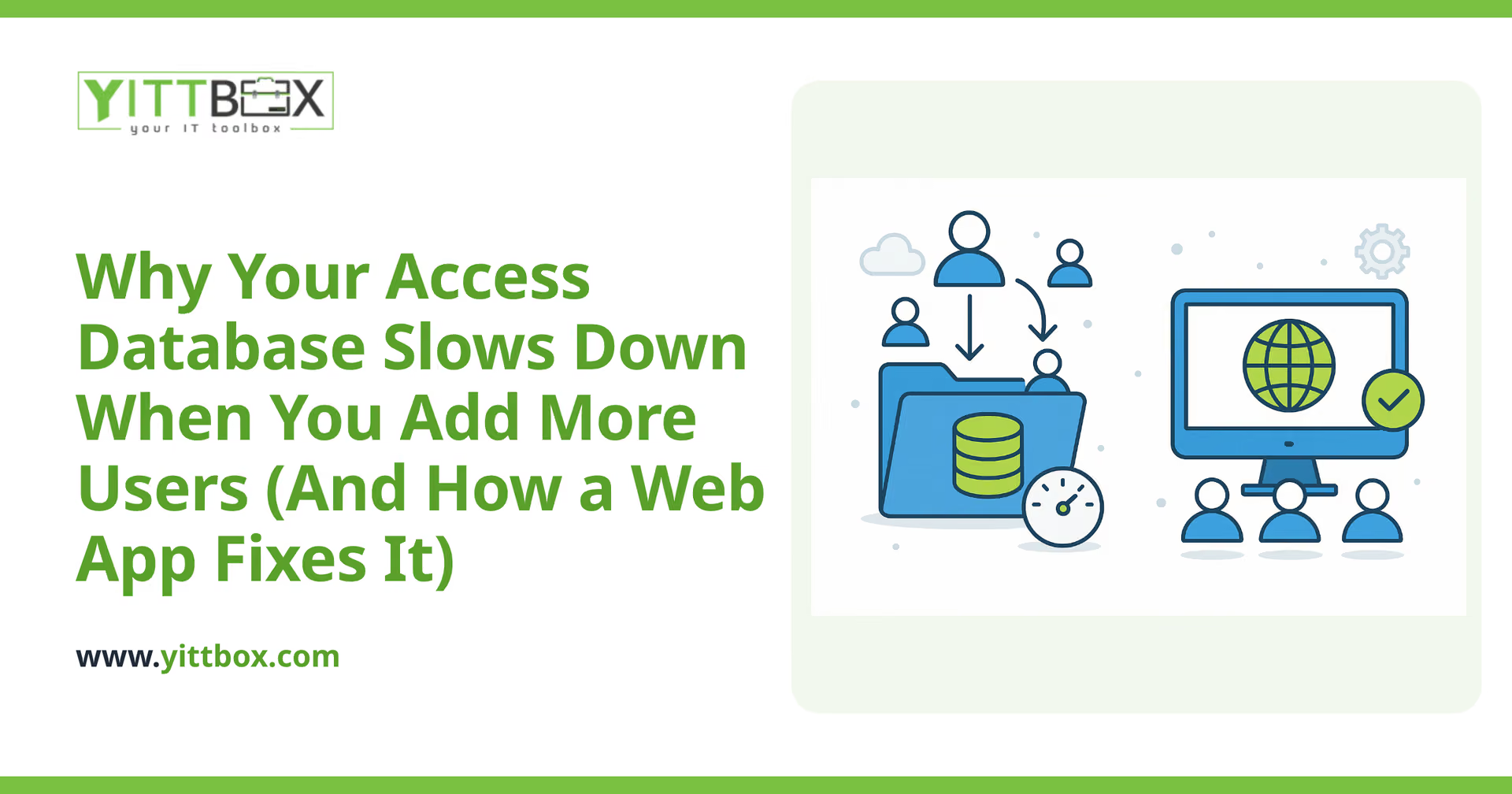
Your Access database worked beautifully when it was just you and one other person using it. Now you've grown, a handful of people need it at the same time, and suddenly it crawls. Records take forever to save, someone gets locked out, and every so often the whole file freezes or corrupts. If that sounds familiar, you're not imagining it — and you didn't do anything wrong. Access simply wasn't built for the way you're using it now.
Here's a plain-English look at why this happens, and what your options are.
Why does Access get slow when more people use it?
Because Access is a file, not a server. When several people open the same database, each computer pulls large chunks of that file across your network to do its work. The more people you add, the more traffic crosses the network at once, and the whole thing bogs down.
A few things make it worse as you grow:
- Everyone reads the whole file. Access often has to move a lot of data back and forth just to show or update a few records.
- Record locking gets in the way. When one person edits a record, others can be blocked from touching related data until they're done.
- Network hiccups cause corruption. A dropped connection or a laptop that goes to sleep mid-edit can damage the shared file, which is where those dreaded "repair and compact" mornings come from.
None of this is a sign the database was built badly. It's a ceiling that every shared Access file eventually hits.
Isn't there a quick fix I can do myself?
Sometimes, and it's worth trying before anything bigger. A few tweaks can buy you breathing room:
- Split the database so the data lives in one file and the forms and reports live on each person's machine.
- Make sure everyone is on a fast, wired connection rather than spotty Wi-Fi.
- Compact and repair regularly, and keep good backups.
These help, but they treat the symptoms. If your team is growing, more people need access at once, or you want people using it from home or a second location, you're patching a tool that's being asked to do a job it wasn't designed for.
How does a web app actually fix the slowdown?
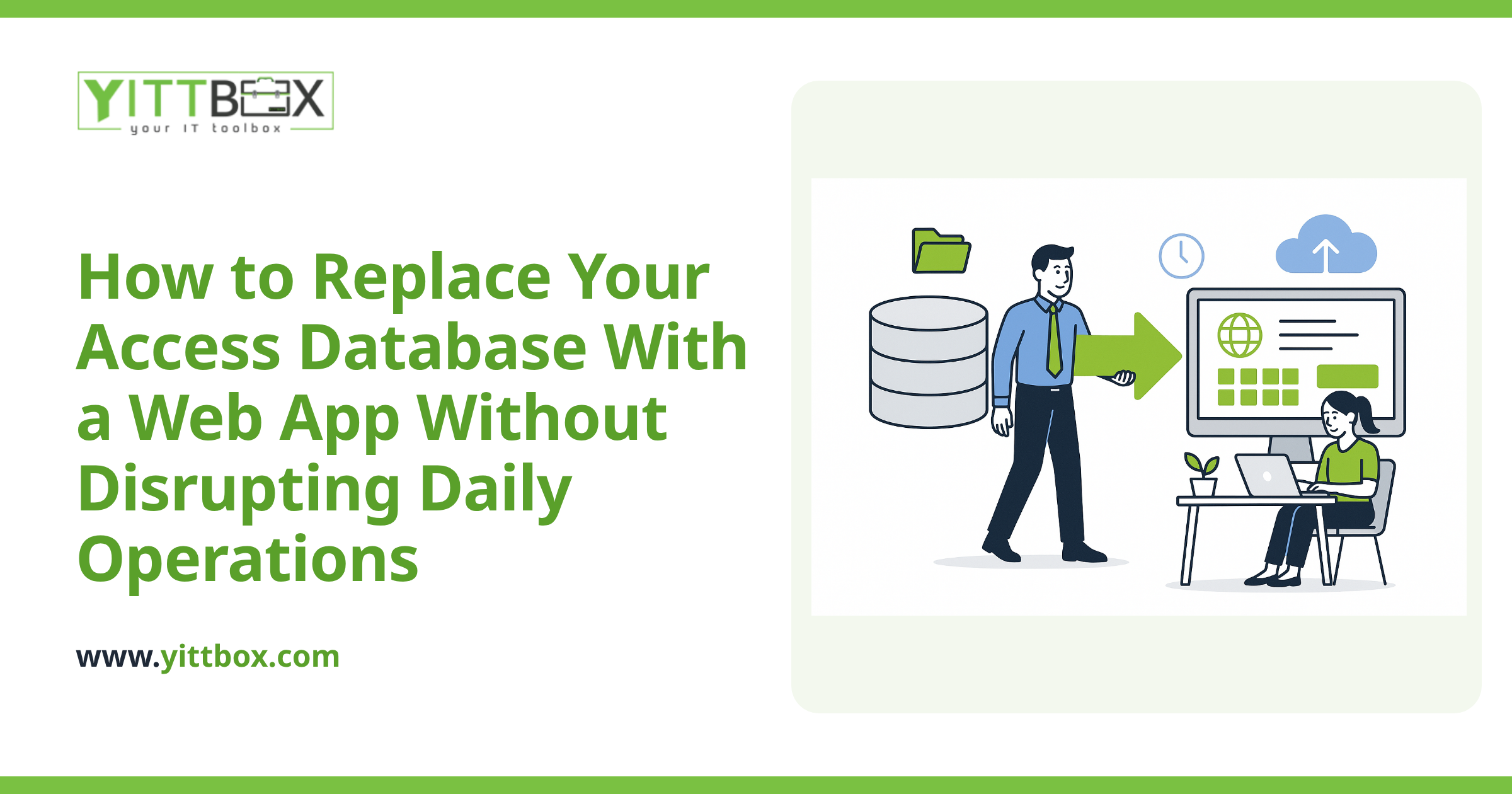
A web application flips the model around. Instead of everyone pulling a big file across the network, the data sits in a proper database on a server, and each person's browser only asks for the exact records it needs. The heavy lifting happens in one central place, so adding more users doesn't drag everyone else down.
In practical terms, that means:
- Many people at once, no fighting over the file. The system is built for simultaneous use, so edits don't block each other the way they do in Access.
- Access from anywhere. Any device with a browser — office, home, phone, a second location — with no software to install.
- Far less corruption risk. A dropped connection no longer threatens your whole dataset.
- Room to grow. When you double your users, you don't hit a wall.
You also get the chance to fix the little annoyances that built up over the years — the awkward forms, the reports you export and reformat by hand, the fields people keep filling in wrong. A move like this is a good moment to make the day-to-day easier, not just faster. You can read more about how that conversion process works and what's involved.
Will I lose the data and the way we work?
No. The goal is to keep everything you rely on and lose everything you don't. Your existing data can be brought across, and the screens and reports can be rebuilt to match how your team actually works — often improved along the way. A good conversion feels familiar on day one, just quicker and steadier.
The key is planning it in plain English up front: what you have now, what's frustrating, and what "better" looks like for your business. That's the part that gets skipped when people rush, and it's the part that matters most.
How do I know if it's worth converting?
A rough rule of thumb: if the database is slowing your team down, if you're nervous about corruption, or if you're avoiding adding people because you know it'll get worse, it's worth looking into. It's not always the right time — sometimes the split-and-tune approach is enough for another year, and we'll tell you honestly if that's the case.
The best way to find out is a straightforward review of your setup. We'll look at what you're running, how many people use it, and where the pain points are, then tell you plainly whether a web app makes sense for you — and what it would take. There's no pushy sales call and no pressure; it's a free, no-obligation review of your situation.
If your Access database has quietly become the thing everyone complains about, you don't have to keep living with it. Get in touch for a free review and we'll give you an honest read on your options.
Comments
Be the first to comment on this post.