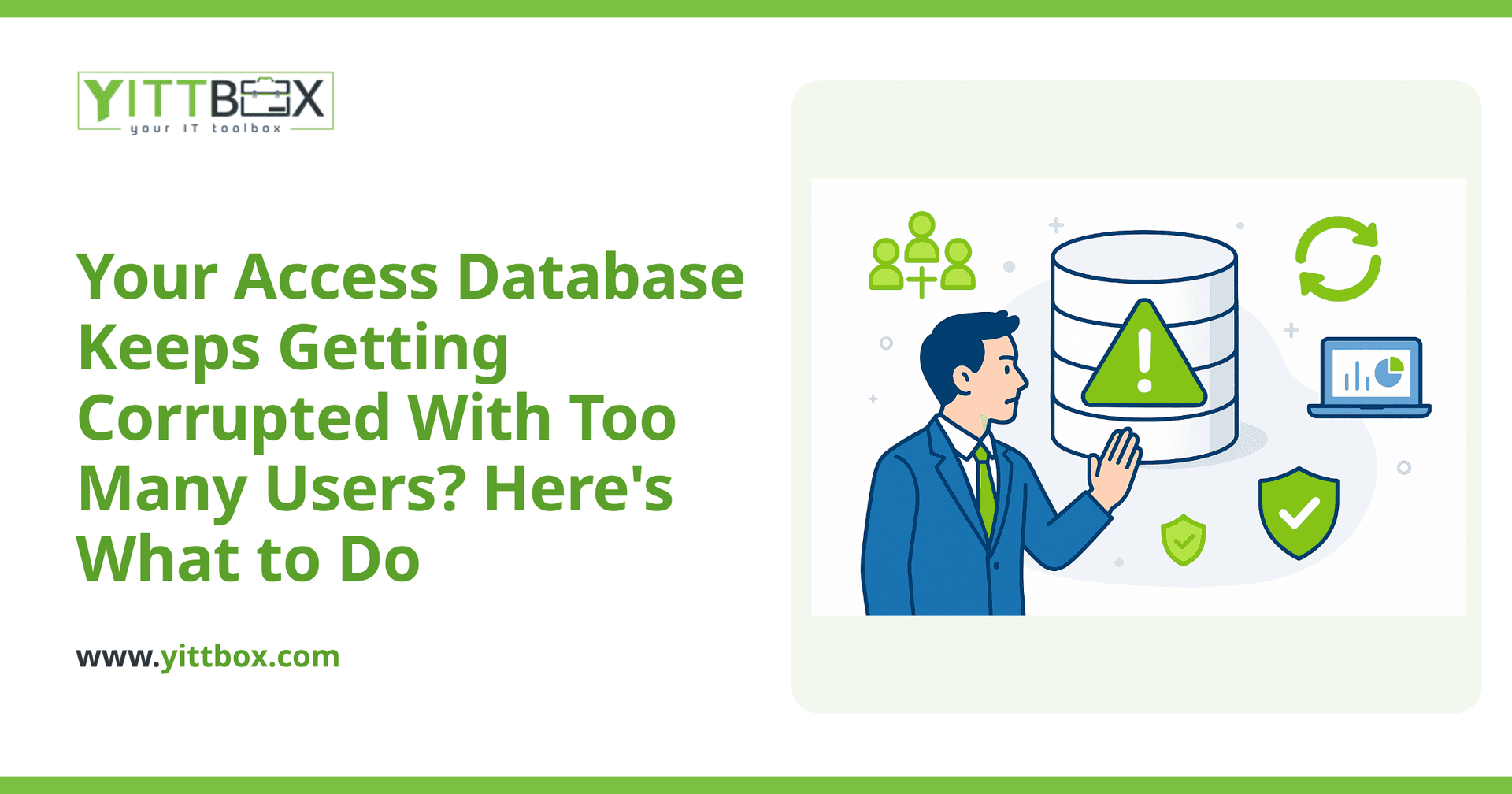
You open your Access database on a busy morning, and instead of your customer list you get an error message about the file being in an "inconsistent state." Everyone in the office is locked out, orders are piling up, and you're staring at a spinning cursor wondering if you just lost years of data. If this sounds familiar, you're not alone — and the good news is that most of the time, the data is recoverable.
This guide walks you through what to do right now, why it keeps happening, and how to stop it from happening again.
Why does my Access database get corrupted when several people use it?
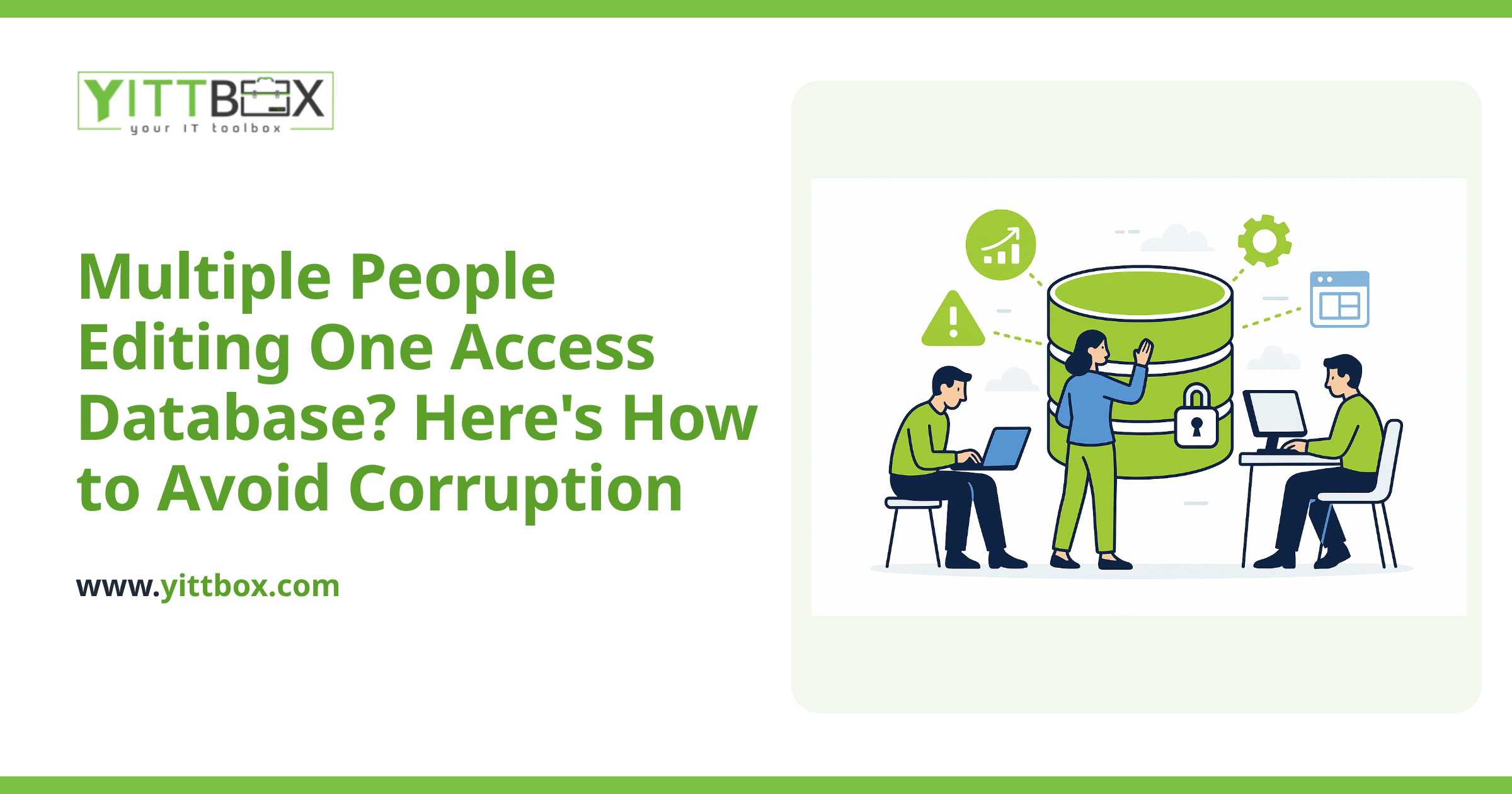
Because Access was never really built for a crowd. It's a fantastic tool for one person or a small handful of light users, but the file format struggles when multiple people read and write to it at the same time — especially over a network or Wi-Fi connection.
Corruption usually happens when:
- Two or more people save changes at the exact same moment
- Someone's connection drops mid-edit (a laptop going to sleep, a flaky Wi-Fi signal)
- The file is stored on a network drive and the network hiccups
- The database has simply grown too large and busy for the format to handle reliably
The more people you add, the more often these collisions happen. What worked fine with two users can become a daily headache with eight.
What should I do the moment the file becomes corrupted?
First, don't panic and don't keep clicking. Here are the calm, sensible steps:
- Get everyone out. Have all users close the database. Multiple people trying to open a damaged file can make things worse.
- Make a copy of the broken file. Before you try to fix anything, copy the file somewhere safe. If a repair attempt goes wrong, you still have the original to work from.
- Find your most recent backup. Check your backup drive, cloud storage, or IT folder. Knowing how far back your last good copy goes tells you how much work is at risk.
- Try the built-in repair. Access has a Compact and Repair Database option under the Database Tools menu. Run it on your copy, not the original. It fixes a surprising number of everyday corruption problems.
If Compact and Repair brings the file back, open it and immediately export or print your most important tables so you have that data on hand no matter what happens next.
Can I recover my data if Compact and Repair doesn't work?
Often, yes. If the built-in repair fails, there are still options before you give up on the data:
- Import into a fresh database. Create a brand-new blank Access file and import the tables one at a time from the damaged file. Sometimes a database is only partly corrupted, and the healthy tables will come across cleanly.
- Restore from backup. If you have a recent backup, restoring it and re-entering just the last few hours of work is usually faster and safer than fighting a damaged file.
- Get specialist help. When the data really matters and nothing else works, it can be recovered from a damaged file with the right approach. It's worth having someone look before you assume it's gone for good.
The hard truth is that recovery isn't always complete — and every time you recover, you're patching a problem that's likely to come back. That's the real signal it's time to think about a better setup.
How do I stop this from happening over and over?
Recovering the file gets you through today. It doesn't fix the underlying issue: the tool is being asked to do more than it was designed for. The reliable long-term answer is to move your data off a shared file and into a proper multi-user system.
A modern web-based application solves the core problem in a few ways:
- Everyone works from one central database instead of a shared file, so simultaneous edits don't cause collisions or corruption.
- It's built for many users at once — five people or fifty, working at the same time without stepping on each other.
- Backups happen automatically, so a bad day doesn't turn into lost data.
- Your team can access it from anywhere, not just the one PC or network drive where the file lives.
The best part is that you usually don't have to start from scratch. Your existing Access data, forms, and reports can be rebuilt into a web application that keeps everything you rely on while removing the fragility. We do this kind of work regularly — you can read more about how we convert Access databases and spreadsheets into web applications.
Do I have to replace everything at once?
No. A common worry is that fixing this means a massive, expensive overhaul. It doesn't have to. Many businesses start by moving just the parts that cause the most pain — the tables everyone shares — and leave the rest alone until they're ready.
A sensible path looks like this:
- Stabilize what you have today so you can keep working
- Move the high-traffic, corruption-prone parts to a proper multi-user system first
- Add the rest in stages, at a pace that fits your budget and schedule
Throughout, we keep the explanations in plain English so you always understand what's happening and why — no jargon, no surprises.
Where should I start?
If your Access database is corrupting regularly, that's a clear sign it has outgrown its format — and the pattern rarely gets better on its own. The sensible first move is simply to understand your options, with no obligation attached.
We offer a free, no-pressure review of your current setup. We'll look at how your database is used, where the risk is, and what a more reliable system would take. There's no pushy sales call and no commitment — just a straight answer. When you're ready, you can request your free review and estimate here, or learn more about moving off Access for good.
Comments
Be the first to comment on this post.