You added a team member who works from home, or maybe everyone went remote for a stretch. Suddenly the Access database that ran smoothly for years is a daily headache. People get kicked out. Someone opens a form and everyone else sees "record locked." The file gets corrupted and you're restoring from a backup you hope is recent. If this sounds familiar, you're not doing anything wrong — you've simply outgrown the tool.
Here are the questions small-business owners ask us most about this, with straight answers.
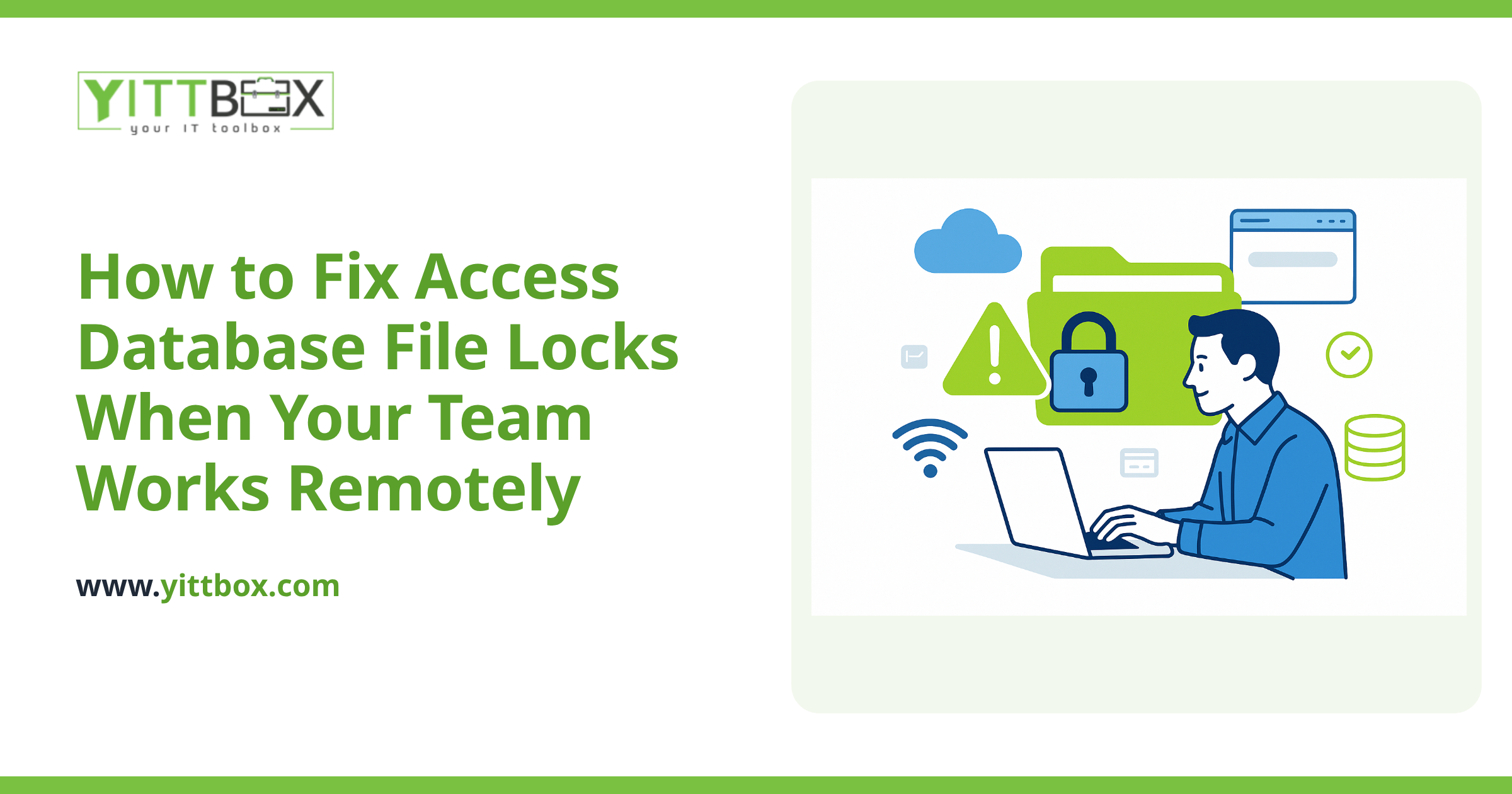
Why does my Access database lock files when people work remotely?
Because Access was built for a shared folder on a local office network, not for the internet. When your team was all in one building, everyone opened the same file over a fast, stable local connection, and Access could quietly manage who was editing what.
Working remotely usually means reaching that same file over a VPN, a mapped drive, or cloud-synced folder. Those connections are slower and less reliable, and Access is very sensitive to interruptions. A brief network hiccup while the file is open can leave the database thinking a record — or the whole file — is still "in use" by someone who has actually dropped off. The result is lockouts, freezes, and, in the worst cases, corruption.
Is it safe to keep using Access over a VPN or cloud drive?
For light, single-user work, it can limp along. For a team, no — and here's the honest version of why:
- Corruption risk. Access files can corrupt when a connection drops mid-write. Over remote connections, drops are more common.
- One editor at a time. Record and file locking mean people wait on each other instead of working in parallel.
- No real backup discipline. A single file on a shared drive is easy to overwrite or lose, and recovering it isn't always clean.
- Version confusion. Cloud-sync tools like Dropbox or OneDrive can create duplicate copies of the file when two people have it open, and you end up not knowing which one is real.
You can spend money making Access more tolerable remotely, but you're paying to prop up the wrong foundation.
What actually replaces an Access database for a remote team?
A web application. Instead of a file sitting in a folder, your data lives in a proper database on a server, and your team reaches it through a web browser. Nothing to install, nothing to sync, and no single file to lock or corrupt.
A well-built replacement gives you:
- True multi-user access. Several people can work at the same time without locking each other out.
- Access from anywhere. Office, home, or phone — same secure login, same up-to-date data.
- Automatic backups. Your data is backed up on a schedule, not dependent on someone remembering to copy a file.
- Permissions. You decide who can see and change what.
- Room to grow. Add features as your business changes, instead of hitting Access's ceiling.
The best part: it can keep the parts of your current system that already work. We can rebuild your existing forms, reports, and logic so the switch feels familiar to your team rather than like starting over. You can read more about how we handle that on our Access-to-web conversion page.
Will I lose all my existing data if I switch?
No. Your data is the valuable part, and it moves with you. Years of records, customers, orders, inventory — whatever lives in that Access file — can be migrated into the new system. A good conversion keeps your history intact and cleans up the mess (duplicates, inconsistent entries) that tends to build up over time.
We map out exactly what you have before anything is moved, so there are no surprises and nothing quietly gets left behind.
How long does it take to move off Access, and is it disruptive?
It depends on how complex your database is — a simple contact-and-orders system is a different job than one with dozens of interlinked forms and reports. The honest answer is we can't quote a timeline responsibly until we've looked at your actual file.
What we can promise is that we work in plain English the whole way through. You'll know what's happening, why, and what it costs before we start. Most conversions also run alongside your existing setup until the new system is proven, so your team keeps working while we build. When you're ready for a real number, our free estimate is the place to start.
How do I know if it's time to switch?
A few plain signs it's time:
- People regularly get locked out or kicked out of the database.
- You've had at least one corruption or "restore from backup" scare.
- Your team is remote, hybrid, or spread across locations.
- You're maintaining awkward workarounds just to keep the file usable.
- You've been told Access is "too old" but don't know what comes next.
If two or more of those ring true, you're spending time and money fighting your tools instead of running your business.
A no-pressure next step
If your Access database is causing daily friction for a remote team, we're happy to take a look at your situation and tell you honestly what your options are. No pushy sales calls, no jargon — just a clear review of what you've got and what it would take to move to something built for the way you work now.
When you're ready, request a free, no-pressure estimate and we'll go from there.
Comments
Be the first to comment on this post.