

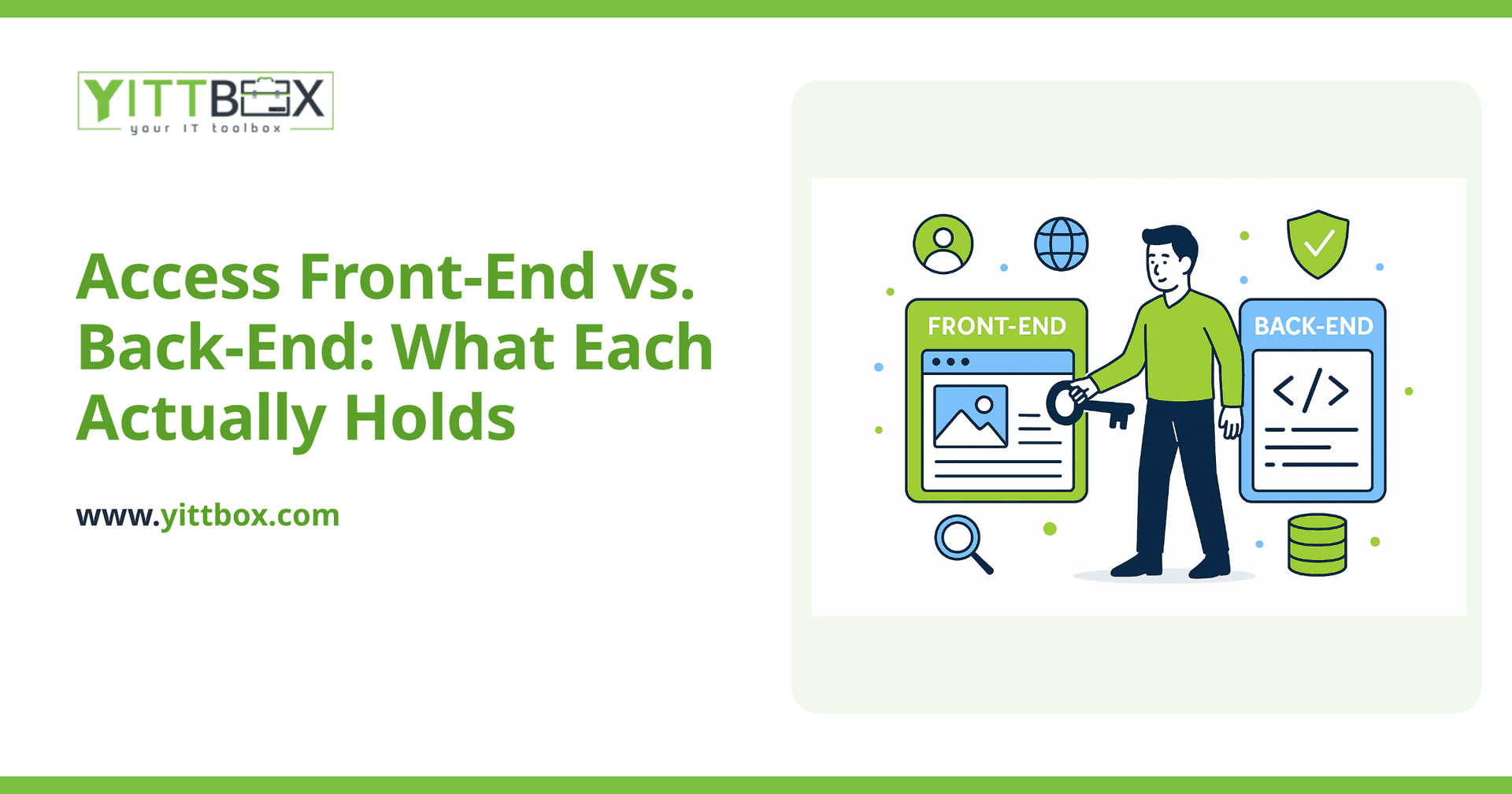
Once a database is split (see our companion guide on splitting), it's worth being precise about what belongs in each half — getting this wrong is the most common source of confusion when a team first works with a split database.
What lives in the back-end?
Only your tables — the raw data — and the relationships between them. Nothing else. No forms, no reports, no VBA. The back-end file sits on a shared network location and is the single source of truth every front-end connects to. Its whole job is to hold data reliably and answer requests from whichever front-ends are connected to it — it never renders a screen or runs a report itself.
What lives in the front-end?
Everything your team actually interacts with: forms, reports, queries, macros, VBA modules, and the linked-table references that point to the back-end's tables. Each user runs their own local copy of the front-end. When someone opens a form, types in a field, or runs a report, all of that logic and rendering happens locally in their own front-end copy — it only reaches out to the back-end when it actually needs to read or write data.
Why keep drawing this distinction so precisely?
Because the two halves have completely different requirements, and conflating them is where most split-database confusion comes from. The back-end needs reliability, a stable location, and careful backups — it's irreplaceable business data. The front-end needs none of that in the same way — it's disposable, versionable interface code that you can rebuild, roll back, or redistribute at will, precisely because it holds no data of its own.
Why does each user need their own front-end copy?
Because the front-end holds the interface logic, not shared data, there's no reason for it to be a shared file — and real reasons for it not to be. A local copy means one user's form crash or plugin conflict can't take down the interface for everyone else, and it lets you update the front-end (a bug fix, a new report) without any risk to the live data.
How do teams typically deploy front-end updates?
Three common patterns, in increasing order of reliability: manually copying the updated file to each user's machine (workable for very small teams, error-prone at scale), a shared network shortcut that always launches the latest version from a central location (simple, works for most small-to-mid teams), and a small deployment script or scheduled task that checks a version number and auto-copies an updated front-end locally before launch (the most robust, closest to how a real client-server application handles updates).
What commonly goes wrong with front-end/back-end deployments?
Two failure modes account for most support calls we see: someone accidentally edits the "master" front-end copy directly instead of a working copy, corrupting the source everyone eventually gets; and version drift, where different users end up on different front-end versions because the update mechanism isn't consistently enforced. Both are solved by picking one clear update pattern and sticking to it, rather than an ad-hoc mix.
Should the front-end's linked tables point to an exact file path?
Avoid hardcoding an exact drive-letter path where possible — a linked table pointing at "Z:\\Data\\backend.accdb" breaks the moment someone's drive mapping is different (a laptop that mapped drives differently, a new machine). A UNC path ("\\\\server\\share\\Data\\backend.accdb") is more portable across machines, and some teams add a small startup routine that re-links tables automatically if the expected path has moved.
Does splitting change how backups should work?
Yes — back up the back-end far more carefully than the front-end. The front-end is easily replaceable (it's just interface code you control the source of); the back-end is your actual data, and losing it is a genuine business event. Many teams that split their database also tighten their backup cadence at the same time, since the split makes it obvious which file actually needs protecting.
What size team is this pattern realistic for?
A well-executed front-end/back-end split comfortably supports the same practical concurrency range Access itself is built for — realistically single digits to around ten simultaneous users, per Microsoft's own guidance. Splitting doesn't raise Access's underlying concurrency ceiling; it just makes sure you're using all the headroom Access actually has, rather than losing performance to unnecessary lock contention on an unsplit file.
This article is part of our Microsoft Access modernization guide — the hub for our full Access modernization cluster, including migration targets, database architecture, and ongoing operations.
Comments
Be the first to comment on this post.



