Your Access database has quietly run part of your business for years. It tracks your customers, your orders, maybe your inventory. But lately it crashes when two people open it at once, nobody remembers how half of it works, and the person who built it left long ago. Now you're stuck with a big question: do you rebuild it from scratch, or move what you have somewhere more modern?
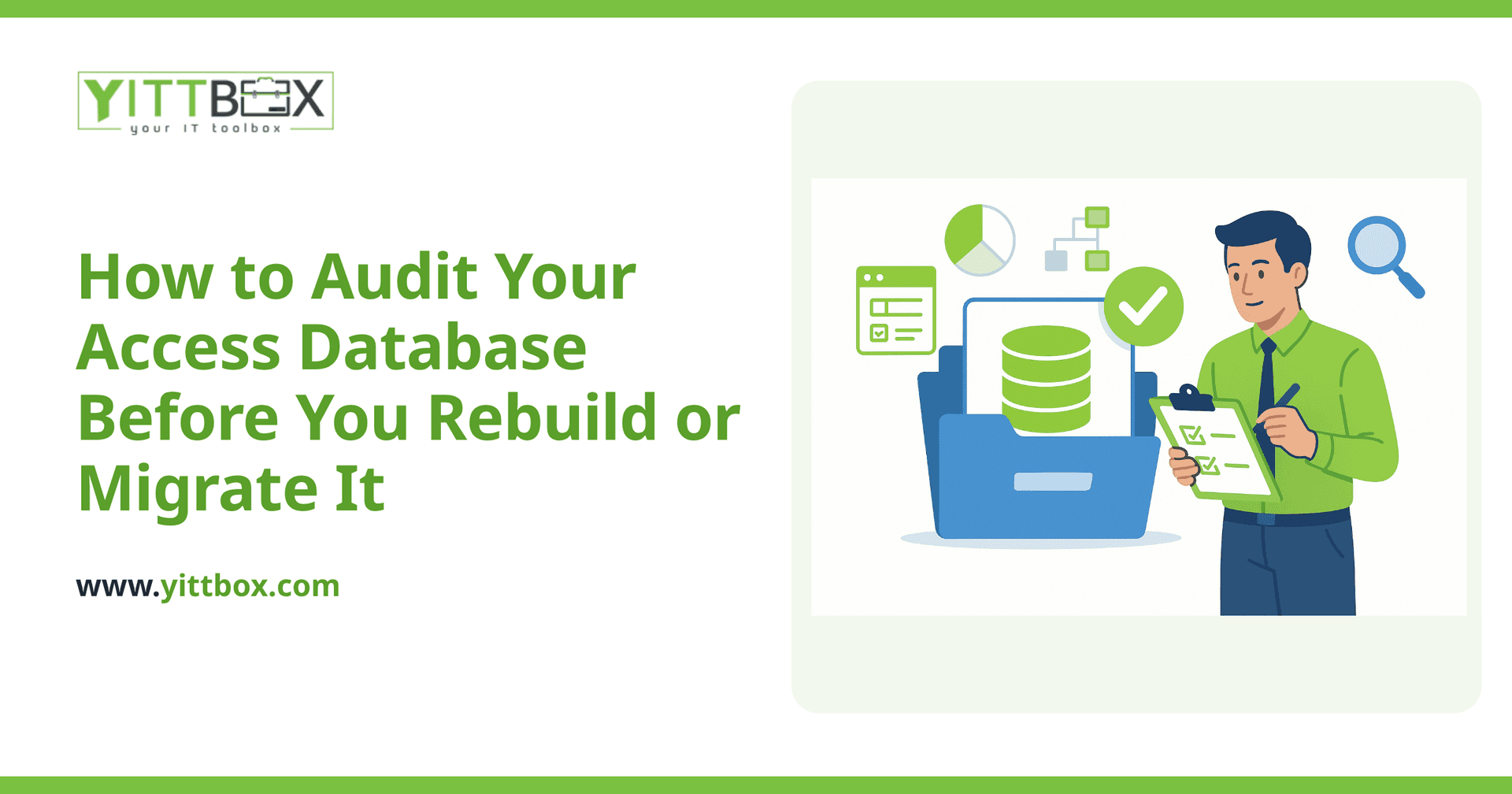
Before you spend a dollar on either path, you need an honest picture of what you actually have. A proper audit takes the guesswork out of that decision. Here's how to do one, in plain English.
Why should I audit my Access database before doing anything?
Because guessing is expensive. An audit tells you what your database does, how well it does it, and what's holding it back — before you commit to a rebuild or a migration. Without that picture, you risk rebuilding features nobody uses, or migrating problems you should have left behind. A short, honest review upfront usually saves far more time and money than it costs.
What exactly am I looking for when I audit it?
You're trying to understand four things: what the database holds, what it does, what's broken, and what your business actually needs from it. Work through these areas:
- The data itself — how many records, how many tables, and whether the data is clean or full of duplicates and blank fields.
- The forms and reports — which ones people use daily, which ones are ignored, and which ones nobody can explain.
- The rules and logic — any macros, queries, or VBA code that does calculations or automates steps behind the scenes.
- The pain points — the specific moments it slows you down, errors out, or forces someone to fix things by hand.
Write these down as you go. That list becomes the blueprint for whatever comes next.
How do I know if my data is healthy or a mess?
Open the tables and look closely. Healthy data is consistent; messy data isn't. Watch for warning signs like these:
- The same customer or product entered several times with slightly different spellings.
- Dates and amounts stored as plain text instead of proper date or number fields.
- Important information crammed into one field (a full address in a single box, for example).
- Empty required fields, or notes fields being used to hold data that should have its own column.
A little mess is normal and fixable. A lot of mess is a strong signal that a clean rebuild of the structure will serve you better than dragging the old problems forward.
Should I rebuild or migrate? How do I tell the difference?
Migrating means moving your existing structure and data to a newer platform largely as-is. Rebuilding means designing it fresh, keeping only the data worth keeping. The right choice depends on what your audit reveals.
Leaning toward migrate if:
- The core structure is sound and the data is mostly clean.
- It does roughly what you need — you just need it to be more reliable, shareable, or web-based.
- Only one or two people use it and the workflow won't change much.
Leaning toward rebuild if:
- The database has grown into a tangle nobody fully understands.
- Your business has outgrown it and you need features it was never designed for.
- Multiple people need access at once, from different places or devices.
- You keep fixing things by hand because the database can't be trusted.
Many businesses land somewhere in between — keep the valuable data, rebuild the parts that fight you. If you'd like a second opinion on which side of that line you're on, we offer a free, no-pressure review of your current setup and will tell you honestly what we'd recommend.
Can't I just move it to the cloud and be done?
Sometimes, but not always. Lifting an Access database into a shared or cloud environment can solve the "only one person at a time" problem, but it won't fix bad data, confusing forms, or missing features. If the underlying design is weak, moving it simply relocates the weakness. That's why the audit comes first — it tells you whether a straightforward move will do, or whether you'll be back in the same spot within a year.
What should I have ready before talking to a developer?
The more you can describe, the faster and more accurate any estimate will be. Before you reach out, try to gather:
- A simple list of what the database does today and who uses it.
- The parts that frustrate you most, and the parts you'd never want to lose.
- A rough sense of how many people will need to use the new version.
- Anything you wish it could do but currently can't.
You don't need anything technical. Plain notes are perfect — a good partner will translate them into a clear plan and a straightforward estimate without drowning you in jargon.
What happens after the audit?
Once you know what you have, the decision usually makes itself. You'll either move a clean, sound database to something more capable, or you'll rebuild the parts that hold you back and keep the data that matters. Either way, you go in with your eyes open instead of hoping for the best.
If you'd rather not work through the audit alone, that's exactly what our free review is for. We'll look at your setup, explain in plain English what we see, and lay out your options — with no pushy sales calls and no obligation to go further. When you're ready to see what a rebuild or migration might involve, you can request an estimate and we'll take it from there.
Comments
Be the first to comment on this post.