
When you first set up your Access database, it probably felt fast. One or two people opening it, a few hundred records, everything snappy. Then the business grew. Now five or ten people are in the file at once, the record count has ballooned, and a query that used to take a second sits there spinning while your team waits. Sound familiar?
The good news is that slow Access performance is almost always fixable — and understanding why it happens helps you decide how much money and effort is worth spending. Here are the questions we hear most from small-business owners, with straight answers under each.
Why does my Access database get slower as more people use it?
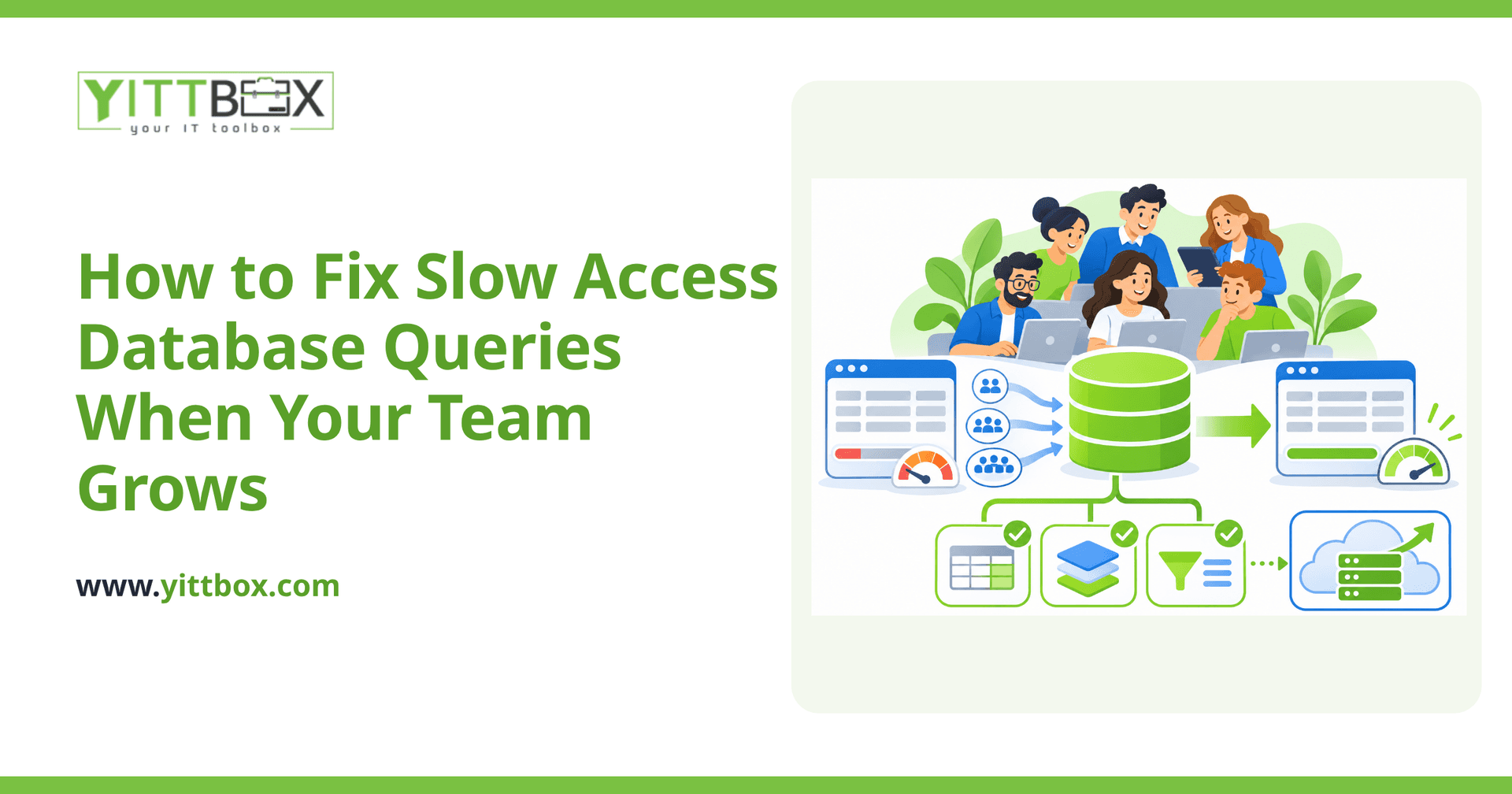
Because Access was designed for a small number of users sharing a single file. When several people open the same database over a network at the same time, they're all reaching across the network to the same file, locking records, and competing for the same data. Add years of accumulated records on top of that, and the delays stack up quickly.
The most common causes of slowdown are:
- Too many people in one shared file — Access starts to struggle beyond a handful of simultaneous users.
- Large tables without proper indexes — the database has to scan every row to find what it needs.
- The whole database living on a network drive — every action pulls data across the network instead of processing it centrally.
- Bloat — Access files grow over time and need regular compacting to stay lean.
Can I speed up Access without replacing it completely?
Often, yes — at least in the short term. Before you consider a bigger change, a few practical fixes can buy you real breathing room:
- Add indexes to the fields you search and filter on most. This alone can turn a multi-second query into an instant one.
- Compact and repair the database regularly to clear out bloat.
- Split the database into a back-end file (the data) and a front-end file (the forms and queries) on each user's machine. This is one of the single biggest improvements you can make for a shared Access file.
- Move the data to a proper database server like SQL Server, while keeping Access as the front-end. The heavy lifting happens on the server, and only the results travel back to each user.
These steps can extend the life of an Access setup for a while. But they treat the symptoms rather than the root cause, which brings us to the next question.
When is it time to move off Access entirely?
When the workarounds stop being enough — or when Access is holding the business back rather than just annoying you. A few honest signals it's time:
- People are waiting on the database instead of doing their jobs.
- You're nervous about the file getting corrupted and losing data.
- Only one person really understands how it all fits together.
- You can't get to your data from home, from the road, or from a phone.
- The team has outgrown the number of users Access comfortably supports.
At that point, the smarter investment is usually a custom web application that lives on a proper server and opens in a browser. It removes the user limits, keeps your data far safer, and lets people work from anywhere. We walk through what that migration actually looks like on our conversion page, including how we move your existing data across without losing history.
Will I lose all my existing data if I switch?
No. A good migration keeps your records intact and carries your history over. Your years of information are one of your most valuable assets, and the goal is to bring all of it into the new system — cleaned up, better organized, and easier to search. The forms and reports your team relies on get rebuilt to work the way they already think, so the change feels like an upgrade rather than starting from scratch.
How much does it cost to fix or replace an Access database?
It depends entirely on your situation — how much data you have, how many users, and how complex your existing forms and reports are. That's exactly why we don't quote blind. We start with a free, no-pressure review of what you're running today, then give you a clear, plain-English picture of your options and what each would cost. You can request that on our estimate page.
What's the first thing I should do?
Start by writing down what's actually slowing you down: which queries lag, how many people are in the file at once, and what you wish the system could do that it can't today. That short list tells you a lot about whether a few tune-ups will do or whether it's time for something more robust.
When you're ready, we're happy to take a look with you. There are no pushy sales calls and no obligation — just an honest conversation about what would genuinely help. If you'd like a second opinion on a sluggish Access setup, tell us about it here and we'll take it from there.
Comments
Be the first to comment on this post.