
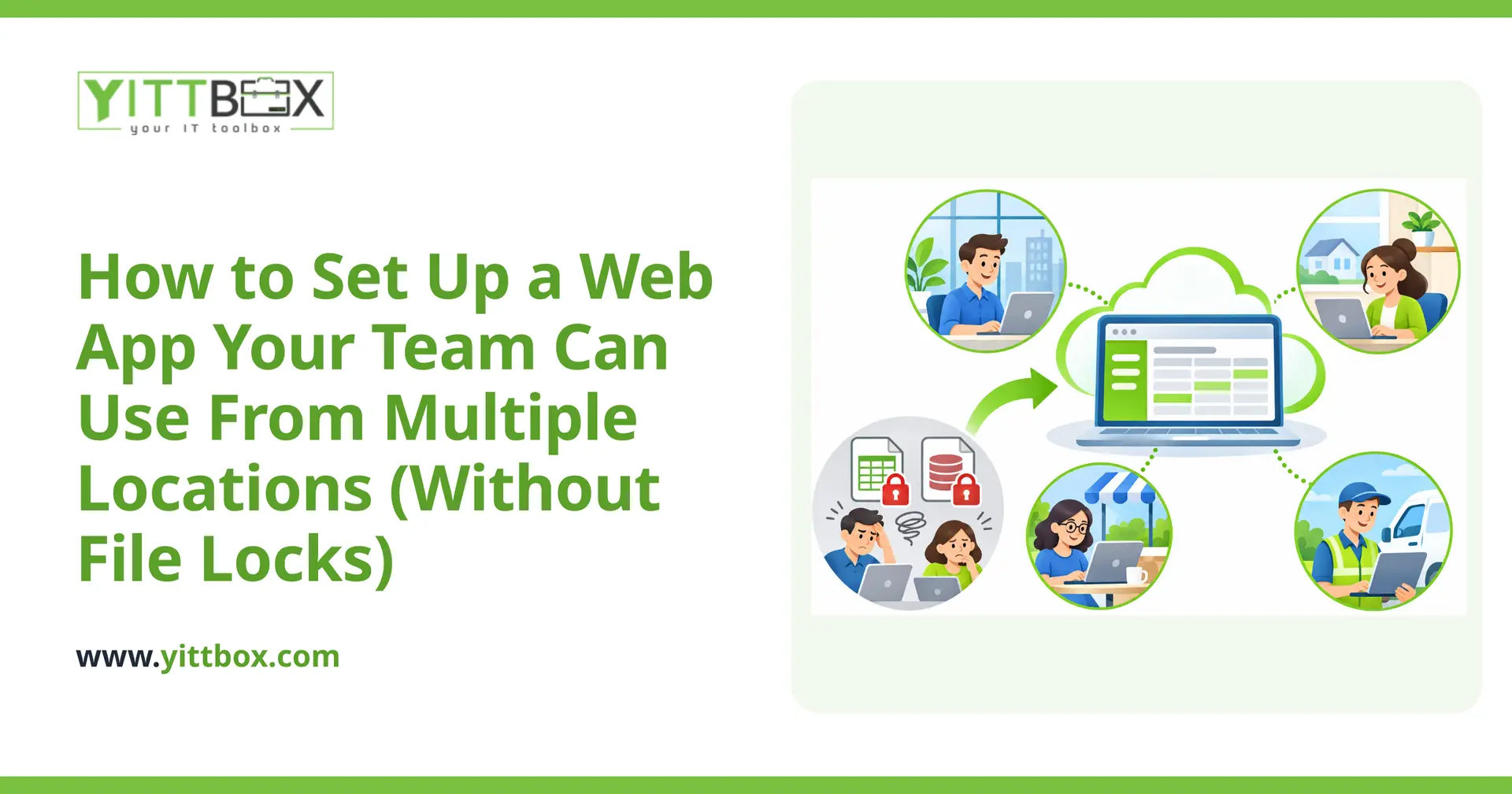
If your team shares a spreadsheet or an Access database across the office, you already know the frustration: someone opens the file, and everyone else sees "read-only" or gets locked out entirely. Add a second location, a few remote workers, or people trying to update the same record at once, and the whole thing grinds to a halt. Files get overwritten. Numbers stop matching. And someone spends their afternoon merging two versions by hand.
The good news is that this is a solved problem. Moving from a shared file to a proper web app removes those locks completely and lets your whole team work at the same time, from wherever they are. Here's how it works, in plain English.
Why do shared spreadsheets and Access databases lock people out?
Because they were never built for lots of people editing at once. A spreadsheet or Access file is a single document sitting on a shared drive. When one person opens it, the system often has to "lock" it to protect the data from being scrambled by two people typing over each other. That protection is exactly what causes the "file in use" messages and the read-only warnings.
It works fine when one person uses the file occasionally. It falls apart the moment you have a team — especially a team spread across more than one location.
How does a web app fix the file-locking problem?
A web app keeps your data in a central database instead of a single file, and everyone reaches it through a web browser. The database is designed to handle many people at once, so instead of locking the whole file, it manages changes at the individual-record level.
- Two people can work at the same time without knocking each other out.
- Everyone sees the same up-to-date information, not their own private copy.
- Changes save instantly, so there's no "final_v3_actual.xlsx" to reconcile later.
In short: the locking goes away because the app is built for shared, simultaneous use from the ground up. If you're currently wrestling with an aging file-based system, converting it into a web app is usually the cleanest path forward.
Can my team really use it from different offices and from home?
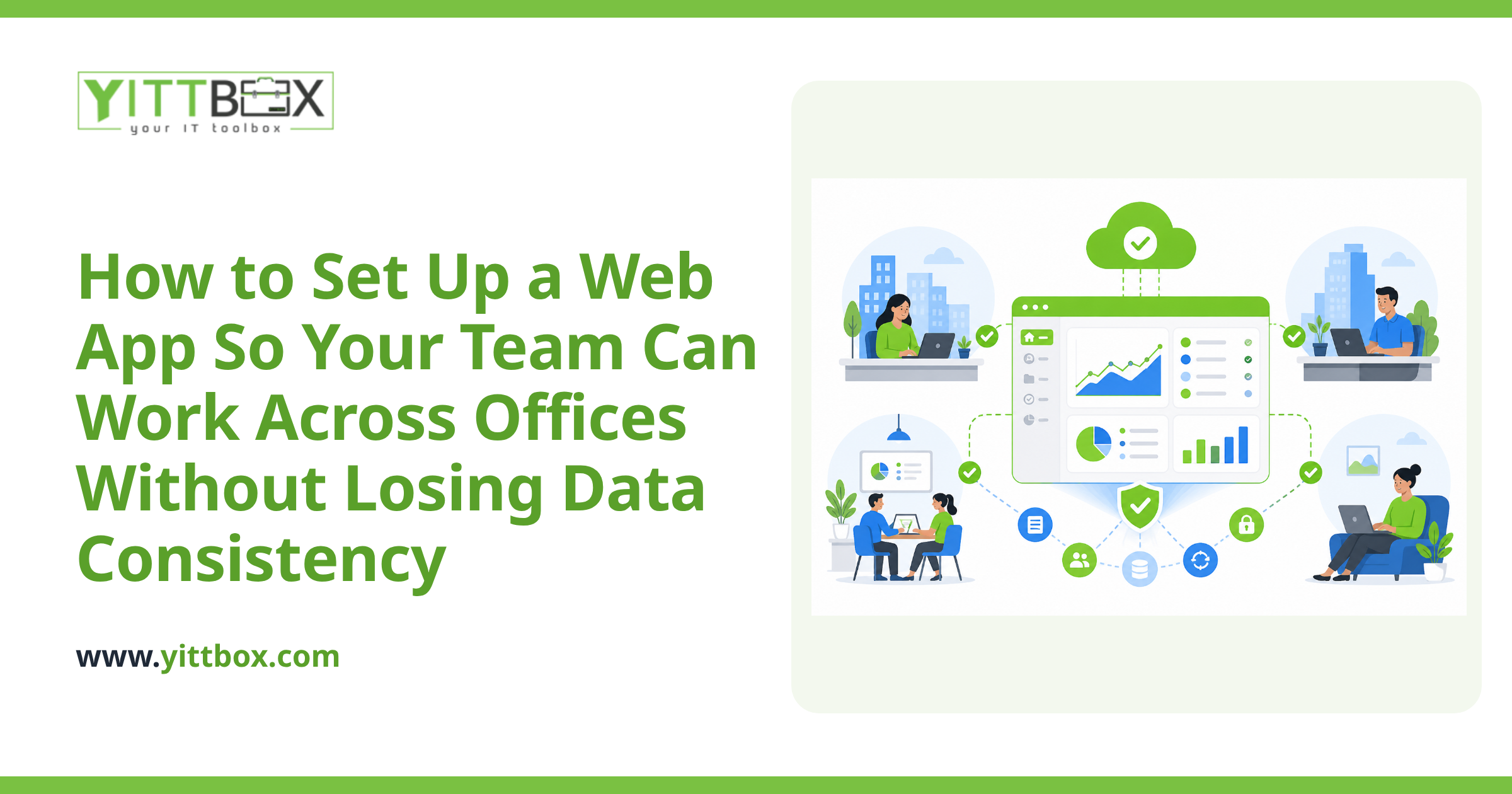
Yes. Because a web app lives online, location stops mattering. Anyone with a login and an internet connection can use it from the main office, a second branch, a client site, or their kitchen table — and they're all working against the same live data.
That's a big shift from a shared drive, which typically only works well inside one building's network. With a web app, adding a new location is simply a matter of giving people access, not setting up file shares or VPN workarounds.
Is it safe to have my business data online?
When it's built properly, yes — and often it's safer than a file on a shared drive that anyone can copy to a USB stick. A well-built web app protects your data with:
- Individual logins, so you know who did what.
- Permission levels, so staff only see the parts of the system they need.
- Automatic backups, so a mistake or a failed hard drive doesn't wipe out your records.
- Encrypted connections, so information is protected while it travels between your team and the app.
Compare that to a spreadsheet with no login, no history of who changed what, and one copy that lives or dies with a single computer. A proper web app is the more responsible option for a growing business.
Do I have to rebuild everything from scratch?
Usually not. Most of the logic and structure already living in your spreadsheet or database can carry over. The existing file tells us a lot about how your business actually works — which fields matter, how records relate, and where the current pain points are. That becomes the blueprint for the new app.
The goal isn't to reinvent your process. It's to take what your team already does and put it on a foundation that doesn't lock up, doesn't overwrite itself, and doesn't tie you to one location. If you'd like a sense of what that would take for your specific setup, we're happy to give you a straightforward estimate with no obligation.
How long does it take and what does it cost?
It depends on how much your current system does and how many people rely on it. A focused app that replaces one troublesome spreadsheet is a much smaller job than a system that runs your whole operation. The honest answer is that we can't put a real number on it until we've seen what you're working with — and we'd rather be accurate than throw out a guess.
What we can promise is plain-English communication throughout. You'll always know what's being built, why, and where things stand — no jargon, no surprises.
What's the easiest way to get started?
Start with a conversation, not a commitment. We offer a free, no-pressure review of your current situation. Send over a description of the spreadsheet or database that's causing headaches, and we'll tell you honestly whether a web app makes sense — and roughly what it would involve.
There are no pushy sales calls and no obligation to go ahead. If a web app is the right fit, we'll walk you through how the conversion would work. If it isn't, we'll tell you that too. Either way, you'll come away with a clearer picture of how to get your team out of file locks and into something that just works.
Comments
Be the first to comment on this post.