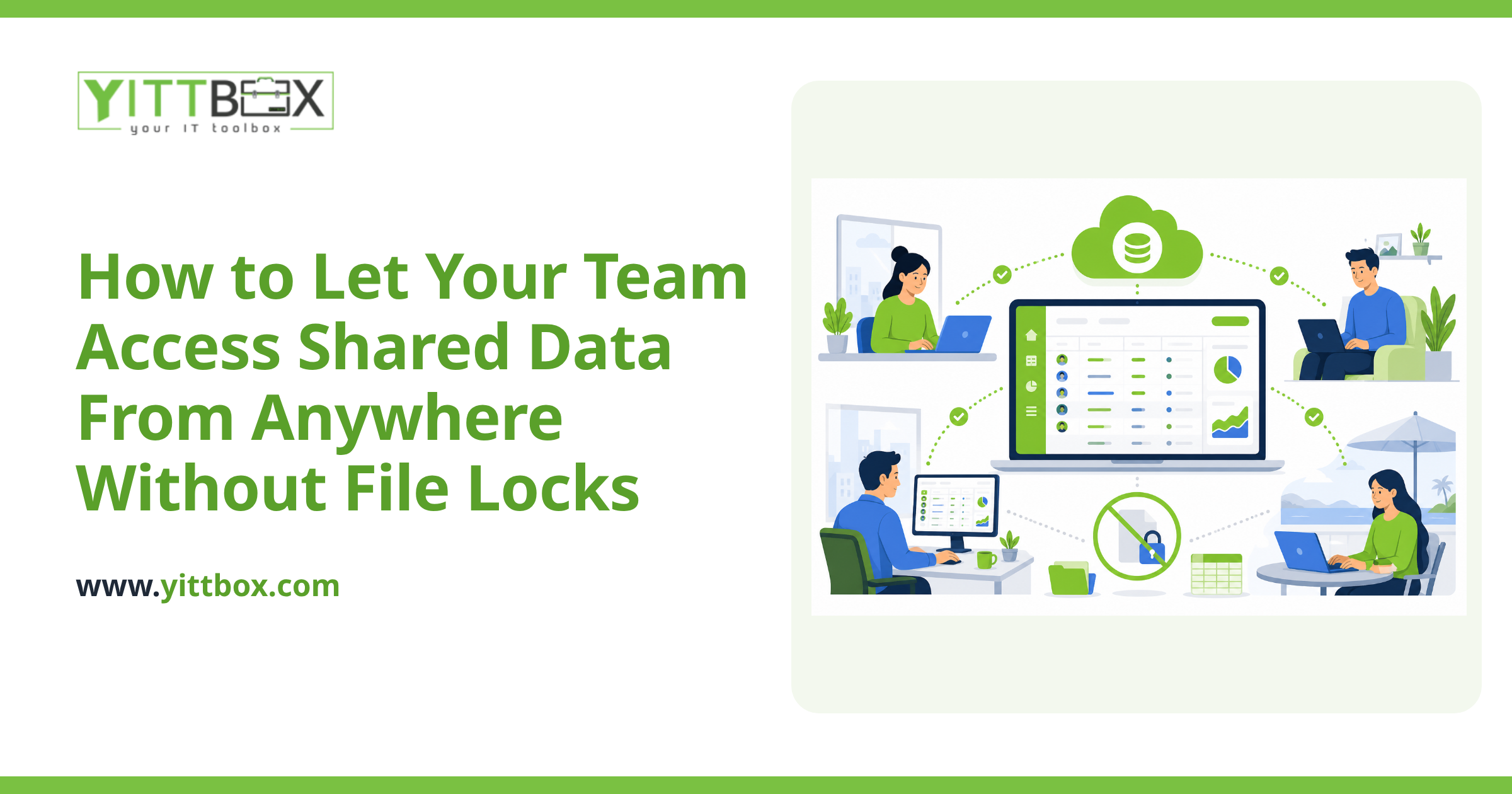

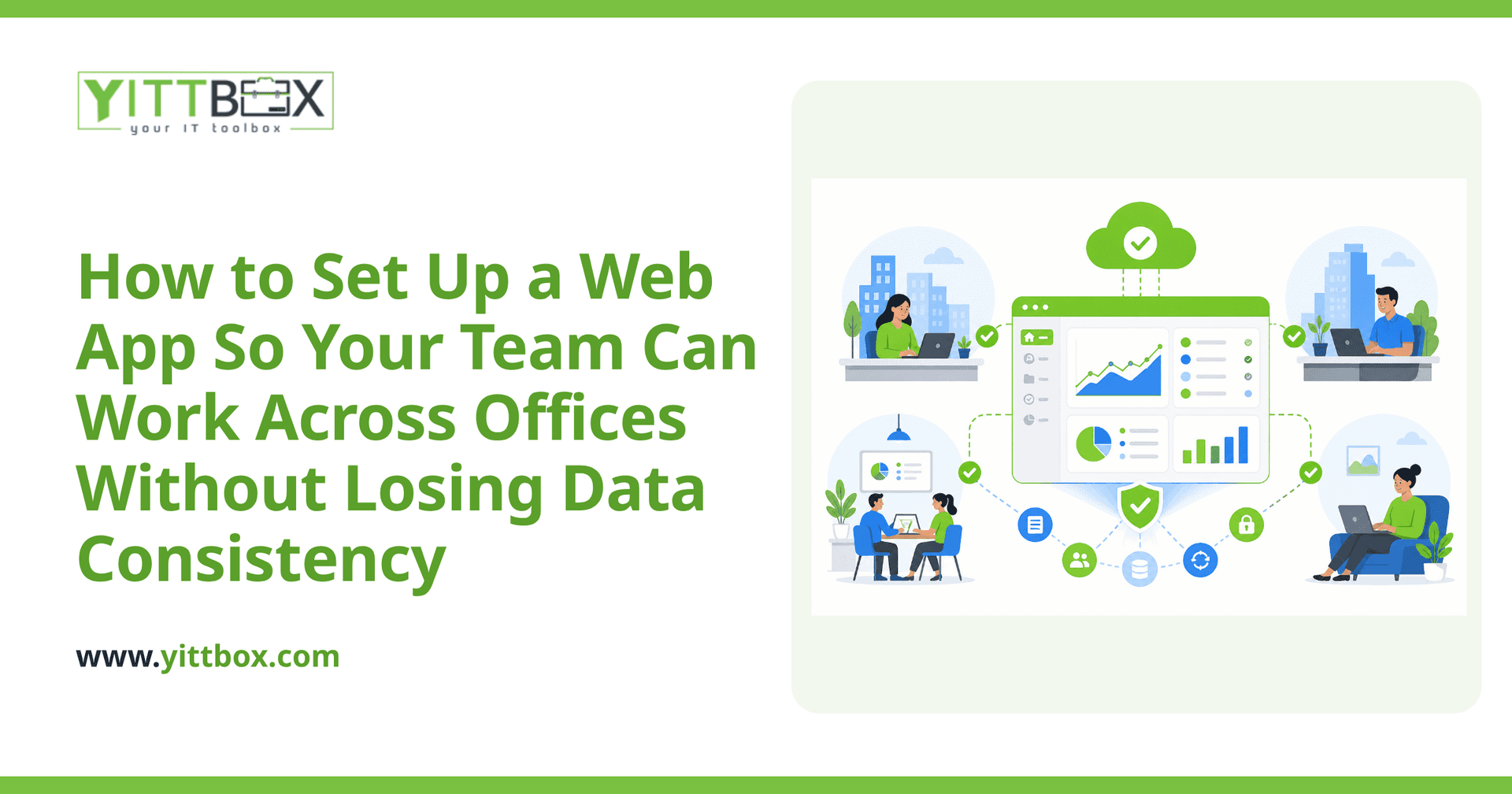
You open the spreadsheet to check a customer order, but your colleague in the other office already edited it an hour ago — and now there are two versions floating around, both slightly wrong. If your business runs across more than one location (or your team works from home), you've probably felt this pain. When everyone is touching the same files from different places, it's frighteningly easy to end up with conflicting numbers, missing updates, and no clear answer to "which version is correct?"
The good news: this is a solved problem. A well-built web app lets everyone work from one shared source of truth, from anywhere, without stepping on each other's work. Here's how it actually works, in plain English.
Why do spreadsheets and shared files cause data problems across offices?
Because files were never designed for lots of people editing the same data at once. When you email a spreadsheet or keep it on a shared drive, each person tends to work on their own copy or overwrite someone else's changes without realizing it. There's no single, reliable record — just several near-copies that slowly drift apart.
A web app fixes this by keeping all your data in one central place. Everyone connects to the same live information through a browser, so when one person updates a record, everyone else sees that change straight away.
What actually keeps data consistent when several people work at once?
A properly built web app handles this behind the scenes so your team never has to think about it. The key ingredients are:
- A single central database. There's one authoritative copy of your data, not dozens of file versions.
- Live updates. When someone saves a change, it's stored instantly and shown to everyone else.
- Record locking or conflict handling. If two people try to edit the same thing at the same moment, the app manages it gracefully instead of silently overwriting one person's work.
- Validation rules. The app can require that a phone number looks like a phone number, or that an order has a customer attached — so bad data doesn't creep in.
The result is that your team in the north office and your team working from home are always looking at the same, correct information.
Do we need our own servers to run a web app across locations?
No. Modern web apps are hosted online, which means your team reaches them through a web browser using a normal internet connection. You don't need to buy servers, manage a company network across sites, or ask people to connect through anything complicated. If someone can open a website, they can use the app — from any office, a laptop at home, or a phone on the road.
This is often the biggest relief for small-business owners: no IT room, no expensive hardware, and no per-office setup. You can move off your spreadsheets or aging database and have everyone working from the same system without rewiring your business.
How do we control who can see and change what?
Through user accounts and permissions. Each person logs in with their own account, and you decide what each role is allowed to do. For example:
- Sales staff can add and update orders but not change pricing rules.
- Office managers can see everything and run reports.
- Warehouse staff can update stock levels but not view financial data.
This keeps your data safe and clean, and it also gives you an honest answer to "who changed this?" because good apps keep a history of edits.
What happens if the internet goes down in one office?
It's a fair worry, and worth planning for honestly. Because a hosted web app lives online, that office simply can't reach the app until their connection is back — but crucially, no data is lost, because nothing was stored on their local machines to begin with. Everyone else keeps working normally. For businesses where occasional outages are a real risk, an app can be designed to let staff keep working offline and sync their changes once they reconnect. Whether that's worth building depends on your situation, and it's the kind of thing worth talking through before anything is built.
How do we move our existing spreadsheet data into a web app?
Carefully, and without throwing anything away. The usual approach is to review your current spreadsheets or database, agree on how the information should be structured, and then import your existing records into the new system so you don't start from scratch. A good build keeps your old data intact until you're confident the new app is working the way you need.
The most important part isn't the technology — it's understanding how your team actually works day to day, so the app fits your process instead of forcing you to change everything. If you're weighing this up, you can get a plain-English estimate for what a move like this would involve.
How much does a multi-office web app cost?
It depends on how much the app needs to do — the number of users, the kinds of records you track, and the rules around them. A simple shared system for a handful of people is very different from a full operations platform. Rather than guess, it's best to talk through your specific situation so any figure is grounded in what you actually need.
Where to start
If your team is scattered across offices and you're tired of chasing the "right" version of a file, the first step is just a conversation. We offer a free, no-pressure review of how your business works today, with clear advice on what a shared web app could look like for you — and no pushy sales calls afterwards. When you're ready, request your free review and we'll explain your options in plain English.
Comments
Be the first to comment on this post.