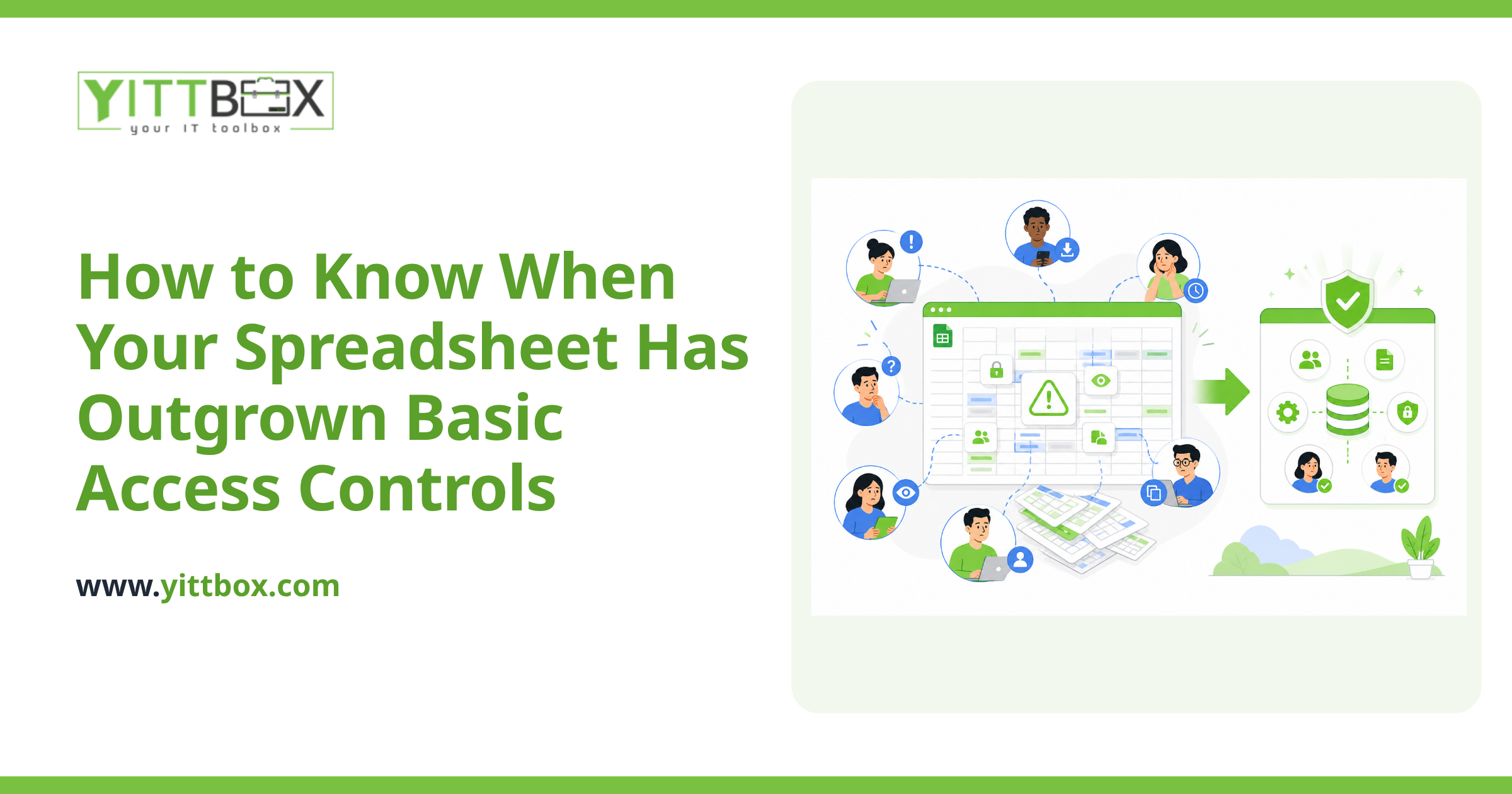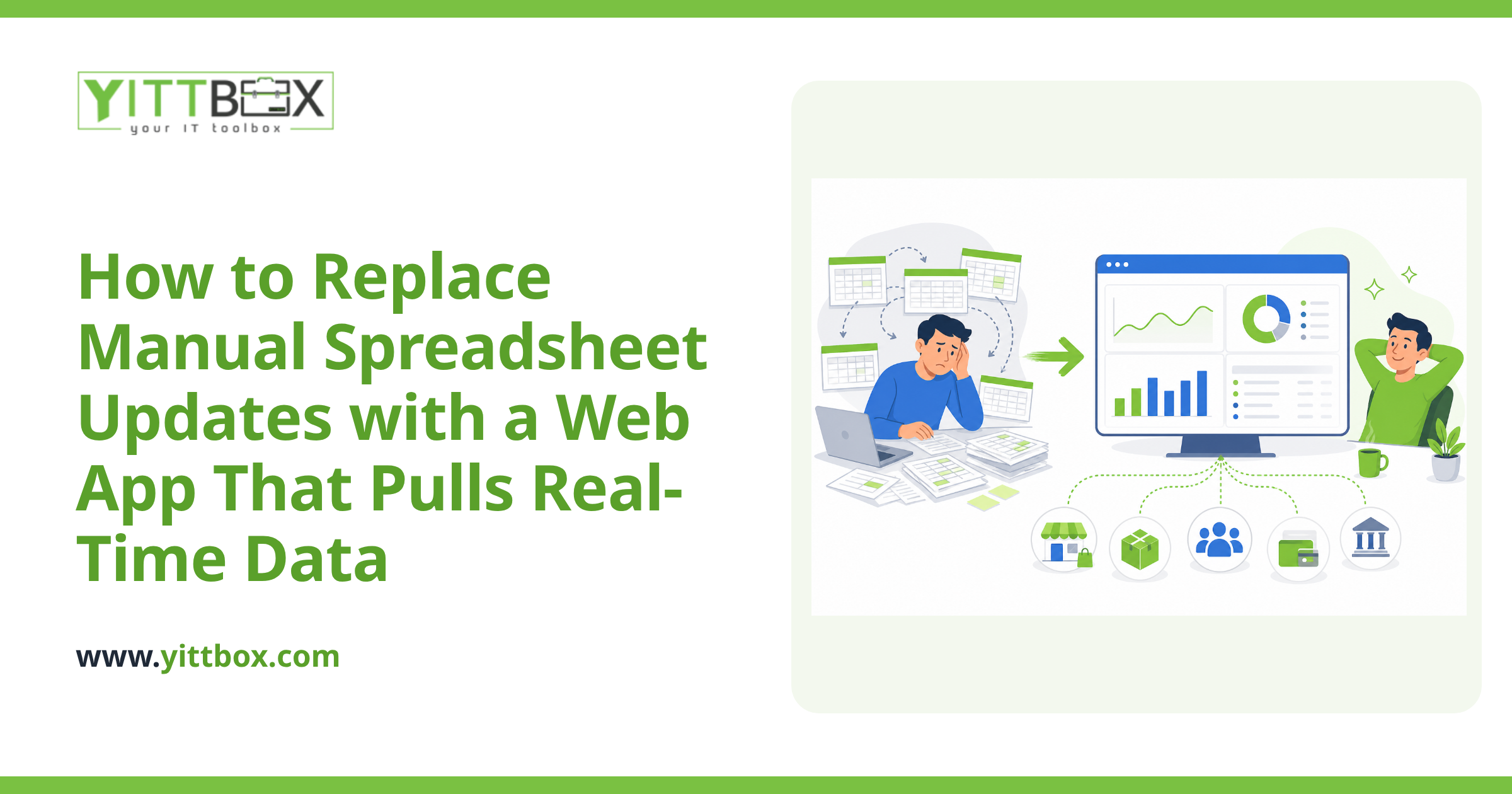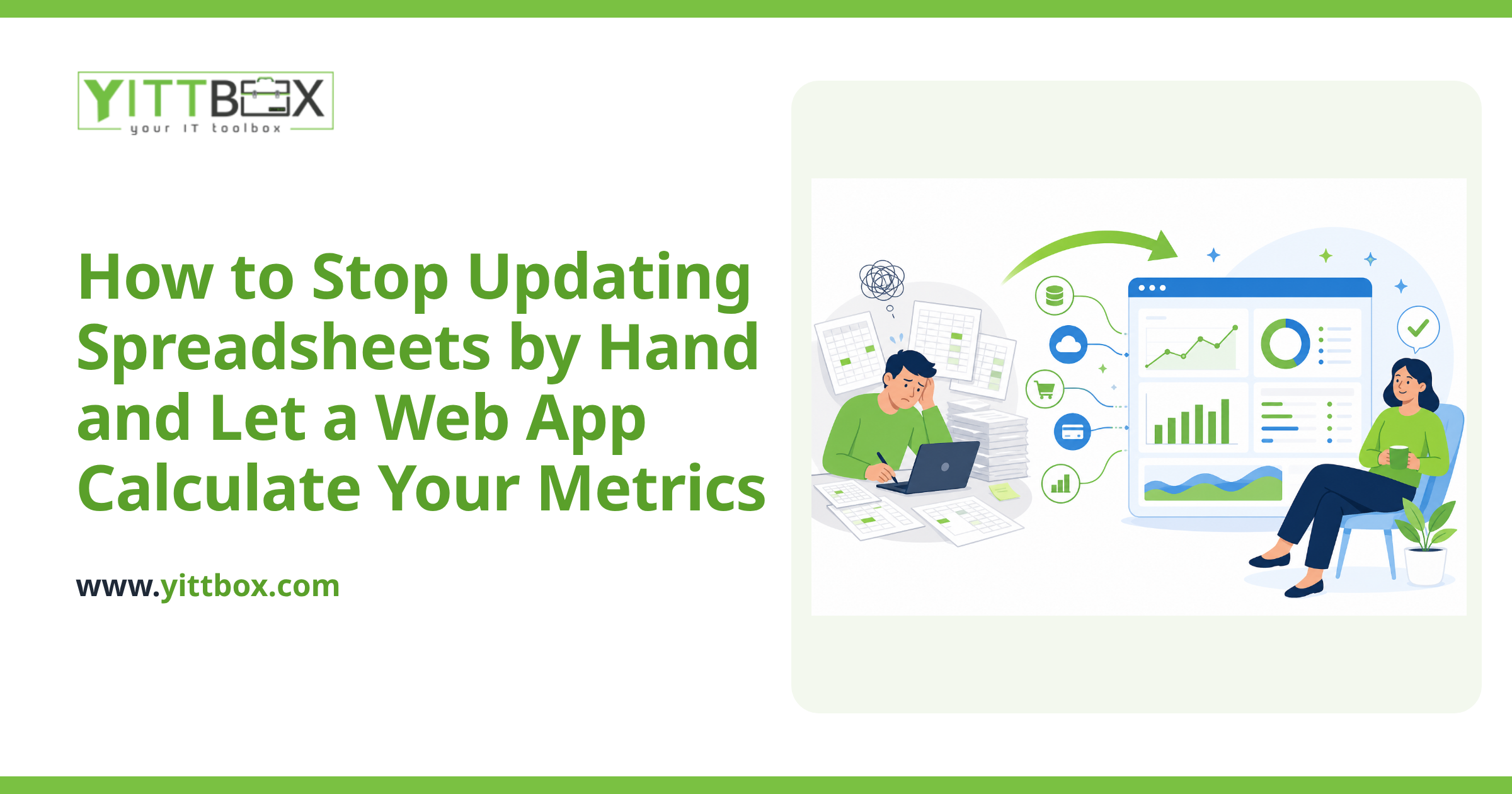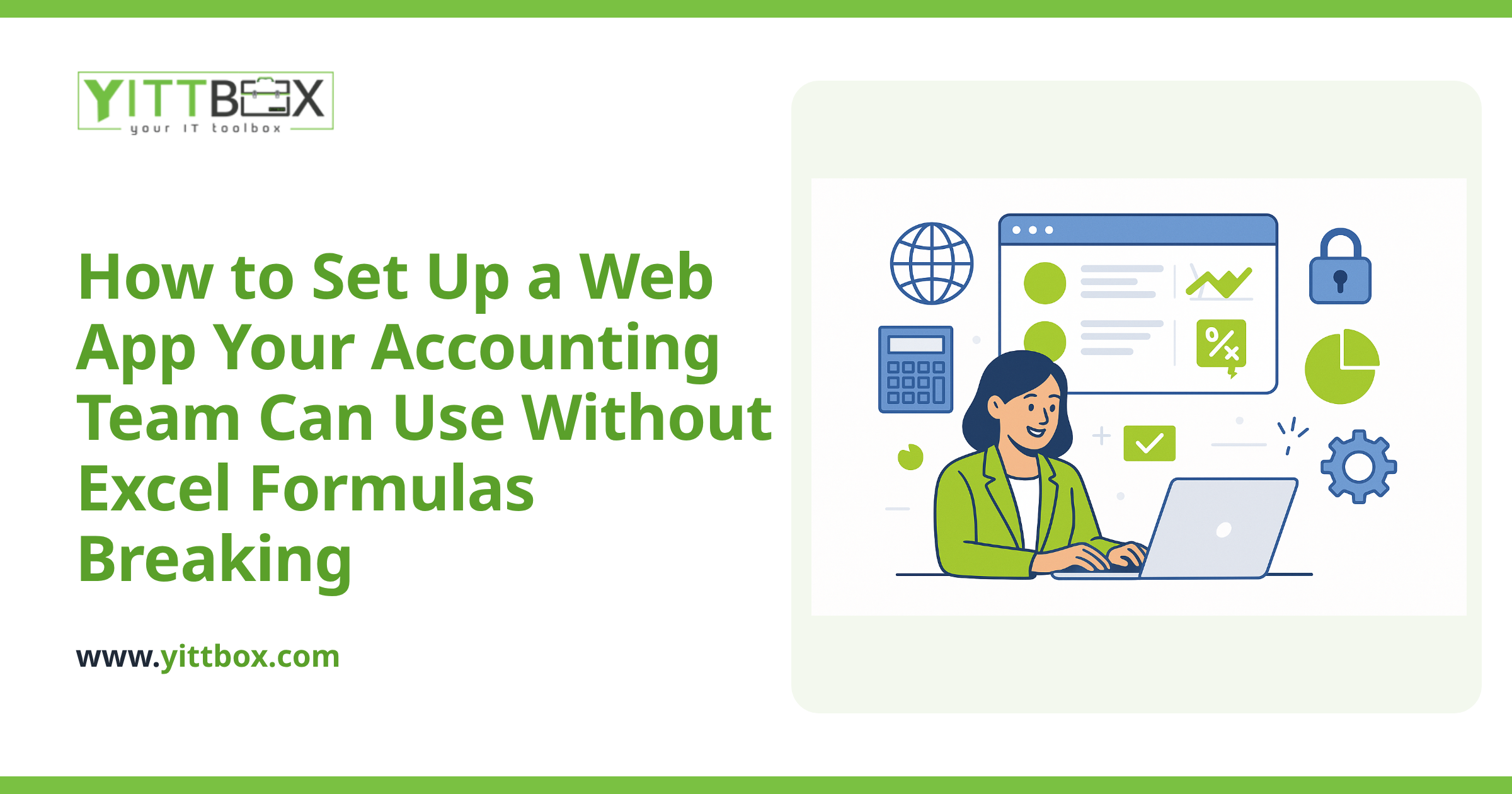
You know the reports live somewhere in your spreadsheets. The trouble is, so do a dozen versions of the truth. One file says last quarter's numbers were up, another says they were flat, and nobody's quite sure which one the boss looked at last. If you're thinking about building a proper business intelligence (BI) system to finally get clear, trustworthy reporting, the smartest thing you can do first is audit the spreadsheets you already have.
An audit sounds heavy, but it's really just taking stock of what you've got before you build something better on top of it. Skip this step and you risk pouring your best data into a shiny new system that quietly repeats every old mistake. Here are the questions small-business owners ask us most often, with plain answers.
Why should I audit my spreadsheets before building a BI system?
Because a BI system only reflects the data you feed it. If your spreadsheets contain duplicate records, inconsistent formatting, or formulas nobody understands anymore, those problems don't disappear when you upgrade — they get automated and multiplied. Auditing first means you fix the source, so the dashboards and reports you build afterward are actually worth trusting.
Think of it like cleaning out a garage before you install new shelving. The shelving is only useful if you first decide what's worth keeping.
What exactly am I looking for during the audit?
You're mapping what you have and spotting what's broken. A good first pass covers:
- Every spreadsheet that matters. List the files people actually rely on for decisions, not the hundreds of one-off exports gathering dust.
- Duplicate and conflicting data. Note where the same information lives in more than one place — customer lists are a classic offender.
- Manual steps. Flag anything a person has to copy, paste, or re-key by hand each week. Those are the tasks most likely to introduce errors.
- Formulas and macros. Identify the complex calculations your business depends on, especially the ones only one person knows how to fix.
- Inconsistent formats. Dates written five different ways, names in mixed cases, and numbers stored as text all cause headaches later.
You don't need special software for this. A simple document listing each spreadsheet, what it does, who owns it, and where it's fragile will get you a long way.
How do I know if my data is actually clean enough to use?
Clean data is consistent, complete, and unique. Ask yourself three questions about each key spreadsheet: Is the same field formatted the same way every time? Are there gaps where important values are missing? And is each record entered only once, in one place?
If you answer "no" to any of those, that's not a reason to panic — it's just a list of things to tidy before you build. Most small businesses find the mess is smaller than they feared once it's written down. If you'd rather not eyeball thousands of rows yourself, this is exactly the kind of thing we look at during a spreadsheet-to-system conversion review.
Which spreadsheets should I keep, and which should I retire?
Keep the ones that drive real decisions or hold data you can't recreate. Retire the ones that were only ever a workaround for a problem a proper system will solve. A quick way to sort them:
- Keep: master records, financial history, anything customers or regulators might ask about.
- Rebuild: reports and trackers that are constantly re-created by hand each week or month.
- Retire: old copies, abandoned experiments, and "final_v3_REAL" duplicates.
Being honest here saves money. There's no point building a system to carry forward data you'll never use again.
What are the warning signs that spreadsheets are holding my business back?
A few patterns tend to show up right before a business outgrows spreadsheets for good:
- Only one person truly understands how a key file works.
- You spend hours each month stitching reports together by hand.
- Two people can't safely edit the same file at once.
- You've caught mistakes that reached a customer or a decision-maker.
- You're nervous every time you open the file that runs everything.
If you recognize more than one of these, an audit will confirm what your gut already suspects — and give you a clear, prioritized list rather than a vague sense of dread.
What happens after the audit?
Once you know what data you have and how healthy it is, you can make a grounded decision about what to build. Sometimes that's a full BI dashboard. Sometimes it's a simpler custom application that replaces the risky spreadsheets first, with reporting layered on later. The audit tells you which path fits your situation and budget, instead of guessing.
The point is to build on solid ground. When your data is consistent and lives in one reliable place, the reporting you've always wanted becomes straightforward to deliver.
Where should I start?
Start small. Pick the one spreadsheet your business would struggle most without, and run it through the questions above. That single exercise usually reveals the pattern across everything else.
If you'd like a second set of eyes, we offer a free, no-pressure review of your current spreadsheets — no sales calls, no jargon, just a plain-English look at what you've got and what's worth doing next. When you're ready, you can ask about converting your spreadsheets into a proper system or request an estimate for building the reporting you need. Either way, you'll walk away knowing more than you did — and you'll never be pushed into anything.
Comments
Be the first to comment on this post.