
You started with one spreadsheet. Then sales made a copy. Then accounts added a few columns. Now nobody's sure which version is the real one, two people just overwrote each other's changes, and someone in operations is quietly keeping a private file because they don't trust the shared one. Sound familiar?
When several departments need the same information but work in different ways, a shared spreadsheet almost always ends in confusion. A properly built web app fixes this — but only if it's set up so each team gets what they need without tripping over everyone else. Here's how that works, in plain English.
Why do departments end up stepping on each other's data in the first place?
Because spreadsheets have no rules. Anyone who can open the file can change, delete, or reorder anything in it, and there's no record of who did what. When five people need the same file, you get accidental overwrites, duplicate versions, and "final_v3_REALfinal" naming chaos.
A web app solves this by giving everyone a single source of truth that lives in one place. Instead of passing files around, each person logs in and works with live data. Two people can work at the same time without clobbering each other's changes, and the app keeps a history of what happened.
How do you let different teams see different things?
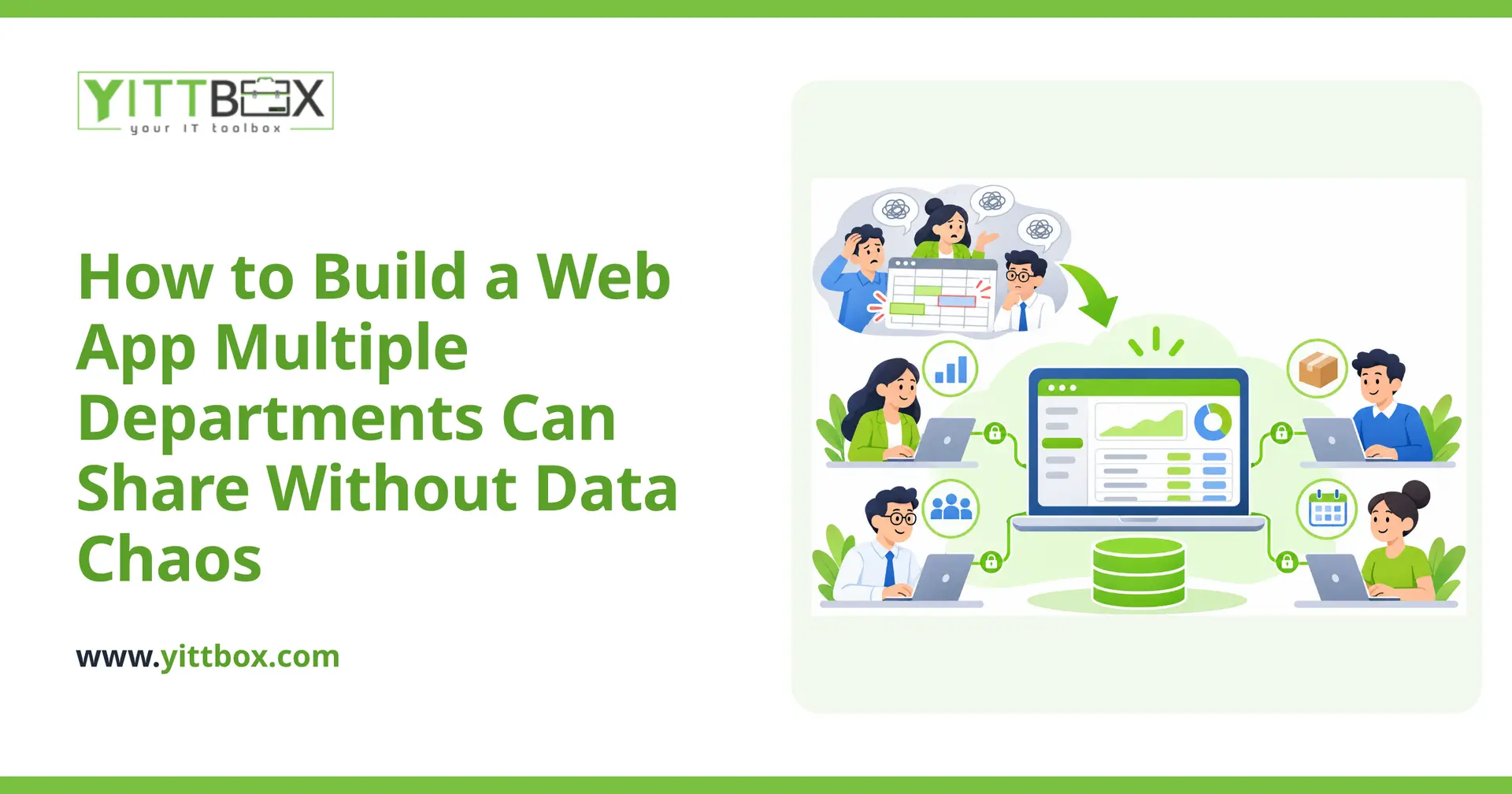
Through roles and permissions. This is the core of keeping departments out of each other's way. Instead of everyone seeing everything, you decide what each type of user can view and edit.
In practice, that usually looks like:
- Role-based access — sales sees the sales screens, accounts sees invoicing, warehouse sees stock. Each role only sees what's relevant to their job.
- View vs. edit rights — some people can change a record, others can only look at it. A manager might see everything read-only; the team that owns the data can edit it.
- Field-level control — even on a shared record, you can hide sensitive fields (like cost price or salary) from teams that don't need them.
Done well, this feels natural to each team. They open the app and see a clean screen built for their work — not a giant table full of columns that belong to someone else.
What happens when two people edit the same thing at once?
A well-built app handles this for you, which is the biggest advantage over a shared spreadsheet. Because the data lives in one central database rather than a copied file, updates are saved record by record. When two people are working on different records, nothing collides.
When two people genuinely touch the same record at the same moment, the app can be set up to warn them, lock the record briefly, or keep a version history so nothing is silently lost. The point is that the software manages the traffic, rather than relying on people to remember not to open the same file.
Can departments still share the data they need to share?
Yes — and this is where a custom app really earns its keep. Separation doesn't mean isolation. The goal is that each team works in its own space and the right information flows between them automatically.
For example:
- Sales closes a deal, and accounts instantly sees a new order ready to invoice — no re-typing.
- The warehouse marks stock as shipped, and the customer-facing team can see the status without asking.
- Management gets a dashboard that pulls a summary from every department, without anyone having to compile a report by hand.
Because it's all one system, the data stays consistent. Everyone's looking at the same underlying numbers, just through the window that suits their job. If you're moving off scattered spreadsheets, our guide to converting your existing files into a proper application walks through what that transition looks like.
Do we have to build everything at once?
No, and we'd usually recommend you don't. The safest way to bring several departments onto one system is to start with the area that's causing the most pain, get it working, and expand from there. Each department can come on board once its part is solid.
This keeps the project manageable, lets your team adjust gradually, and means you see value early instead of waiting months for a big-bang launch. When you're ready to scope this out, a free, no-pressure review of your situation is the simplest place to begin — we'll look at how your teams work today and suggest a sensible order to tackle things.
How do we keep it secure once everyone's using it?
Security in a multi-department app comes down to a few plain principles:
- Individual logins — everyone has their own account, so you always know who did what.
- Least access — people get access to what they need for their role, and nothing more.
- An audit trail — the app records changes, so if something looks wrong you can trace it back.
- Easy offboarding — when someone leaves, you switch off one account rather than chasing down shared passwords.
These protections are hard to bolt onto a spreadsheet but straightforward to build into a proper web app from day one.
Where should you start?
If several departments are wrestling over the same files, the fix isn't more rules about who can open which spreadsheet — it's a single application built around how each team actually works. Get the roles, permissions, and shared data flows right, and the daily friction simply goes away.
If you'd like a clear, plain-English opinion on what that would take for your business, book a free review. There's no pushy sales call and no obligation — just a straight conversation about your situation and what a sensible next step might be.
Comments
Be the first to comment on this post.